
Learn. Create. Present
Welcome to Vibe3D
Vibe3D is an AI rendering and visualization workspace for architects and interior designers. Turn images of your designs into architectural renders, explore changes, and prepare visuals for client presentations.
Start with an exported model view, a sketch, or an existing render. These guides show you how to create your first render, refine materials and lighting, make targeted edits, and create flythrough videos.
START HERE
Make your first render
Bring a clear image of your design. We’ll walk you through uploading it, choosing your render settings, and reviewing the result.
Follow the quick start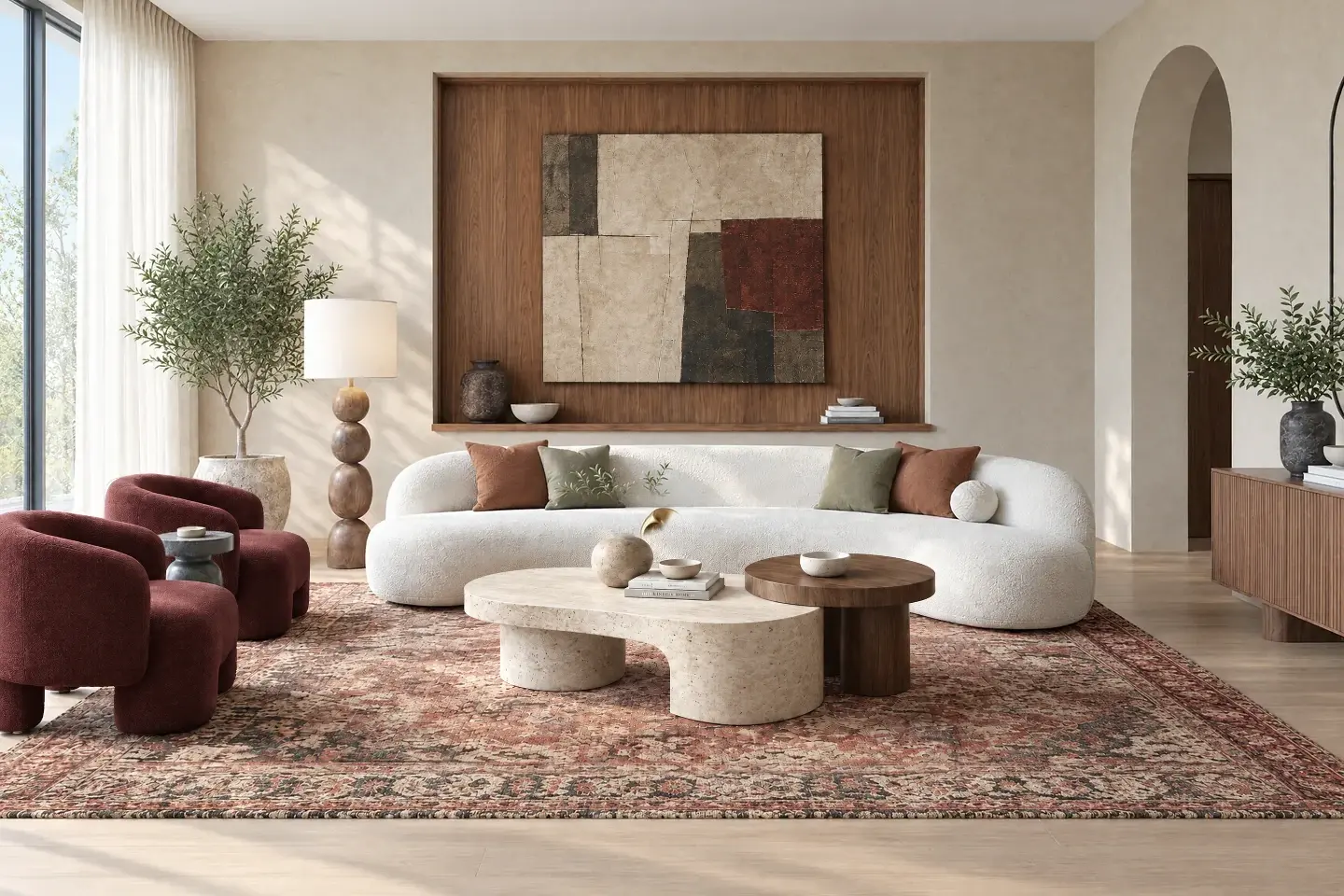 01 — Render
Explore the tools
Render
From model view to visualization.
Edit
Change a detail. Explore an option.
Relight
Change the time. Explore lighting moods.
Enhance
Refine an existing render.
Styles
Present your design differently.
Close-ups
Bring the details into focus.
Flythrough
Put your project in motion.
Present
Bring your best work together.
A real project. A clear next step.
Follow a complete workflow, from your design software to a result you can share.
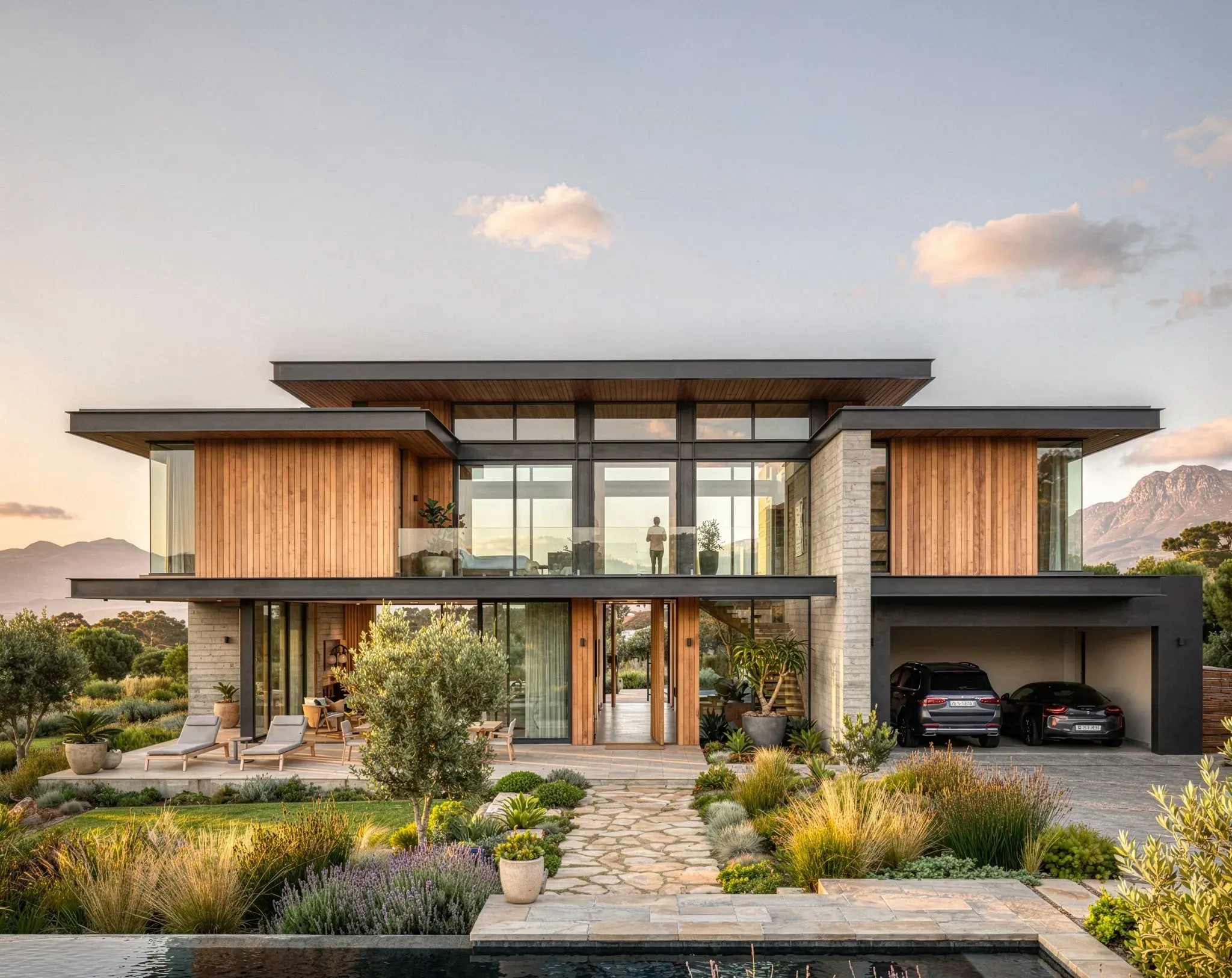
SketchUp to a photorealistic render
Exterior example from the SketchUp guide
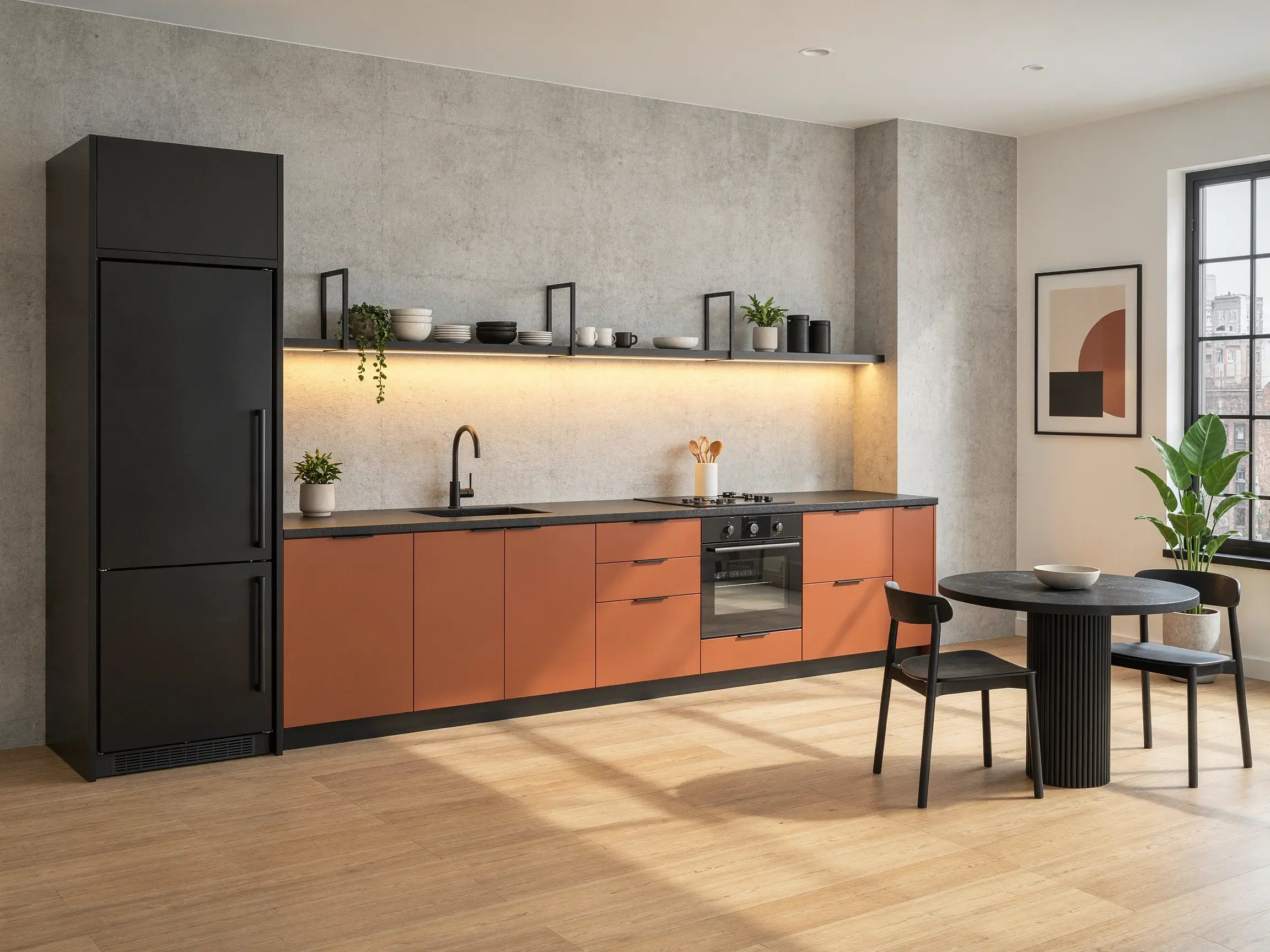
Explore kitchen materials with targeted edits
Kitchen before a material edit
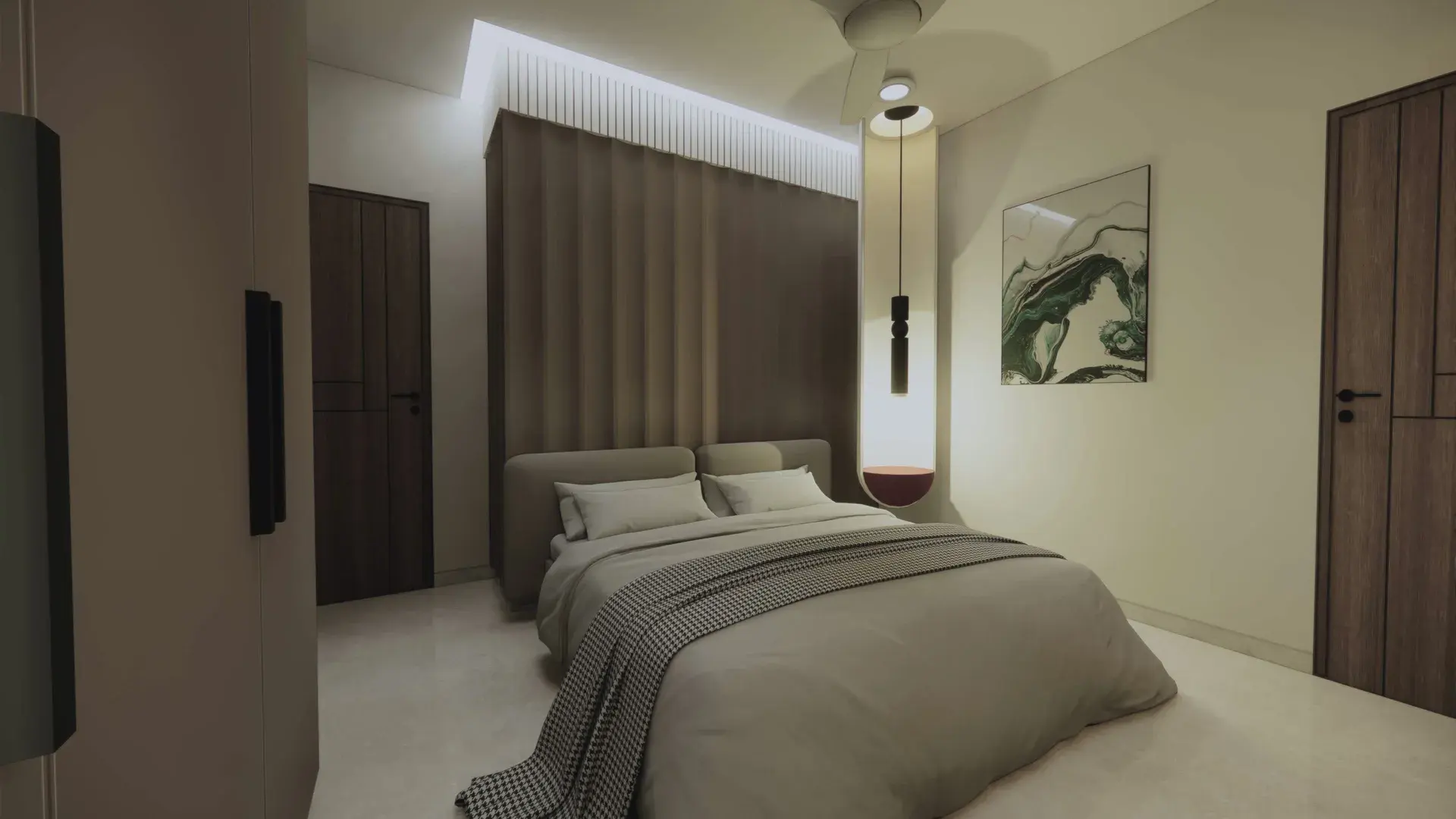
Enhance an Enscape draft render
Draft example from the enhancement gallery

Turn architectural renders into a project video
Architectural flythrough video poster
Browse all guides
AI Rendering
Engines, prompts, and design fidelity.
Edit & Refine Renders
Edit with instructions and references, explore lighting and atmosphere, add people, and refine style and detail.
Flythrough Videos
Build a sequence from your still images.
Architectural Workflows
Complete real design tasks, step by step.
- SketchUp to a photorealistic render
- Revit to an architectural visualization
- Create a living room render from a model view
- Render a modern house exterior
- Enhance an Enscape draft render
- Explore kitchen materials with targeted edits
- Create day and night versions of one exterior
- Turn architectural renders into a project video
Projects & Presentations
Organize, select, export, and share your work.
Help & Resources
Prompts, credits, account help, and troubleshooting.
Need a hand?
Find an answer about your files, credits, or an unexpected result.