
Render with AI. Faster. Smarter.
AI-powered 3D rendering suite to create stunningly beautiful renders, cinematic walkthroughs, and client-ready presentations in minutes.







Trusted by 120,000+ Architects across 180+ countries
Compatible with your favorite 3D modeling software


Create Stunning
Renders in Seconds
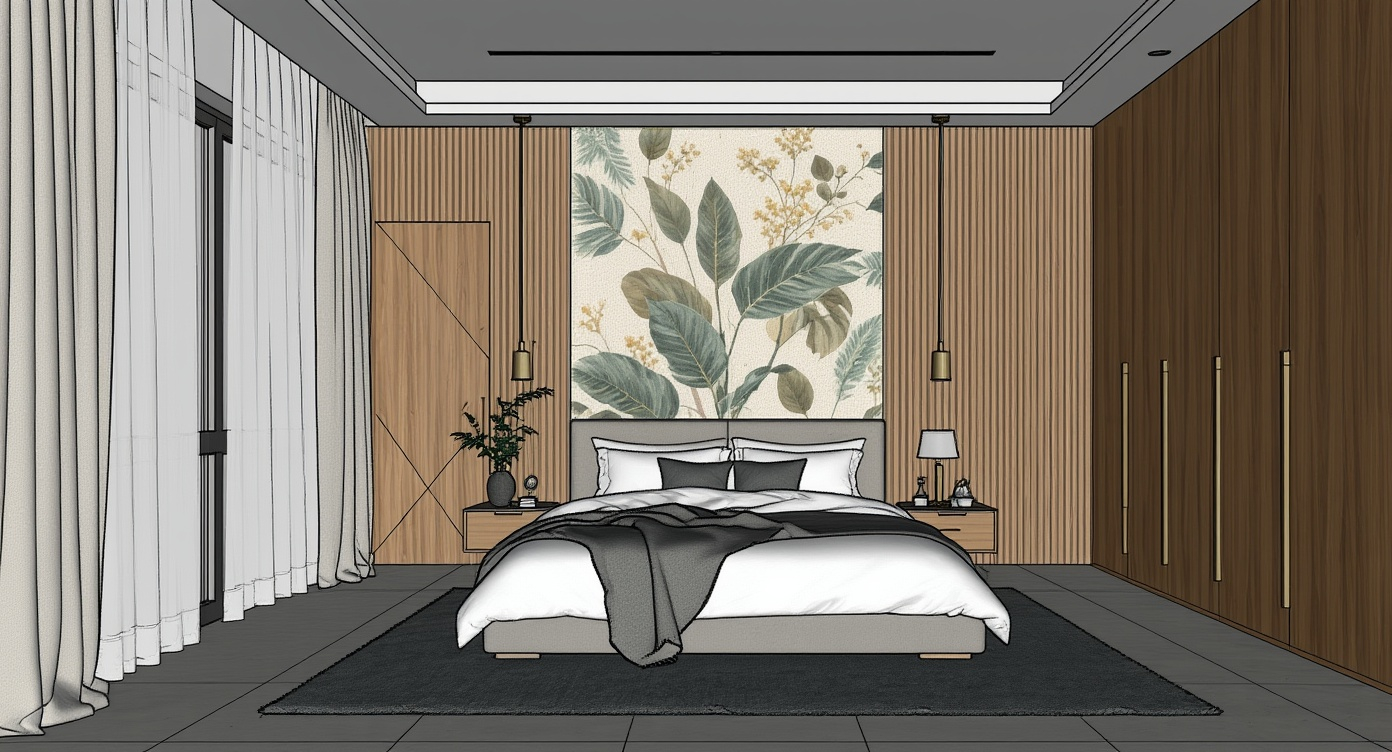
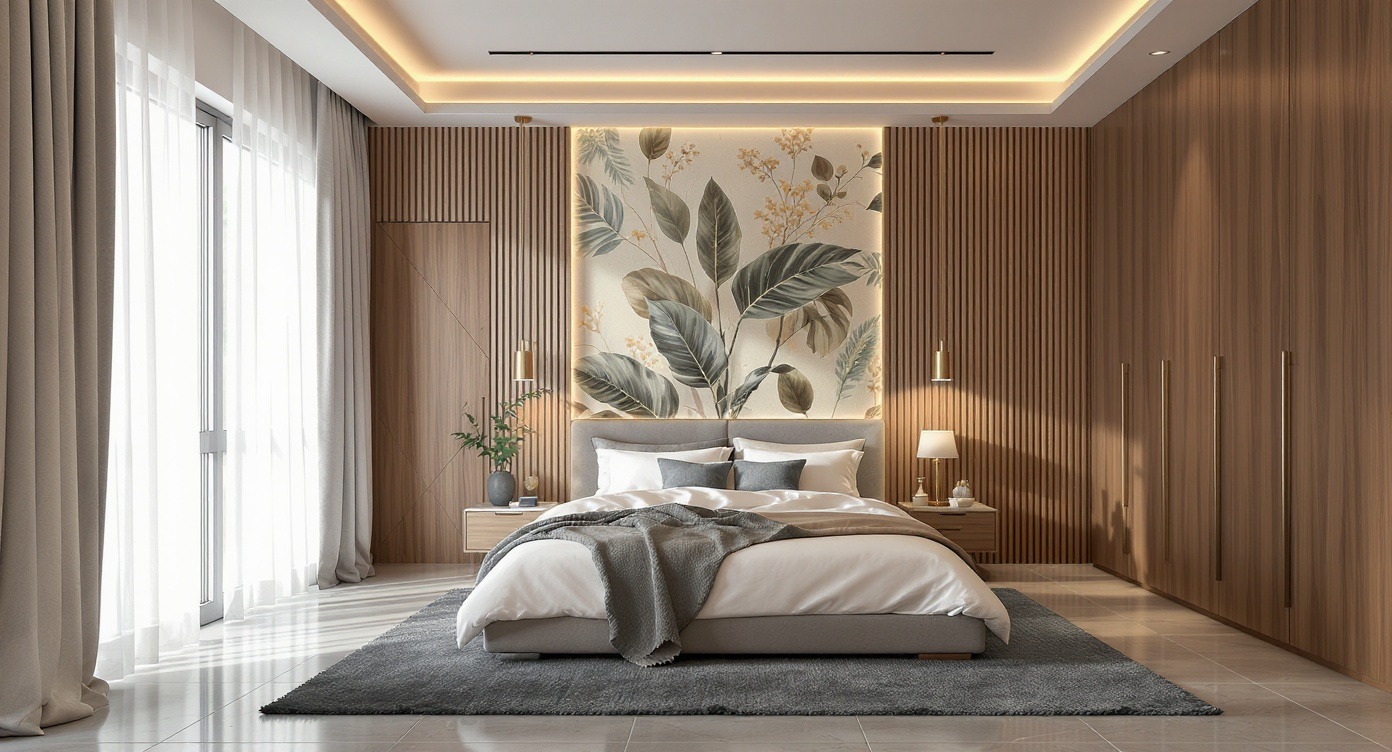
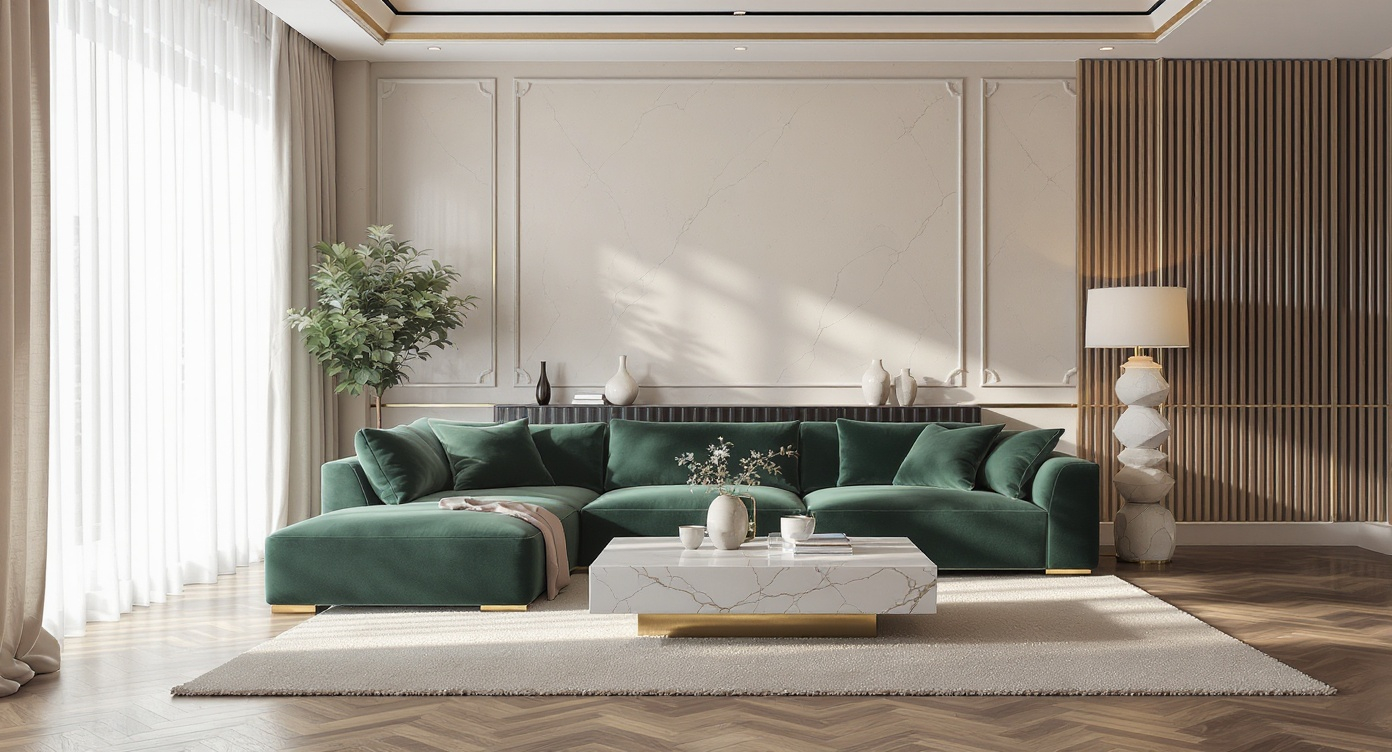
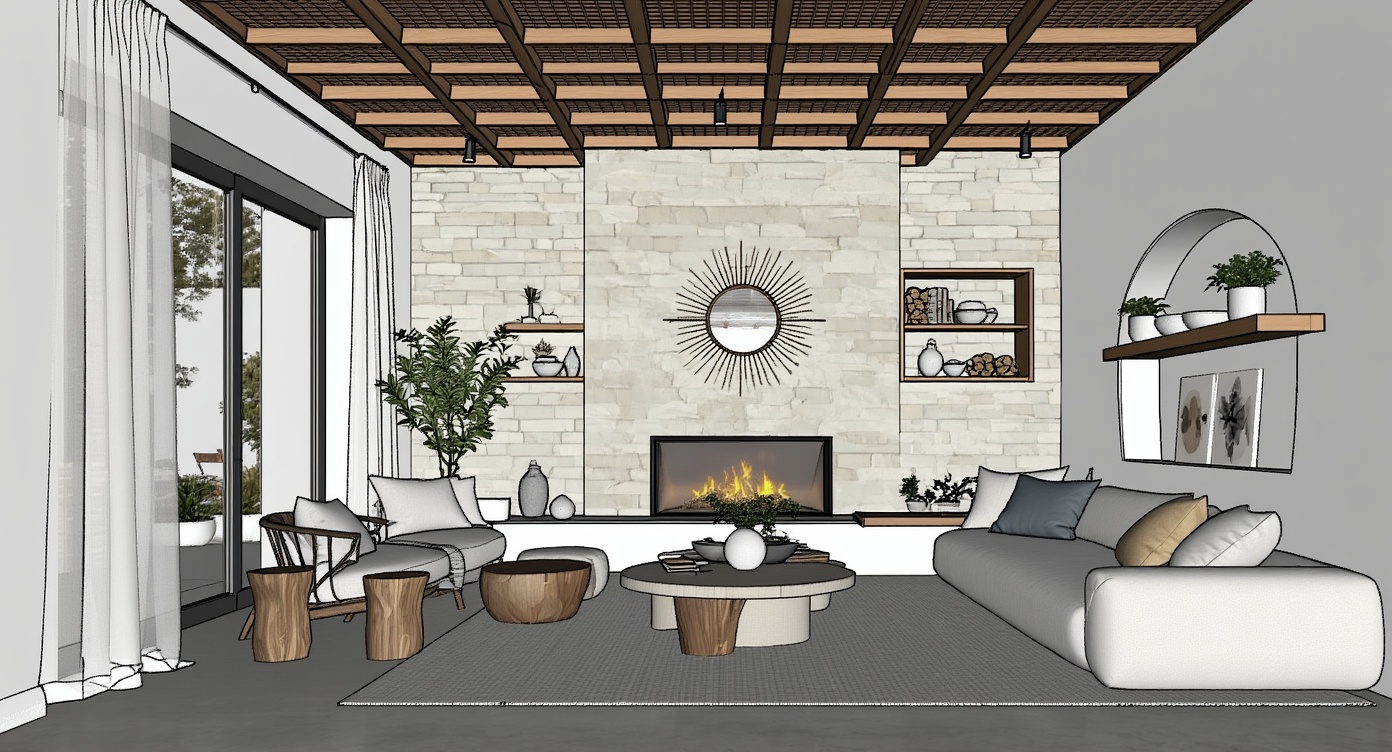
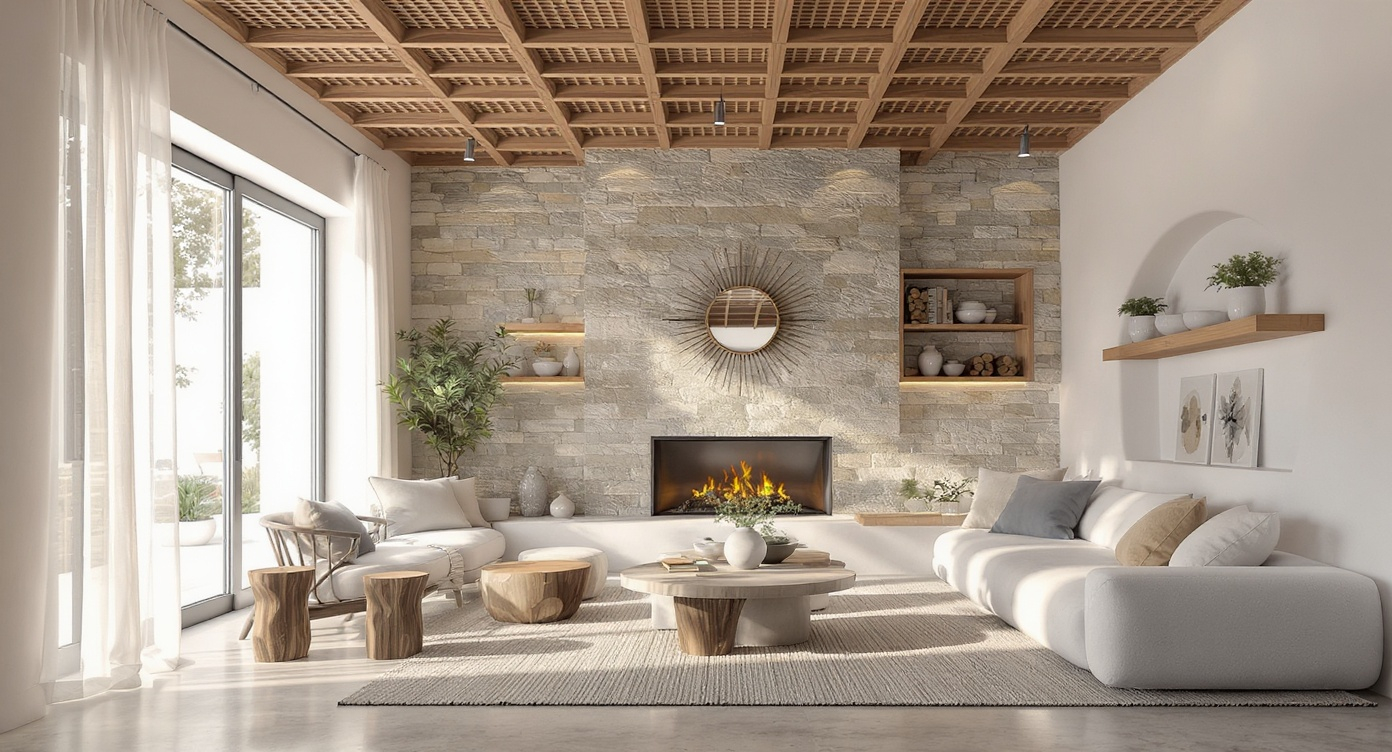
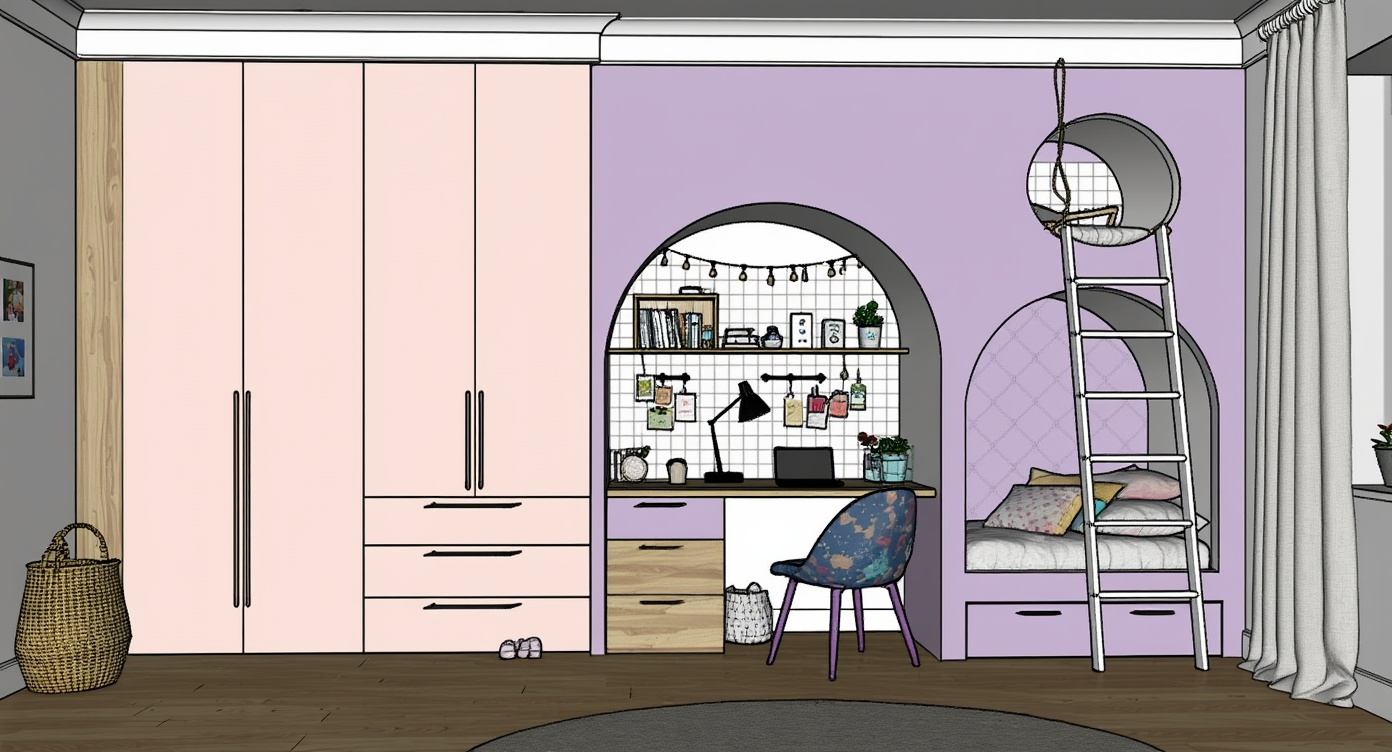
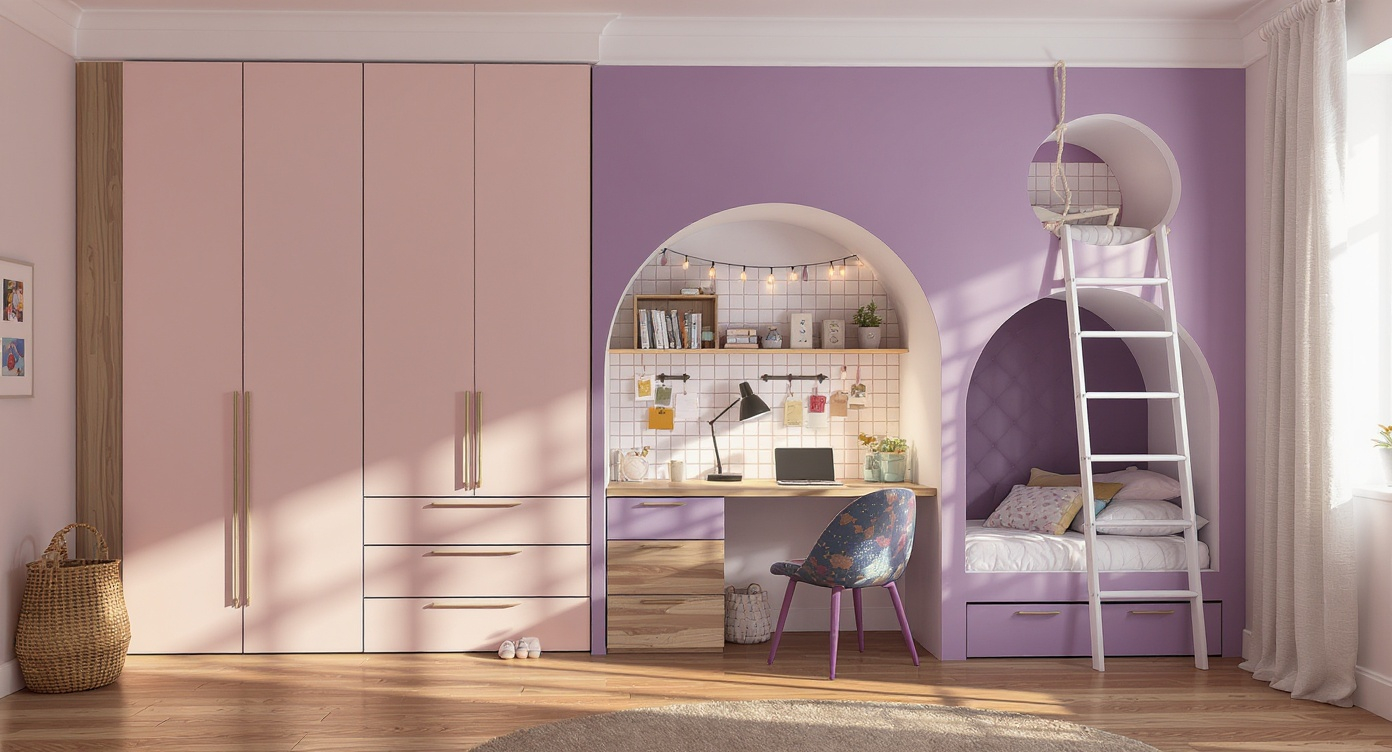
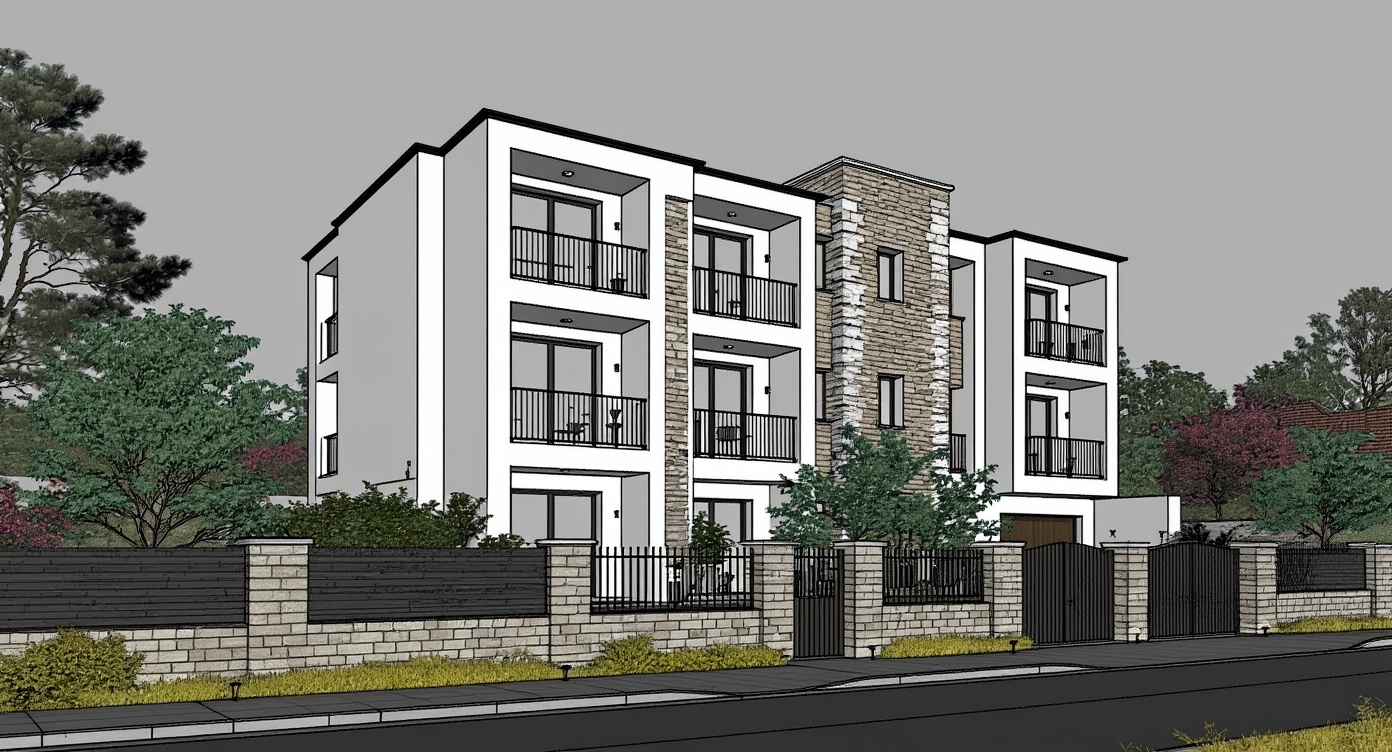
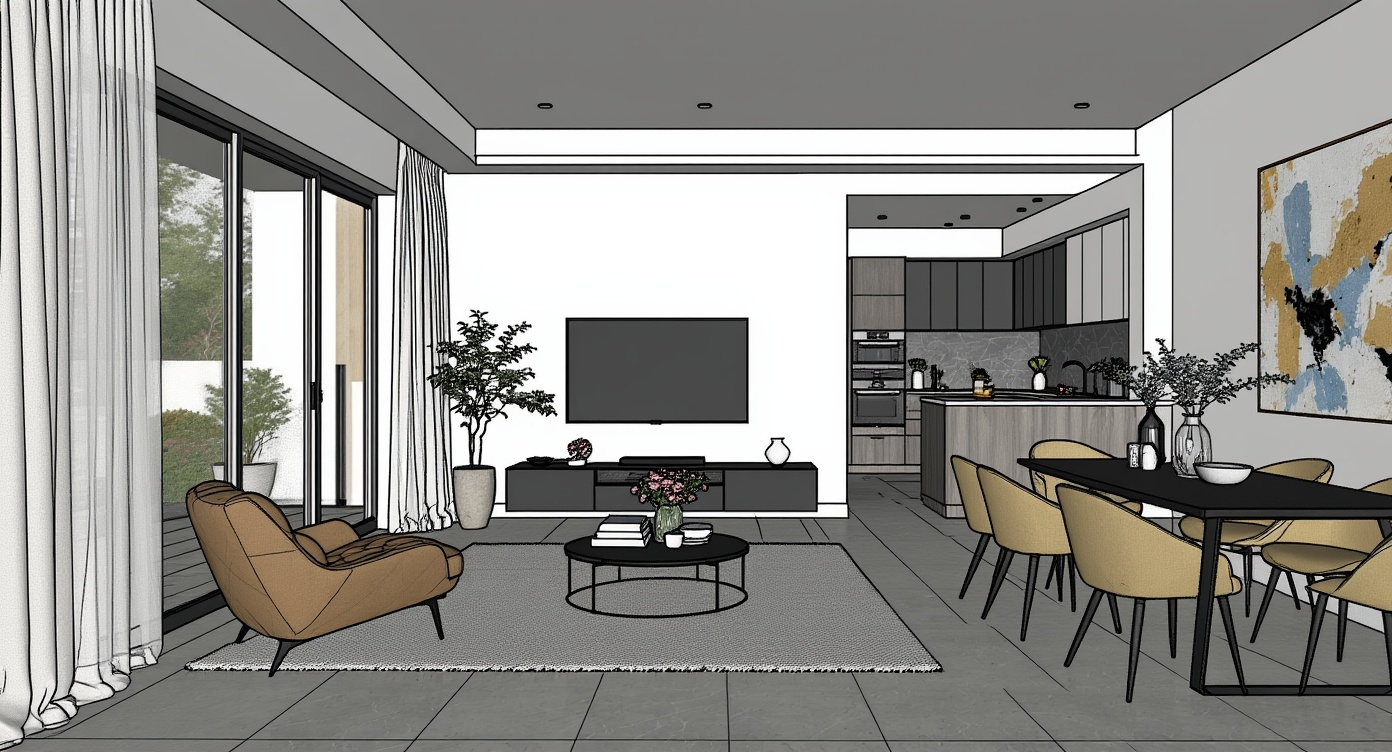
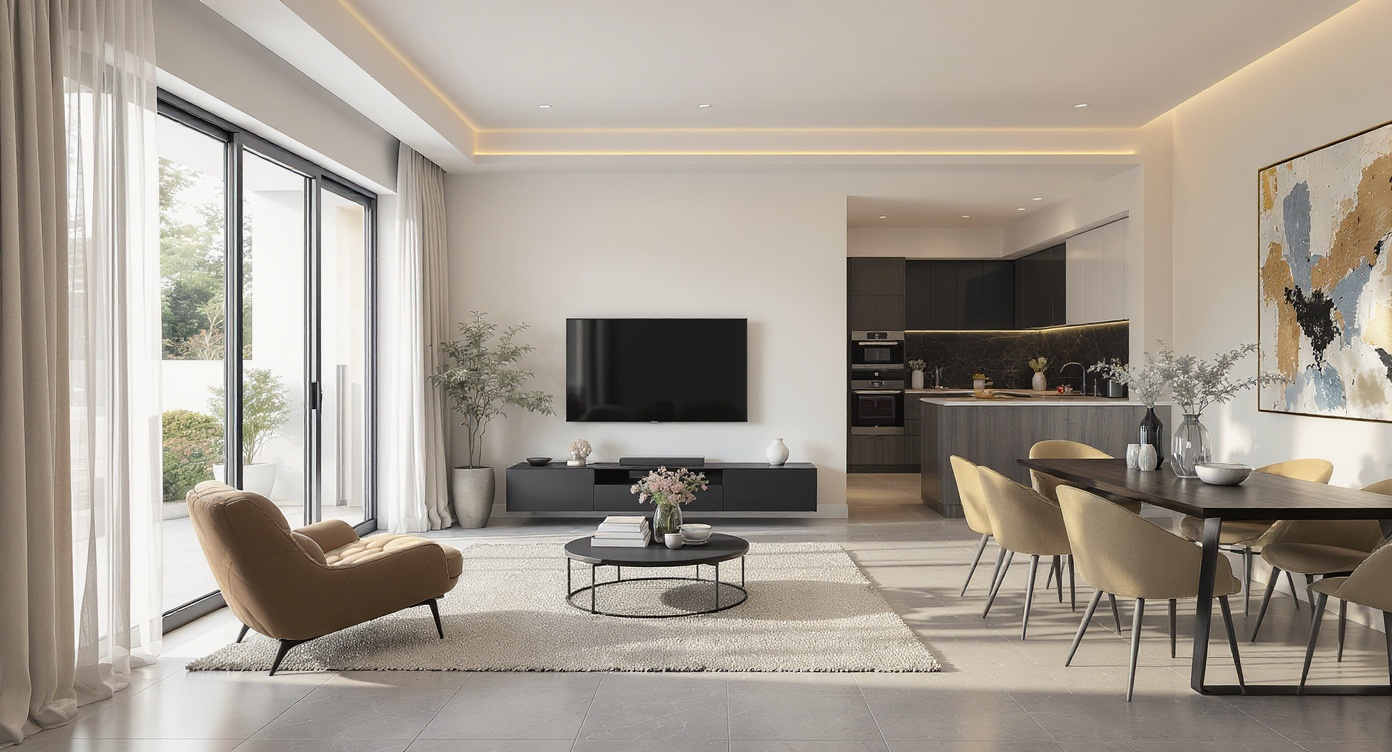
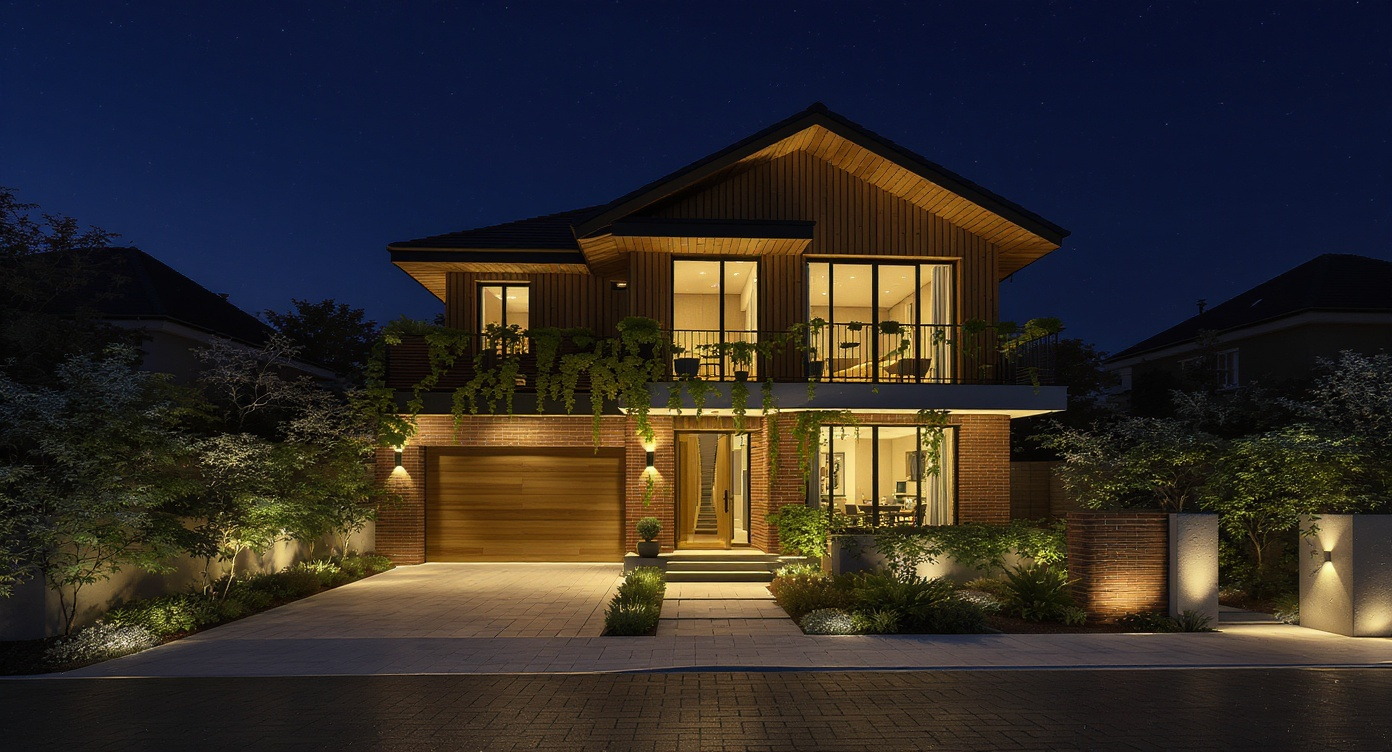
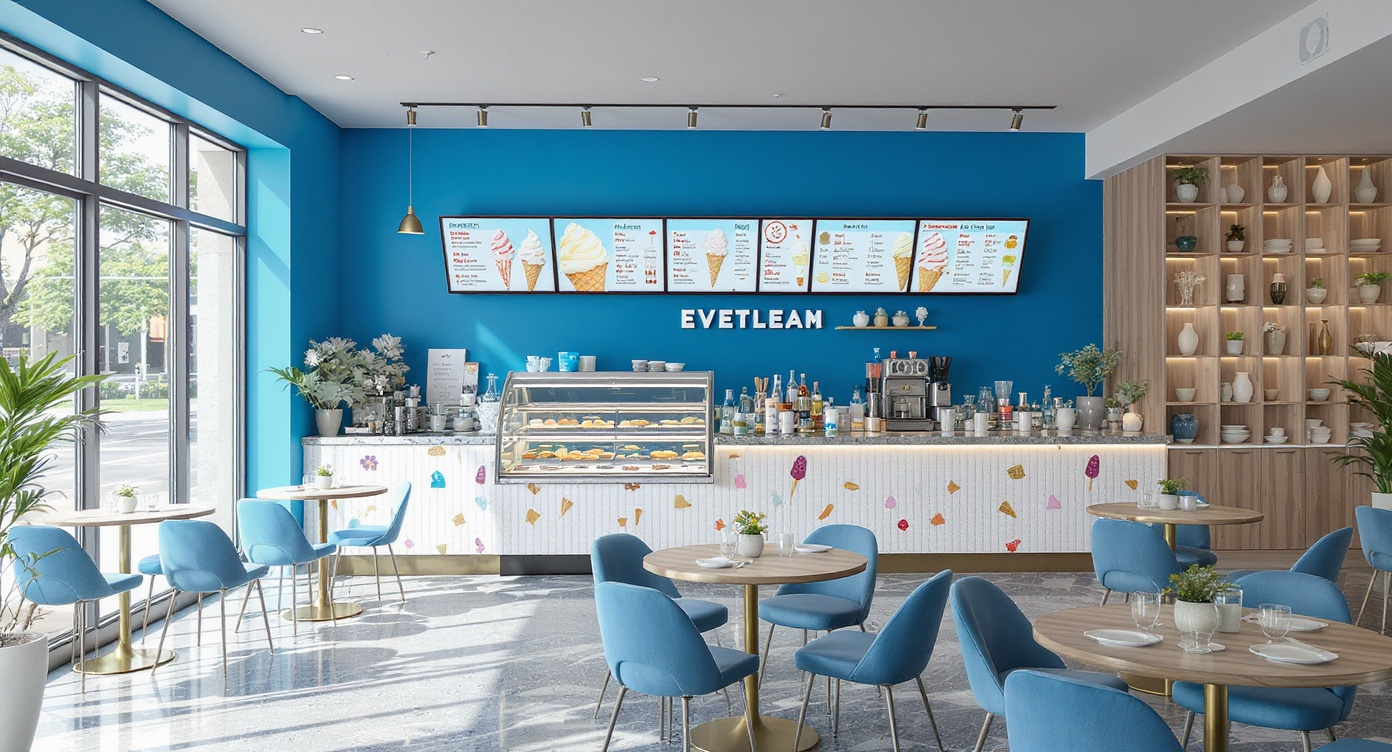
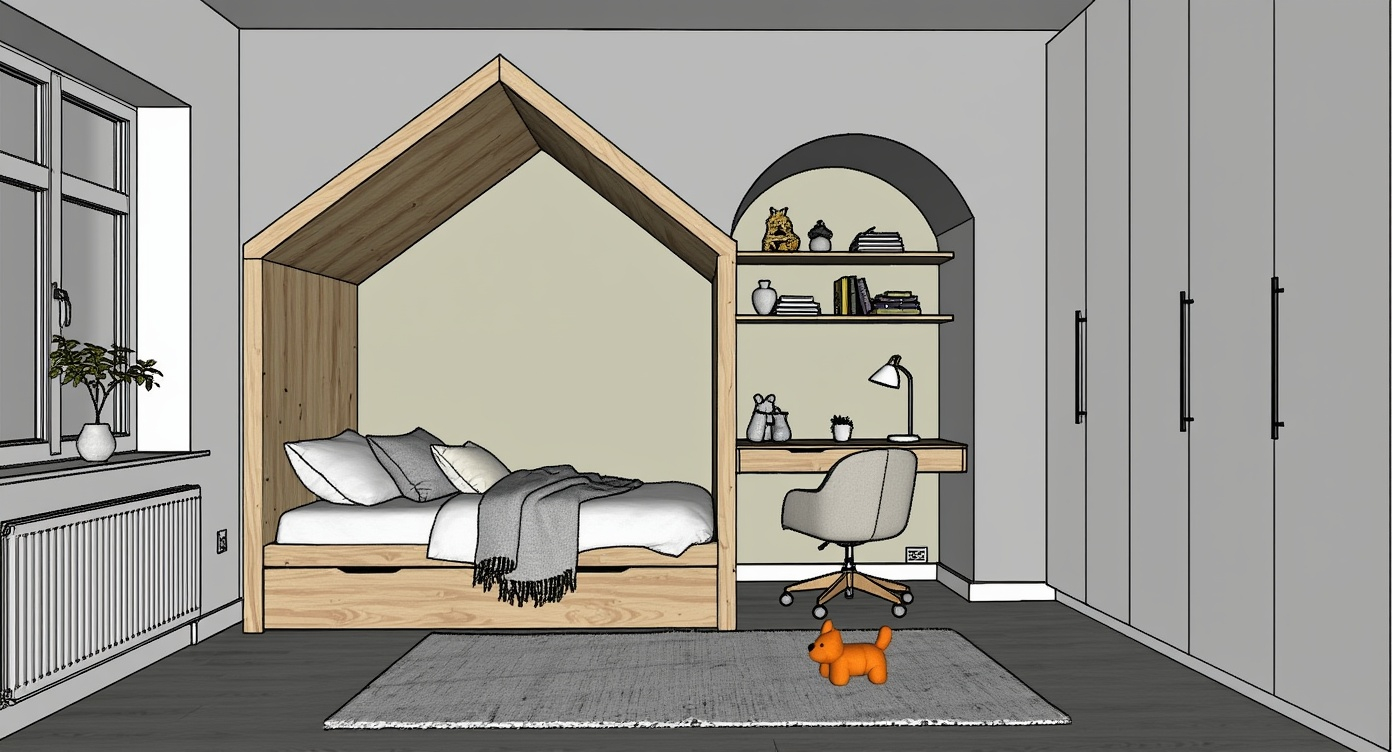
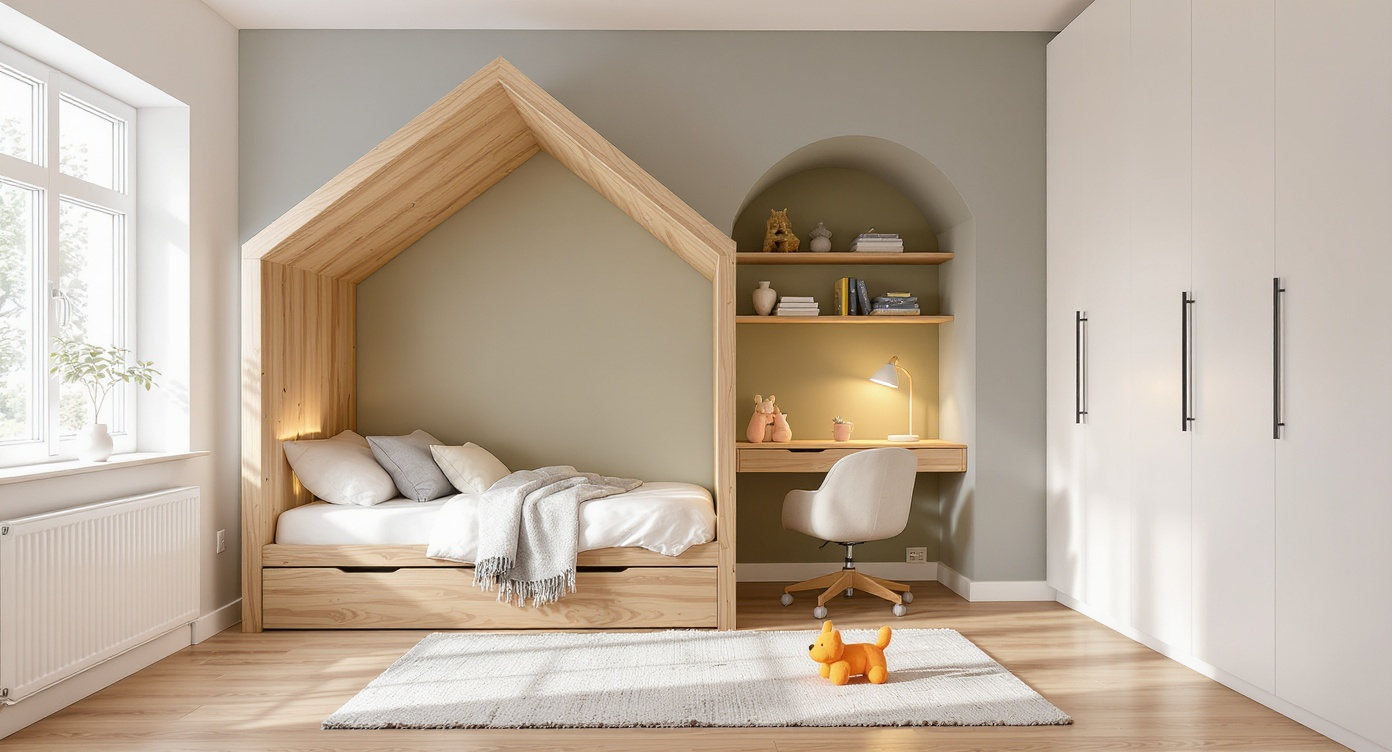
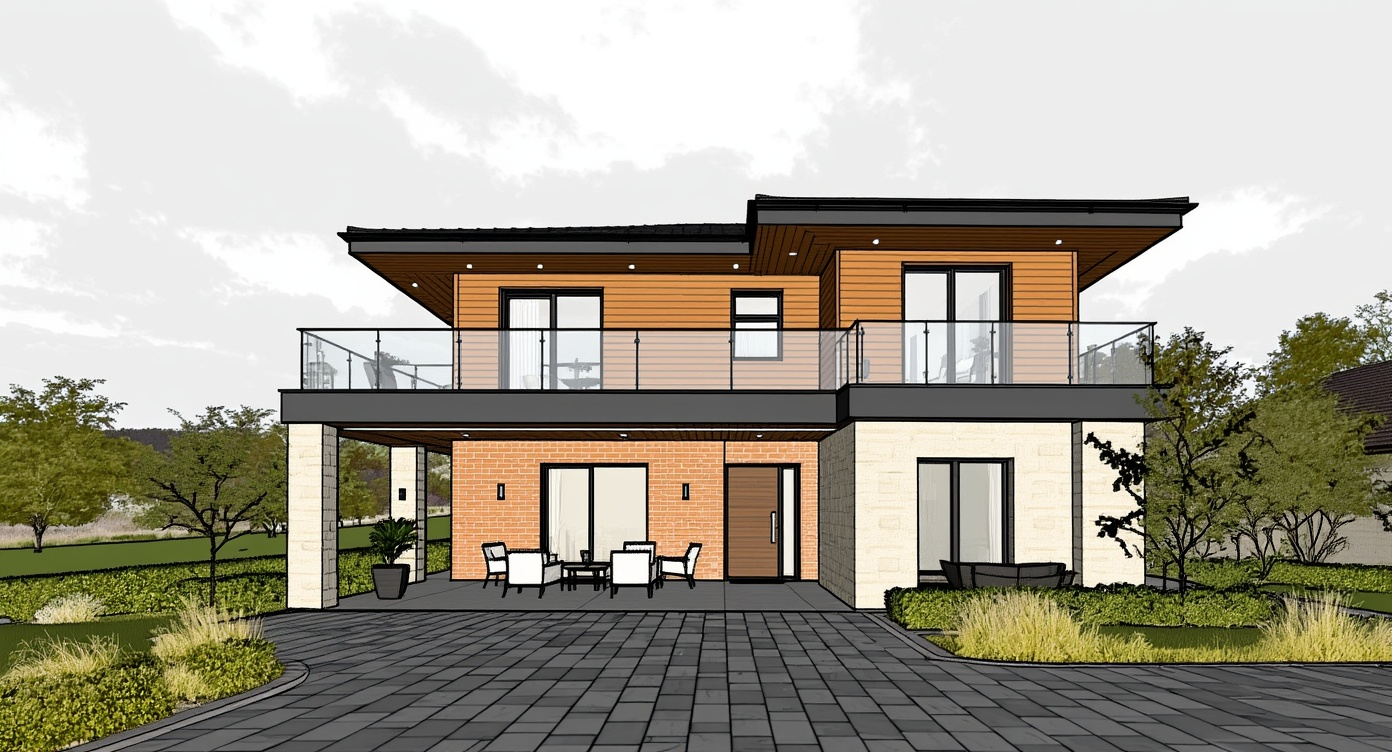
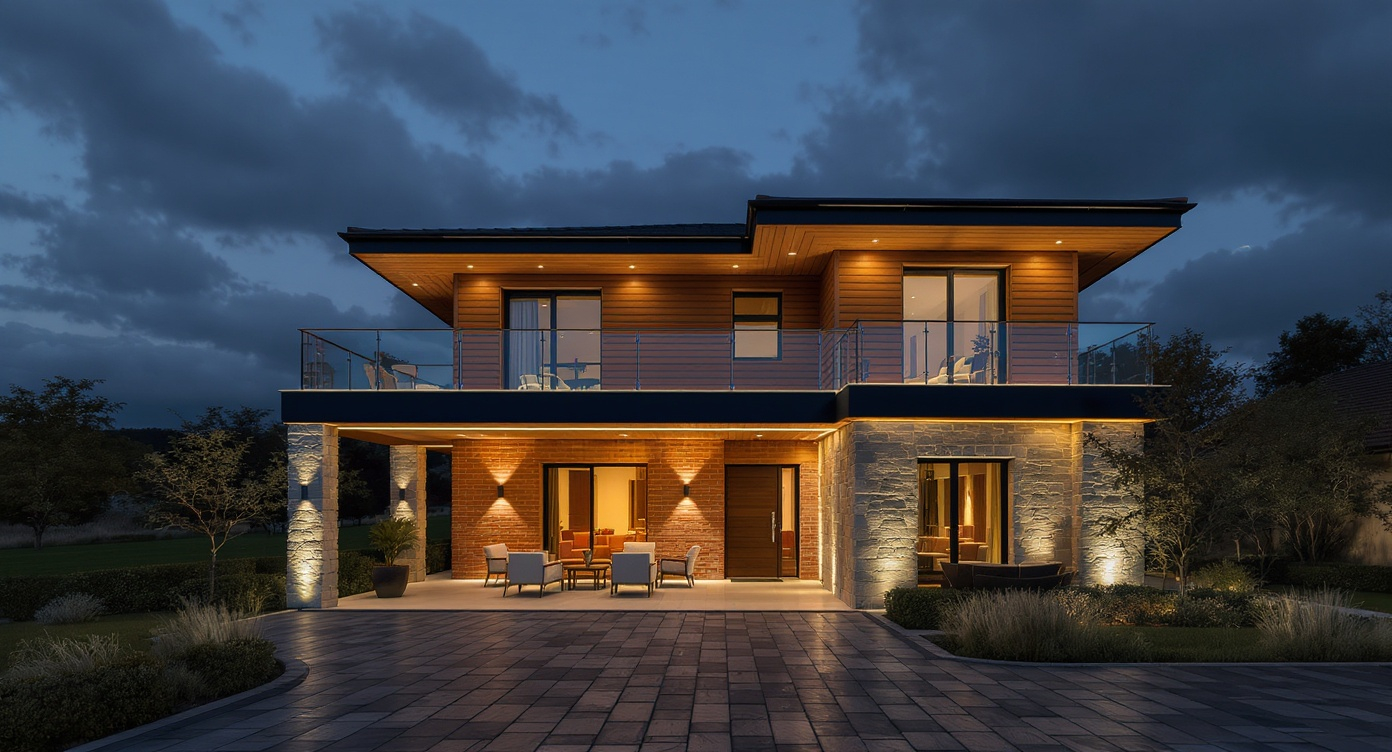
Achieve studio-quality architectural 3D renders in seconds with AI. Preserve geometry, materials, and design intent with realistic lighting and finely detailed textures
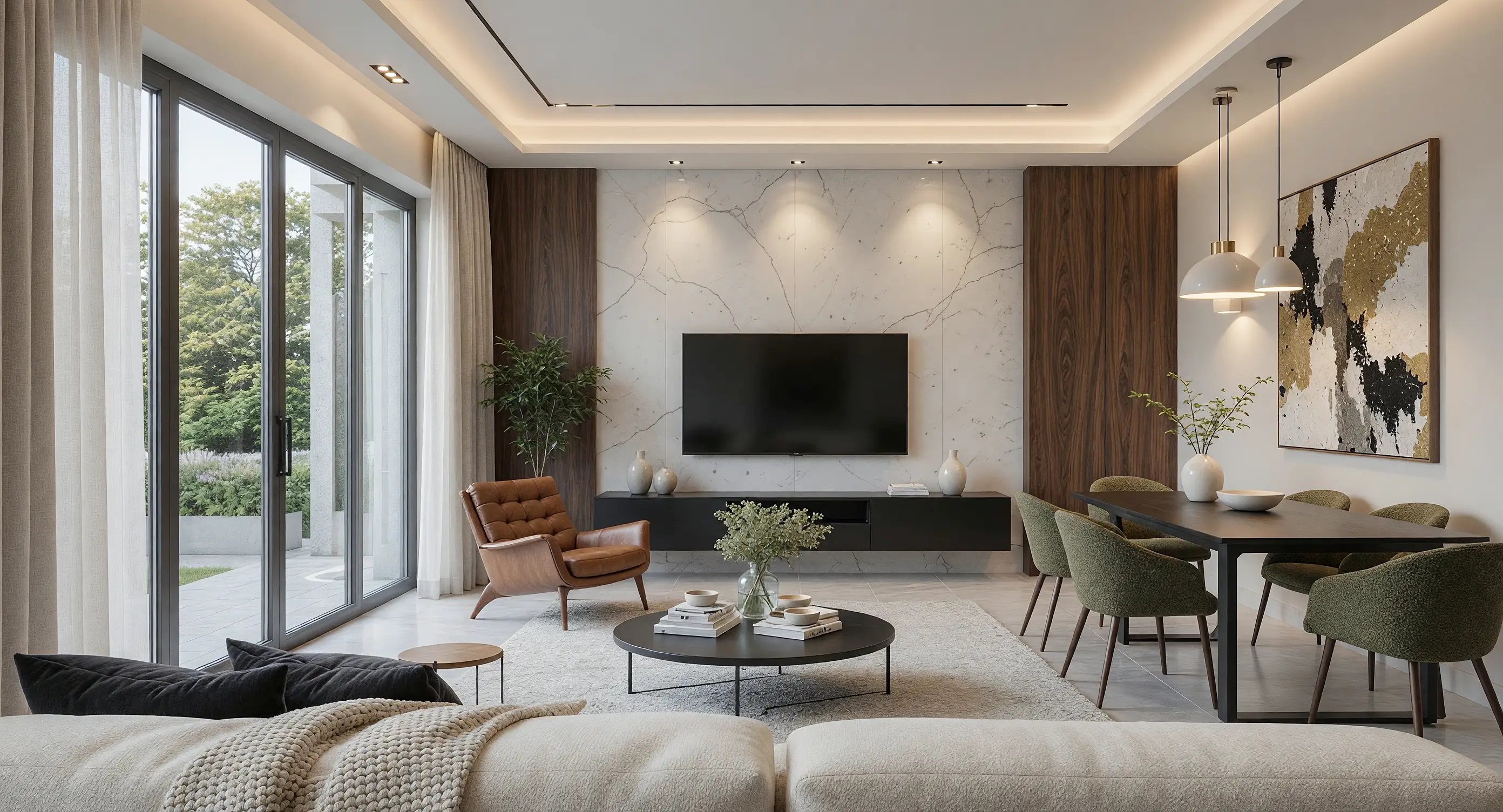
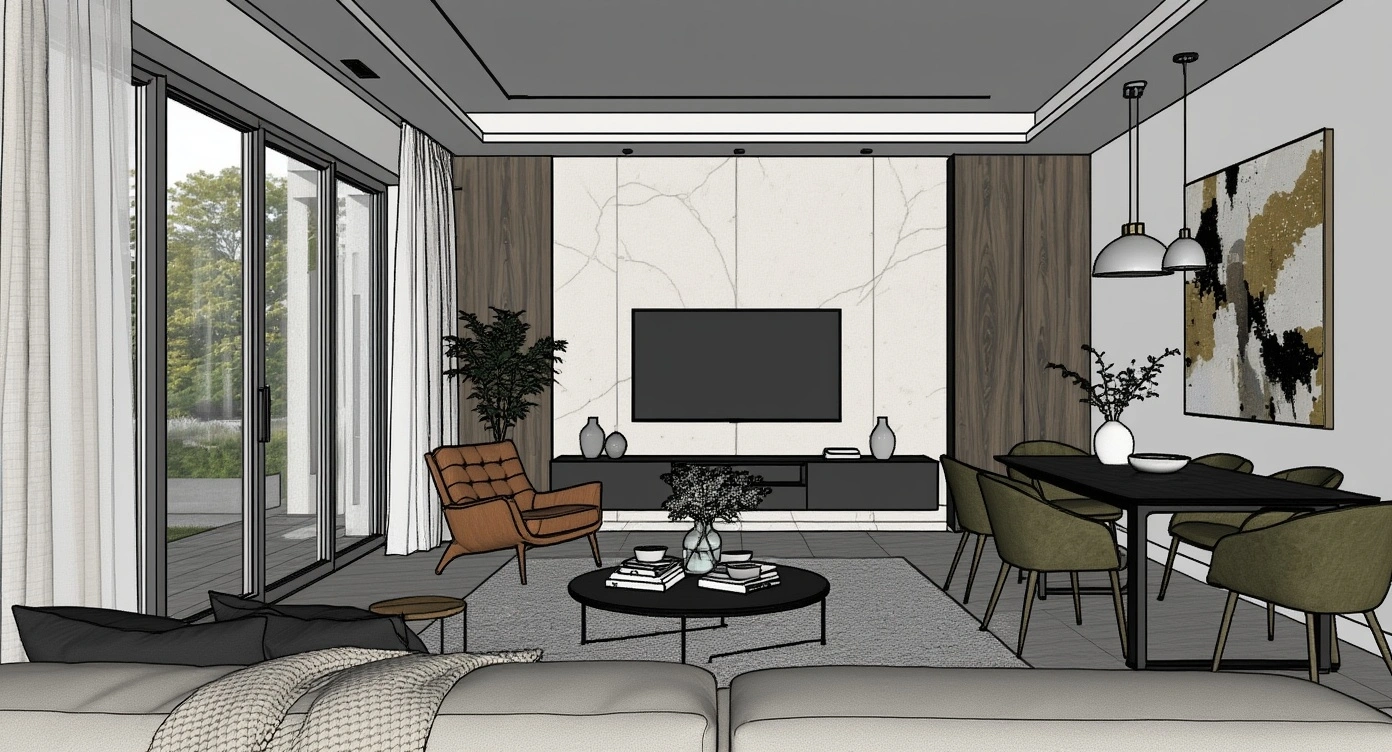

Turn Still Renders
Into Walkthroughs
Effortlessly generate smooth, stabilized 3D cinematic walkthroughs of entire architectural projects from static renders. No complex video software or manual scene stitching required.
Make Every Render Presentation-Ready
Intelligently enhance low-resolution renders in one click. Instantly post-process your renderings using AI to reduce noise, improve textures and colors, and make them look more realistic without any manual work.
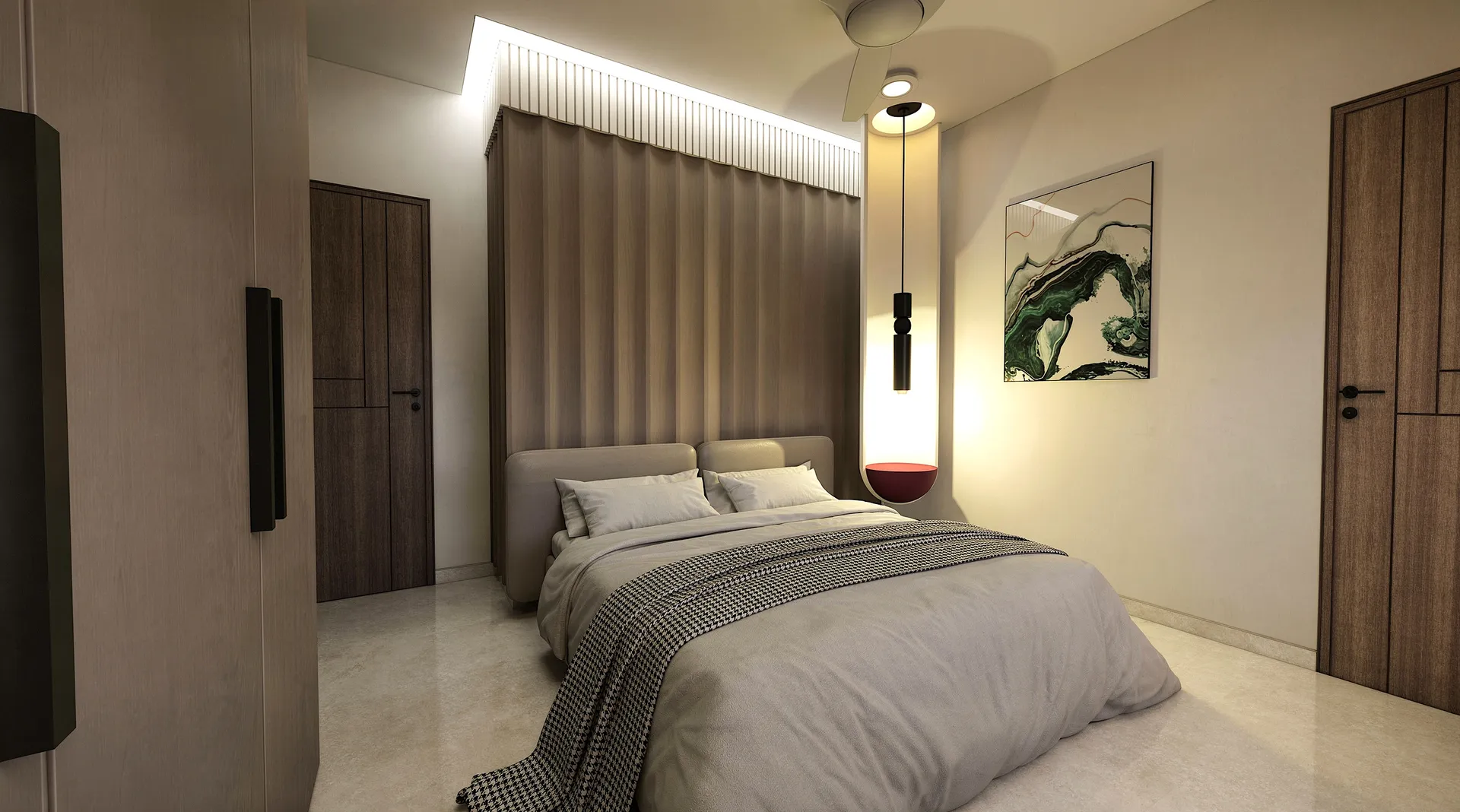
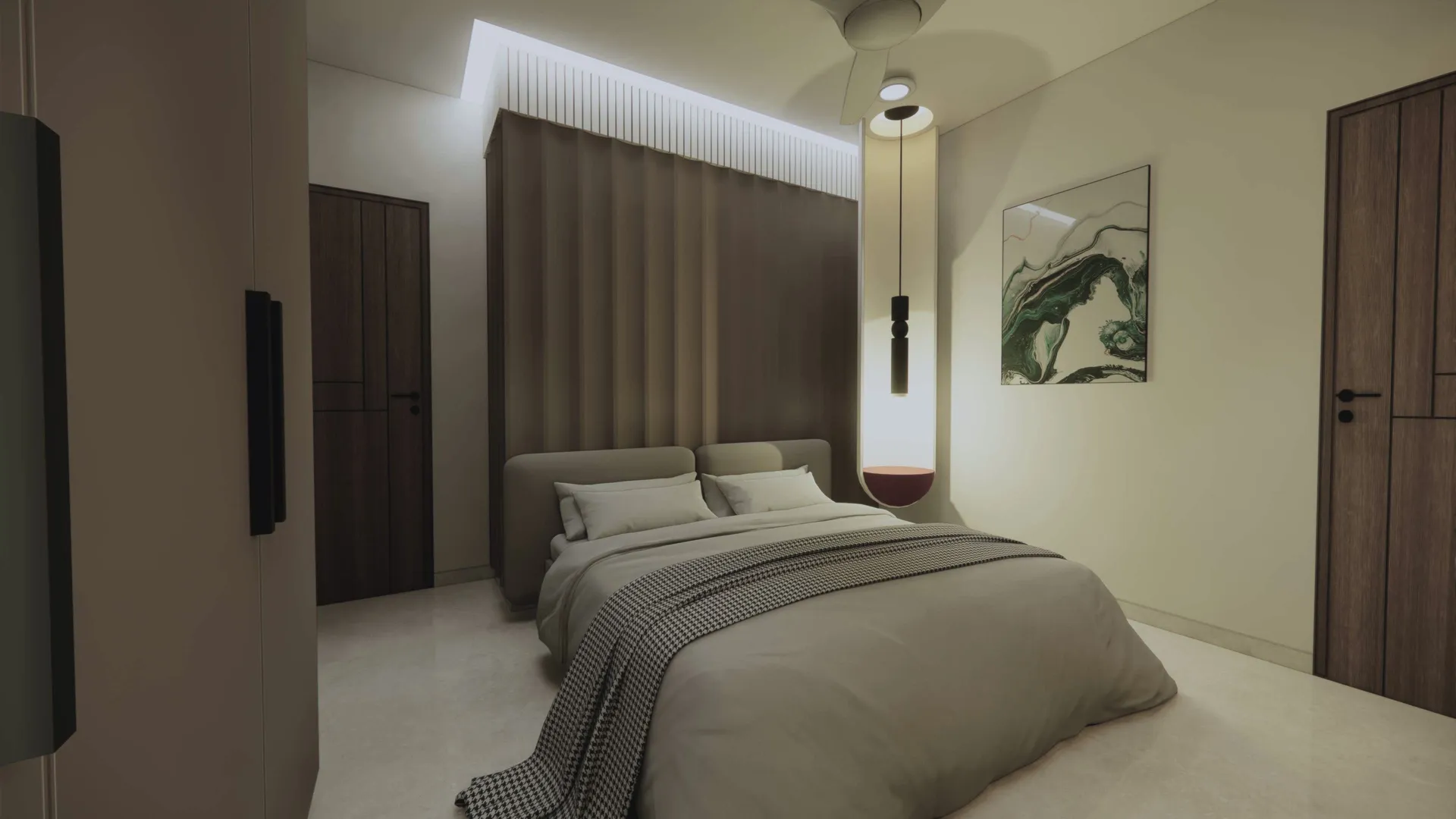
Render AI for modern architecture teams
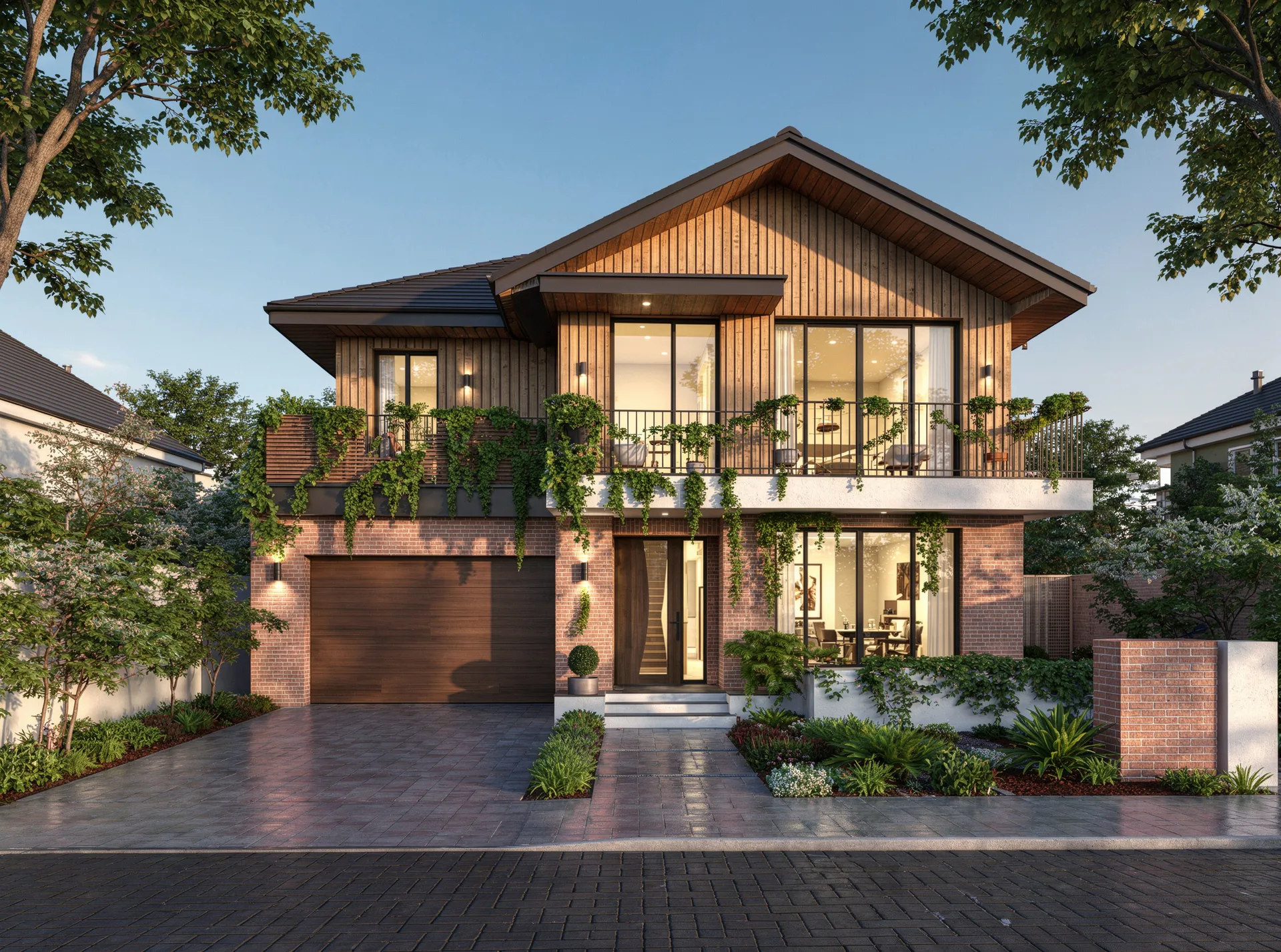
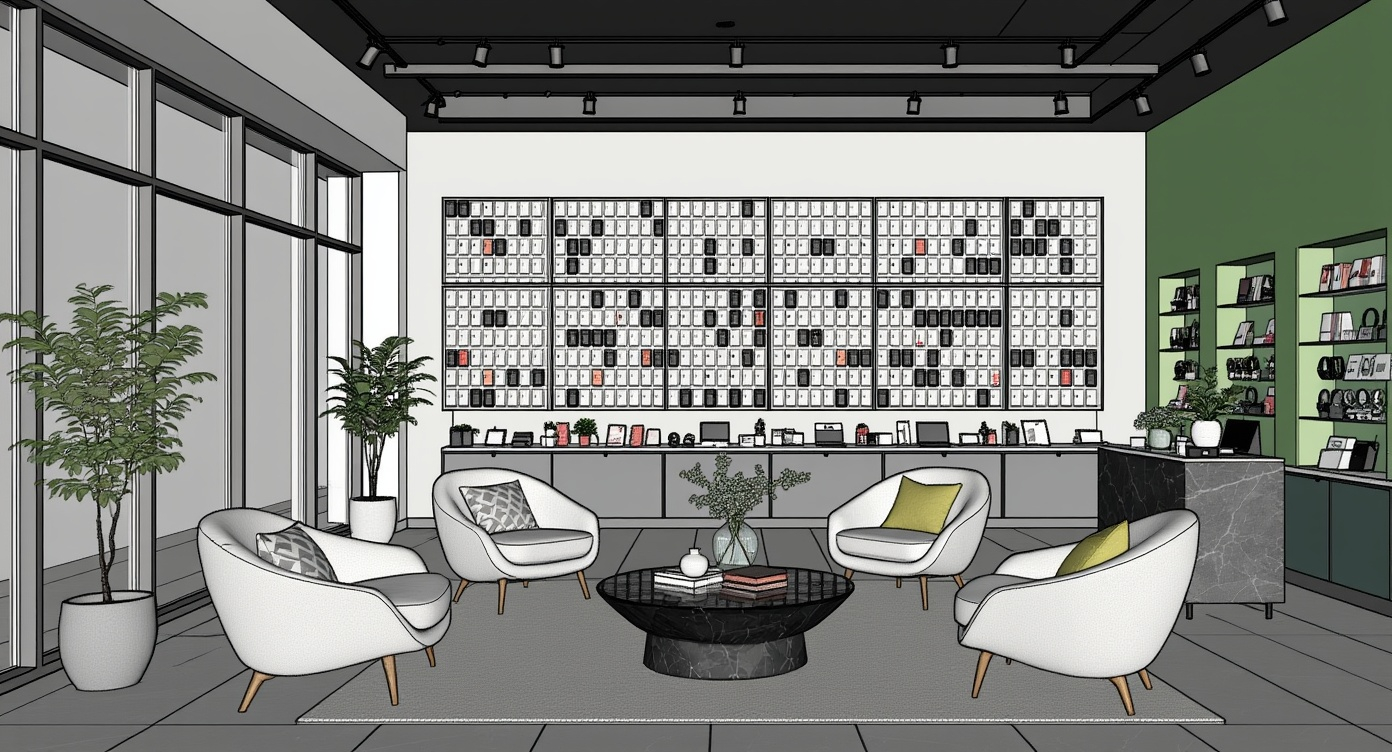
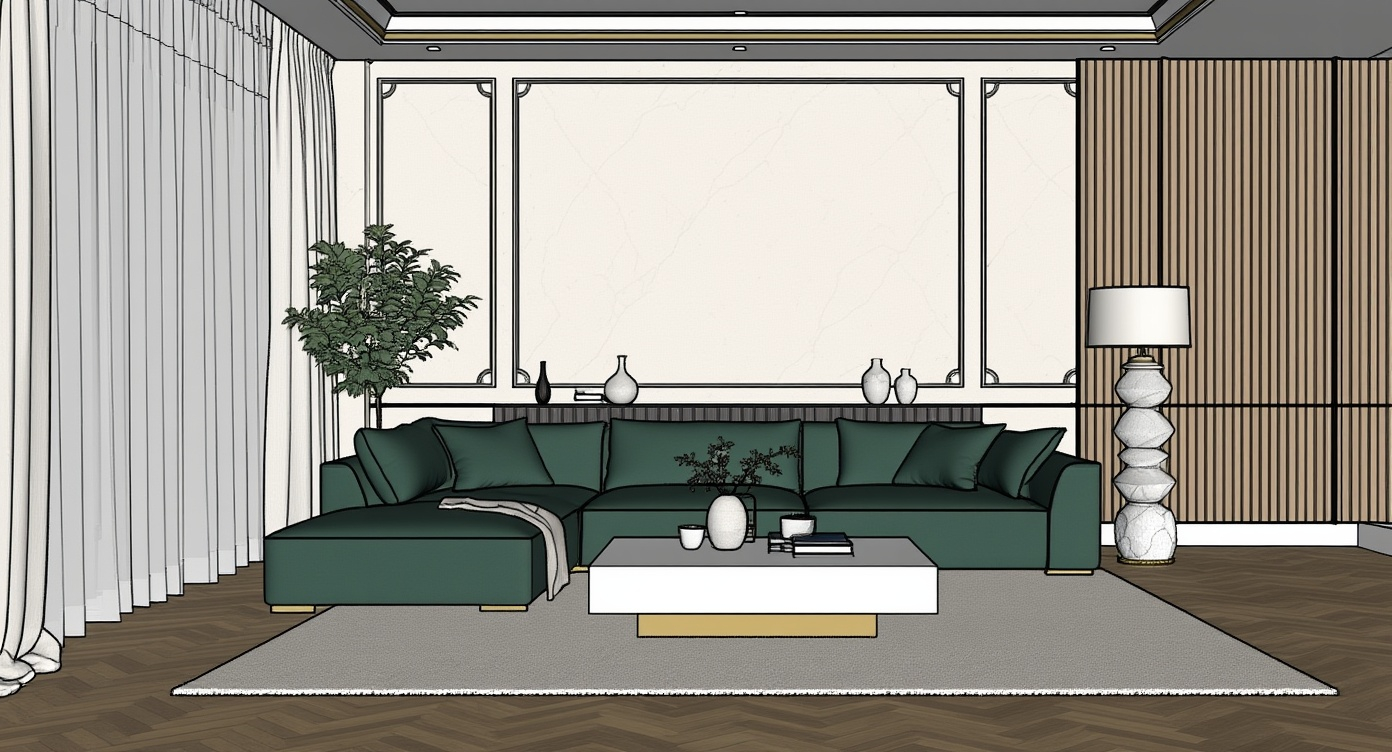
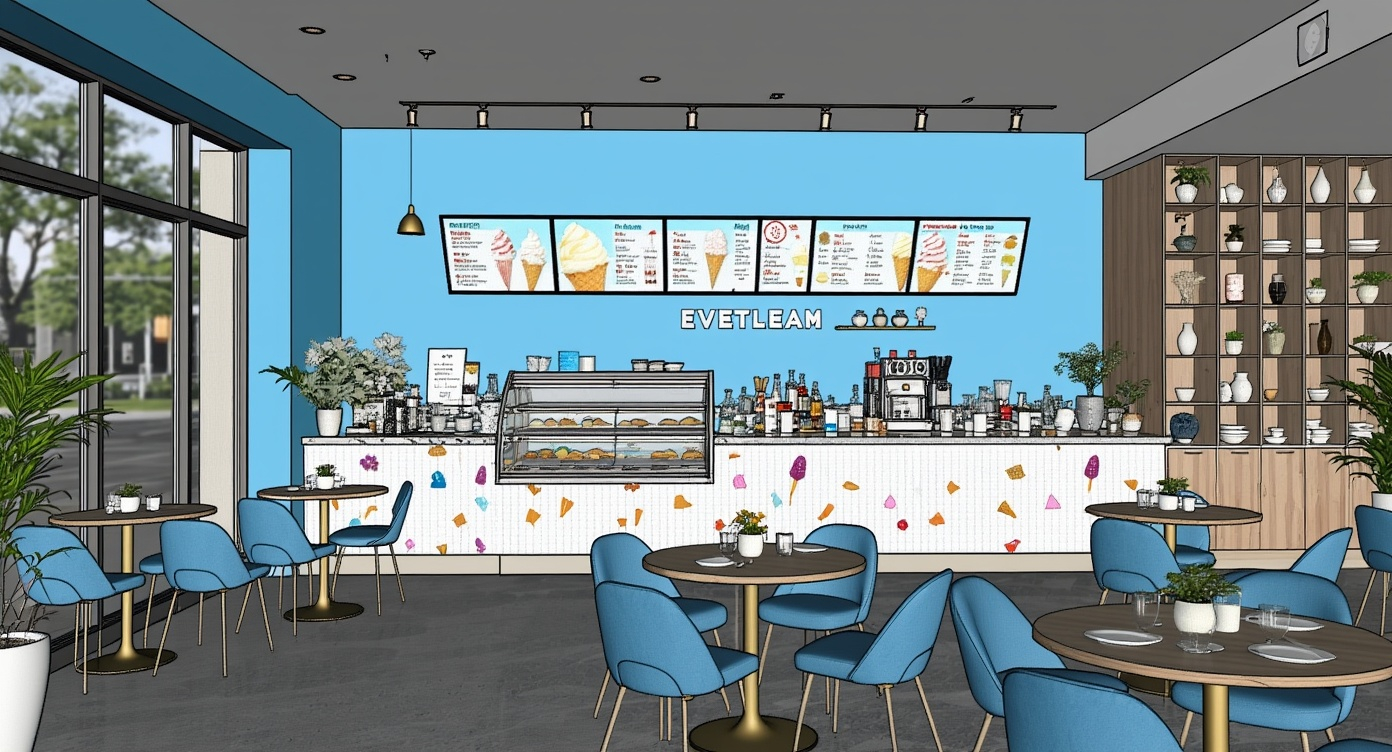
Render your 3D models with AI keeping all geometry, materials and textures unchanged.
No Prompts Required
Our AI understands architectural context natively. Skip the prompting, just upload and render.
One-click Render Editing
Just type what you want changed. Our AI interprets it and applies the edit to your render instantly.
Flexible Pricing
Pay As You Go AvailableChoose from monthly plans and one-time credits. Pick what works best for your design workflow.
Loved by
World's Best Architects
“Vibe3D honestly changed everything for me. It's the fastest, easiest, and most accurate tool I've ever used. I'm genuinely obsessed — Nothing else comes close.”

“Vibe3D is a game-changer. Cuts hours of manual work & makes client iterations super fast. Has a really great support team, too.”

“This is much better at producing accurate renders than any other AI tool I've used. The quality is unmatched.”

“HyperReal mode is quite impressive. The level of detailing, realism, and overall output quality exceeded all my expectations.”

“I switched from Enscape and never looked back. This AI understands lighting like a professional photographer.”

Loved by
World's Best Architects
“Vibe3D honestly changed everything for me. It's the fastest, easiest, and most accurate tool I've ever used. I'm genuinely obsessed — Nothing else comes close.”
“Vibe3D is a game-changer. Cuts hours of manual work & makes client iterations super fast. Has a really great support team, too.”
“This is much better at producing accurate renders than any other AI tool I've used. The quality is unmatched.”
“HyperReal mode is quite impressive. The level of detailing, realism, and overall output quality exceeded all my expectations.”
“I switched from Enscape and never looked back. This AI understands lighting like a professional photographer.”
For every stage of
Architectural Design
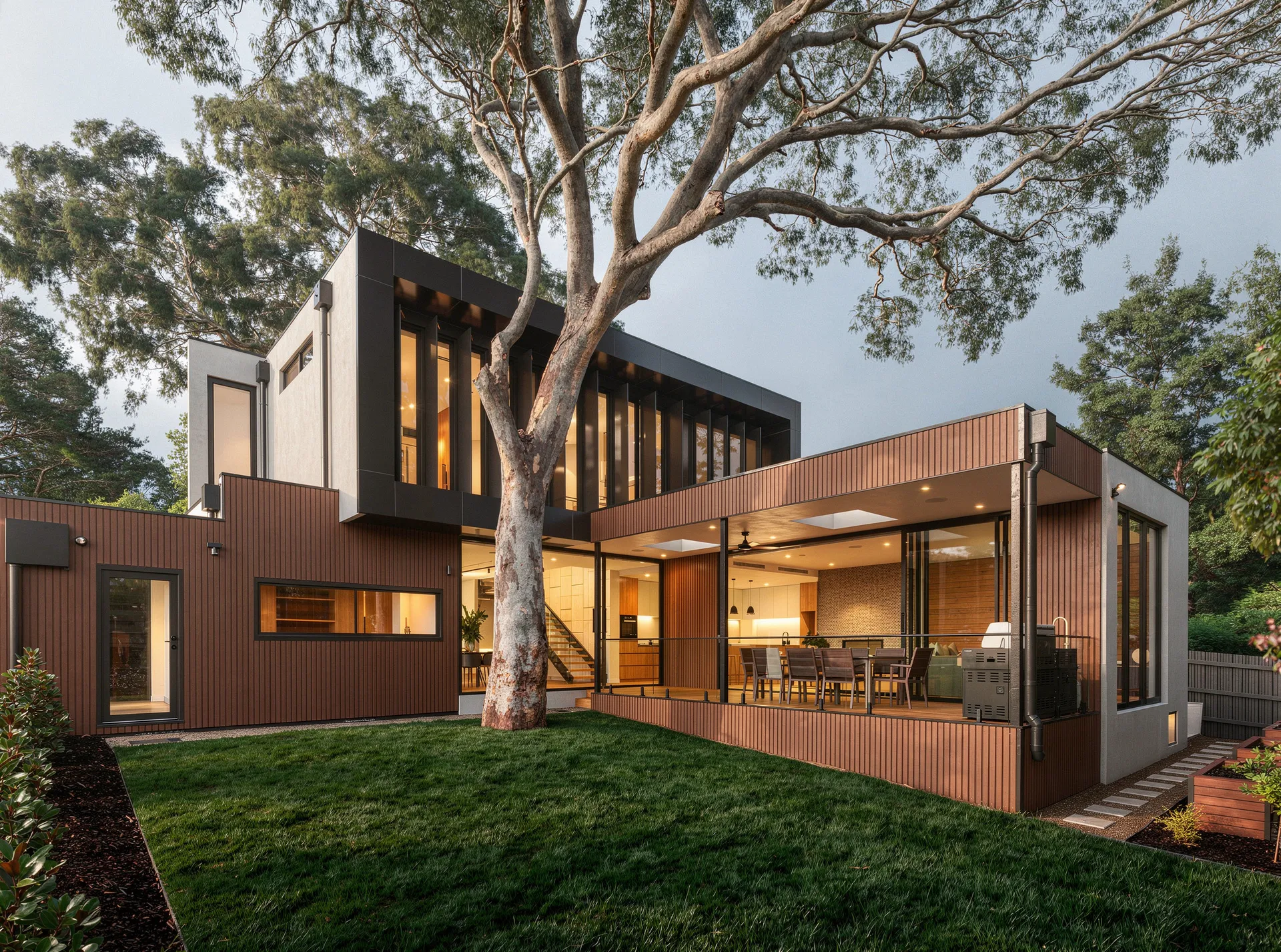
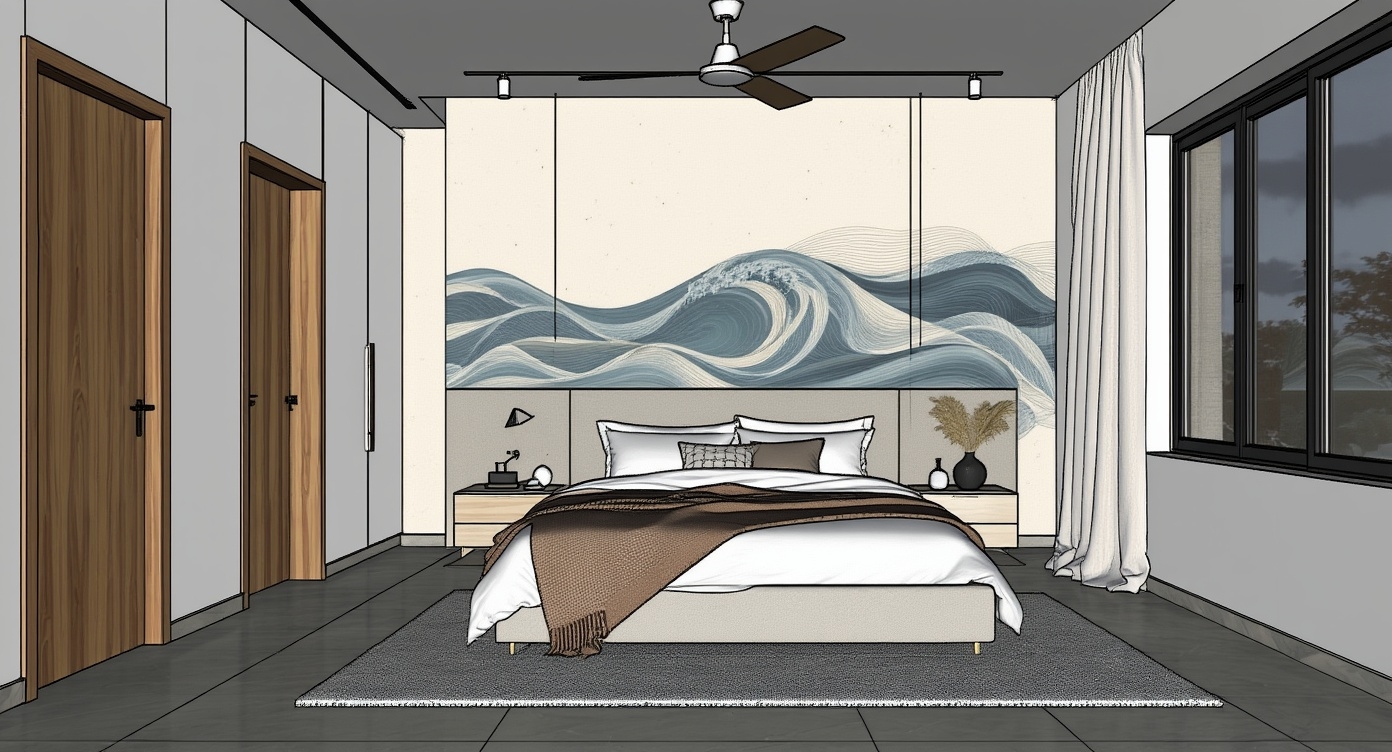
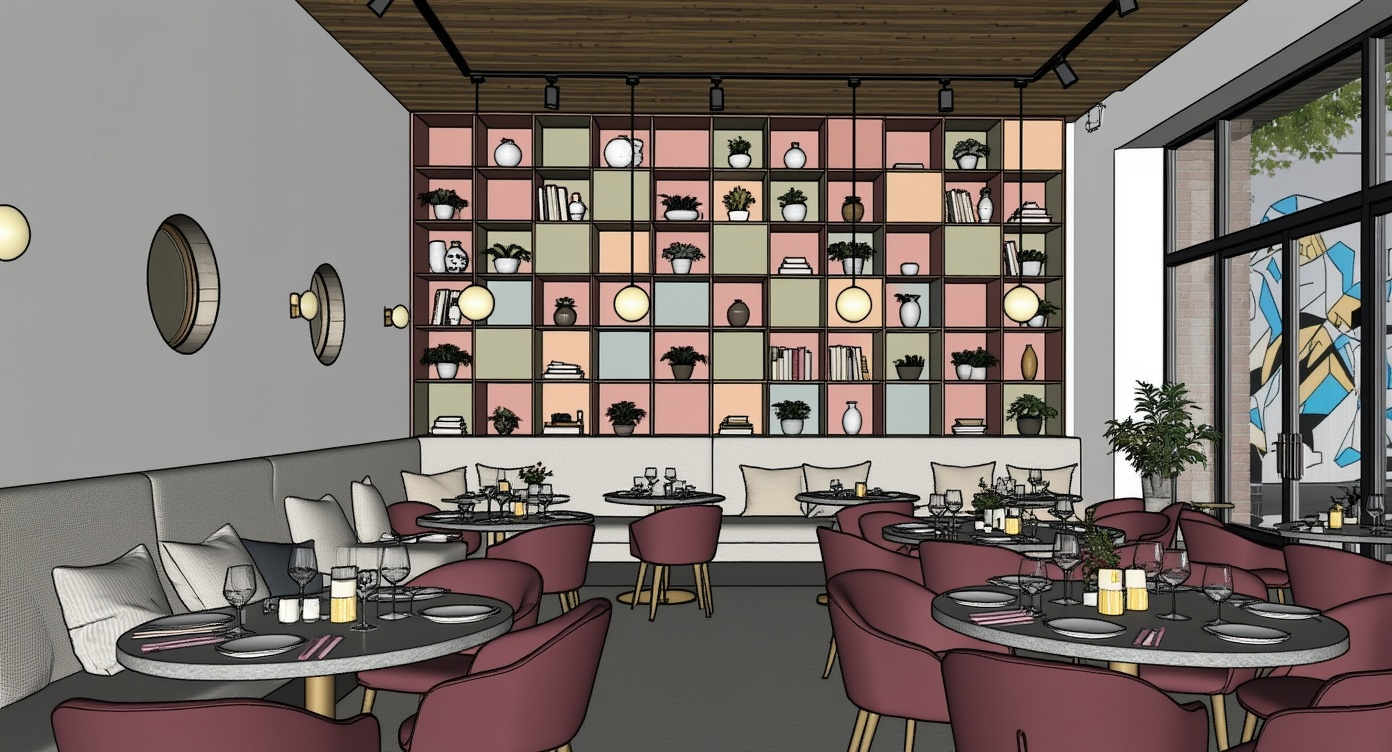
From intricate interior renders to iconic architectural exteriors and panoramic site plans, Vibe3D's Render AI flawlessly adapts to every stage of your design process.
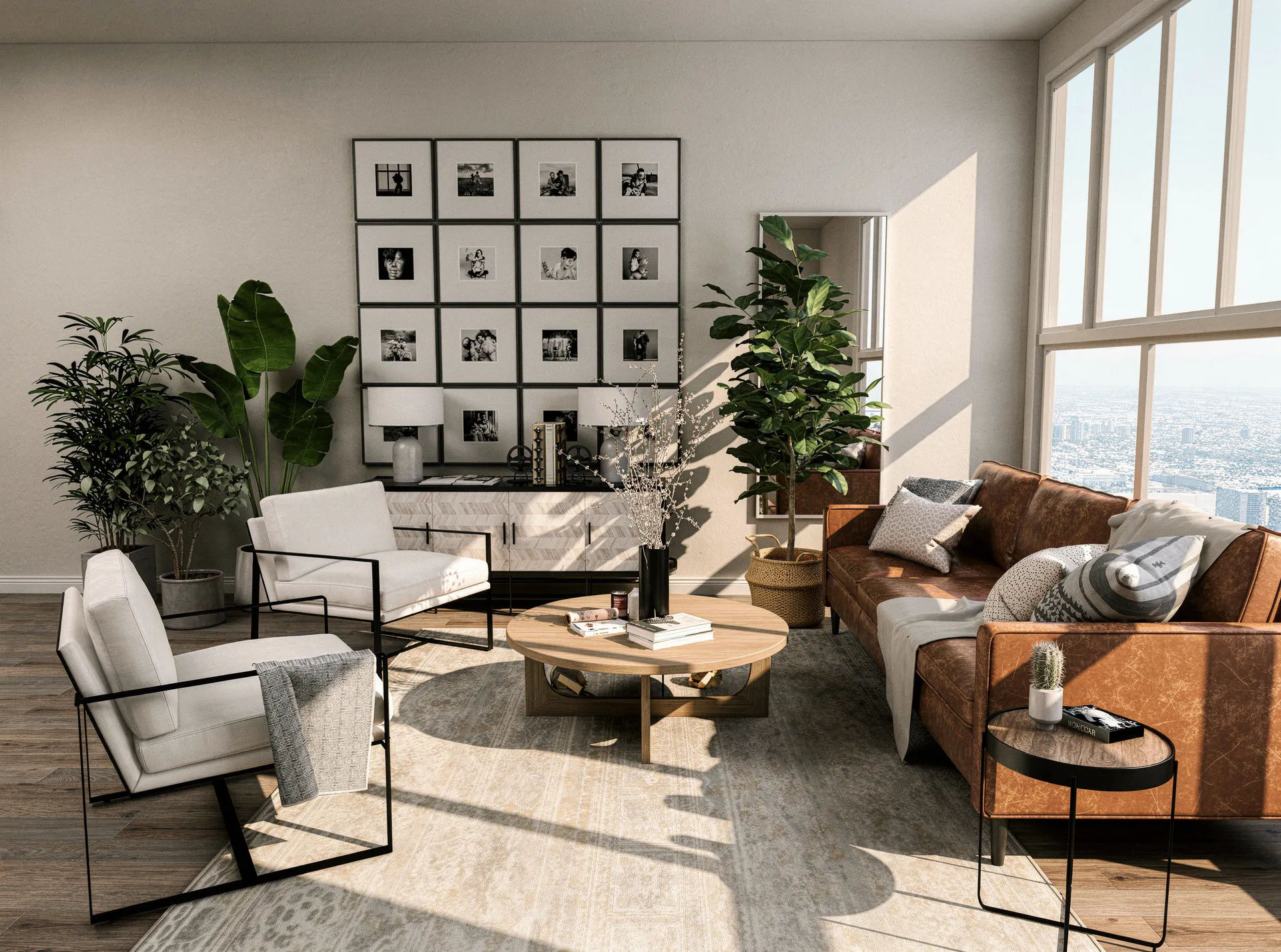
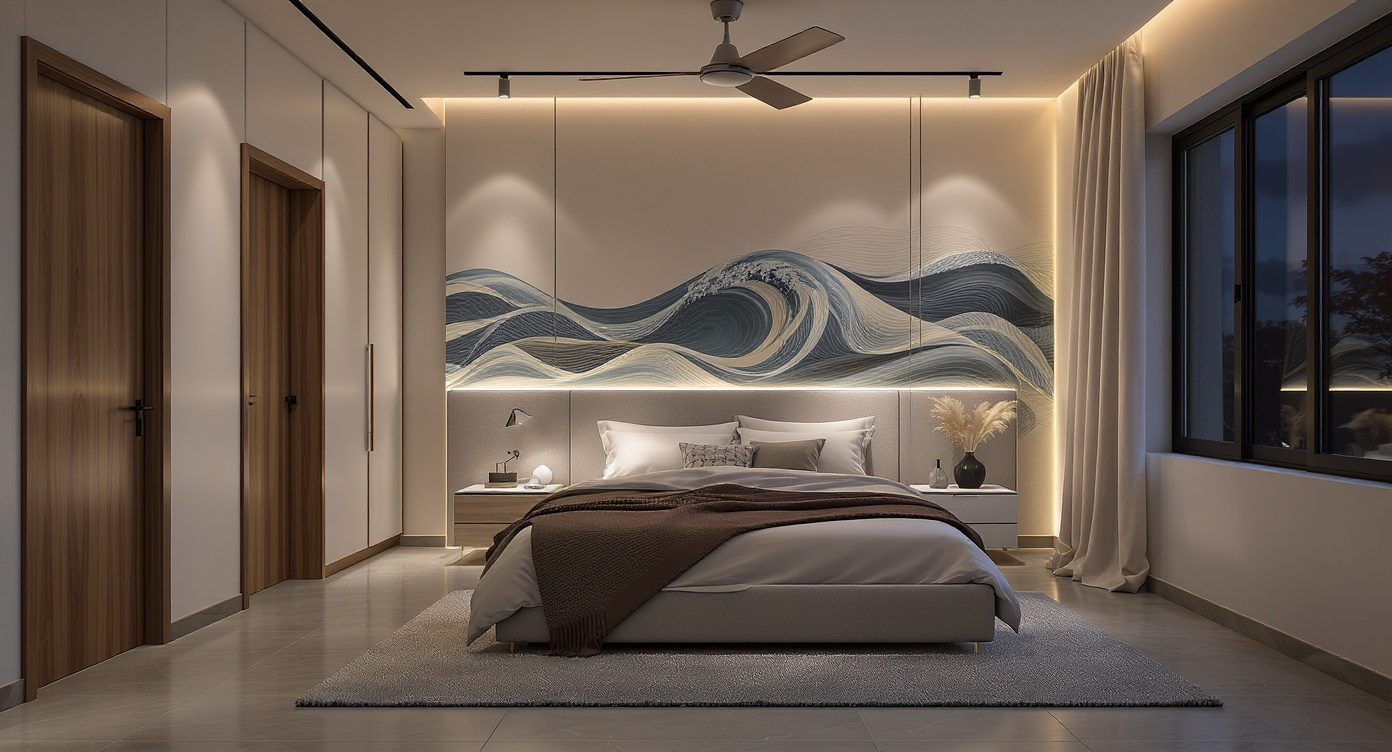
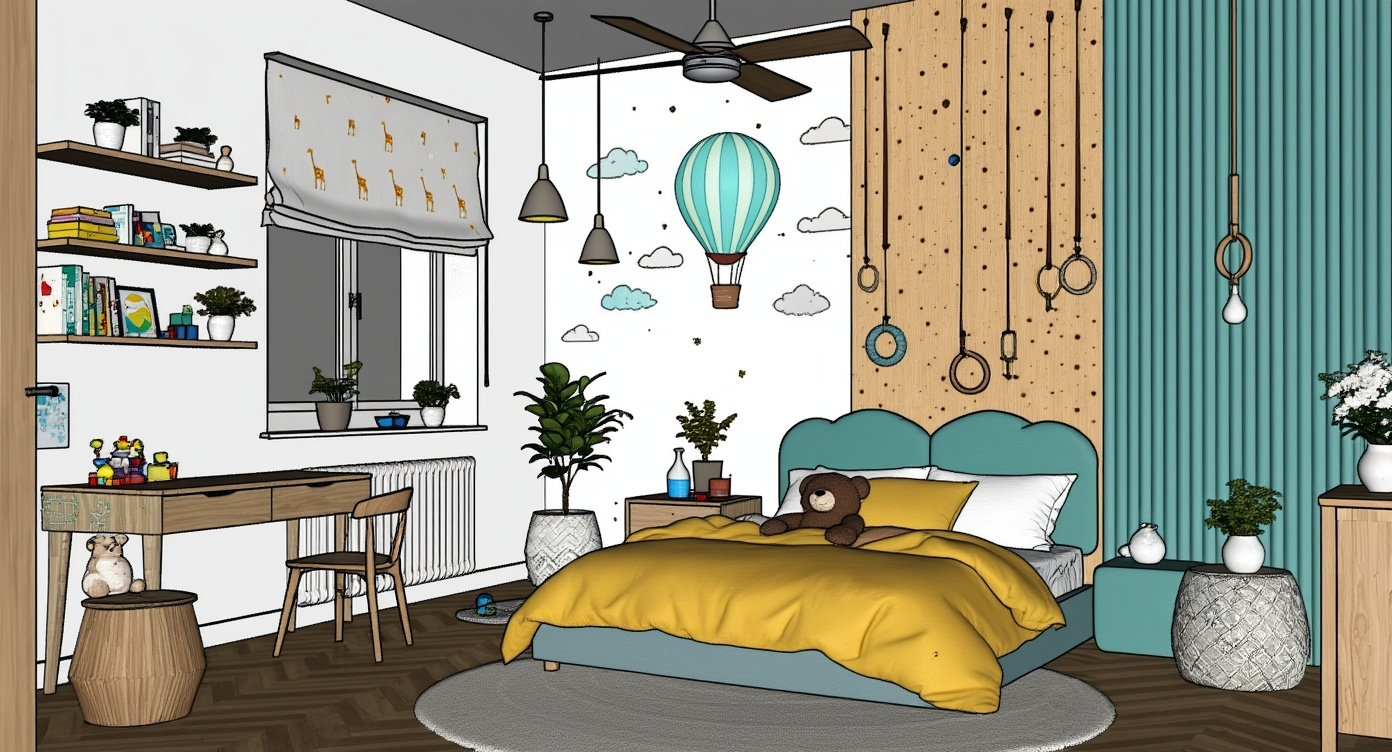
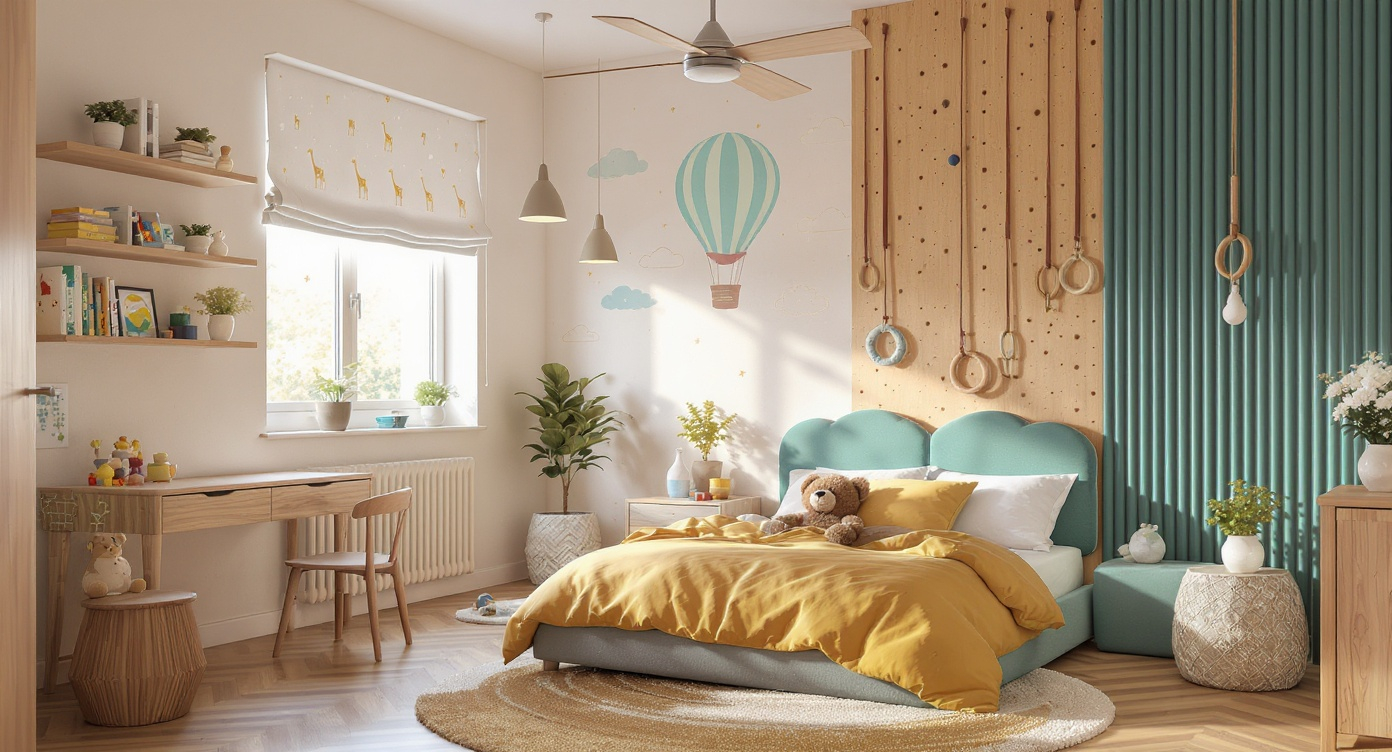
Interior Visualization
Capture lighting, shadows, and textures with uncompromised realism.
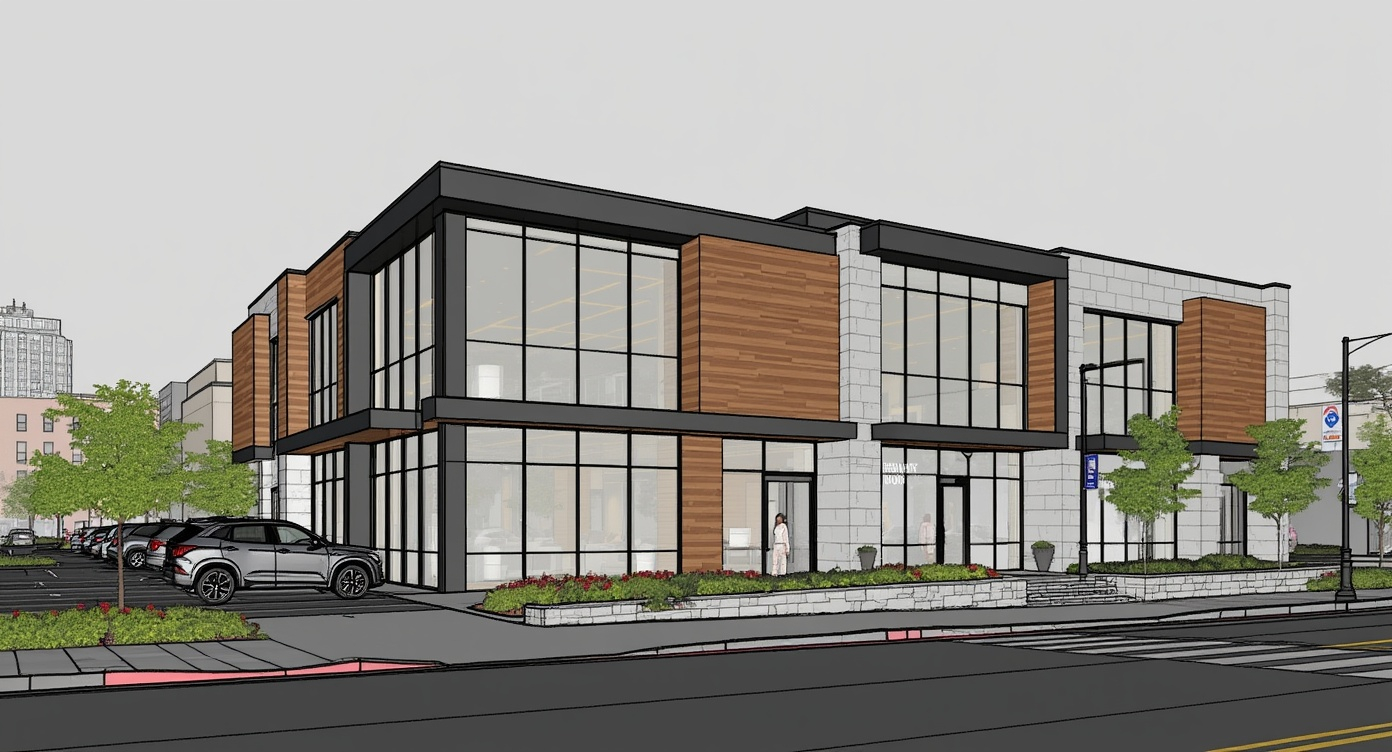
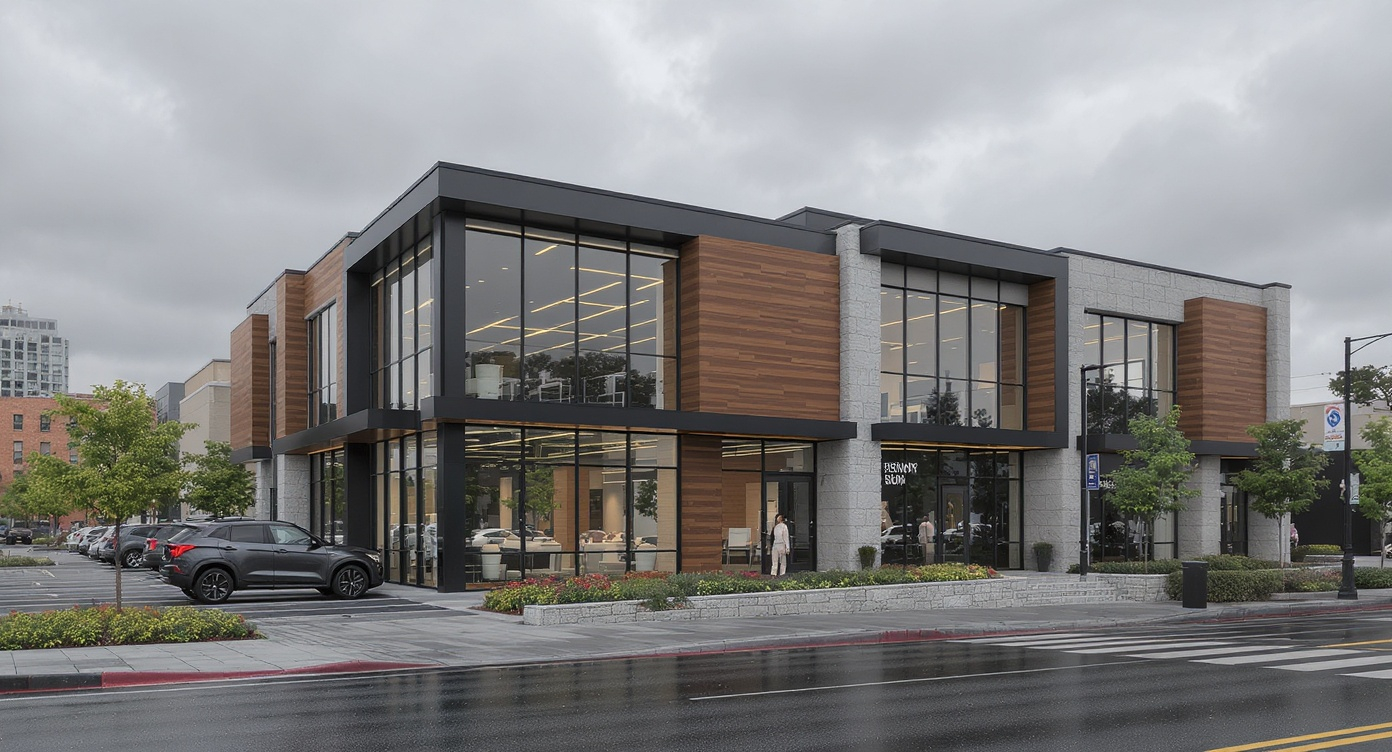
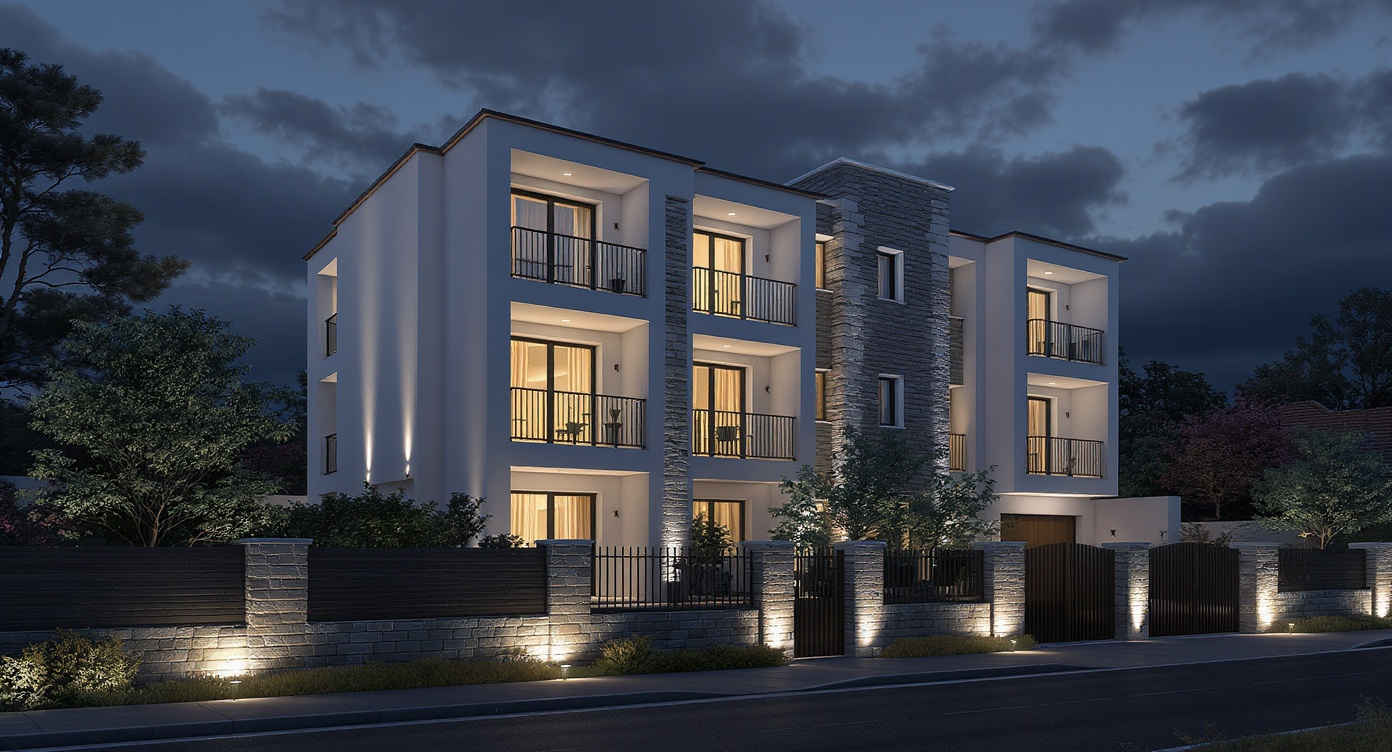
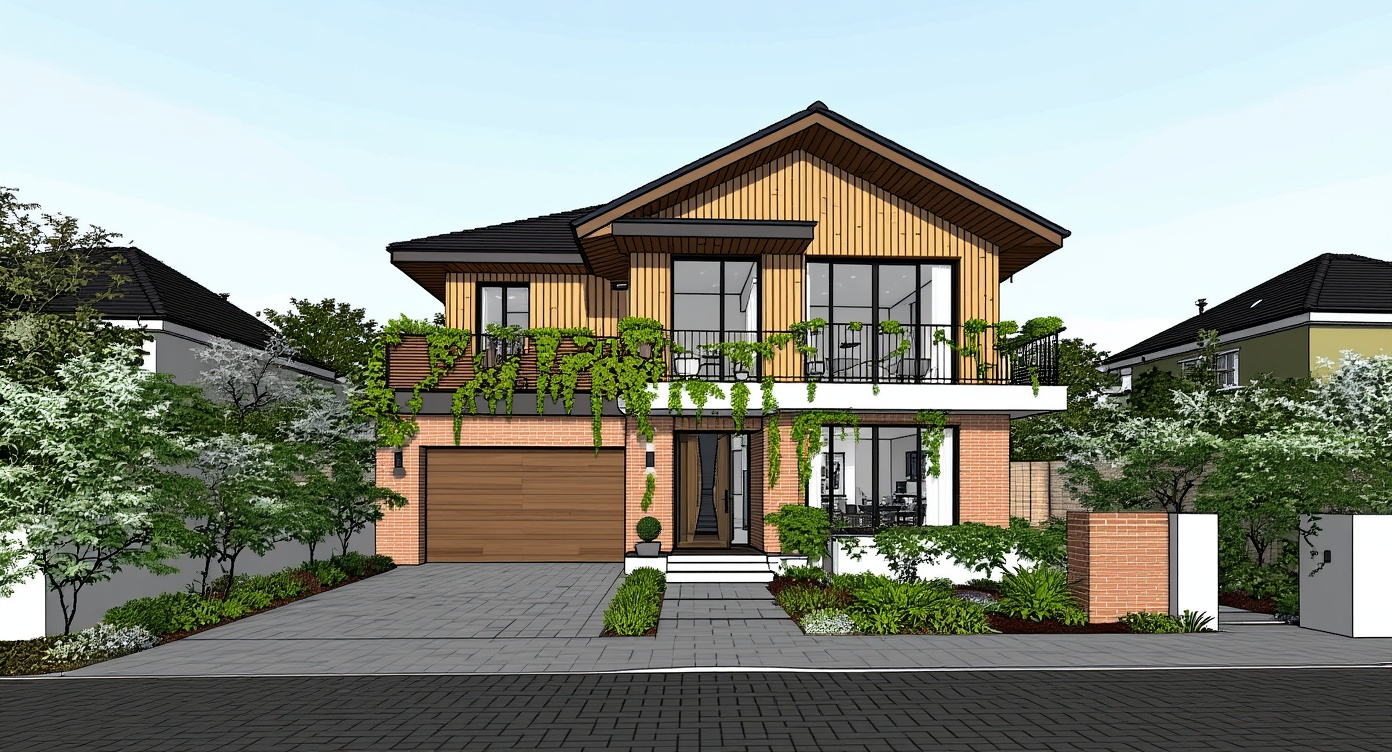
Architectural Rendering
Render your vision in any context, weather, or time of day.
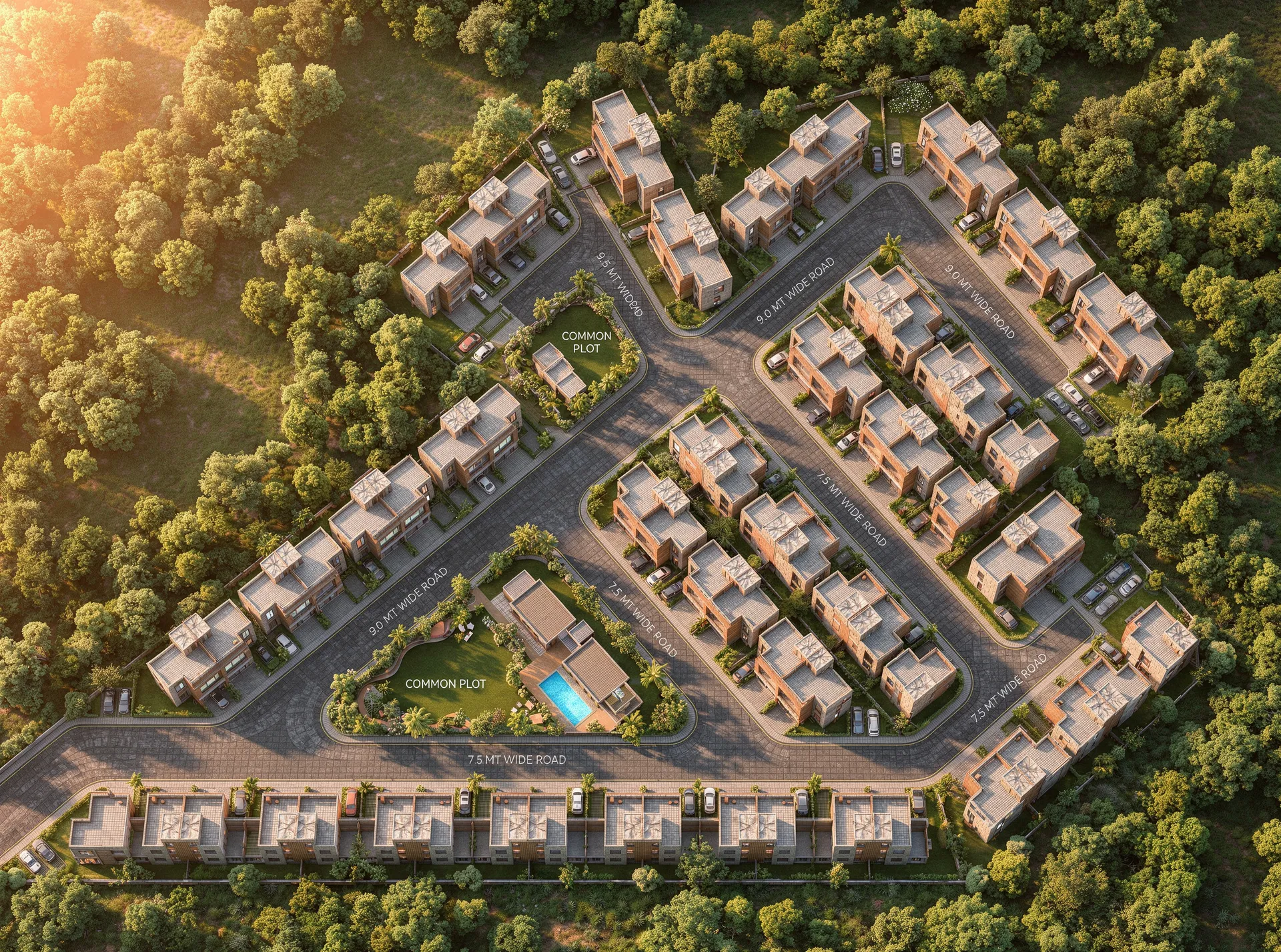
Site Plan Rendering
Visualize fully detailed floorplans and masterplans in seconds.
AI-powered 3D Renders.
In Seconds.




Frequently Asked
Questions
Everything you need to know about integrating Vibe3D AI into your architectural rendering workflow.