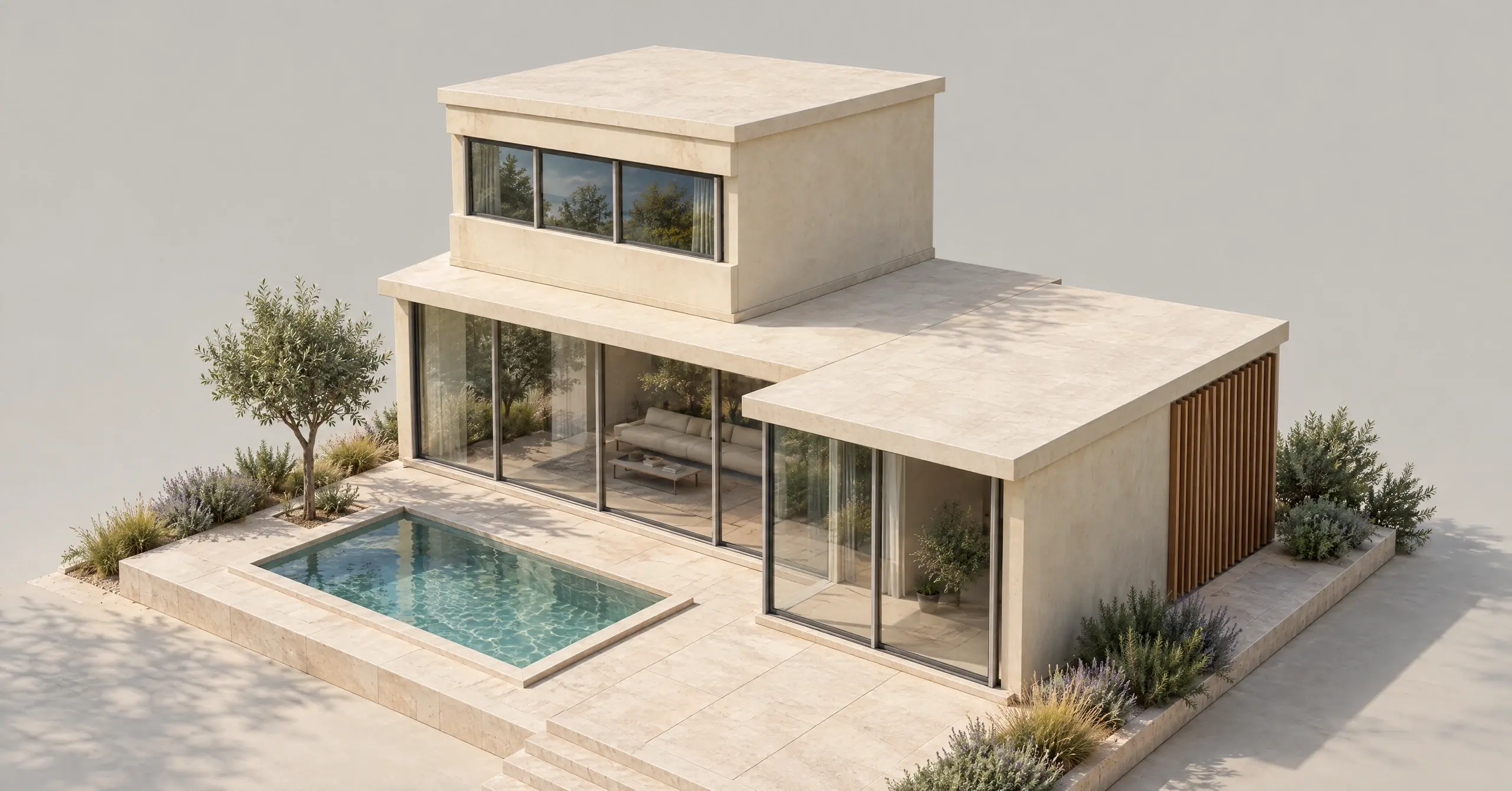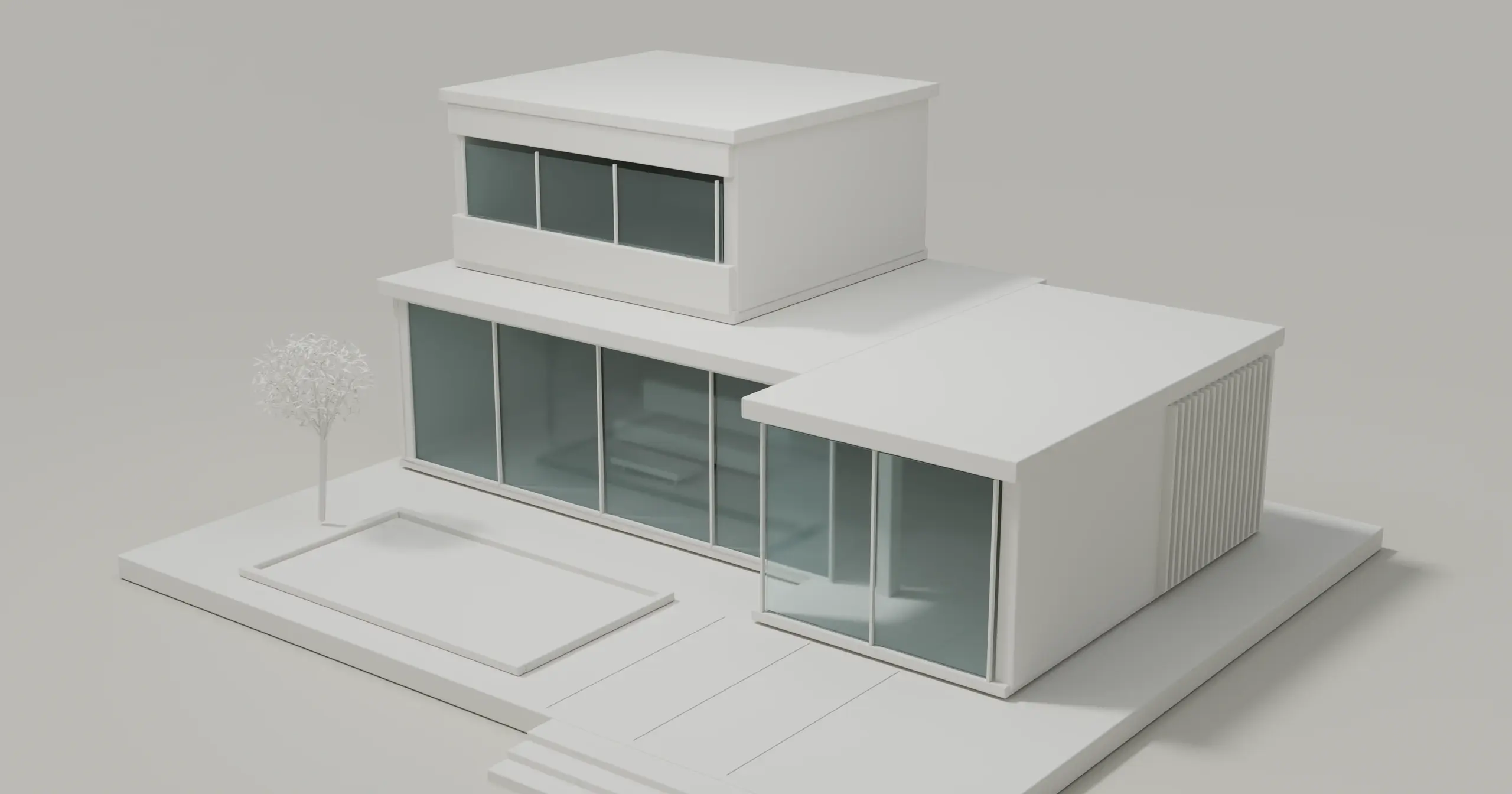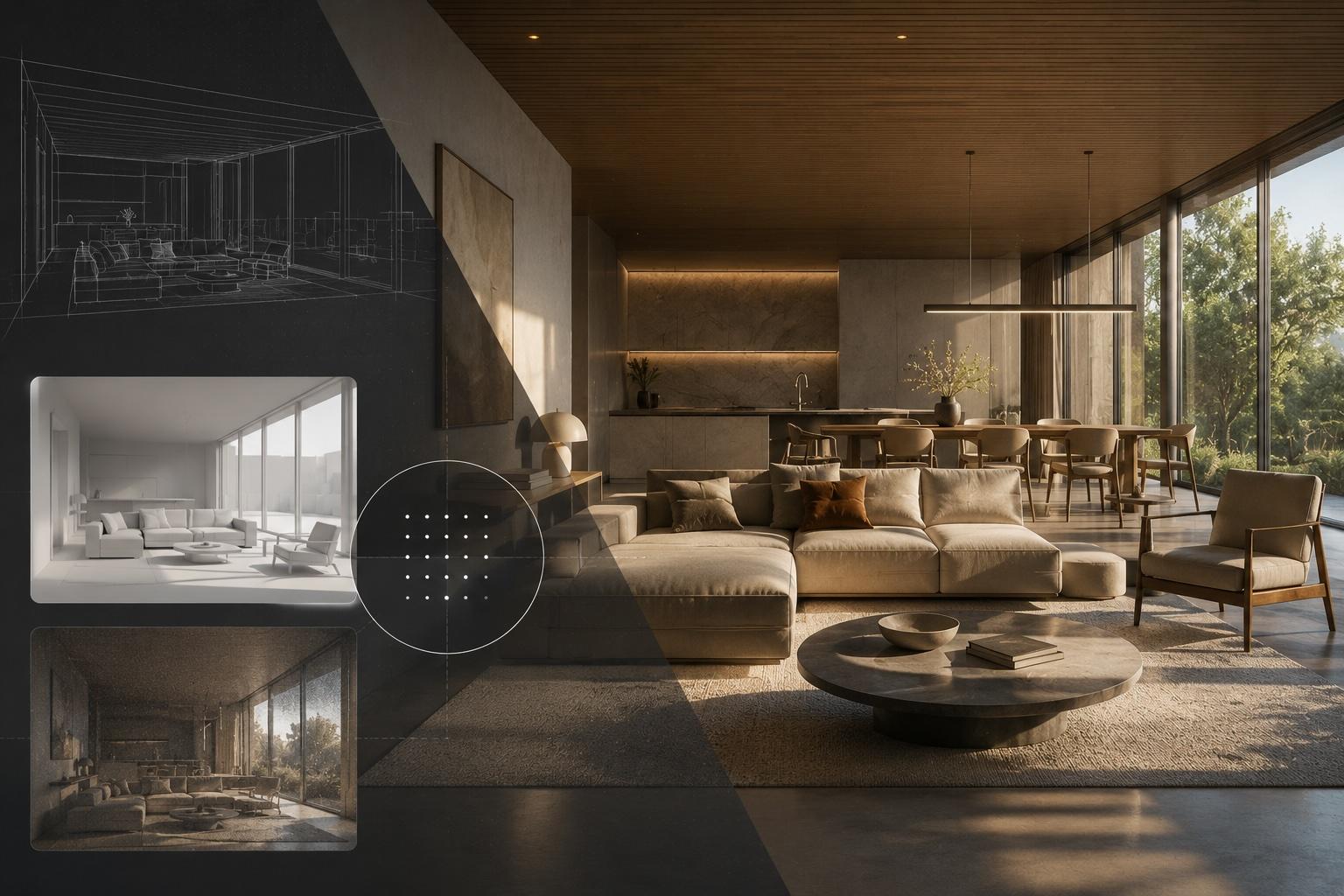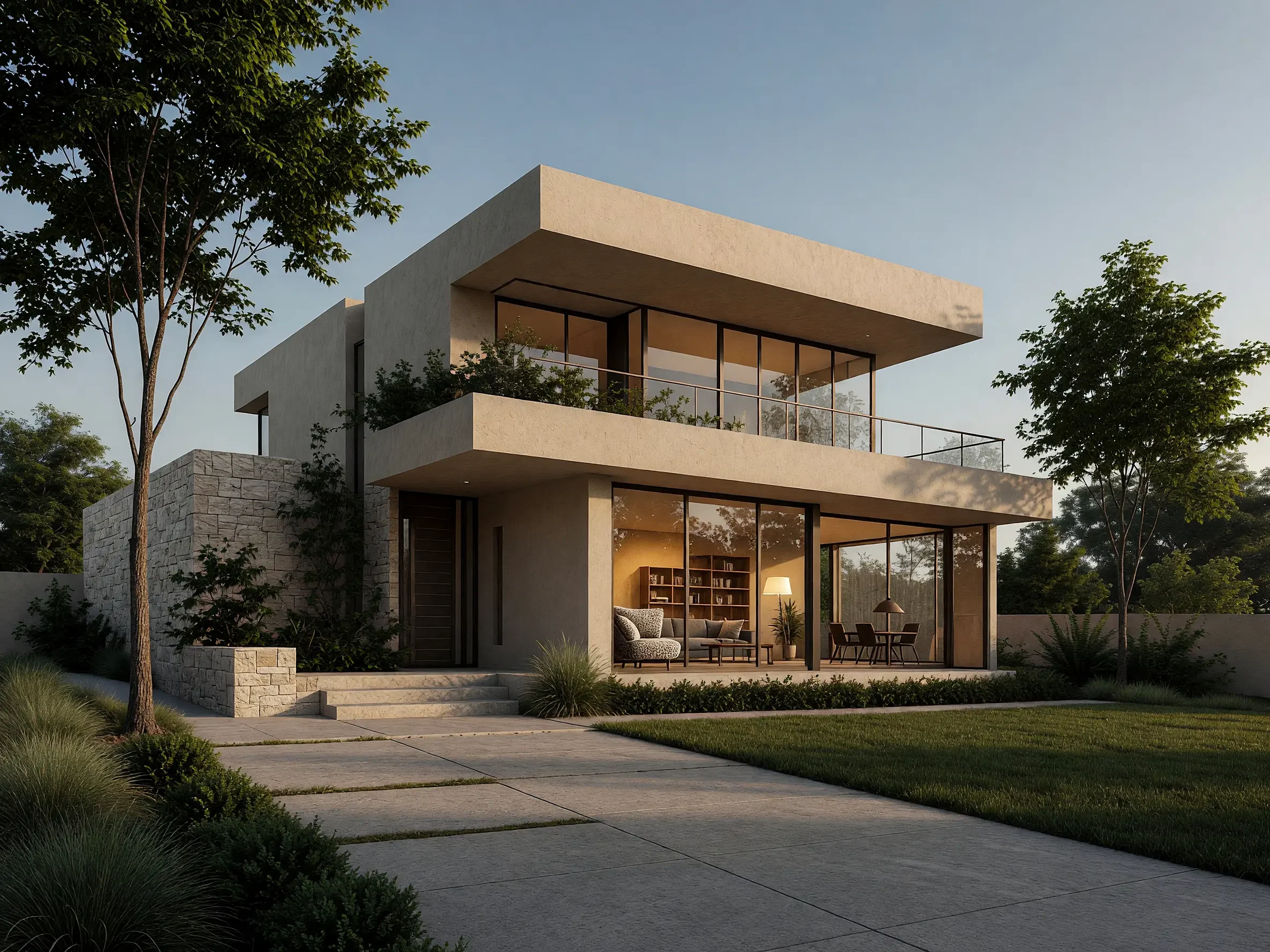
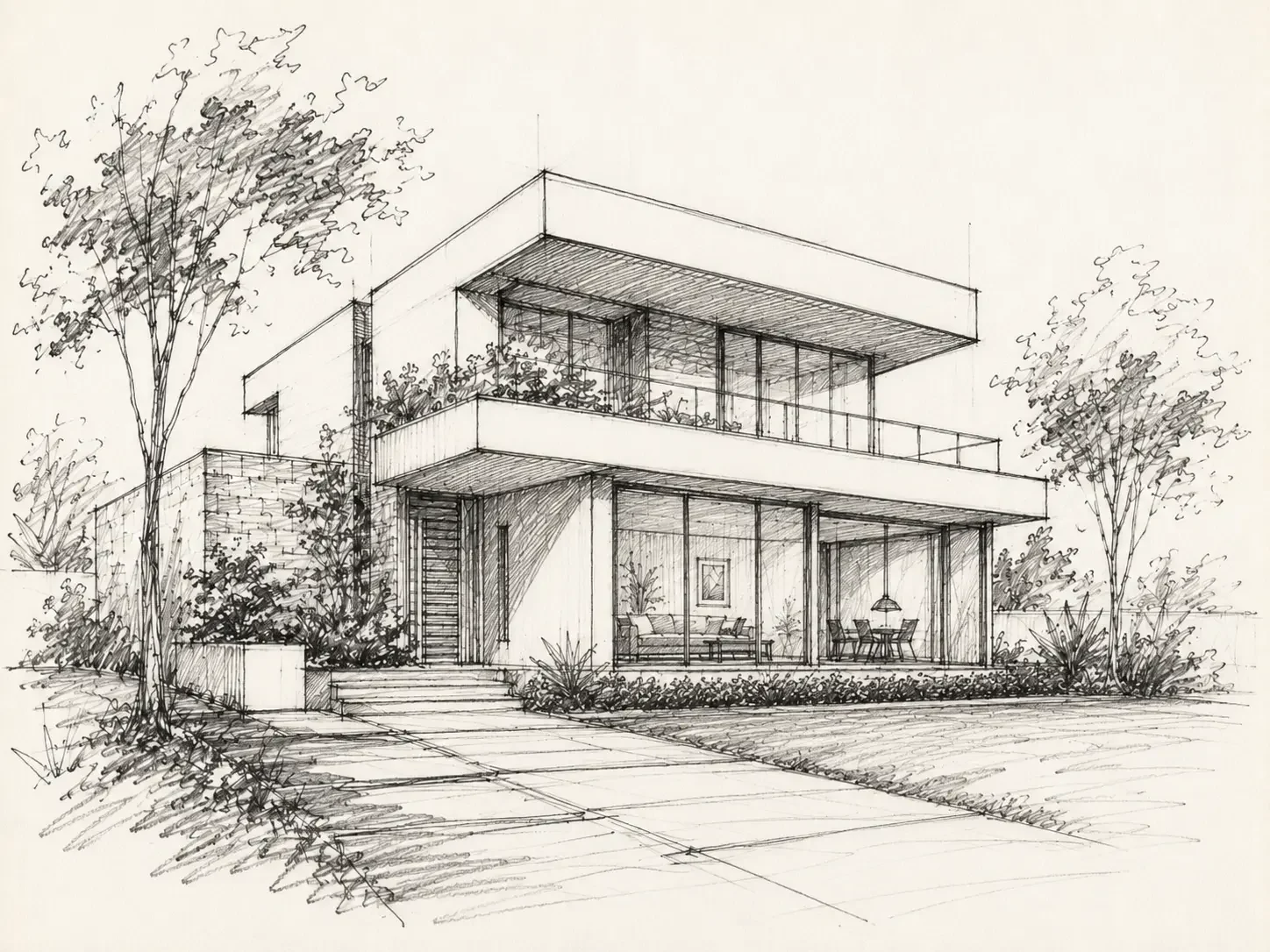
Drag across the image to compare. Use the arrow keys, or Home and End, to adjust the divider with a keyboard.
Hand Sketch → Modern House. Architectural hand sketch turned into a photorealistic modern house exterior with AI
Actual Vibe3D results shown on our tool pages, from sketches, CAD exports and model views. Compare the input with the result before judging realism; AI renders can reinterpret details. 54 examples across 6 categories.
What makes a render look real
Photorealism is not more detail. A render reads as a photograph when five things agree: light, material response, camera, exposure and context. In most examples above, the camera and layout stay the same as the input. The change is in how light falls and how surfaces answer it.
| Cue | Check, and why |
|---|---|
| Light | Check: One believable sun or lamp direction, soft contact shadows, light bouncing into corners. Why: Bounced light picks up the colour of the surfaces it hits, so rooms read as lit, not flat (Unreal Engine: Lumen) |
| Materials | Check: Roughness that varies, reflections on glass, tile and stone, slightly rounded edges. Why: Rough surfaces scatter light more widely than smooth ones (Unreal Engine: physically based materials); small bevels catch highlights you see in real objects (Blender Manual: Bevel) |
| Camera | Check: A people-height eye level, vertical lines kept vertical, a lens that does not stretch the room. Why: Architectural photographers often use a 24 mm tilt-shift lens and two-point perspective (Chaos); SketchUp places its walk-through eye at 5 ft 6 in, about 1.68 m (SketchUp Help) |
| Exposure | Check: Bright windows that still hold detail, consistent white balance, no clipped highlights. Why: A filmic view transform such as AgX keeps a wide dynamic range and softens over-exposed colour (Blender Manual: color management) |
| Context | Check: Sky, planting and people at the right scale; small signs of use instead of perfectly clean surfaces. Why: Sky lighting and entourage place a building in the world (Chaos: exterior basics); perfectly sharp, spotless surfaces read as CGI (Chaos) |
A common mistake is to chase realism with longer prompts or more objects before fixing light and camera. Another is to make an early concept so polished that the client reads it as final. If the design is still open, a clay or illustrated treatment can be the better choice.
Try it in five steps:
- Export a clean view with the final camera. Remove selection outlines and keep openings readable (prepare a design image).
- Choose the engine for the job: Fidelity when the geometry must stay close, Lumen for richer light and materials (choose an engine).
- Compare the result with the input at the same size. Check openings, proportions and material edges (keep renders close to the design).
- Change one variable at a time: time of day with Relight, a finish with a material reference.
- For a settled image, add realism with HyperReal Enhance and review fine detail before delivery.
You can start from the tool that matches your project: kitchens, bathrooms, gardens, elevations, furniture or sketches. For a broader workflow, see AI rendering for architecture.
A few useful answers
What is photorealistic architectural rendering?
It is an image of a building, interior or landscape that a viewer can read as a photograph. Light, materials, camera position and context all behave as they would in a real photo. It shows how a design could look; it is not a measured drawing.
Is an AI render photorealistic enough for a client presentation?
Often, for concept reviews, marketing and design choices. Compare every AI result with your model or drawing before you present it, because an AI render can reinterpret small details. Keep technical drawings for dimensions and specifications.
Why does my render still look fake?
The usual causes are flat or unmotivated light, uniform material reflections, a camera that is too high or too wide, blown-out windows, and surfaces that are perfectly clean. Fix light and camera first, then materials, then context.
Which Vibe3D engine should I use for photorealism?
Use Fidelity when preserving the model's geometry is the priority, and Lumen for stronger lighting, materials and atmosphere. HyperReal works in Enhance mode on a render that is already settled. See choose the right rendering engine.