 Vibe3D
Sample Scenarios
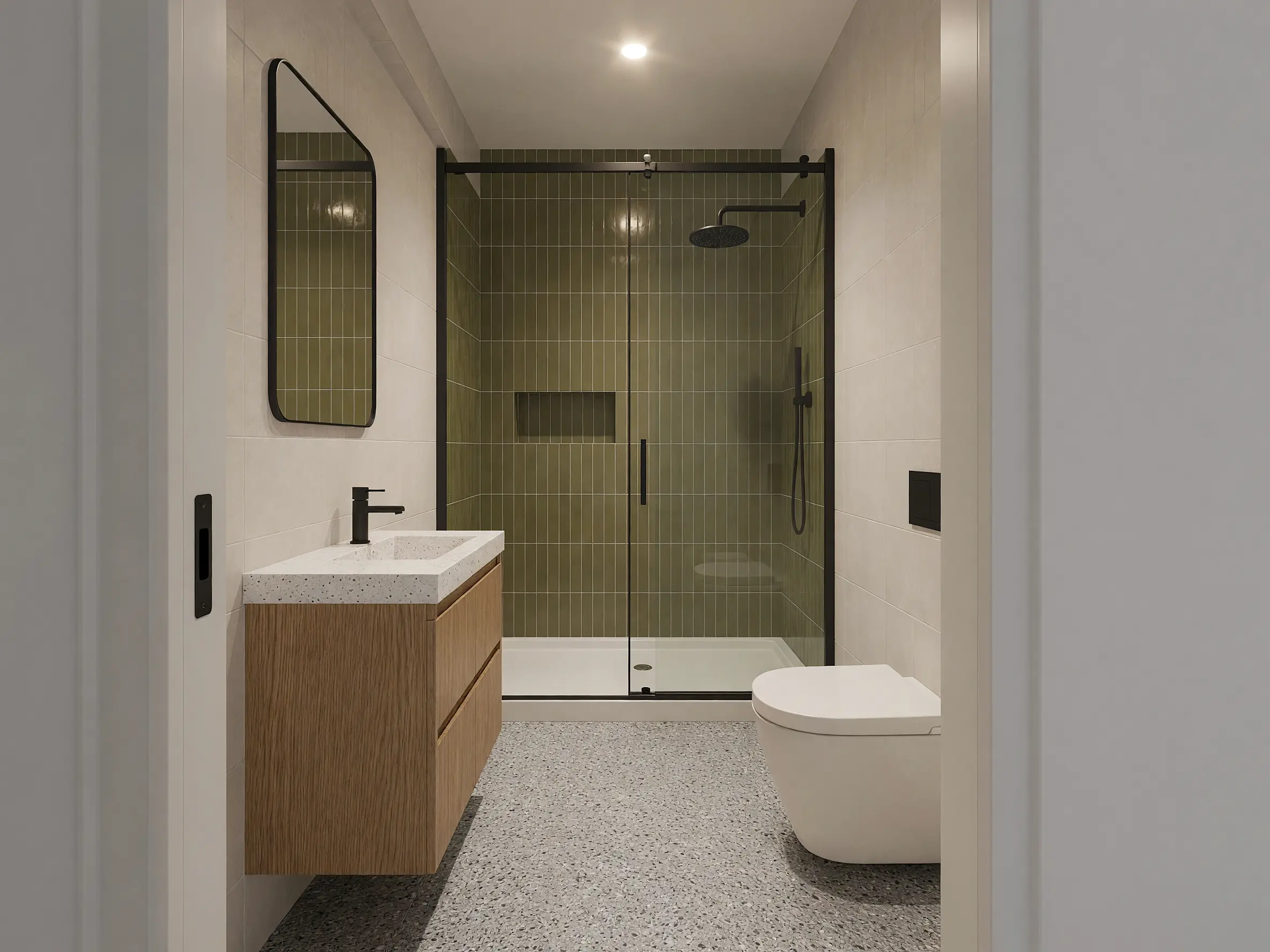
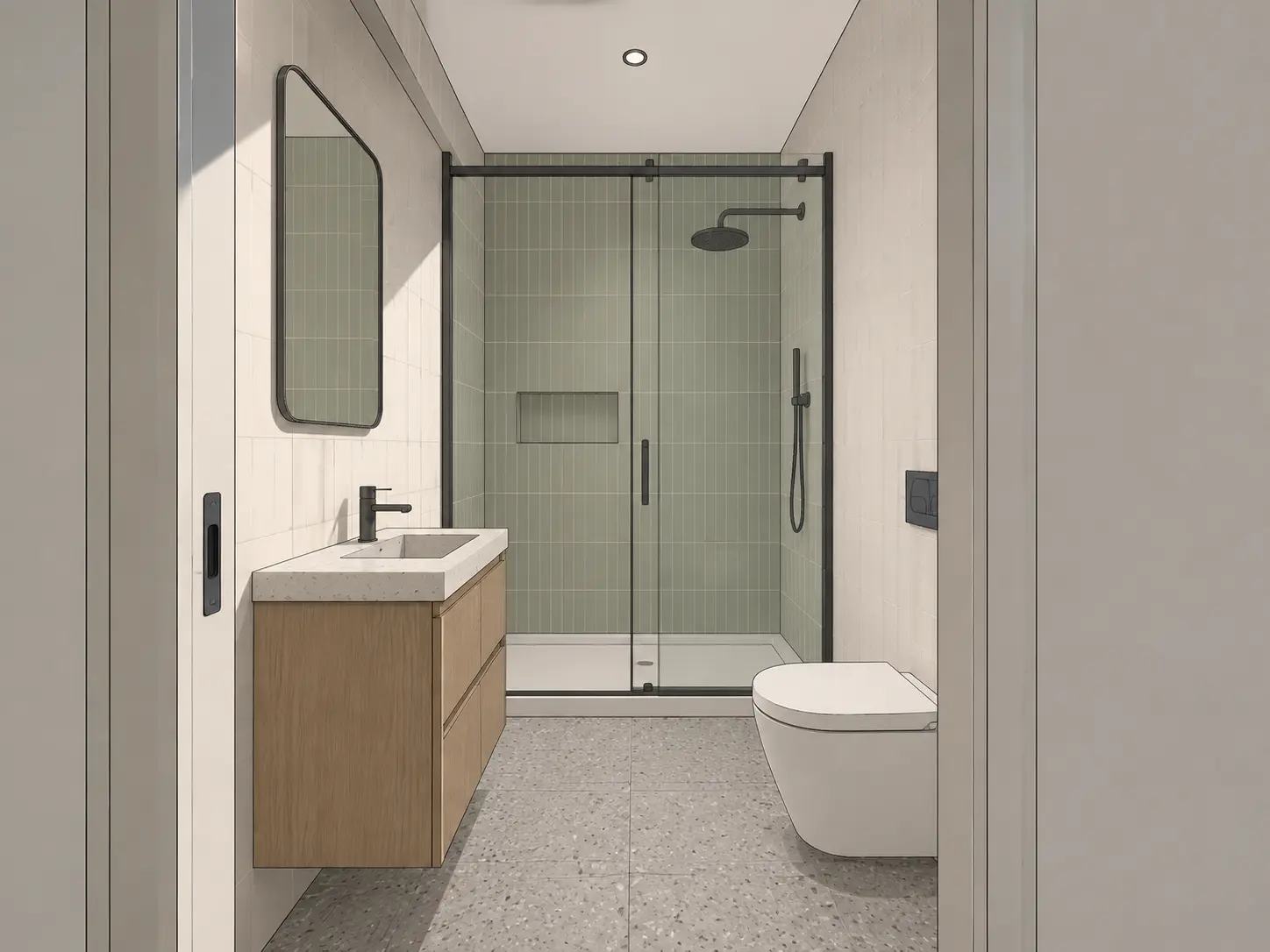
AI Bathroom Design
Upload a bathroom photo, sketch or 3D model view and explore tile, vanities, showers, finishes and lighting in seconds.
Time of Day
Lighting
Style Presets
Additional Instructions
Keep the olive green shower tiles, oak vanity and terrazzo floor. Improve material textures, glass reflections and natural lighting.
How to use AI for bathroom design
Upload the bathroom reference
Start with a photo of the existing room, an interior sketch or a model view exported from your design software.
Choose the surfaces and fixtures
Describe the tile, stone, vanity, shower, tub, hardware and lighting direction you want to explore.
Generate different options
Generate different combinations and refine individual areas such as the vanity wall, shower enclosure or floor.
Visualize your bathroom before you remodel
See bathroom finishes and fixtures together before settling on a remodel or interior design direction. Try different tile, vanities, showers, mirrors and lighting while using the existing bathroom or model view as the visual reference.
Try AI Bathroom Design freeCompare tiles and finishes
Compare stone, ceramic, terrazzo, microcement and other finishes across floors, shower walls and feature surfaces.
Pair vanities, mirrors and fixtures
Explore different vanity styles, basins, tapware, mirrors and hardware as part of one coordinated bathroom design.
Handle glass and reflections more naturally
Create more believable shower glass and mirror reflections when moving a bathroom model toward a photorealistic presentation.
Test warmer bathroom lighting
Compare bright daylight with softer ambient, mirror and cove lighting for a more spa-like evening mood.
Photorealistic Results
AI bathroom design examples
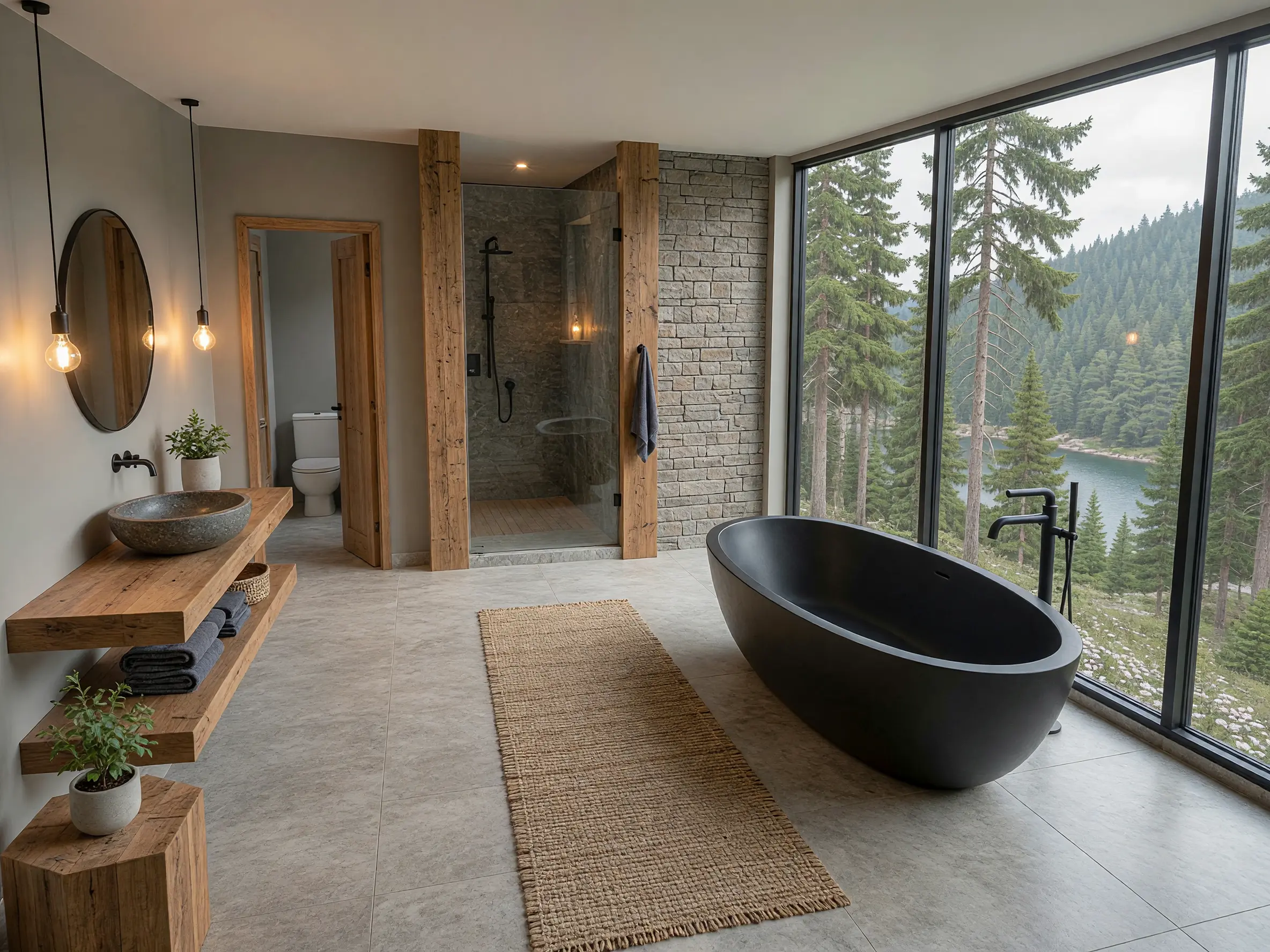
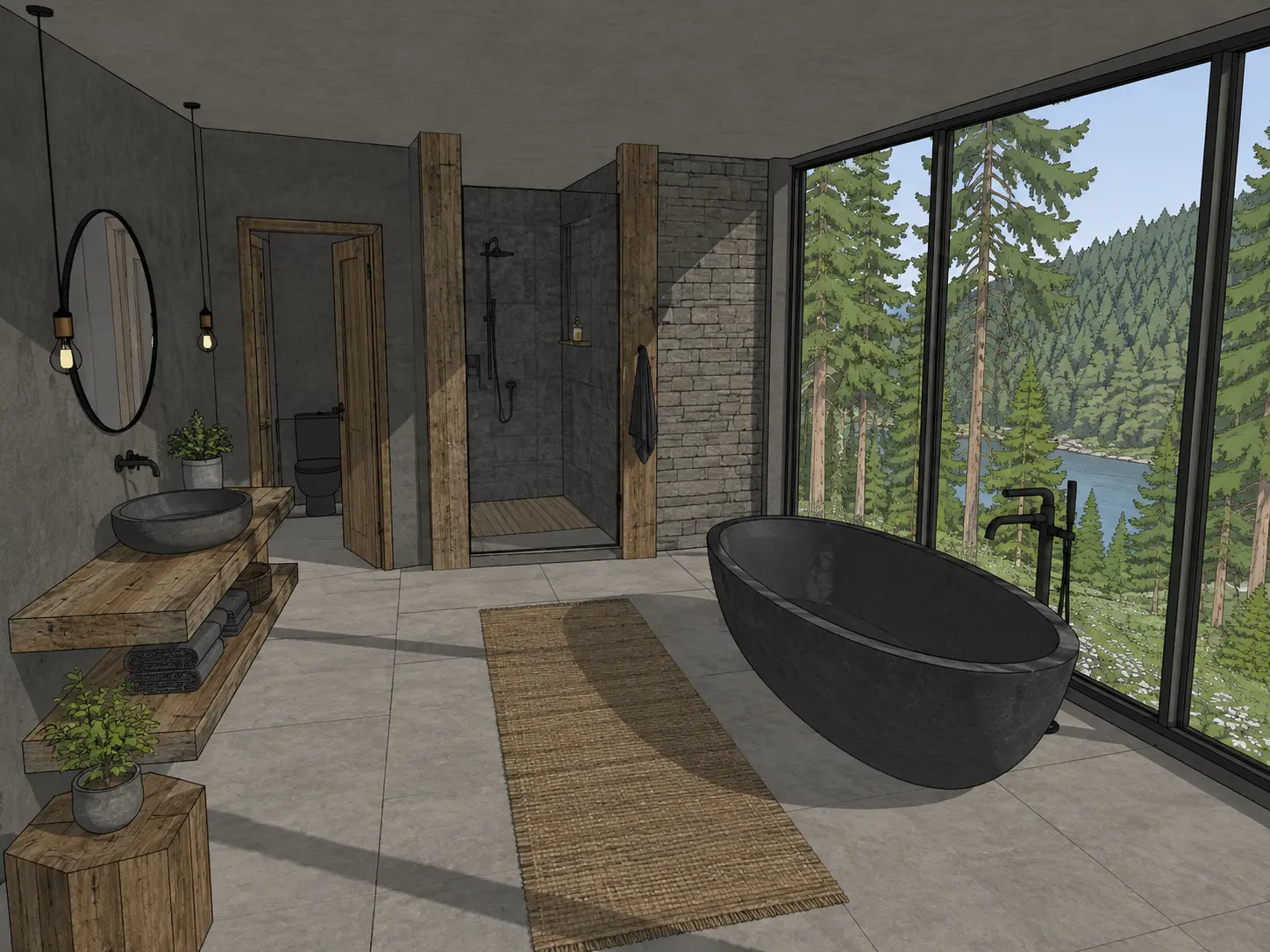
Lakeside bathroom model transformed into a photorealistic render with a freestanding black bathtub, timber vanity and stone shower
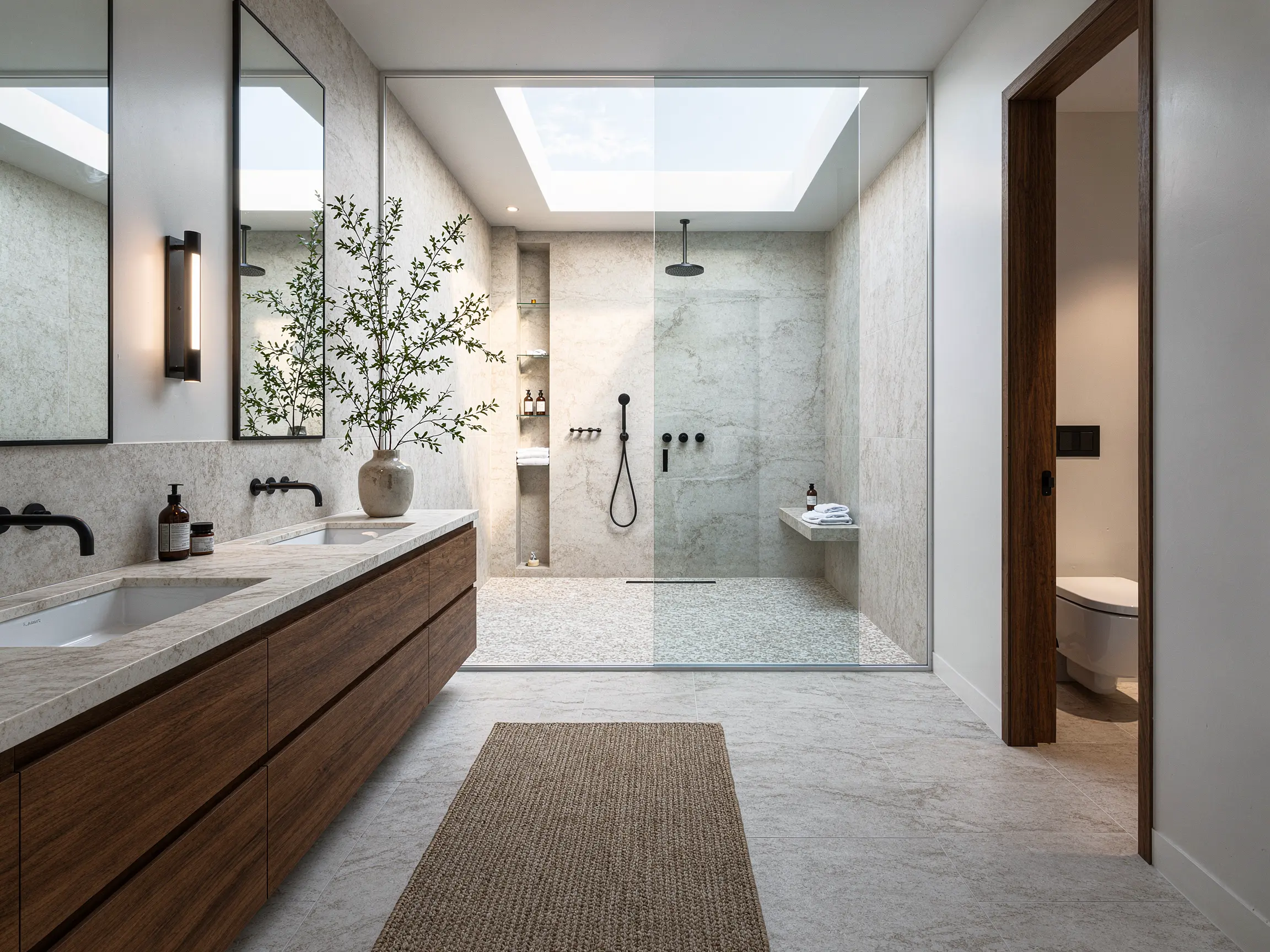
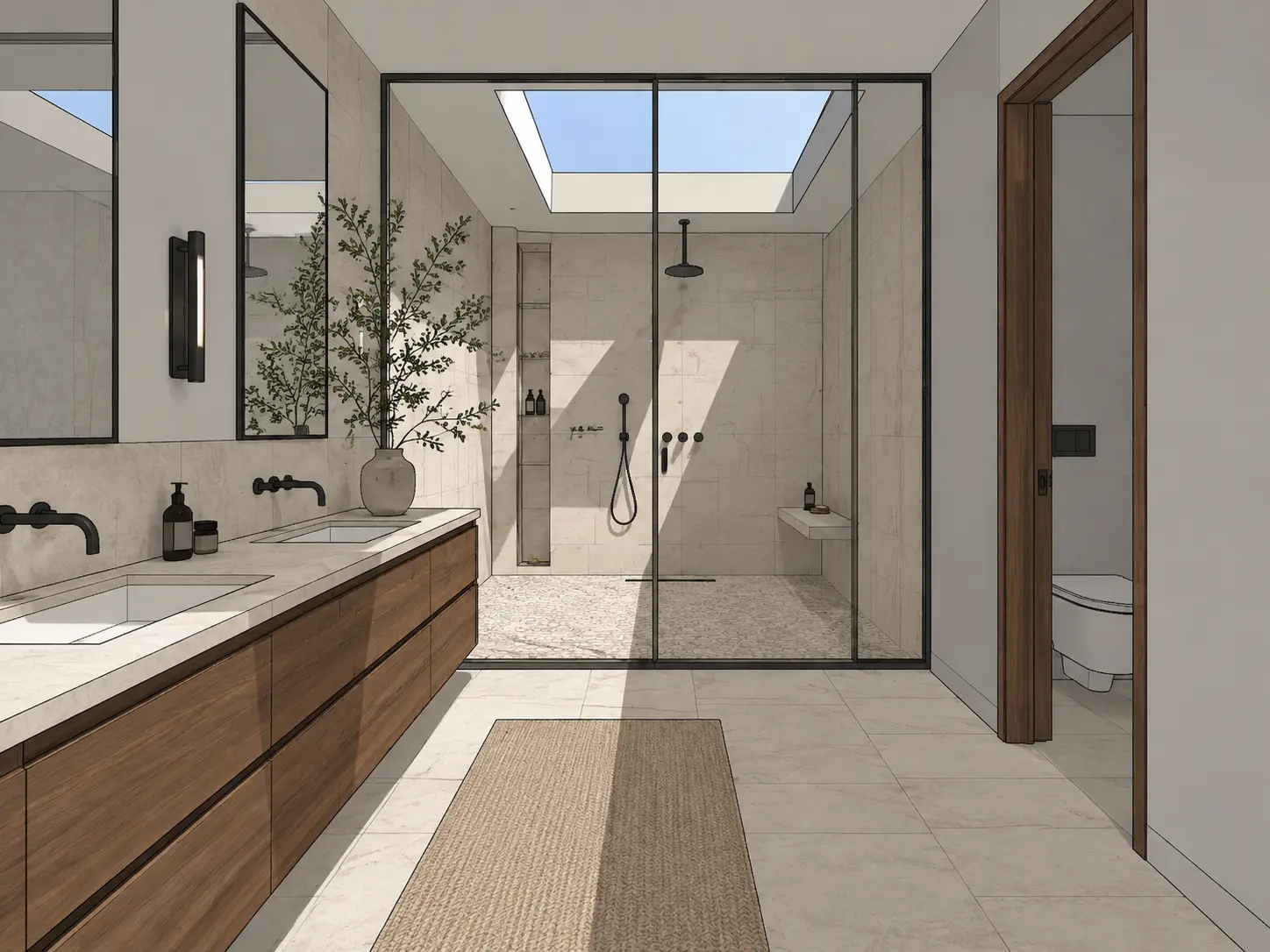
Contemporary bathroom model turned into a photorealistic render with a double timber vanity, glass walk-in shower and skylight
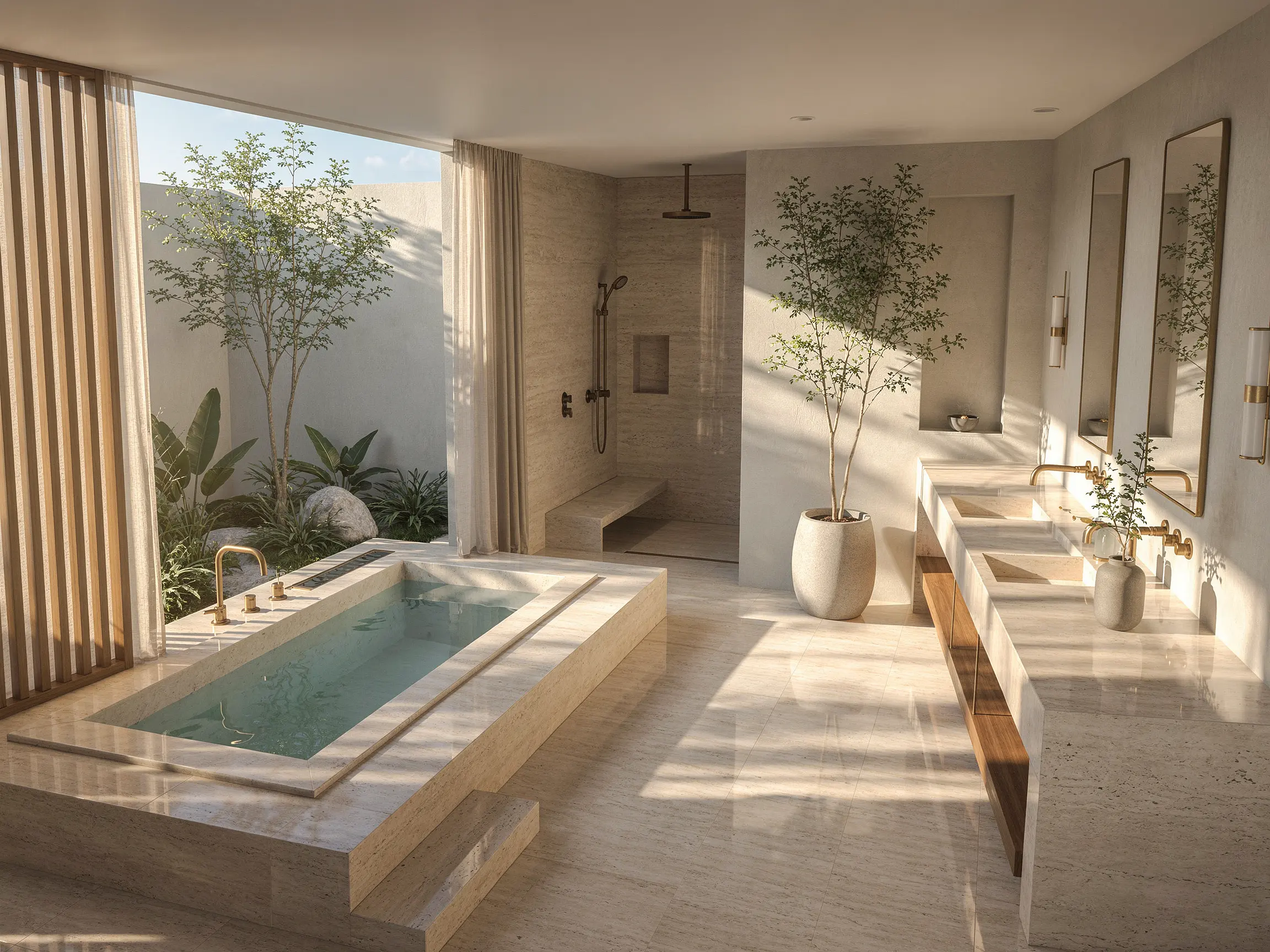
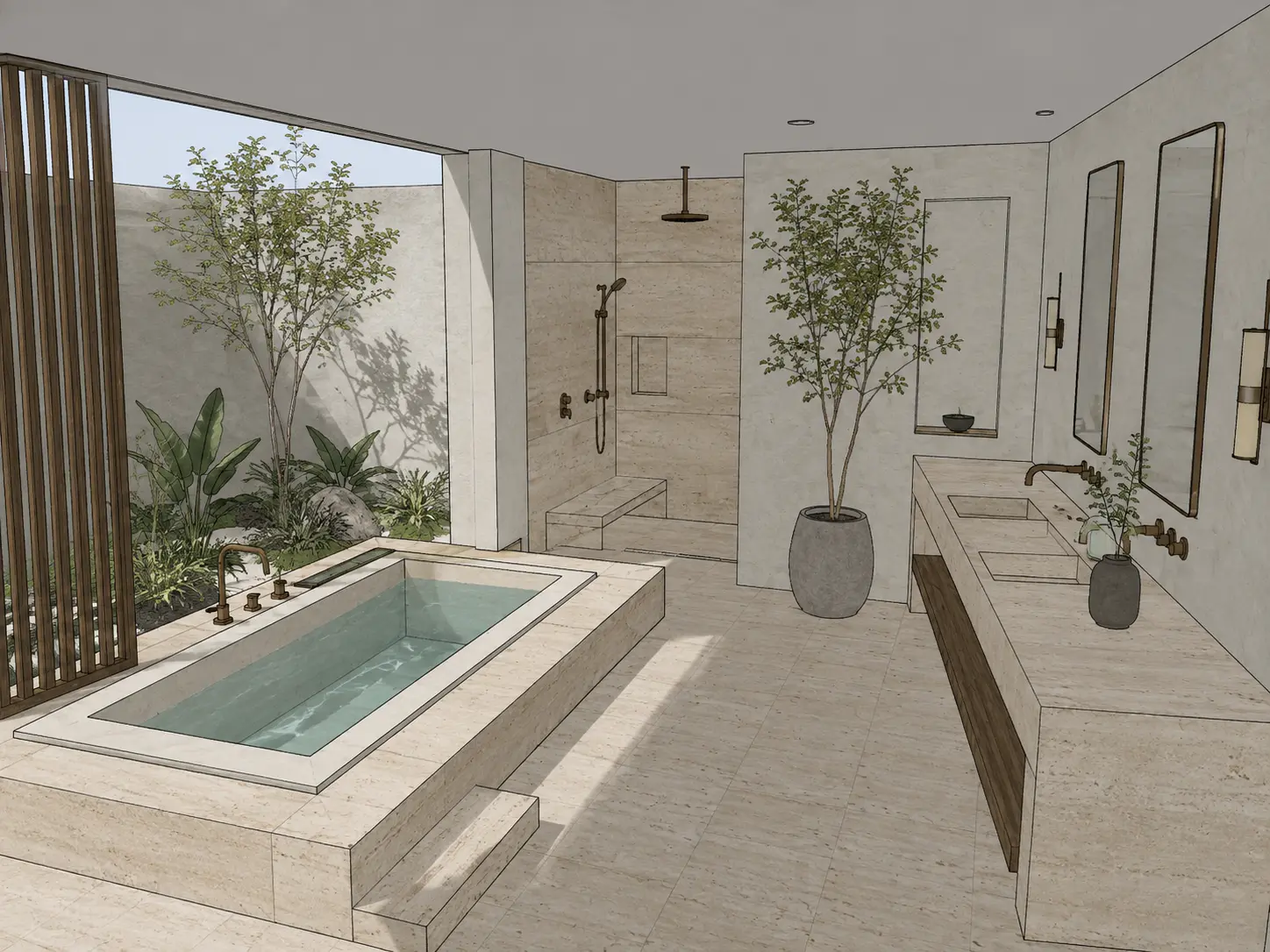
Courtyard bathroom model rendered into a bright interior with a plunge bath, double vanity and natural stone finishes
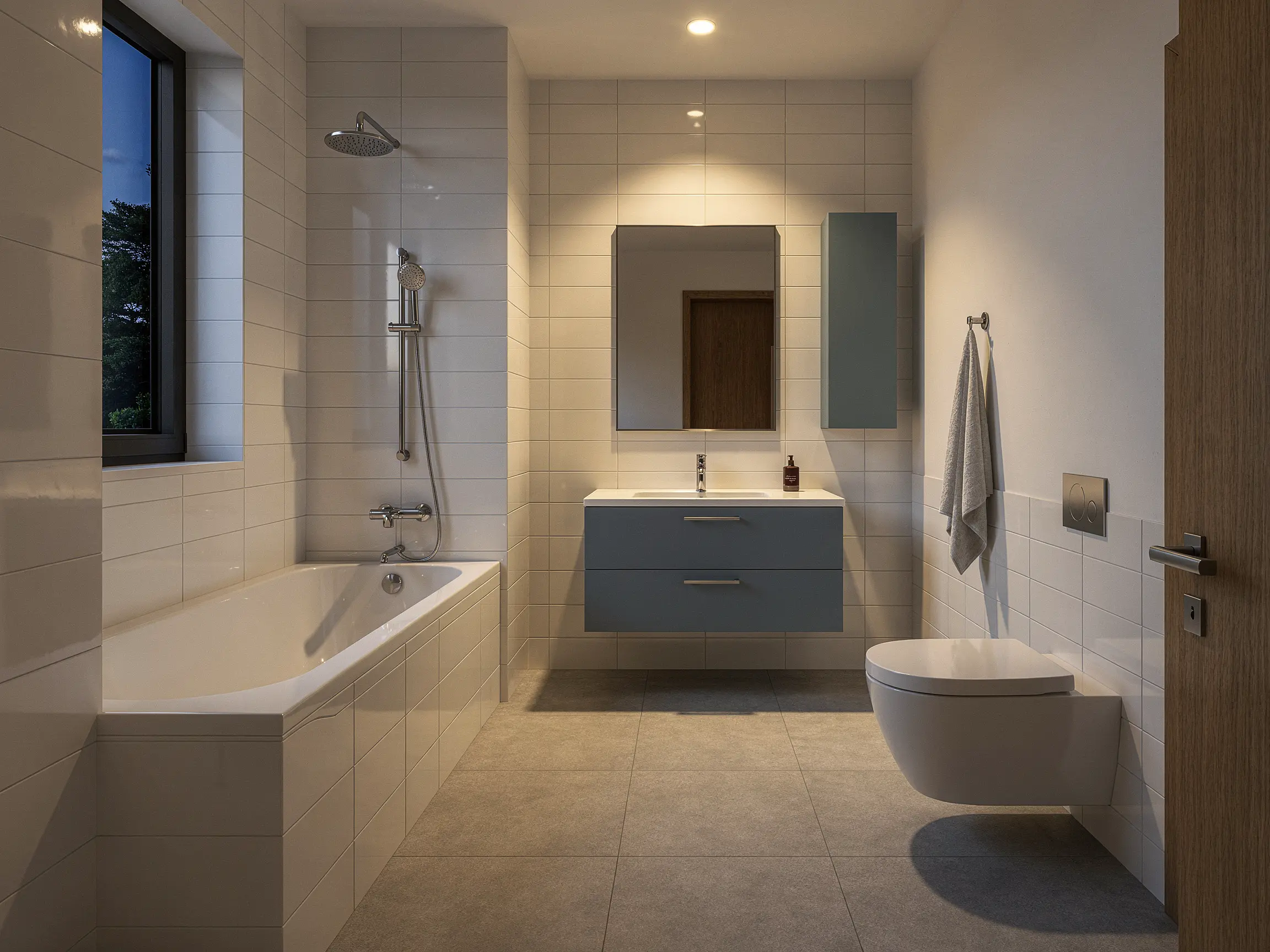
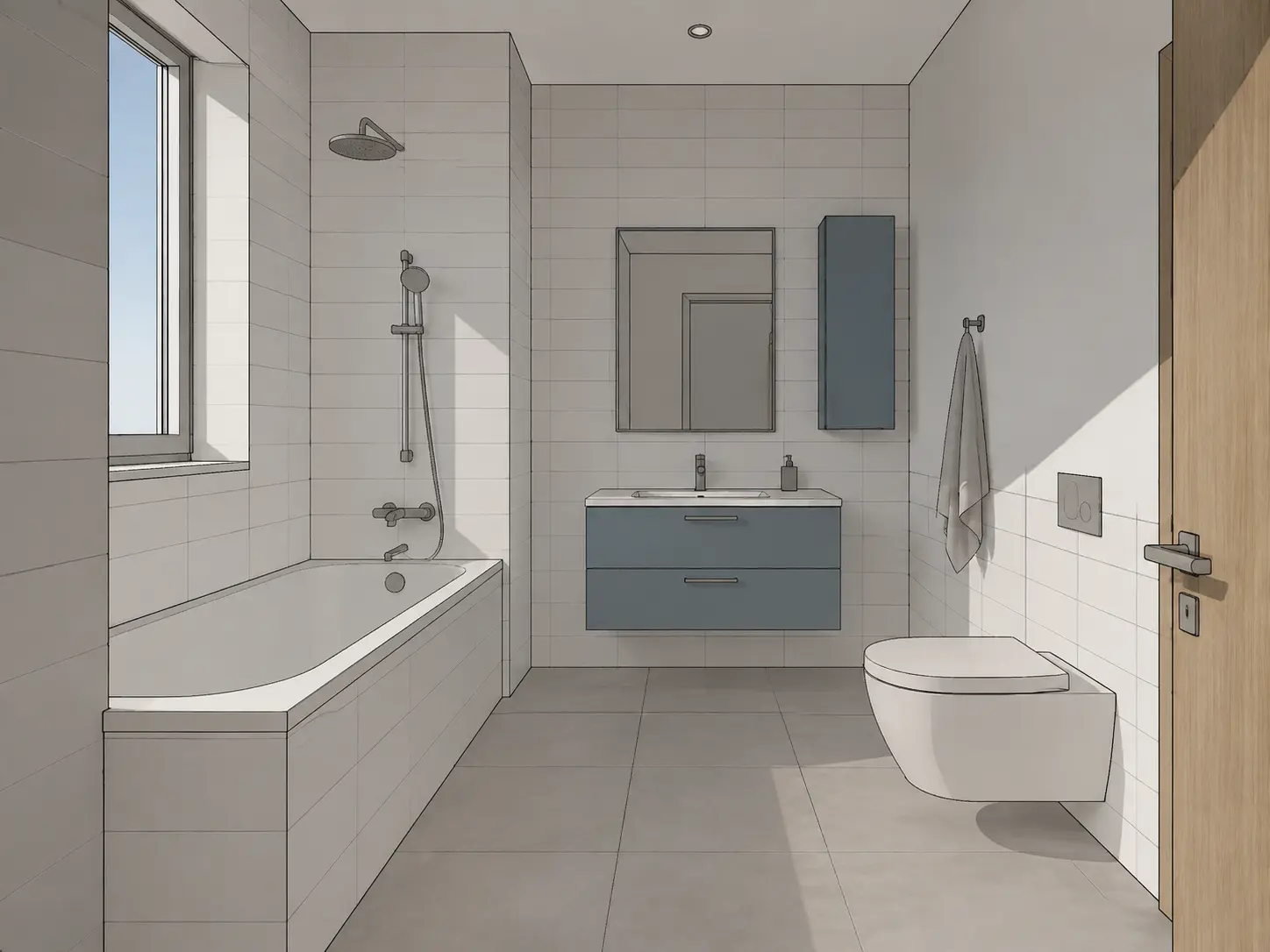
Bathroom model with a bathtub and blue floating vanity rendered with white ceramic tiles and warm evening lighting
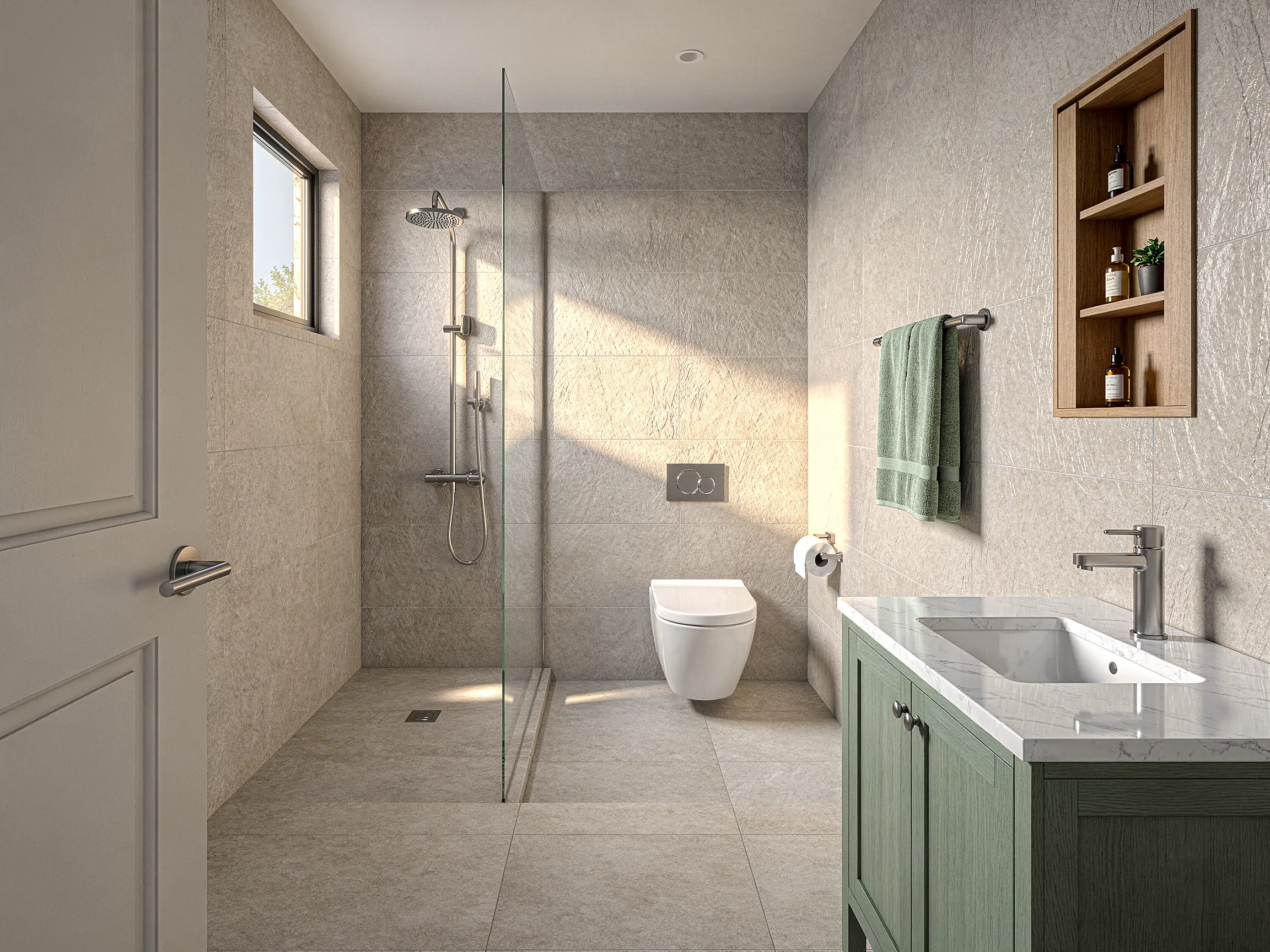
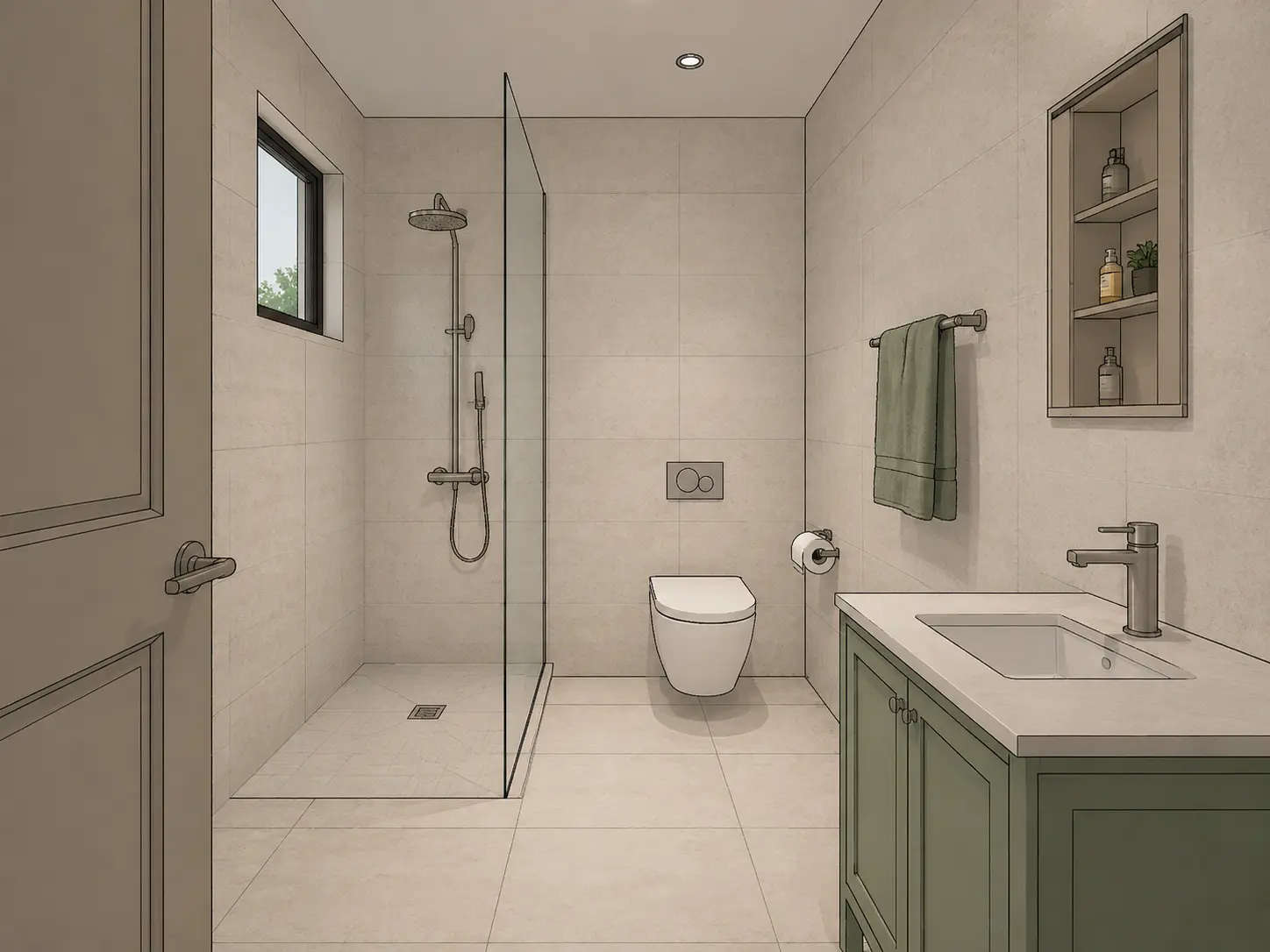
Small bathroom model rendered into a realistic walk-in shower with a sage green vanity, stone-look tiles and natural daylight
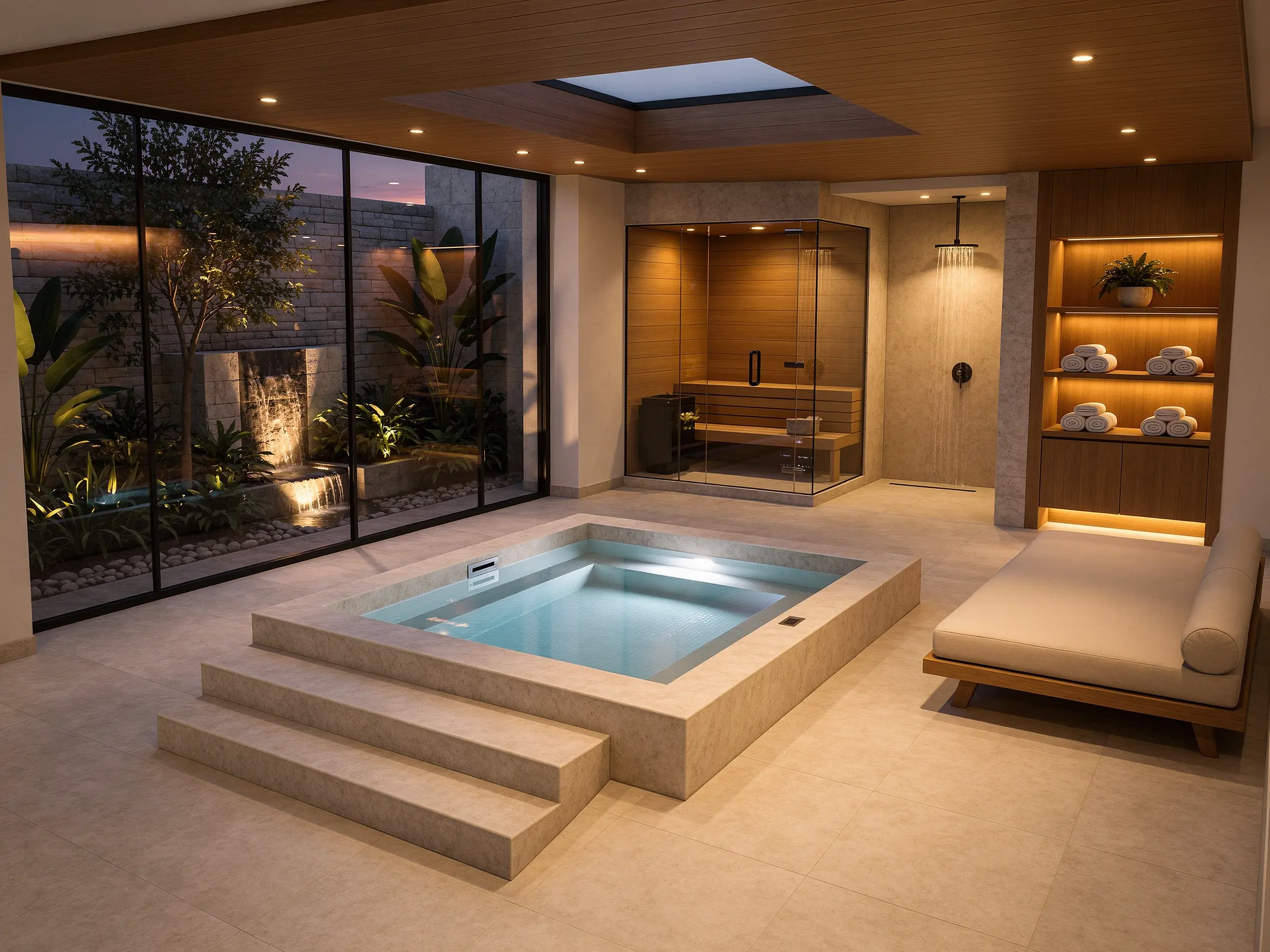
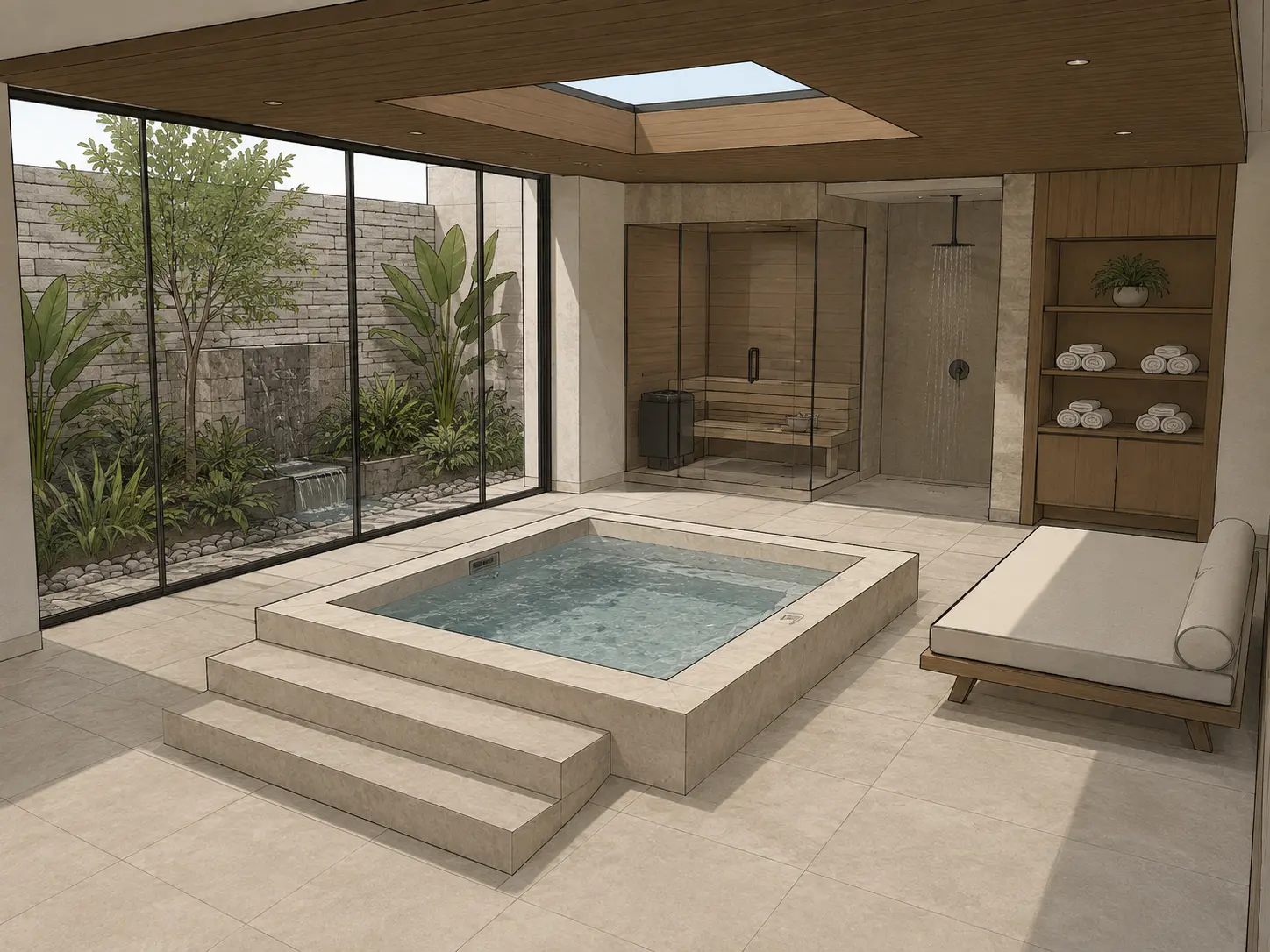
Indoor spa model transformed into a photorealistic wellness render with a plunge pool, timber sauna, skylight and landscaped courtyard
FAQ
Common questions on AI Bathroom Design
Get started
Remodel your bathroom with AI
Upload a photo, sketch or model view and create your first photorealistic bathroom renders in minutes.
Try AI bathroom design free- No credit card required
- Results in under 60 seconds