
Enhance your draft renders with AI
Already have renders from Enscape, Lumion, V-Ray, D5, or Twinmotion? Vibe3D’s AI render enhancer transforms them with rich material detail and refined lighting. Unmatched realism in seconds, powered by our HyperReal engine.
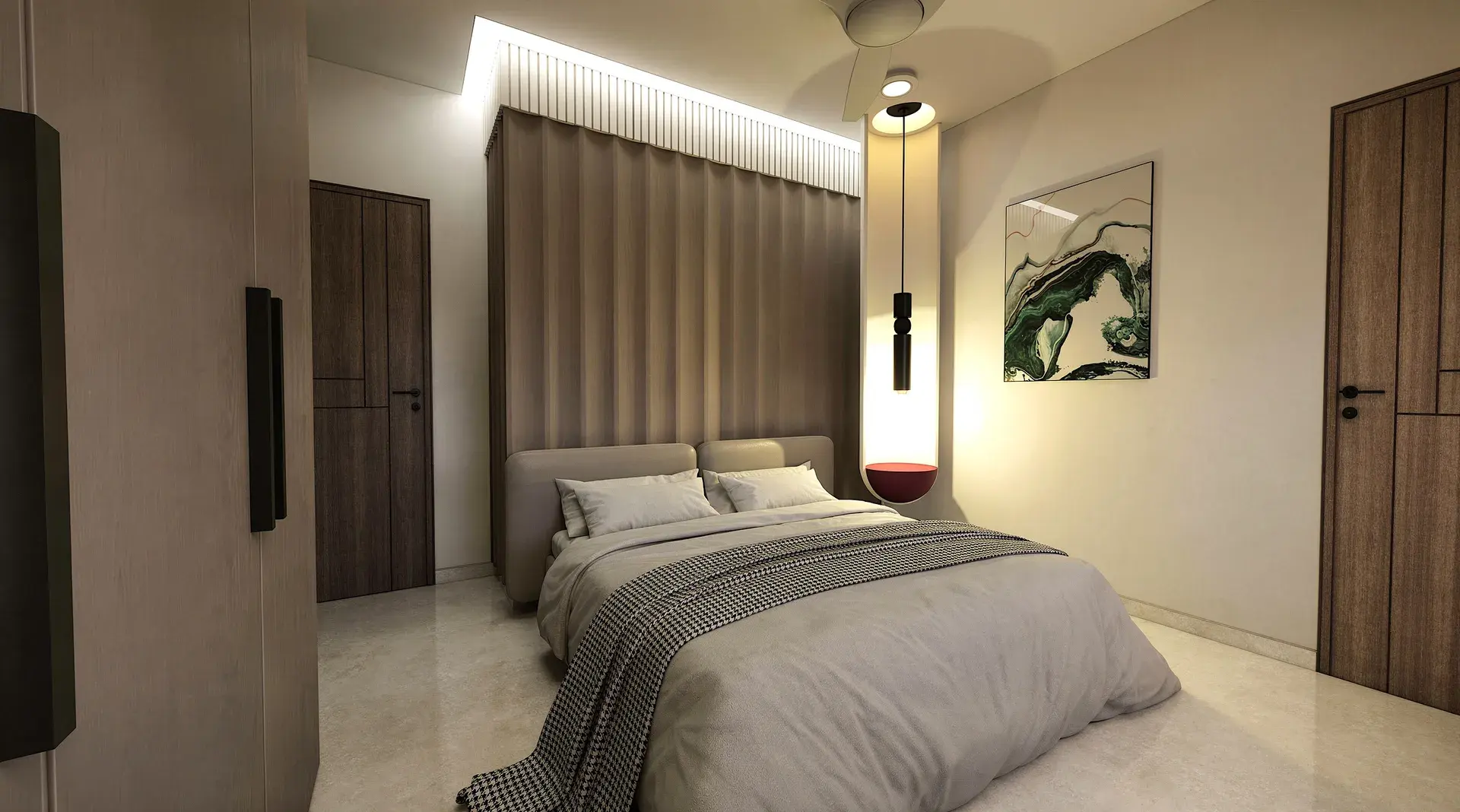
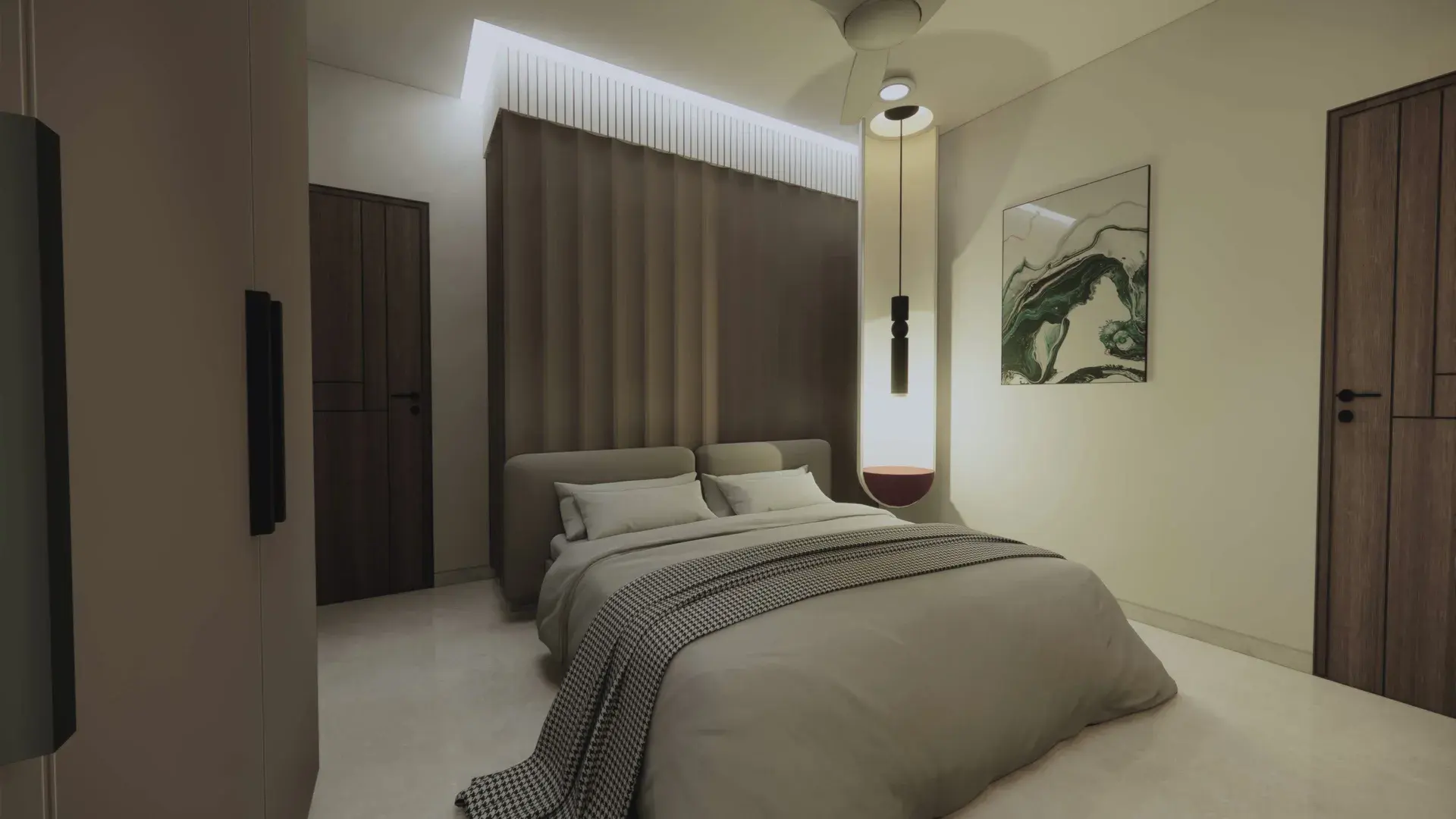
4 ways our Render Enhancer uplifts your designs
One upload, four improvements applied at once — so a rough draft render comes back as a final deliverable.
Intelligent Upscaling
Push low-resolution or draft renders up to crisp, high-definition output — detail is reconstructed, not just stretched.
Lighting Refinement
The render enhancer fixes flat, dull lighting — correcting exposure and adding depth for a natural, photographic look.
Color & Tone Correction
Balance color casts, recover contrast, and grade toward a clean, believable final image automatically.
Material & Detail Sharpening
Refines surfaces with sharper textures, cleaner reflections, and realistic material depth.
The same engine behind our most realistic renders
Our render enhancer runs on HyperReal — Vibe3D's most advanced engine. It doesn't just sharpen pixels; it understands architectural context, so lighting stays physically believable, materials keep their character, and the enhanced result reads as a photograph rather than an over-processed filter.
Explore all render engines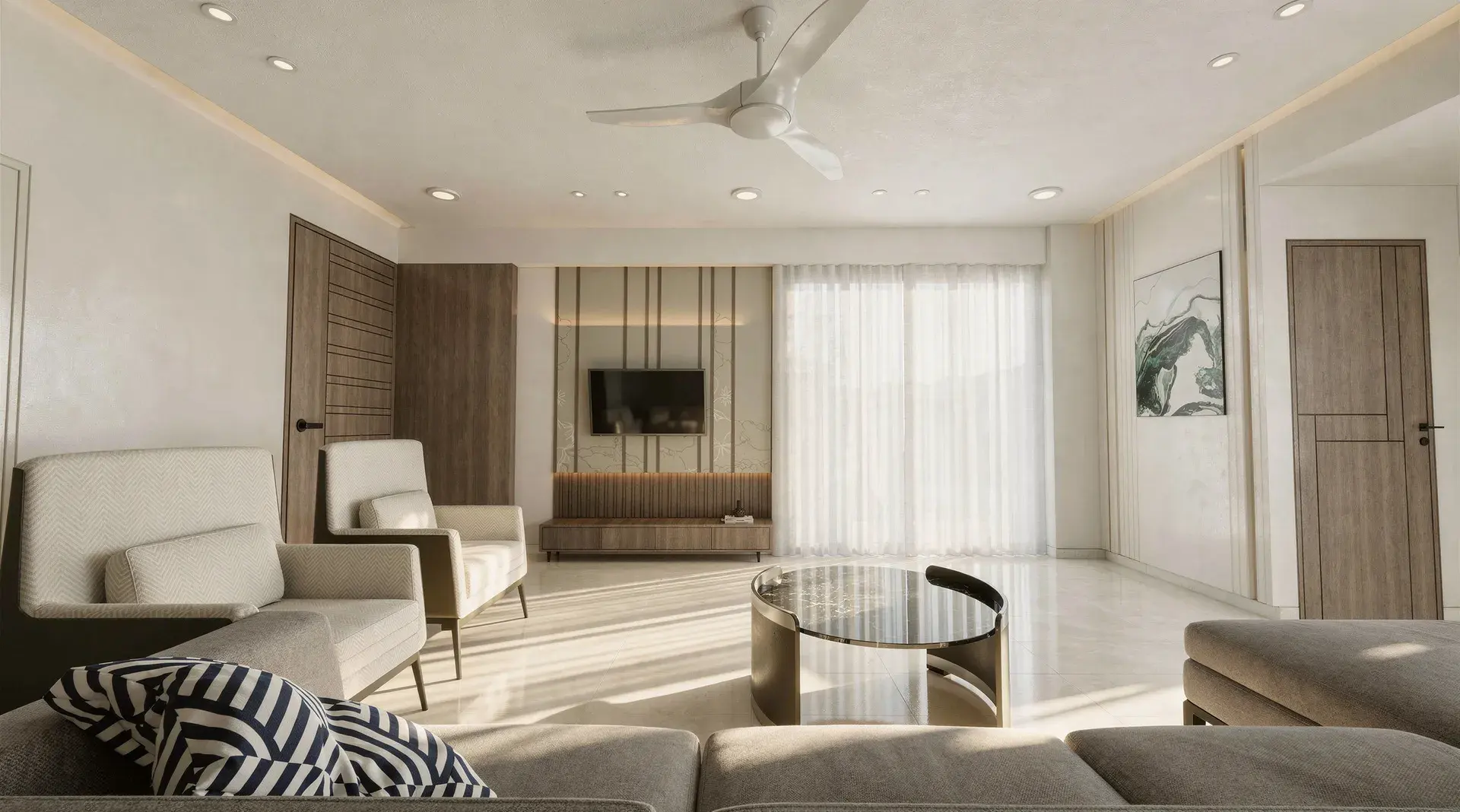
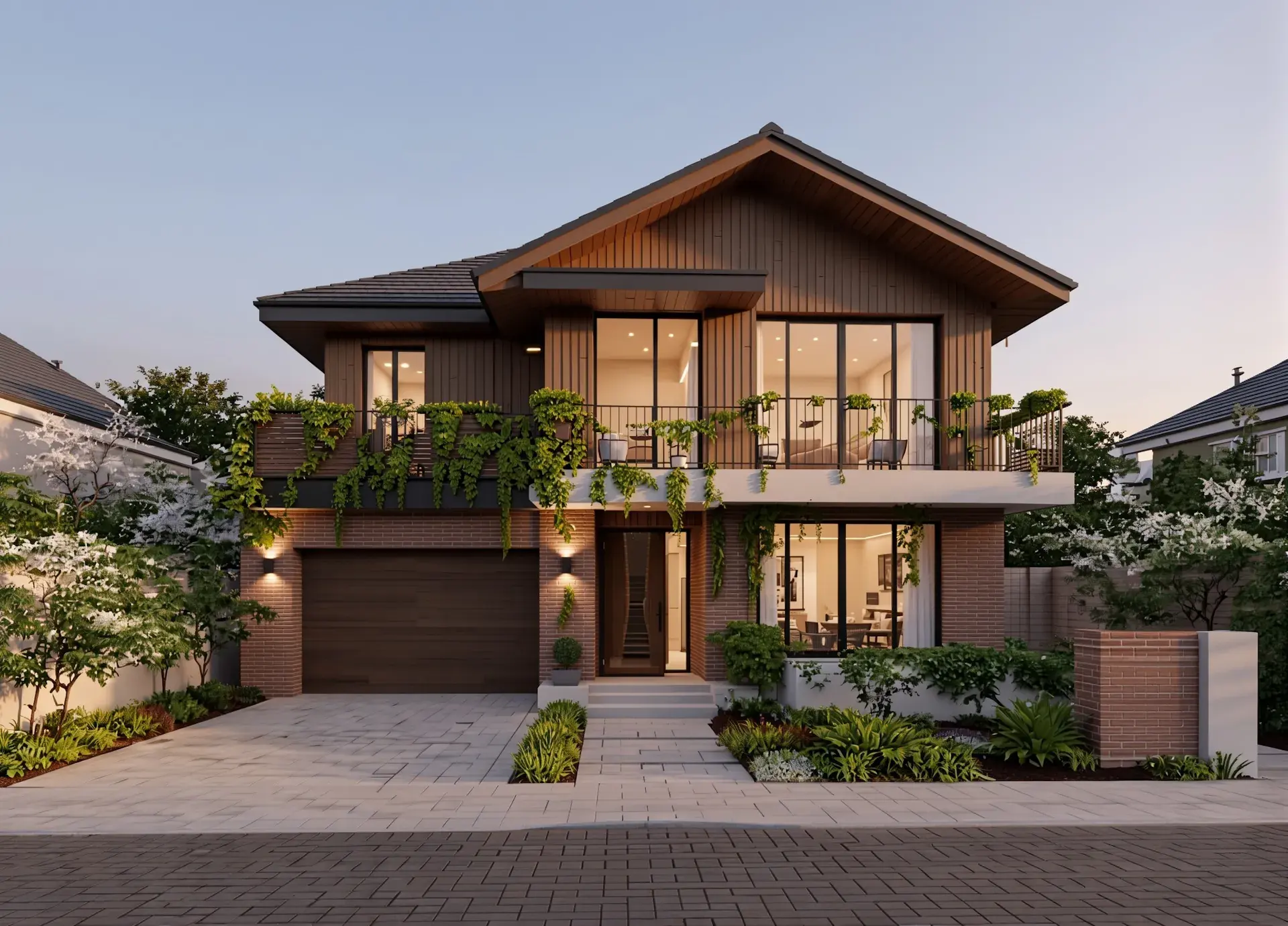
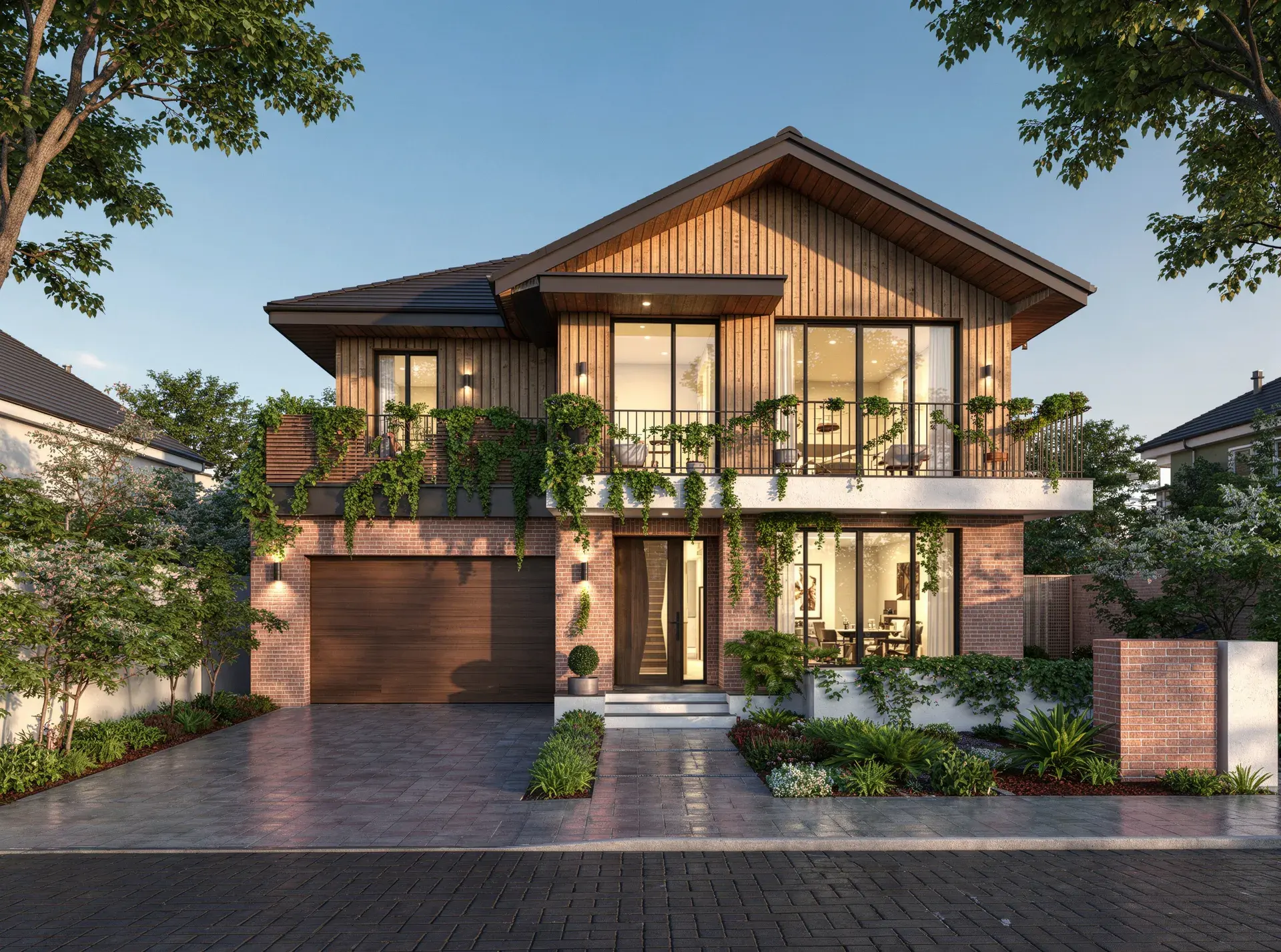
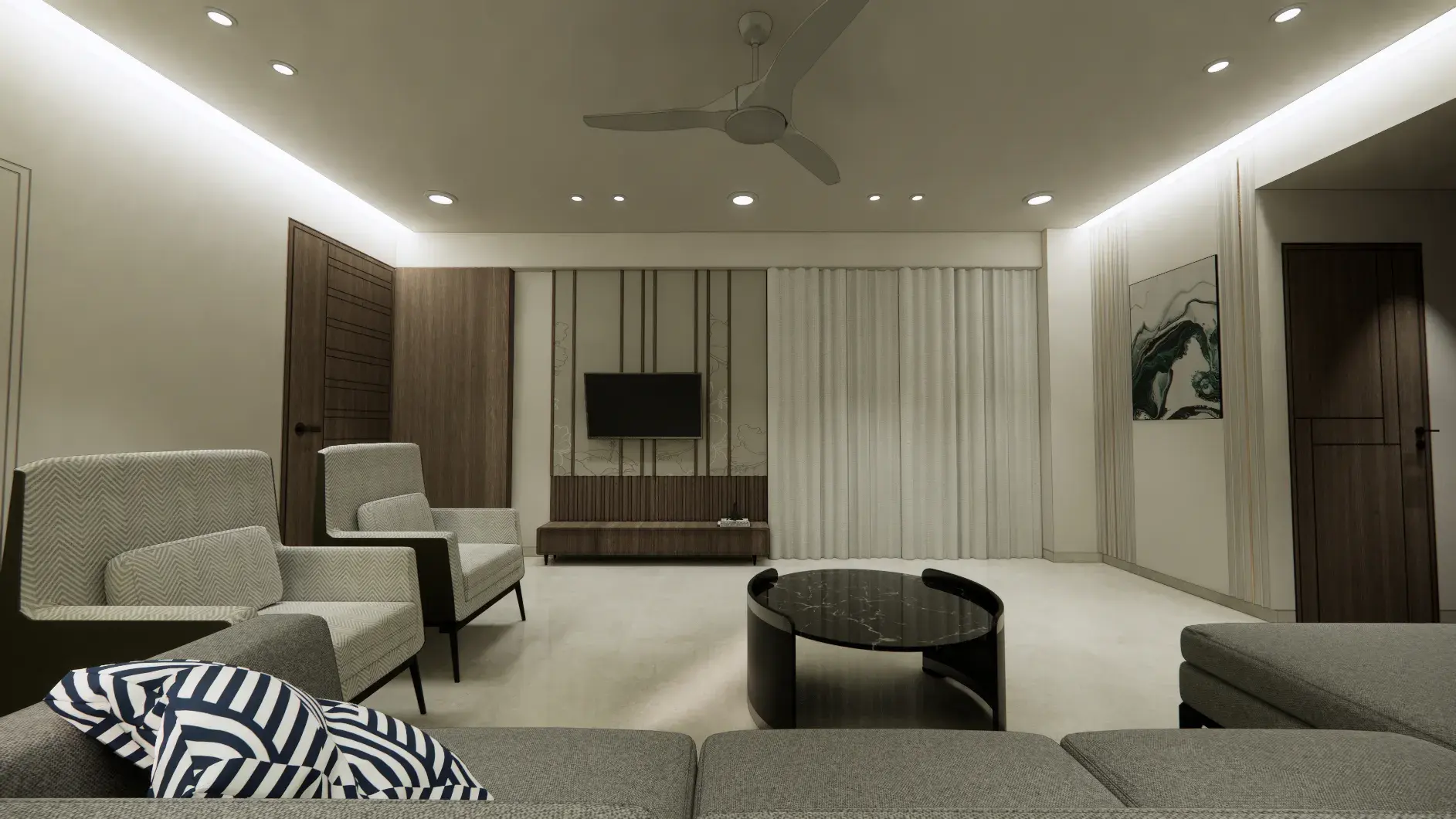
Before and After AI Render Enhancement
See how Vibe3D enhances draft renders with richer detail, refined lighting, and more photorealistic depth. Hover to view the original draft render.
Common questions on Render Enhancer
What is an AI render enhancer?
An AI render enhancer is a tool that improves an existing rendered image — upscaling resolution, refining lighting and color, and sharpening materials — using artificial intelligence, without re-rendering from the 3D model. Vibe3D's render enhancer, powered by our HyperReal engine, brings draft or low-quality renders close to photoreal in seconds.
Do I need the original 3D model to enhance a render?
No. You upload the rendered image directly and the AI render enhancer improves it — no source 3D model, scene file, or re-rendering required.
Which rendering software outputs can I enhance?
Any render image works — Enscape, Lumion, V-Ray, Twinmotion, D5, Corona, Blender, or even a screenshot. If it's a JPG or PNG, the render enhancer can upscale and refine it.
How much can the AI render enhancer improve a render?
It typically lifts flat, low-resolution, or noisy renders to a clean, presentation-ready standard — sharper detail, richer lighting, and corrected color — often close to a photoreal result. The bigger the gap in the original, the more visible the improvement.
Can I enhance low-resolution renders without artefacts?
Yes. The enhancer intelligently upscales while preserving detail and minimising artefacts, so small or draft-quality renders come out crisp rather than blurry or blocky.
Can I enhance multiple renders at once?
Yes. You can upload and enhance renders one after another — ideal for upgrading a full set of project deliverables to a consistent, high-quality standard.