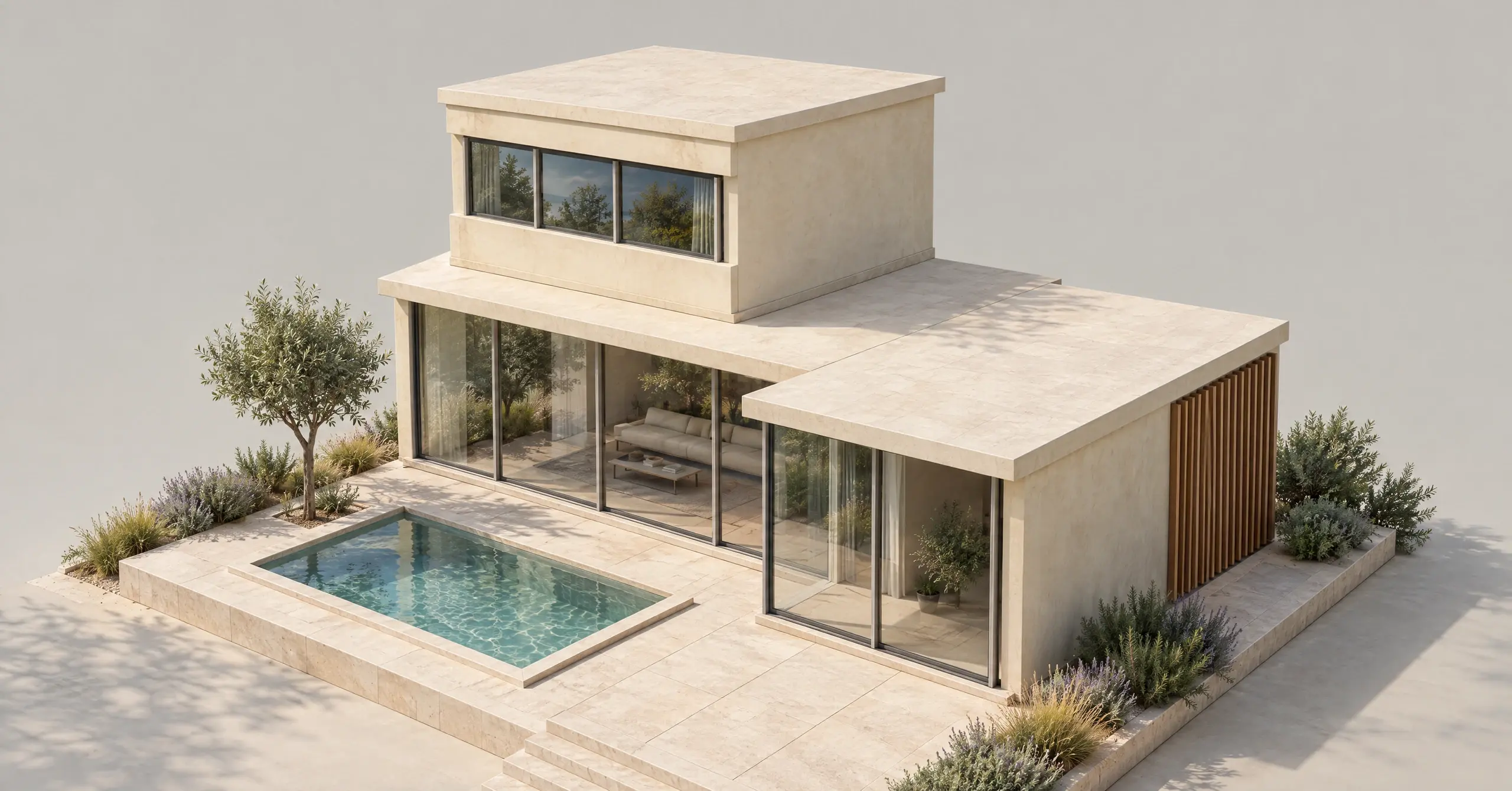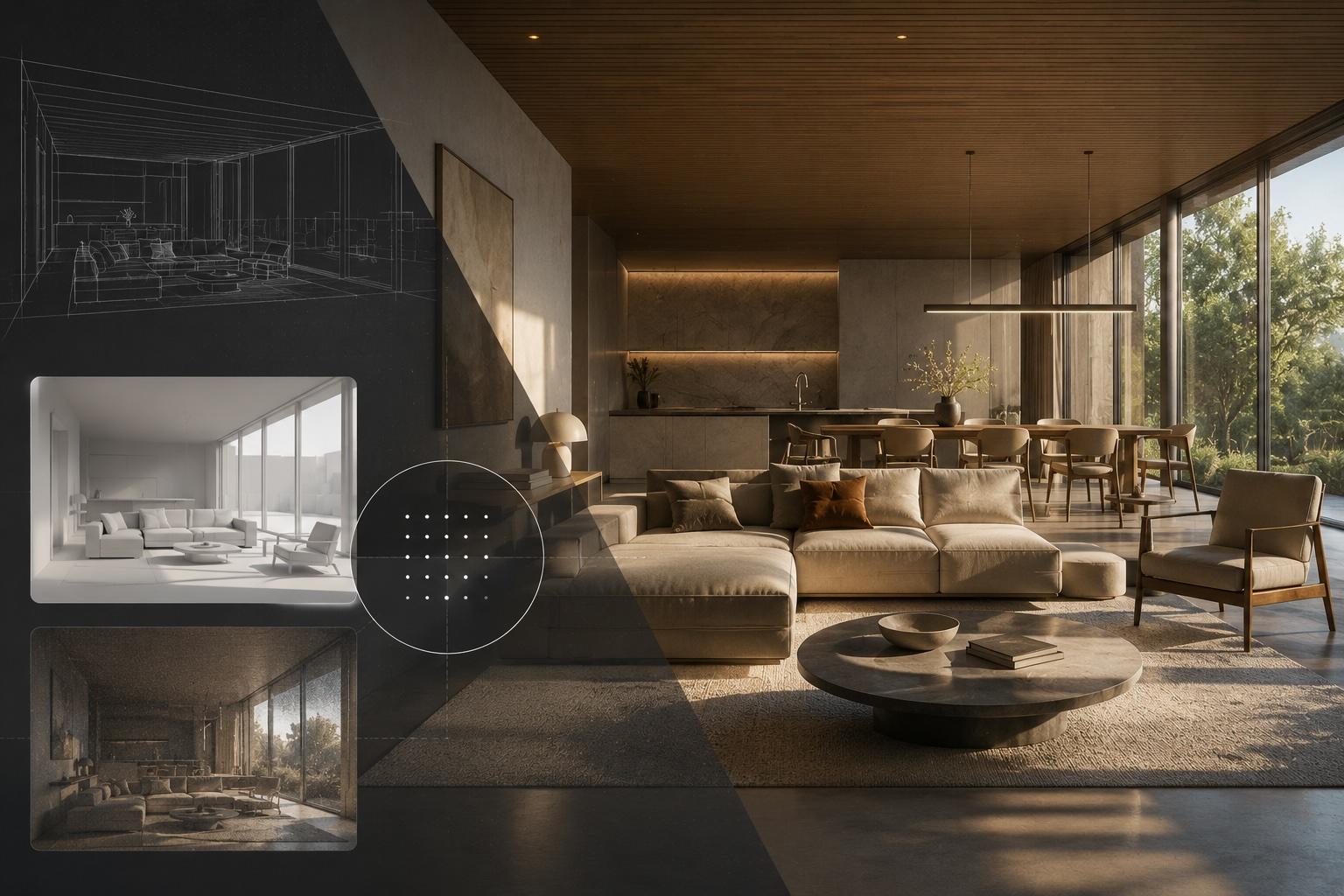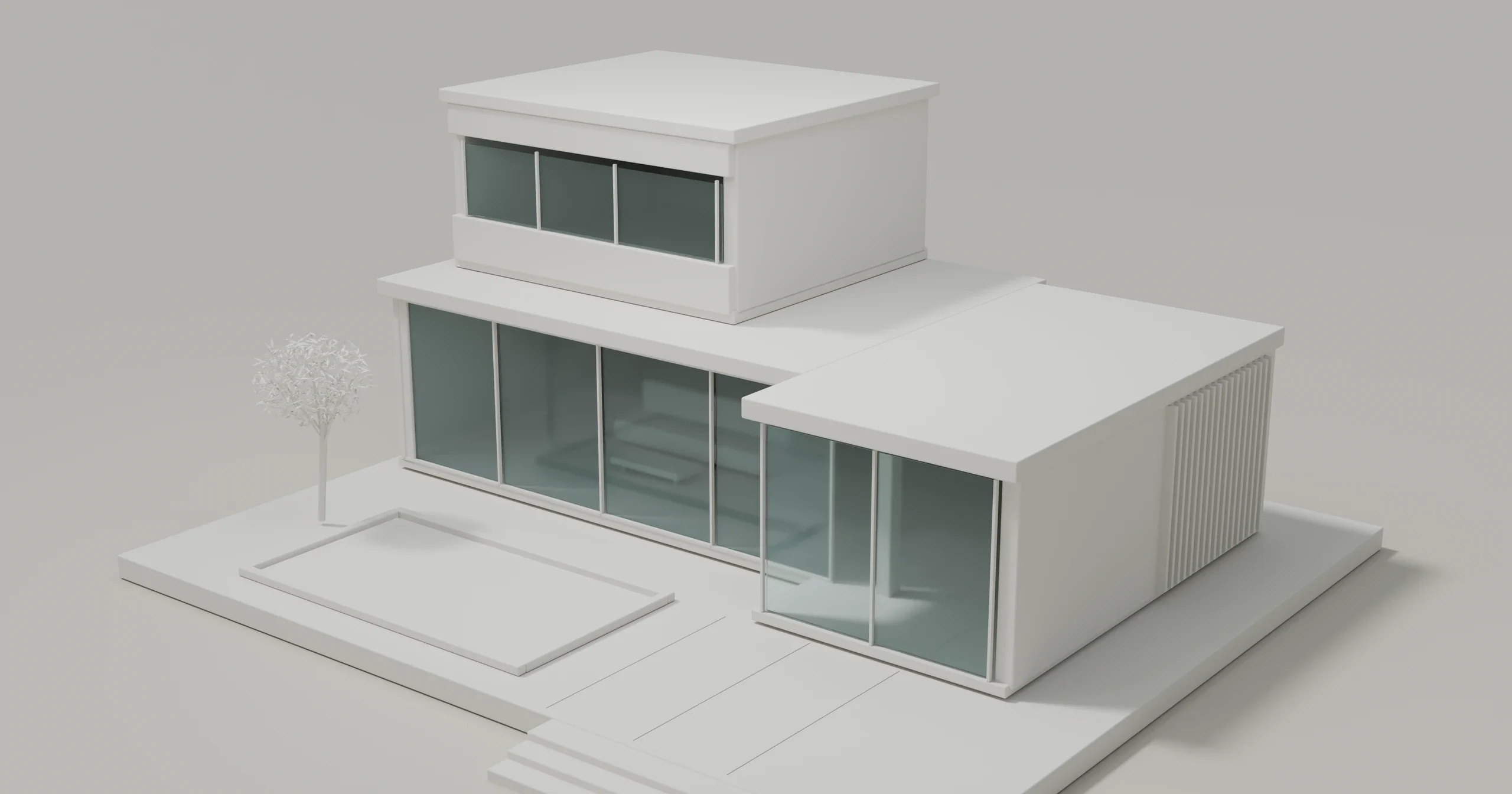
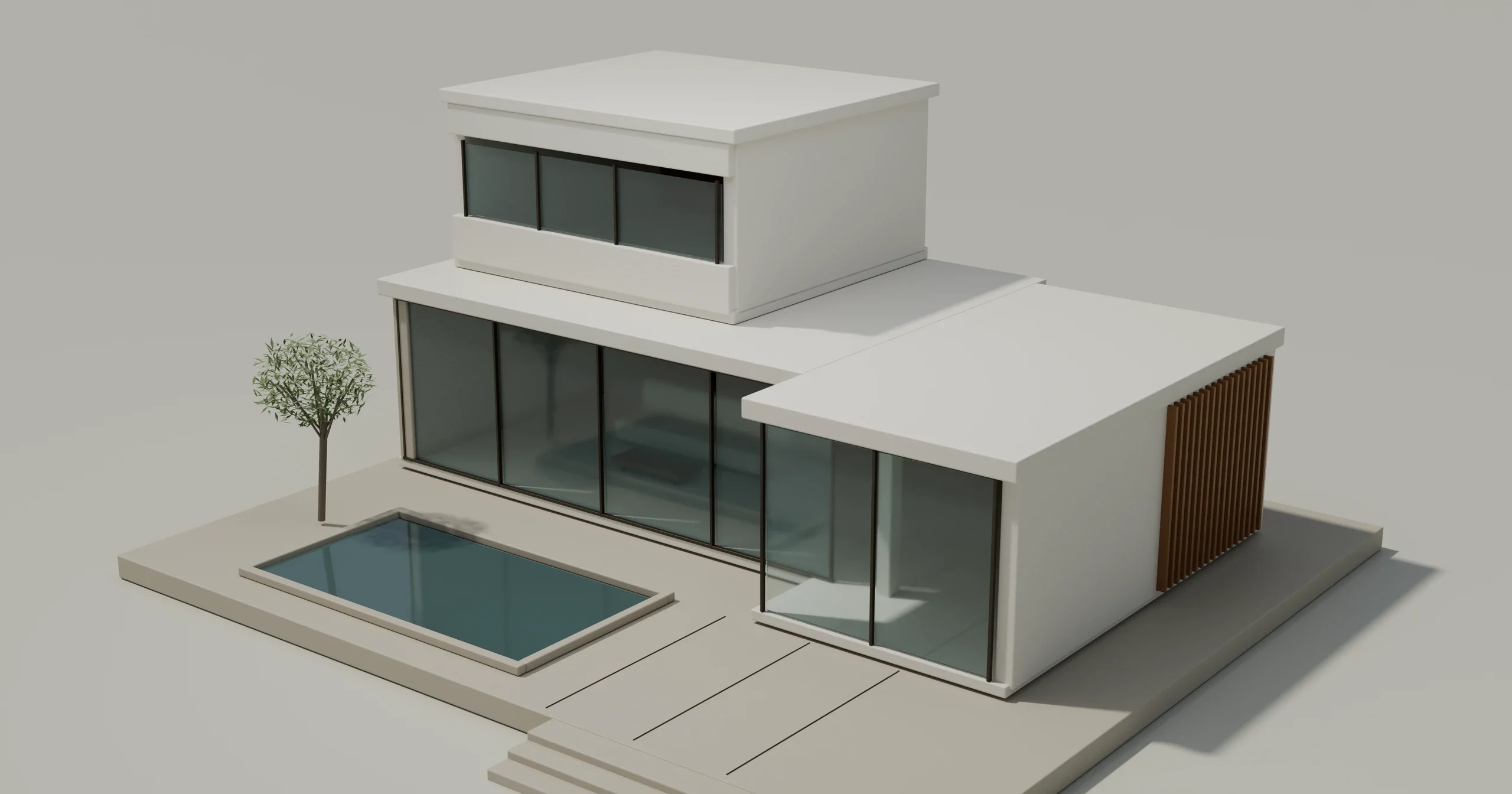
Drag across the image to compare. Use the arrow keys, or Home and End, to adjust the divider with a keyboard.
Original Blender renders of the same modeled scene and camera. Neutral surfaces simplify the form; glazing is retained.
What to inspect: compare the roofline, count the openings, and notice what the glazing reveals. In the AI example, look for changes from the original input.
Make a simple clay preview
Clay rendering uses neutral surfaces to make massing, recesses and openings easier to inspect. White, off-white and gray all work; choose enough contrast to read the form.
For a preview based on the Blender 4.5 LTS manual:
- Save a recoverable copy and fix the camera for the comparison.
- Choose Workbench in Render Properties.
- Set Object Color to Custom and choose a neutral tone.
- Use Studio lighting. Add restrained Shadow, Outline or Cavity cues only where they help.
- Export the view and check it at presentation size. Label the design version and lighting basis.
Workbench uses display lighting, not scene lights. This recipe is a documented preview workflow, not a daylight analysis or timed benchmark. The comparison images are concept renders, not screenshots of the 4.5 interface.
Why keep glass and lighting in the conversation?
A uniform override can make glass opaque or hide a recess. Keep material assignments recoverable, inspect transparent surfaces separately and compare from the same camera. A dark interior after an override is not necessarily a design problem.
Use an appropriate scene setup or analysis workflow for daylight and glare questions. Neutral shading alone does not validate them.
An AI white-model image is an interpretation of a reference, not a material override in your model. Keep the source for geometry and dimensions. See other rendering styles or the software workflow comparison when you need a different kind of control. For image exploration, open Vibe3D with a permitted exported view.
A few useful answers
Does a clay render have to be white?
No. White, off-white and gray are common. Choose enough contrast to distinguish the forms, and keep color and lighting consistent when comparing options.
Is a clay render the same as a 3D model?
No. A clay render is an image or view; the model holds geometry. An AI image with a clay appearance does not establish an editable or reconstructed model.
Can a clay render be used for a daylight study?
A clay appearance alone does not validate daylight. Workbench uses display lighting instead of scene lights. A daylight or glare study needs an appropriate analysis workflow and setup.
Why did the windows disappear in my clay render?
An override may have made glass opaque or reduced contrast. Check material/display settings against the model. With AI imagery, also check whether the openings were reinterpreted.