 Vibe3D
Sample Scenarios
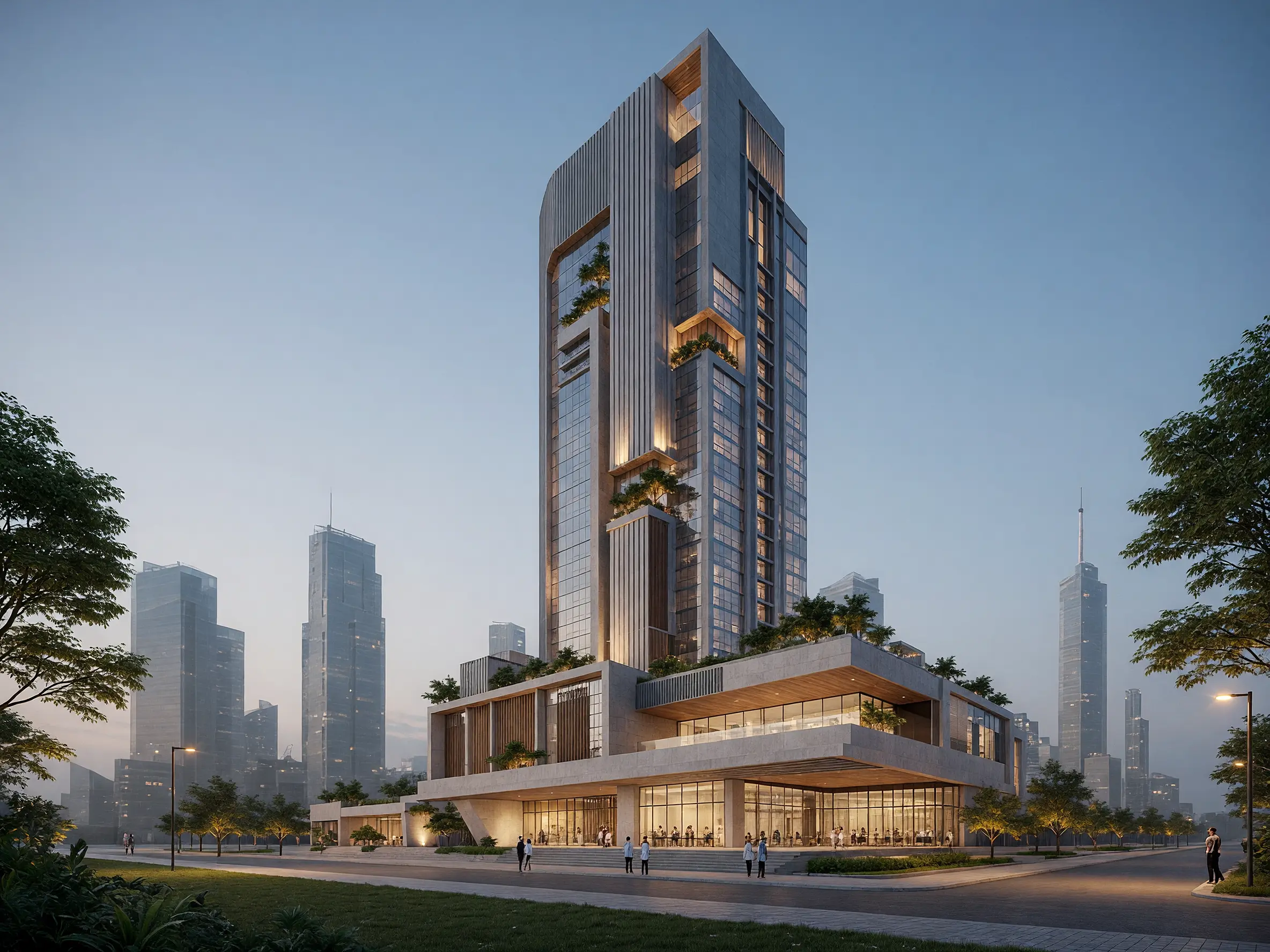
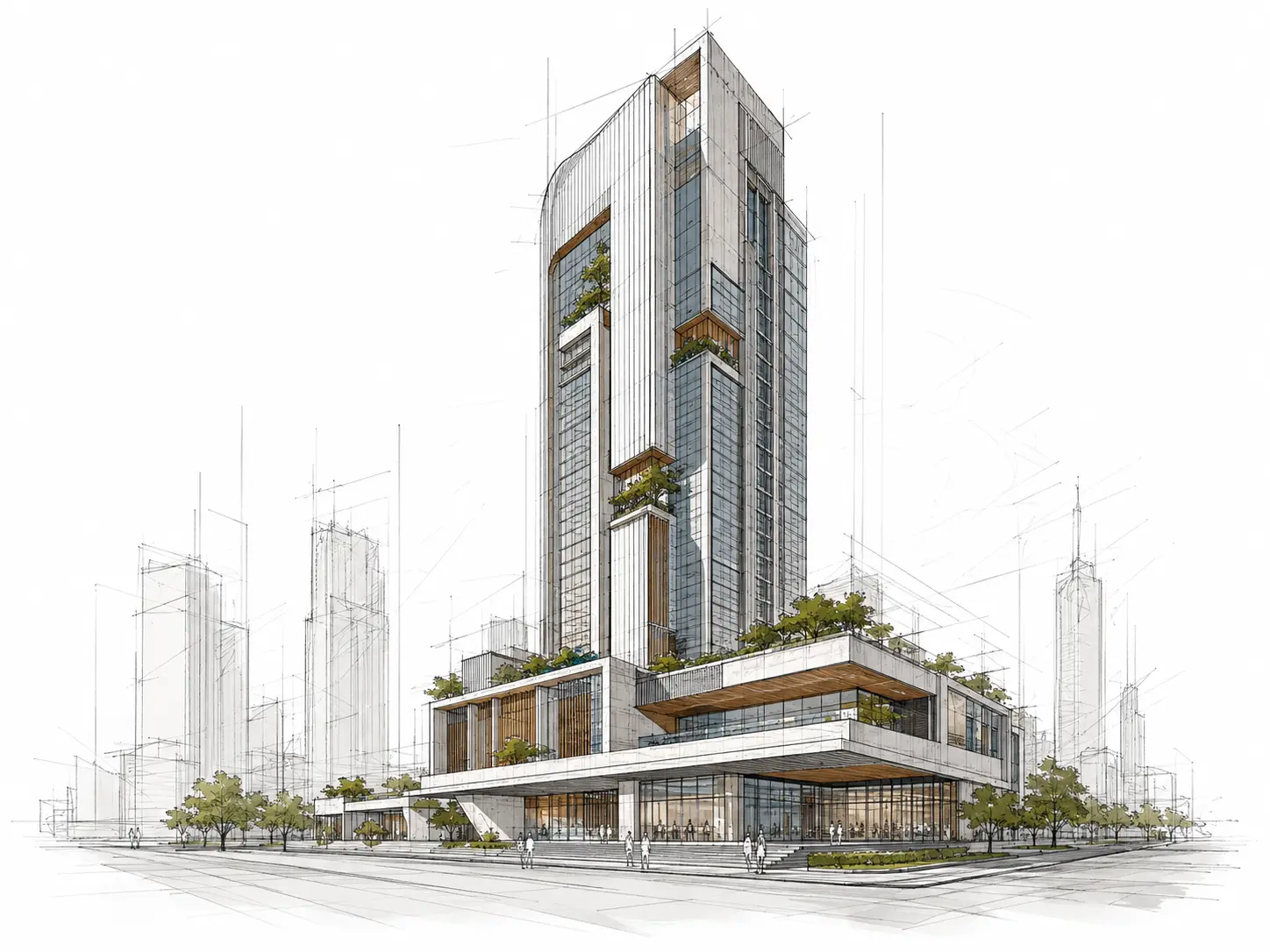
AI Exterior Rendering
Turn 3D exterior views from SketchUp, Revit, Rhino, Archicad and other design tools into photorealistic renders in under 60 seconds.
Time of Day
Lighting
Style Presets
Additional Instructions
Realistic glass and facade materials, warm interior lighting and a soft blue-hour sky. Add subtle urban landscaping and people while keeping the original tower design.
How to use AI for exterior rendering
Export the exterior perspective
Save the building view you want to render as a PNG or JPG from SketchUp, Revit, Rhino, Archicad or another design tool.
Choose lighting & surroundings
Set the time of day, weather, facade materials and surrounding landscape you want in the final render.
Generate the final exterior render
Generate the exterior render, then edit individual details, relight the scene or enhance the image you want to present.
Turn a model view into a complete exterior scene
Take an exterior model view and develop everything around the architecture that makes the image feel complete. Improve facade materials, add landscape and site context, and test the building in daylight, evening or night conditions.
Try AI Exterior Rendering freeBring facade materials to life
Improve the appearance of brick, stone, timber, metal, concrete, plaster and glazing while keeping the building as the focus.
Add the missing site context
Introduce planting, paving, lawns, trees, sky and surrounding elements that help the architecture sit naturally in its setting.
Test the same building at different times
Move between bright daylight, golden hour and night to see how facade materials, glazing and interior illumination change.
Add life without overwhelming the architecture
Use pedestrians, vehicles and subtle activity where they help communicate scale and make the exterior scene feel inhabited.
Photorealistic Results
3D exterior rendering examples
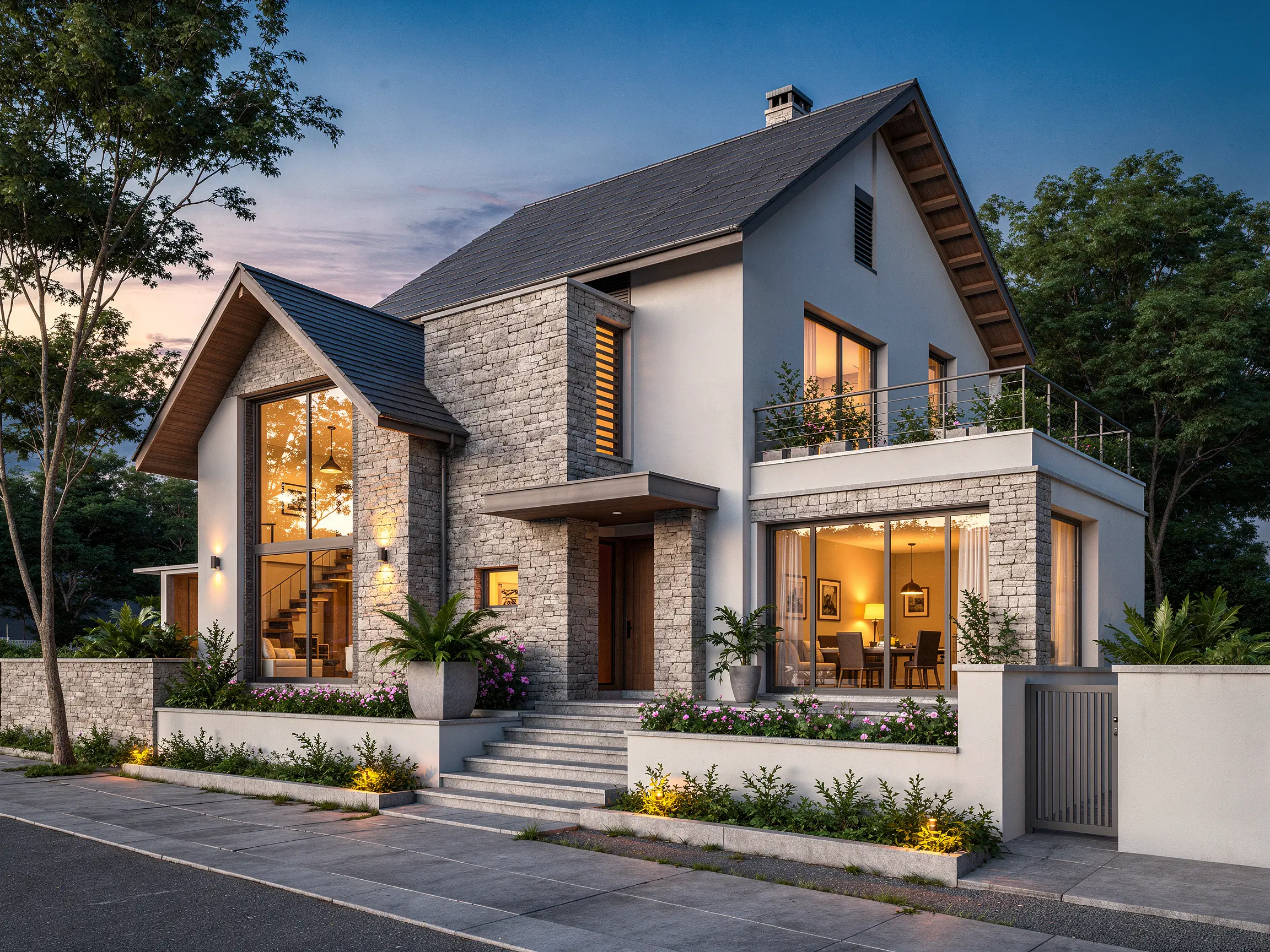
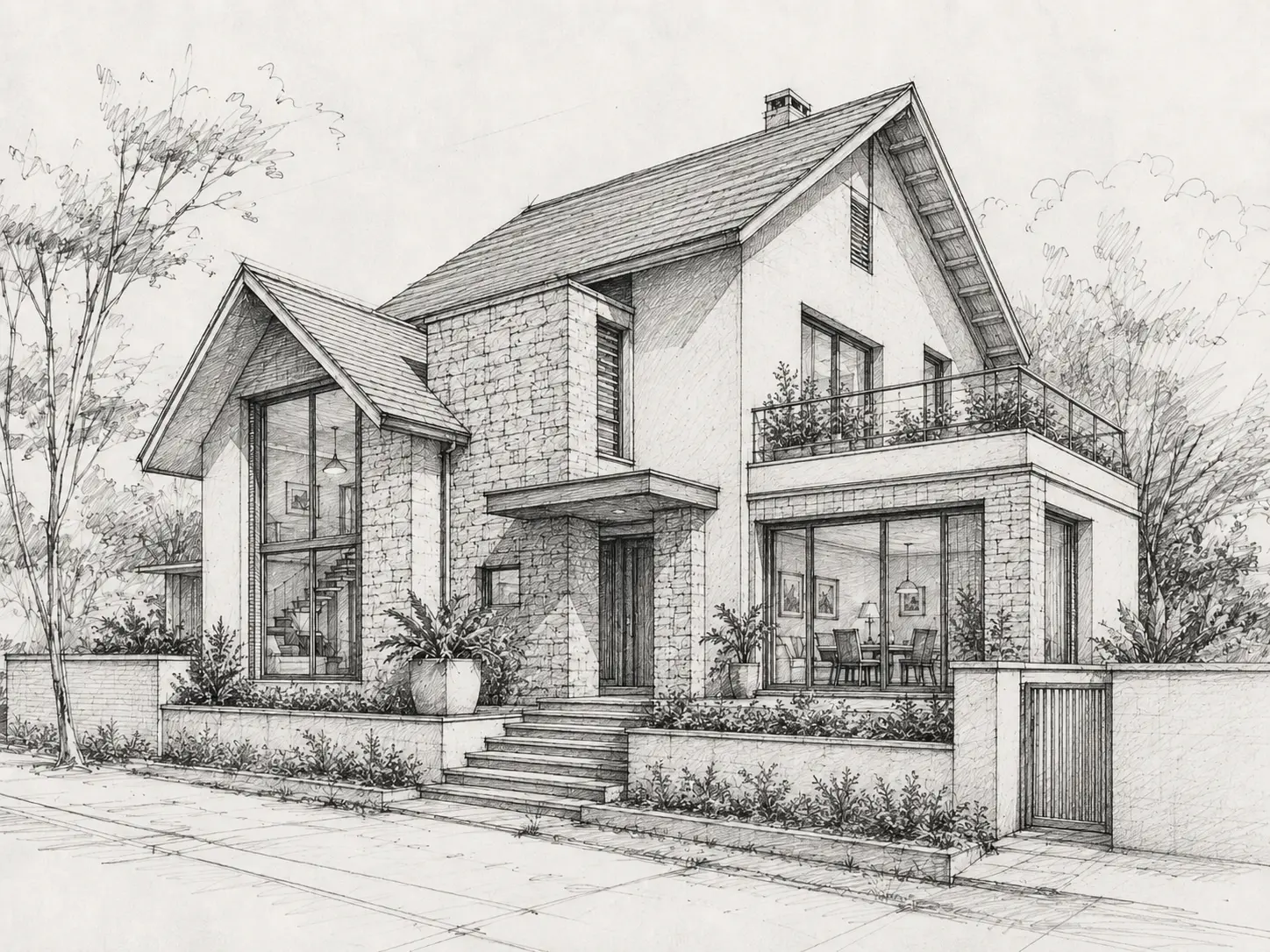
Detailed pencil sketch transformed into a realistic residential exterior render with materials, landscaping and evening light
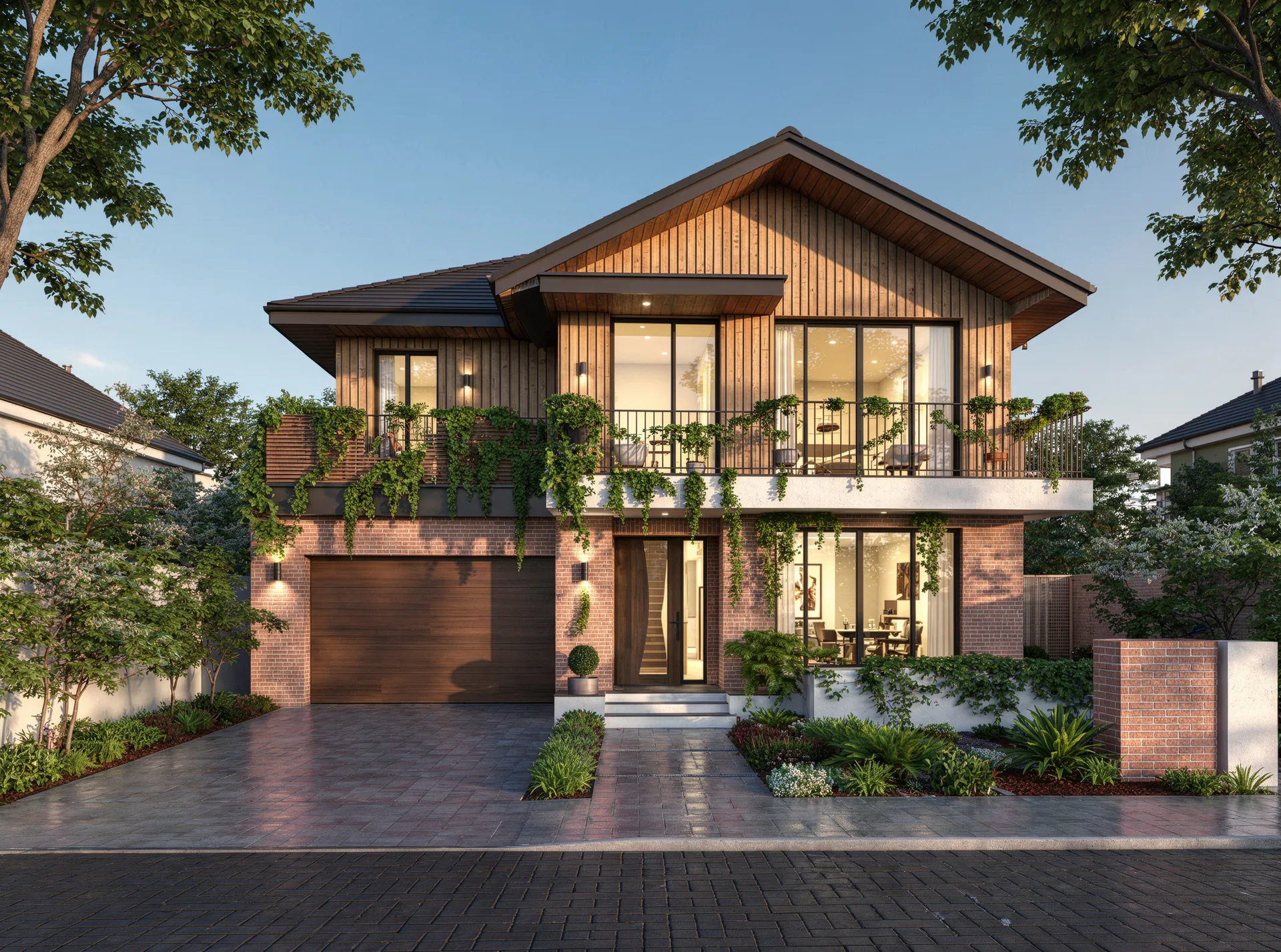
Photorealistic exterior rendering of a contemporary villa in evening light
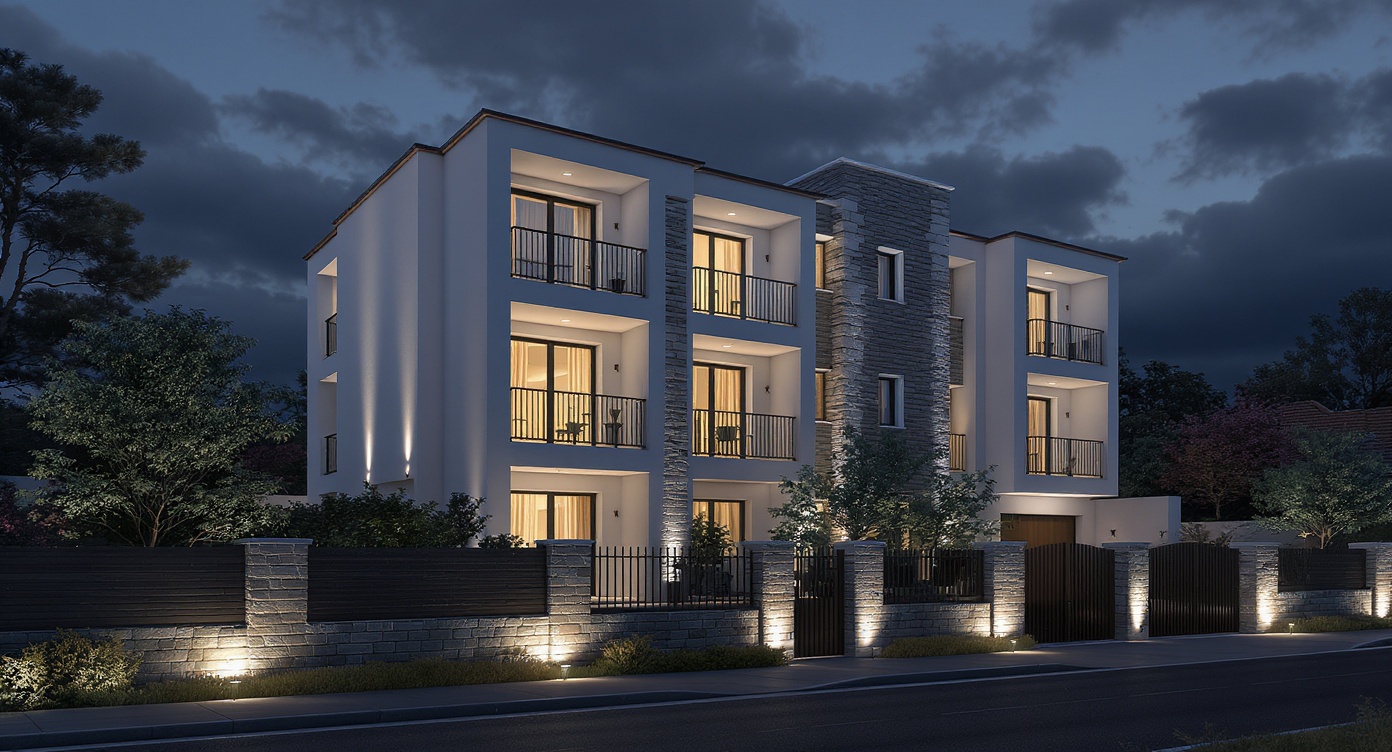
3D architectural exterior rendering of a modern multi-storey residence at night
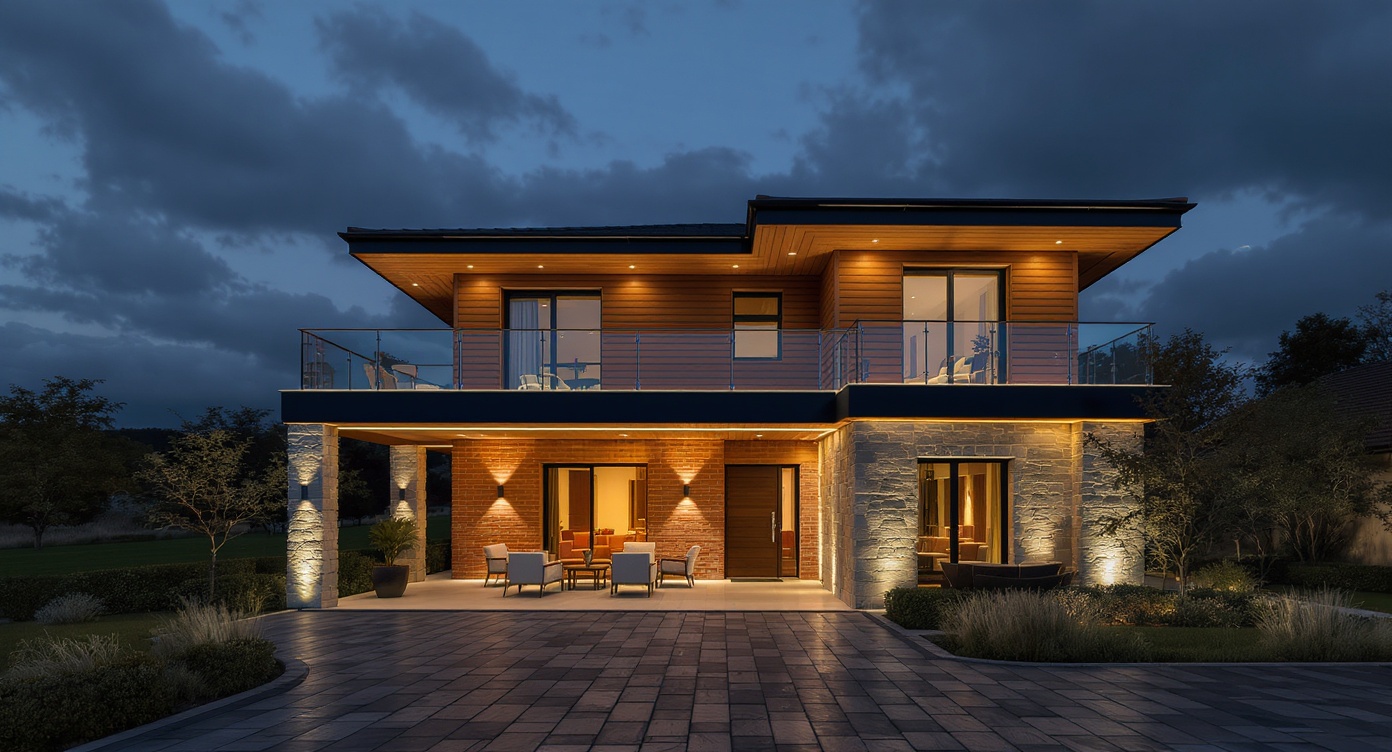
Exterior rendering of a two-storey modern house with brick, stone, timber and glass
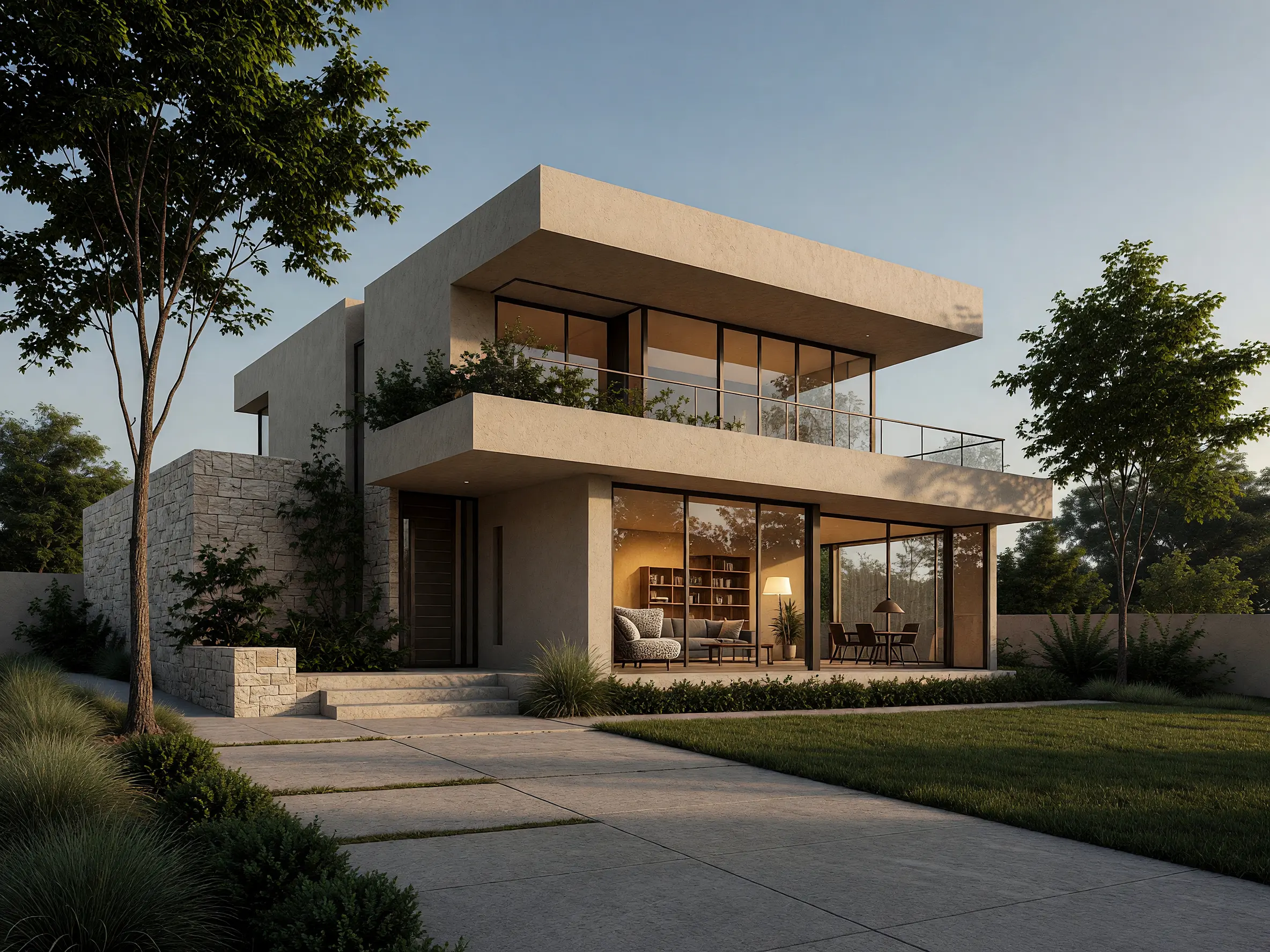
Architectural hand sketch turned into a photorealistic modern house exterior with AI
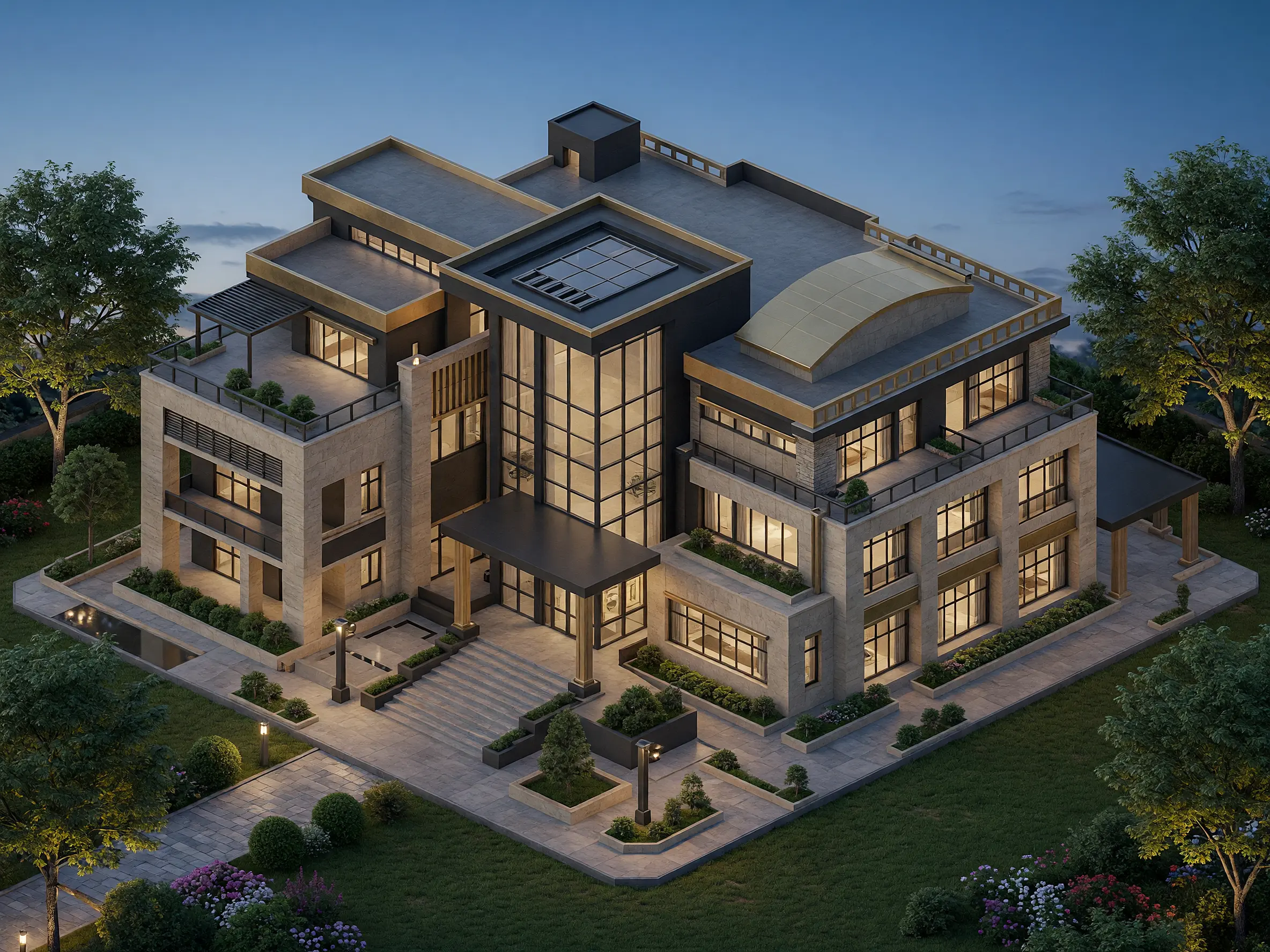
Detailed CAD model view transformed into a realistic architectural exterior with materials, lighting and landscape
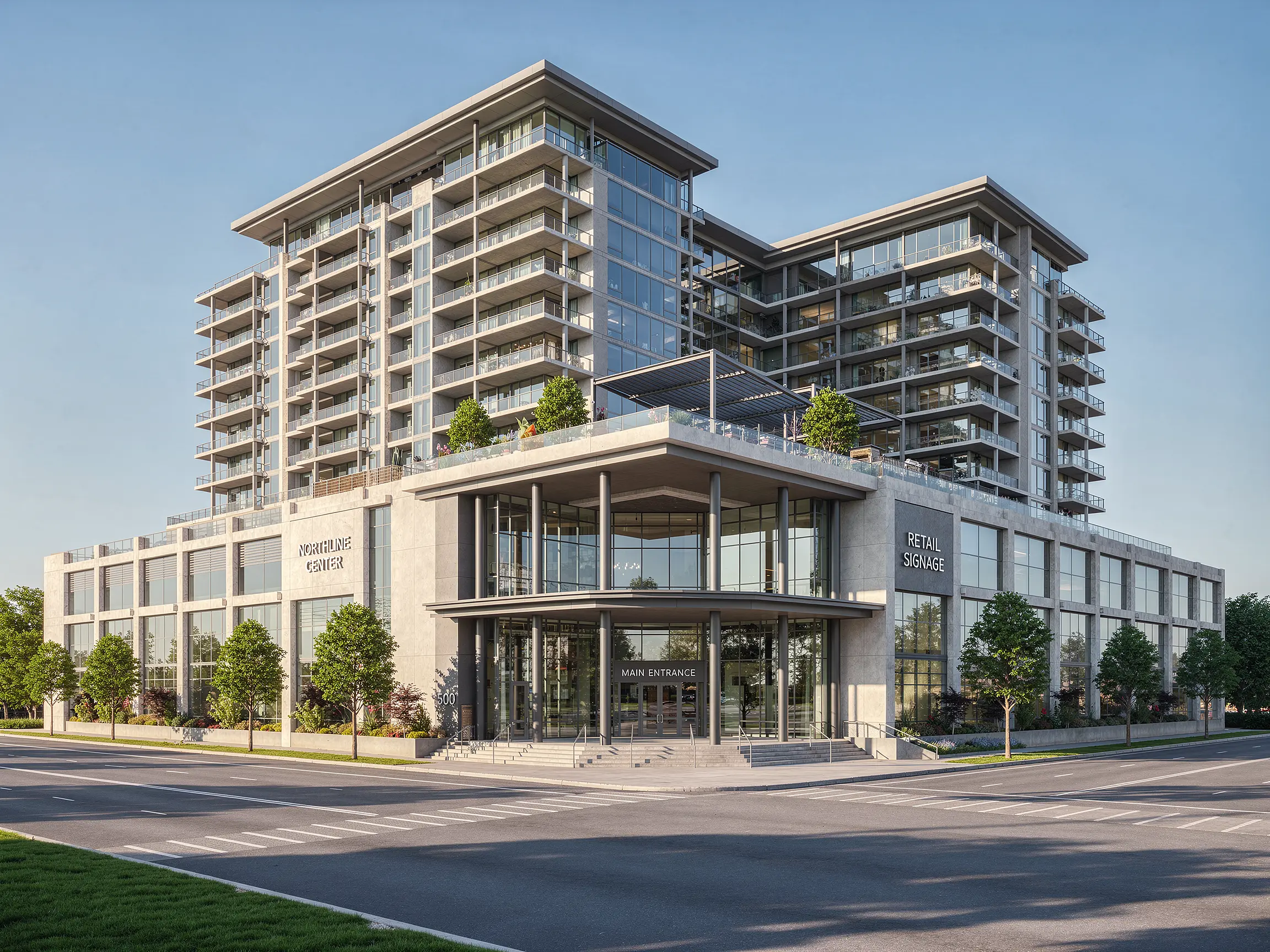
Architectural CAD perspective turned into a photorealistic mixed-use building exterior render with AI
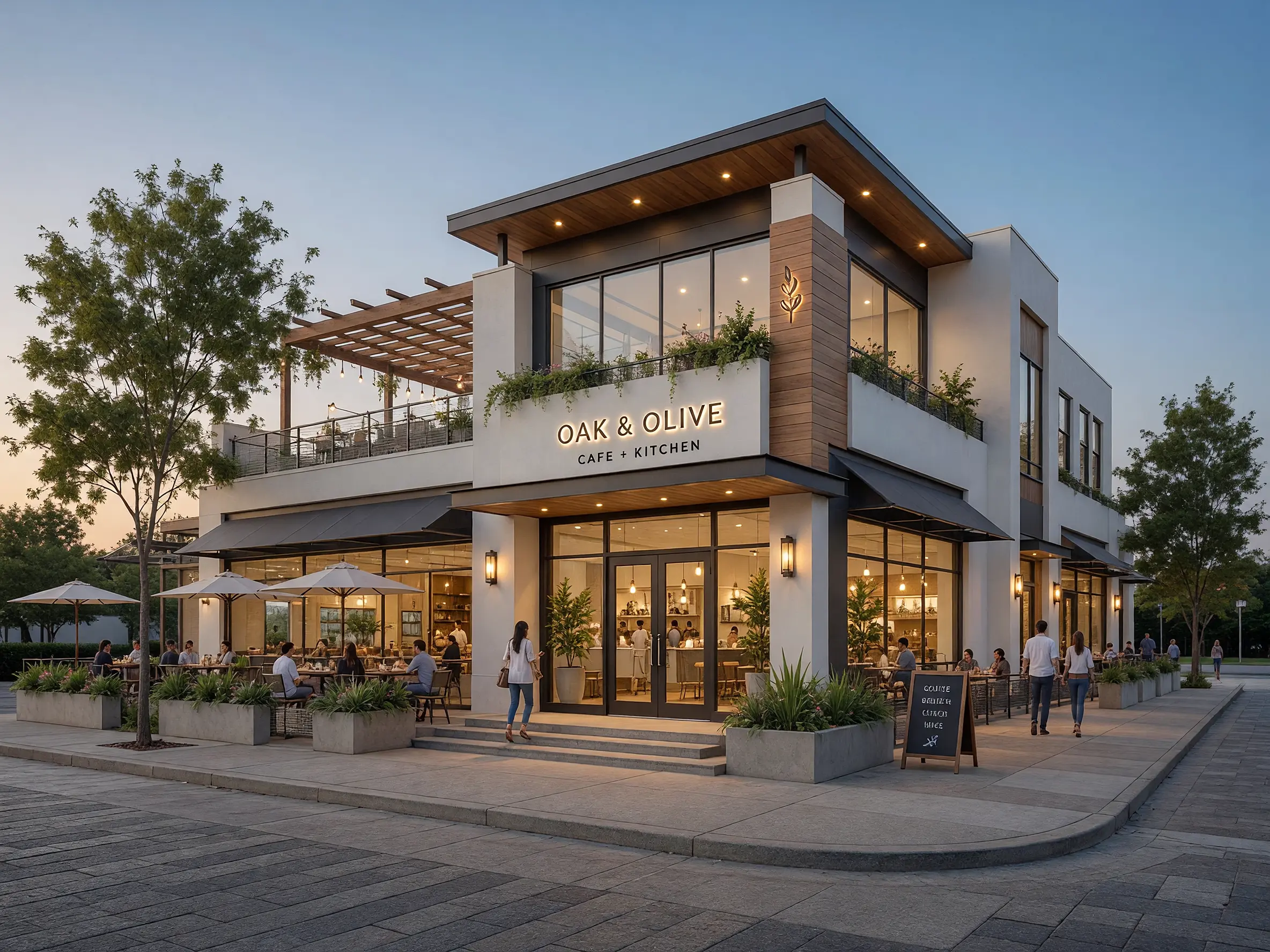
Architectural concept sketch turned into a photorealistic café exterior with lighting, landscaping and street context
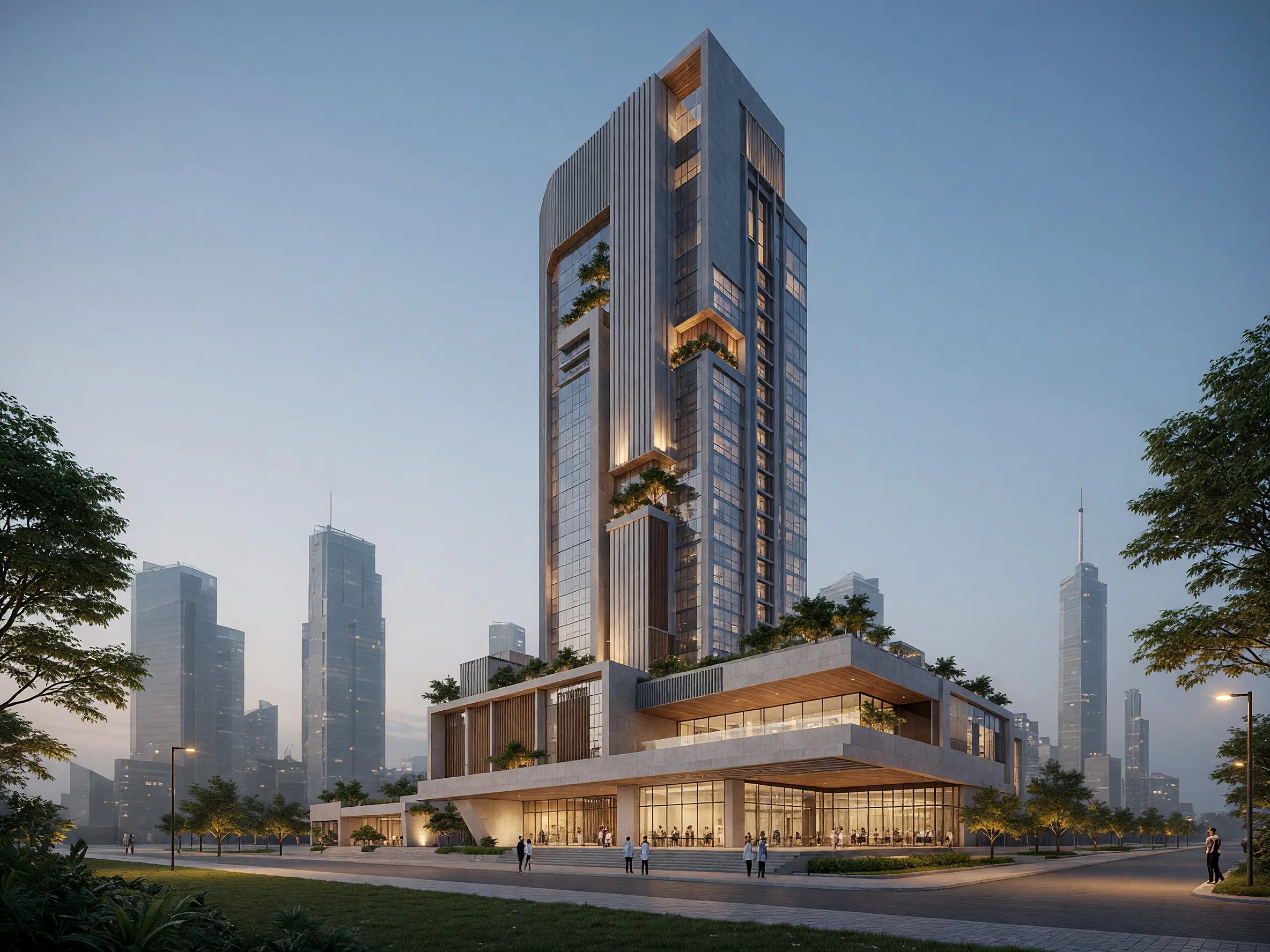
Early architectural tower sketch turned into a photorealistic high-rise exterior visualization with AI
FAQ
Common questions on AI Exterior Rendering
Get started
Create beautiful exterior renders with AI
Upload a 3D model view and create photorealistic renders with materials, lighting, landscaping and context.
Render your exterior free- No credit card required
- Results in under 60 seconds