The right Gendo alternative depends on what you use its canvas for. If your team keeps references, variations and feedback together, replacing it with a simple image generator could make the project harder to manage. If the challenge is turning the chosen direction into a polished client presentation, compare image quality, revision history, films and export options together.
Our shortlist is Vibe3D for realistic 2K+ images, organized revisions and complete client presentations, Rendair for board-based project work, mnml AI for canvas exploration and modeling-tool connections, Veras for CAD/BIM visualization, and MyArchitectAI for an unlimited still-image plan. These are different workflow choices, not a ranking of image quality.
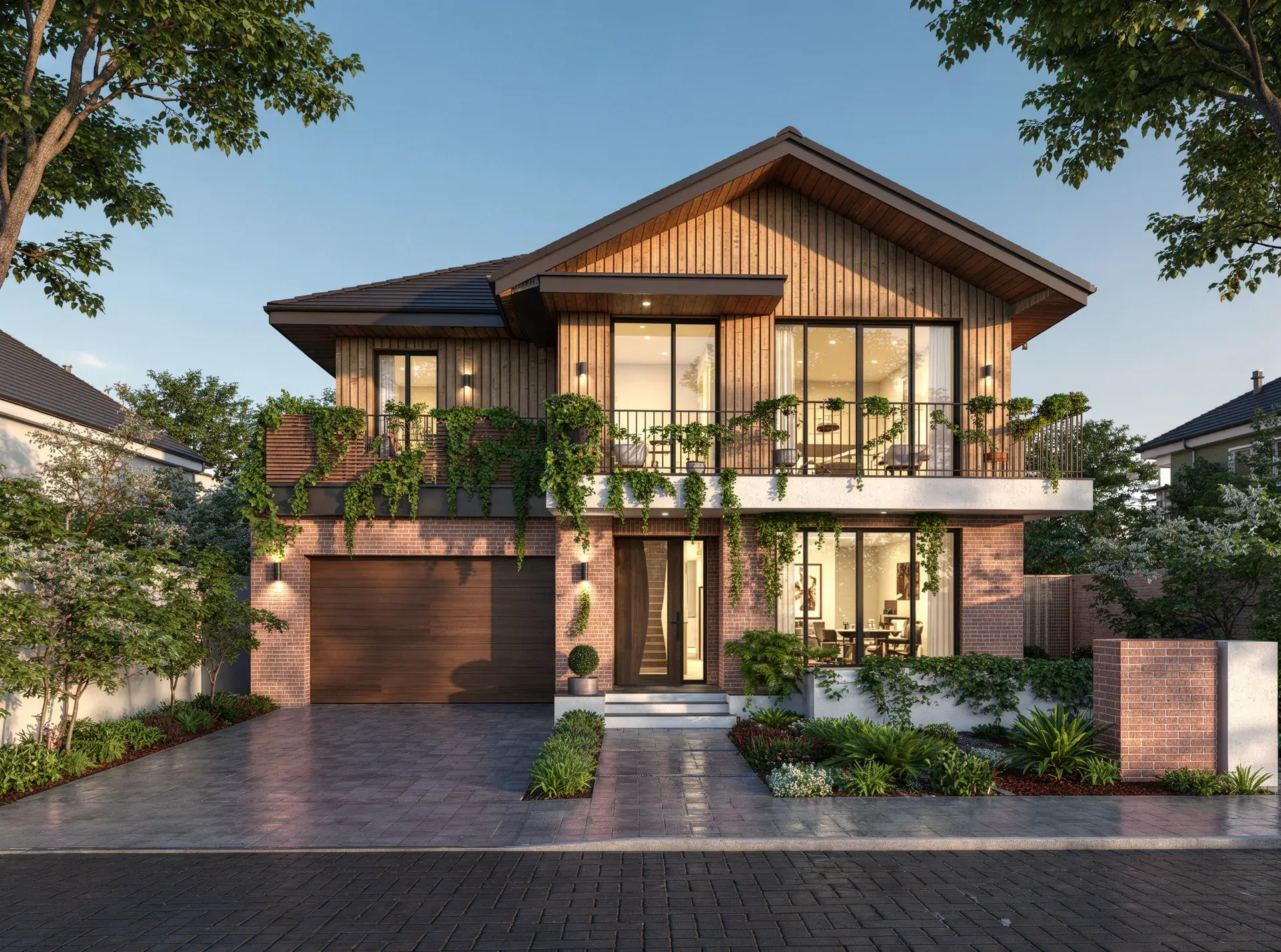
Vibe3D publishes this guide. The comparison uses official product information reviewed on November 3, 2026; we have not run a matched-input benchmark of these tools. The header image shows a Vibe3D output.
Contents
- What to keep from your Gendo workflow
- Gendo alternatives at a glance
- 1. Vibe3D: keep revisions and client delivery in one project
- 2. Rendair: keep project visuals on boards
- 3. mnml AI: explore options on a canvas
- 4. Veras: work alongside your CAD or BIM model
- 5. MyArchitectAI: budget for repeated still-image work
- How to test a replacement on one project
- Frequently asked questions
What to keep from your Gendo workflow
A Gendo project can contain the sketch, material references, alternative renders and the conversation about which one to use. If your colleague needs to pick up that history, a folder of finished images is an incomplete handoff. Consider Rendair for a board with multiple members, or mnml Flow if reproducing the sequence of image operations matters more. Vibe3D keeps scenes, versions and favorites within a project and supports live review and exports; compare that organization with Gendo’s collaborative canvas rather than assuming the choice is a canvas or a folder.
Gendo Free includes one canvas, one invited collaborator and ten image sets of history. It offers unlimited image generation under its fair-use policy, with watermarked 1K exports. Studio costs £790 billed annually before tax for five seats, private workspaces, full history and unlimited image generation. It comes with 15 video seconds once. Studio Scale Beta costs £299 billed monthly before tax for five seats and includes unlimited video under fair use.
Gendo alternatives at a glance
| Alternative | What happens to the project | What the paid plan buys |
|---|---|---|
| Rendair | Keep references and generations together on project boards | Pro $49/month, two members, 50 active boards, 1,500 credits |
| mnml AI | Reuse a sequence of image operations in Flow | Plus $49/month, about 300 Fast or 100 Ultra renders if used only in that mode |
| Chaos Veras | Return to the current camera in a supported CAD/BIM host | Pro $59 month-to-month, with generation charged in Chaos AI credits |
| MyArchitectAI | Produce and revise individual views | Starter $29/month for one seat, unlimited stills and edits, 4K downloads |
| Vibe3D | Keep scene versions and favorites; deliver images, a film, live review or PDF | Studio $79/month launch offer for unlimited usage; Pro and non-expiring one-time packs also available |
Gendo quotes GBP and the alternatives above quote USD. A private project with five editing seats has a different budget from a single designer delivering a finished film.
1. Vibe3D: keep revisions and client delivery in one project
Vibe3D creates ultra-realistic 2K+ images with rich materials and natural lighting while preserving the geometry, camera and materials of the model view. Precision edits keep the quality intact across revisions. Instead of losing the approved upholstery among downloaded files, retain the options as scene versions and mark the selected one as a favorite.
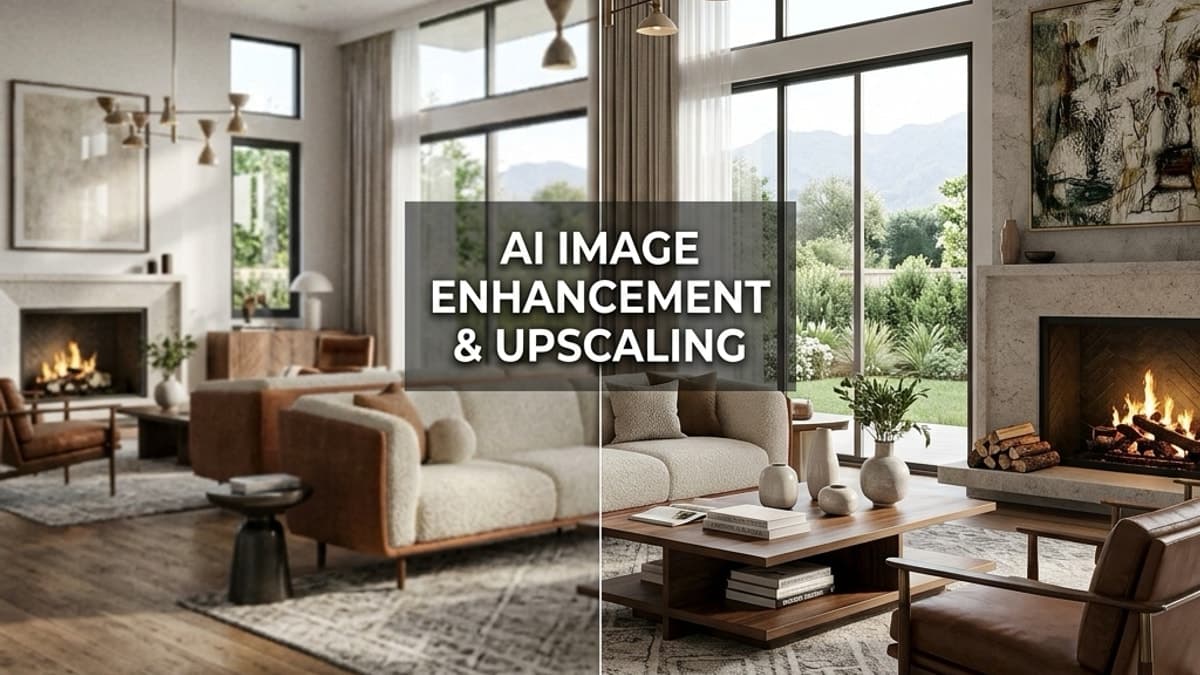
For a living-room presentation, relight the chosen version, populate the room and make a full-resolution detail of the fabric. One-click time-of-day options cover interiors and exteriors; prepared interiors also support interactive lighting adjustments. HyperReal Enhance adds a final finishing pass to an existing render.
The project continues through delivery. Select the finished views and Vibe3D assembles a cinematic film with matched music, without a separate clip-editing or soundtrack task. Use Present during the client meeting, export a PDF or bulk ZIP of the starred versions, or send a view-only scene or project link. Project links include all scenes and versions; a curated export is the way to share just the shortlist.
Vibe3D Studio is $79/month at the current launch price, with unlimited rendering, editing, enhancement, relighting and flythroughs. Gendo Studio includes unlimited images and 15 video seconds once; Studio Scale Beta adds unlimited video. Gendo’s paid plans include five editing seats, which Vibe3D’s presentation sharing does not replace. Vibe3D Pro is $39/month for 300 credits, or choose a one-time $39 Pro pack with 200 credits that never expire. Compare Studio, Pro and one-time packs.
2. Rendair: keep project visuals on boards
Rendair is the closest option here when colleagues need shared project boards. Pro includes two members and 50 active boards. Studio Pro is $199/month for five members and 100 boards. That seat difference matters when comparing a two-person visualization team with a five-person Gendo Studio workspace.
Rendair v2 uses two credits for a 2K image. Other models, upscaling and video use different amounts. Its seasonal edits, video generators and downloadable 3D assets can live alongside the images. Compare Rendair and Vibe3D.
3. mnml AI: explore options on a canvas
Use Flow when the team wants to retain how a result was made. For a facade study, branch one camera view into several cladding options and keep the inputs and operations together. Studio offers masks and reference images for refining a selected result. SketchUp, Revit and Rhino plugins connect supported modeling environments.
Plus includes 3,000 credits. Fast and Ultra use different amounts, so the number of facade options depends on the engine. A reusable Flow board is particularly useful if the next brief repeats the same steps. Compare mnml AI and Vibe3D.
4. Veras: work alongside your CAD or BIM model
If the window grid keeps changing in Revit, bring the current model view into Veras from the host. Use a mask to revise part of the image or a reference to explore a finish. Veras also runs in supported SketchUp and Rhino versions and has a web workflow.
A Chaos bundle may already include Veras and a monthly AI allowance. Use those first when the brief calls for studies alongside the model. If your colleagues need the Gendo canvas history, plan to hand the results back there. Compare Veras and Vibe3D.
5. MyArchitectAI: budget for repeated still-image work
For an individual preparing a catalog of finish variants, MyArchitectAI Starter includes unlimited renders, edits and enhancement for $29/month, with 4K downloads. Studio is $49/month for one seat, 8K downloads and 50 animations. Download dimensions describe the file, while the preservation of joinery and material edges is visible in the image itself.
Choose this for the person producing the images. A five-seat private Gendo canvas also holds the references, feedback and approval history. Compare MyArchitectAI and Vibe3D.
How to test a replacement on one project
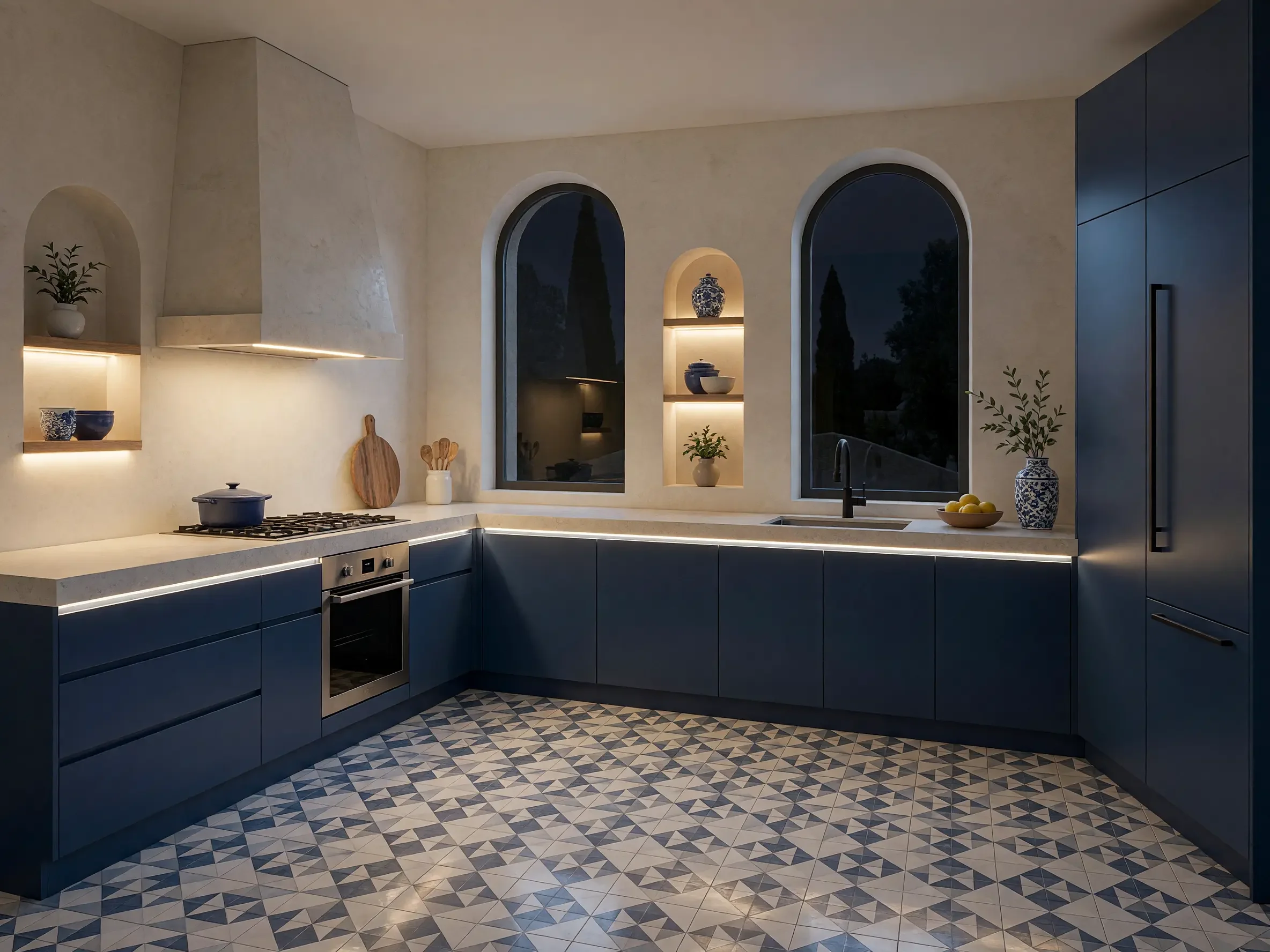
Choose a familiar project with a specific revision request. A room with fitted cabinetry, a window and two floor finishes is more revealing than an empty concept image: you know which details must survive the edit.
- Use the same view and brief. Keep the source resolution and requested changes consistent. For a plugin, use the equivalent camera position in the model.
- Check the unchanged details. Look at openings, joinery, furniture and material edges. Record any cleanup you need before presentation.
- Try one real revision. Ask for the same finish or lighting change and compare how much of the approved design remains intact.
- Test the handoff. Ask a colleague to find the selected version and understand what changed. This matters if you are replacing Gendo's shared canvas.
- Count the complete cost. Include unsuccessful attempts, edits, enhancement, seats and the billing period. Budget for each team in its billing currency and count the editing seats it needs.
If the shortlist becomes too broad, use our AI rendering software guide to separate image tools from scene renderers. For another canvas-oriented shortlist, see LookX alternatives.
Sources and review notes
Product details come from Gendo's product overview, Gendo pricing, Rendair plans, mnml AI's workspaces and plugins, Chaos Veras and MyArchitectAI pricing. Vibe3D's rendering and pricing pages are linked above. Recommendations about workflow fit are our editorial assessment; pricing, supported versions and plan limits can change.
Frequently asked questions
Is Gendo free?
Yes. Gendo Free includes one canvas, one invited collaborator and unlimited image generation under fair use. Exports are watermarked at 1K and history is limited to ten image sets. Studio adds private workspaces and commercial licensing.
How much does Gendo Studio cost?
Gendo Studio is £790 per year before tax on annual billing, with five seats included. The displayed monthly equivalent is not a monthly invoice. Compare the billing term and seat allowance when budgeting for a team.
Can Gendo edit materials in part of an image?
Yes. Gendo documents region-based material editing alongside chat-based edits. These tools let you explore a material change within a visual workflow. Check the resulting image against the design before using it to communicate a specified finish.
Does Gendo generate videos?
Yes. Studio includes 15 video seconds as a one-time allowance, with additional seconds sold in packs. Studio Scale Beta includes unlimited video under fair use for £299 per month before tax with five seats.
Which Gendo alternative should I try for still renders?
Try Vibe3D Studio for unlimited rendering and revisions with detailed 2K+ output, plus project films with music and live/PDF/ZIP/link delivery. It currently costs $79/month and includes the image and flythrough tools. MyArchitectAI offers unlimited still-image plans with different animation allowances. Compare both the stills and the final presentation your project needs.
Can an image renderer replace my Gendo project canvas?
Check the organization and access you use. Vibe3D has project scenes, version tracking, favorites and presentation sharing. Rendair offers shared boards with plan-specific seats, and mnml Flow retains connected generation steps. These differ from Gendo’s collaborative canvas, so test team editing and review as well as the finished images.