
For architects & interior designers
Veras vs Vibe3D for rendering and design revisions
Looking for a Veras alternative for polished architectural visuals? Vibe3D brings together 2K+ rendering, rich materials and natural light, precise edits without image degradation, and cinematic flythroughs with automatically matched music.
3 free renders · No rendering GPU needed
 Vibe3D render
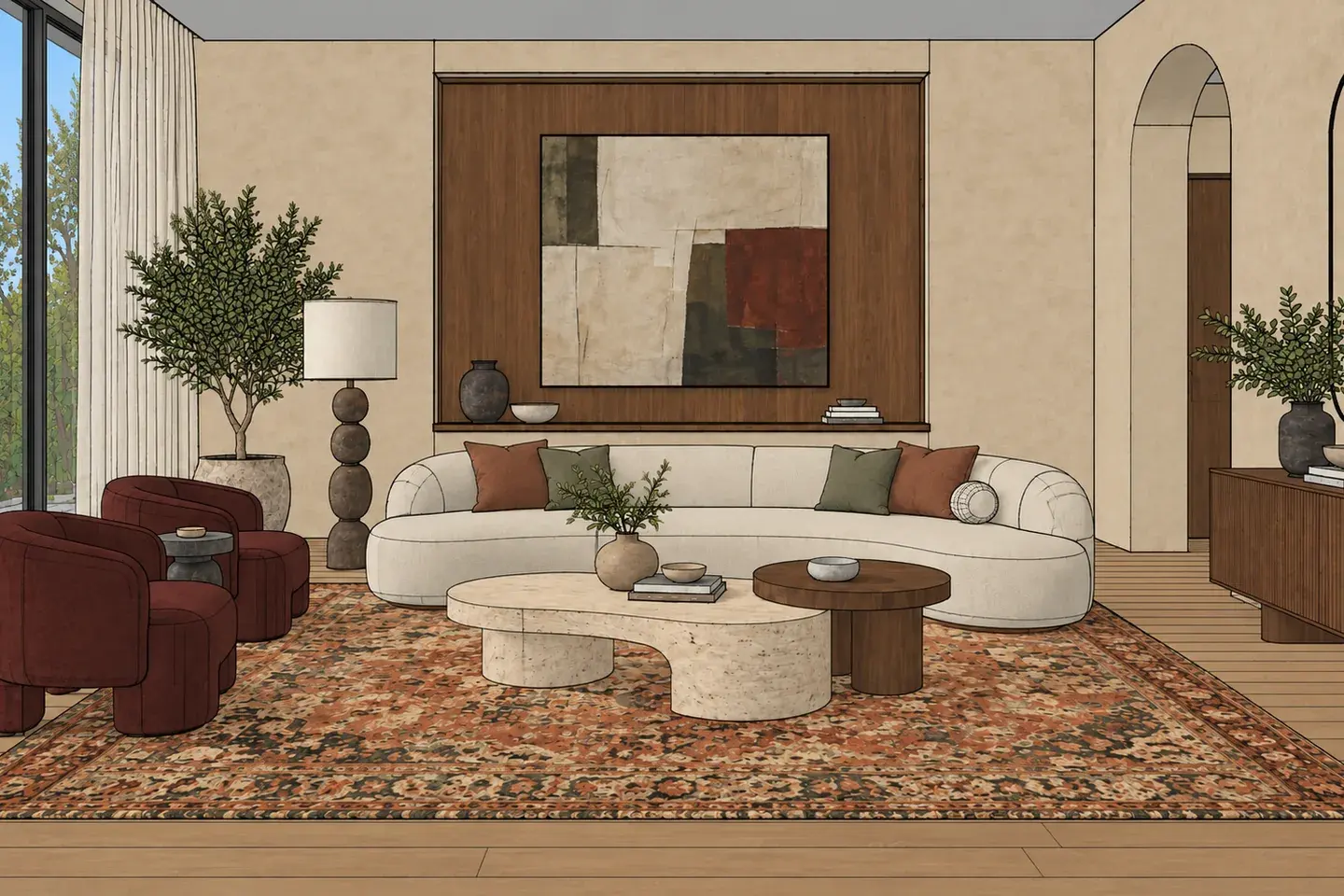
Model view
- 2K+ by default
- Detailed architectural renders
- Precise edits
- No degradation across iterations
- Video + music
- Automatic assembly from your stills
A different rendering workflow
Why consider a Veras alternative?
Vibe3D and Veras both offer AI architectural rendering, image editing and video. Vibe3D focuses on 2K+ renders, HyperReal material and lighting quality, precise revisions and finished flythroughs with music. Veras combines AI generation with CAD/BIM integrations, a web app and editable 3D generation on eligible plans. The choice depends on the image controls and deliverables your work needs.
With Vibe3D, the reason to switch is the finished visual and the work it takes to get there. Start at 2K+ resolution, refine materials without degrading the image, direct the lighting inside and out, then create detail shots and an assembled flythrough. You can do the whole presentation in the same browser workflow.
Side-by-side comparison
Vibe3D vs Veras: core comparison
Both tools offer AI rendering, editing and video. Compare the controls you use each day, the finish of the image and how much work remains before you can share it.
Swipe across the table to compare both tools →
| What you need | Veras | Vibe3D |
|---|---|---|
| Rendering & image quality | AI image generation using prompts, presets, references and a choice of models. | 2K+ renders by default. HyperReal focuses on rich material detail and natural lighting for final presentations. |
| Targeted revisions | Smart selection and annotative edits to refine parts of an image. | Precise area and instruction-based editing with zero image degradation across iterations. |
| Lighting & atmosphere | Use prompts and editing tools to change the visual treatment. | Real-time relighting for interiors and exteriors, plus one-click time-of-day, weather and surroundings controls. |
| Scene population & details | Prompt-based asset population and tools for generating additional views. | One-click scene population and full-resolution close-up shots from a render. |
| Video workflow | Generate image-to-video using prompts or presets. | Build cinematic flythroughs from stills with automatic scene assembly and matched music. No manual video stitching. |
| CAD/BIM connection | Integrations for supported design applications, plus a standalone web app. | Upload model-view images from your design software and work in the browser; no live CAD/BIM link. |
| 3D deliverables | Editable 3D generation on eligible plans. | Still renders, edited images, detail shots and videos. The source model stays in your design software. |
| Pricing model | Subscription or an eligible Chaos bundle; included features and credit allowances depend on the plan. | Monthly subscriptions or one-time credit packs, plus 3 free renders to try. One-time credits never expire; monthly credits refresh each billing cycle. |
Capabilities can overlap. These are workflow and feature comparisons, not measured rankings of image quality. Veras features vary by integration and plan.
What each does best
Vibe3D strengths: image quality, editing and delivery.
Start with 2K+ detail and convincing realism
Get 2K+ renders by default. HyperReal brings out the grain in timber, the texture of fabric and the way daylight falls through a room, giving final presentations and marketing images a richer, more natural finish.
Refine the image without wearing it down
Change a material, piece of furniture or selected part of the scene with precise edits and zero image degradation across iterations. Keep refining the chosen render instead of starting over to recover its quality.
Direct the light, right on the render
Relight interiors and exteriors in real time. Balance daylight and fixtures inside, or set the light and atmosphere outside. Use one-click controls for time of day, weather and surroundings. Show the atmosphere you mean without a long prompt-writing cycle.
Finish the presentation in the same tool
Populate a scene, generate full-resolution close-ups and make a cinematic flythrough from your renders. Vibe3D assembles the scenes and matches the music automatically, taking you from still images to a video ready to share.
From the first render to the final presentation.
Look beyond the first generation. Here is how Vibe3D helps you refine a scene and turn it into a complete set of presentation visuals.
Examples made with Vibe3D. Feature access depends on your plan.
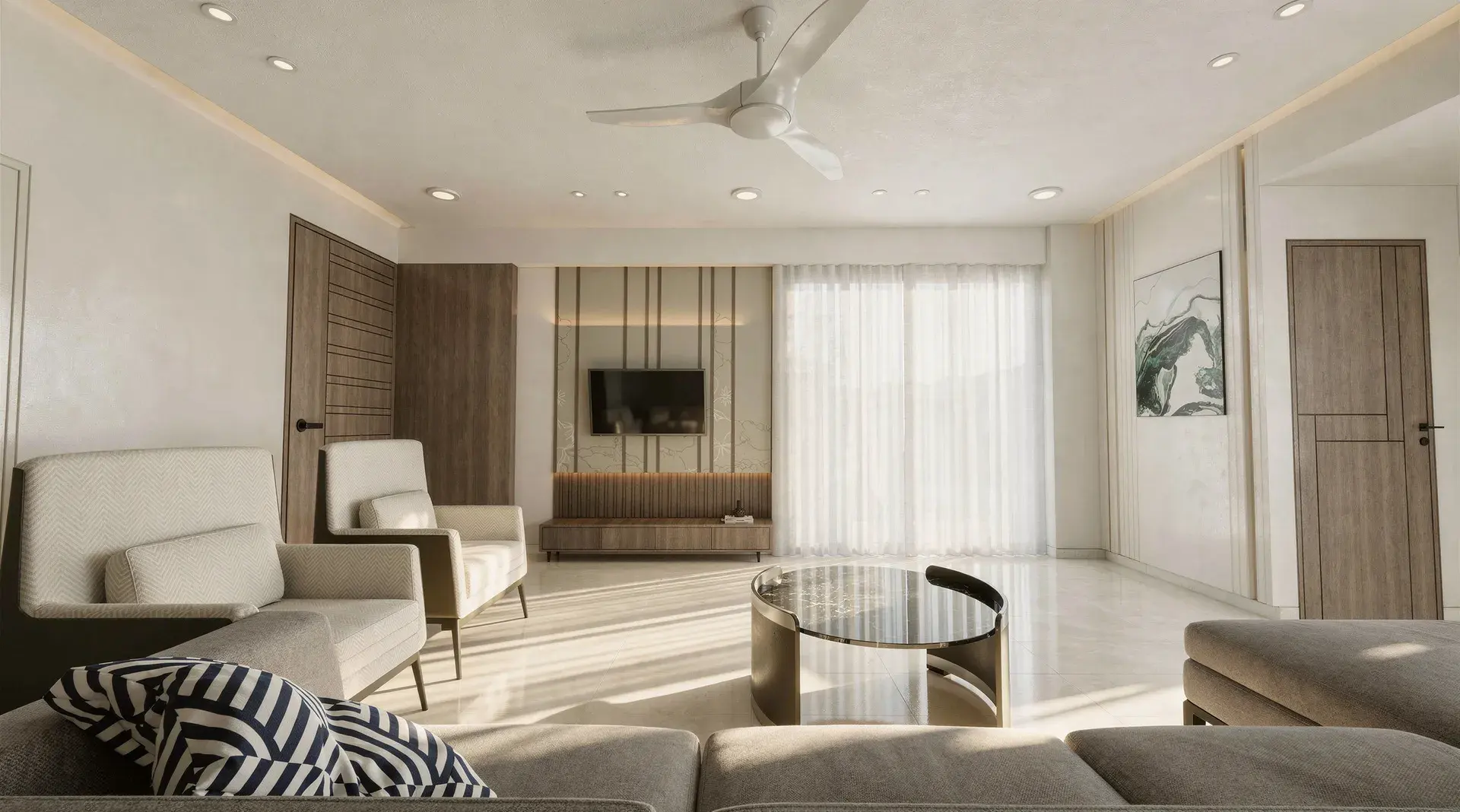
Make the materials and light worth a closer look
HyperReal brings depth to timber, fabric, stone and glazing, with natural lighting that makes the space feel convincing. Renders start at 2K+ resolution by default, so you can judge the surfaces and details at presentation size.
HyperReal is available on Pro and Studio. Your first 3 renders let you try the rendering workflow.
Explore HyperReal rendering
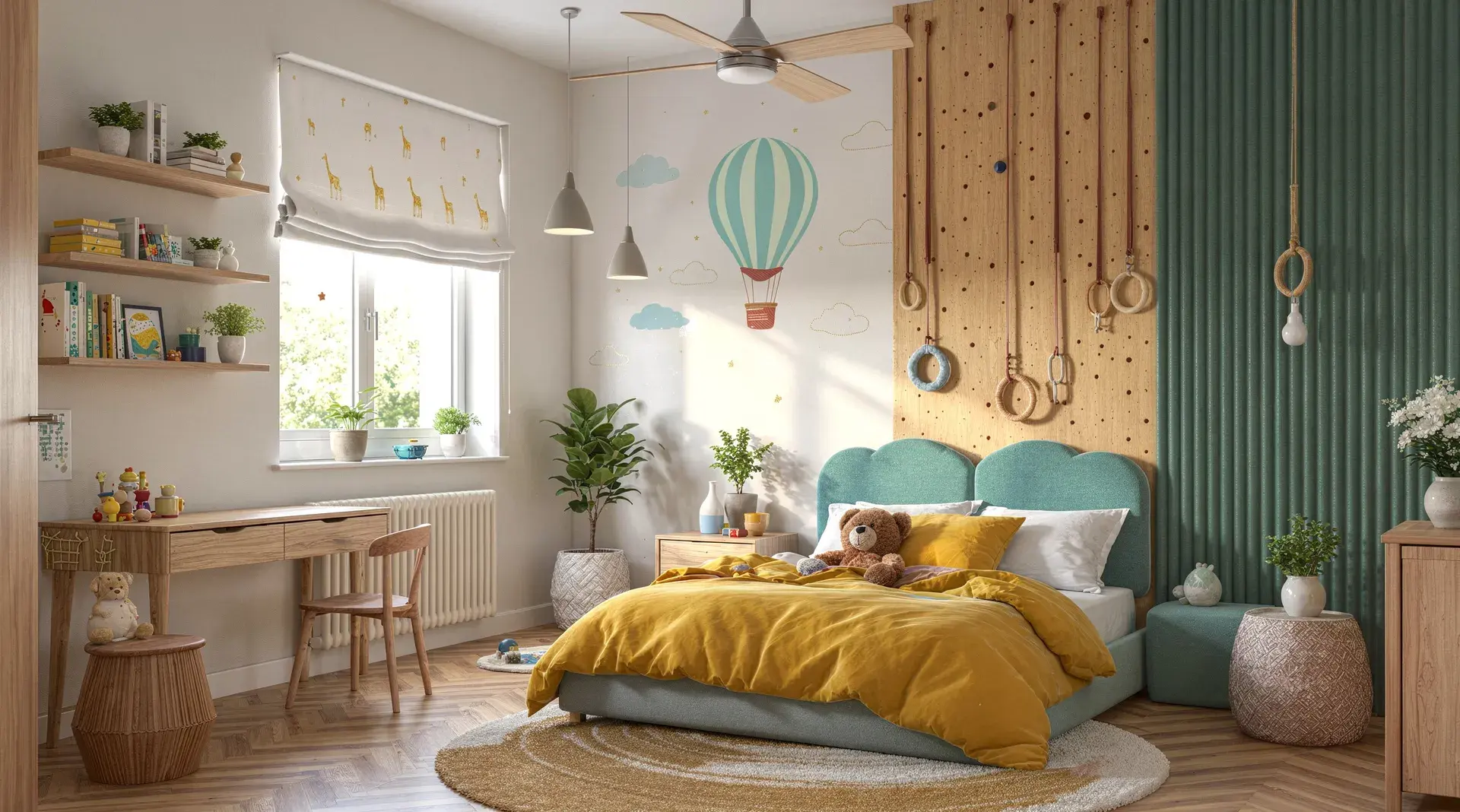
Keep the detail through the next round of changes
A client wants a lighter sofa and a warmer floor. Edit those areas precisely, with zero image degradation across iterations. Then relight interiors or exteriors in real time, from balancing daylight and fixtures to exploring a golden-hour exterior.
Use one-click controls to explore another time of day, weather or surrounding context.
Explore render editing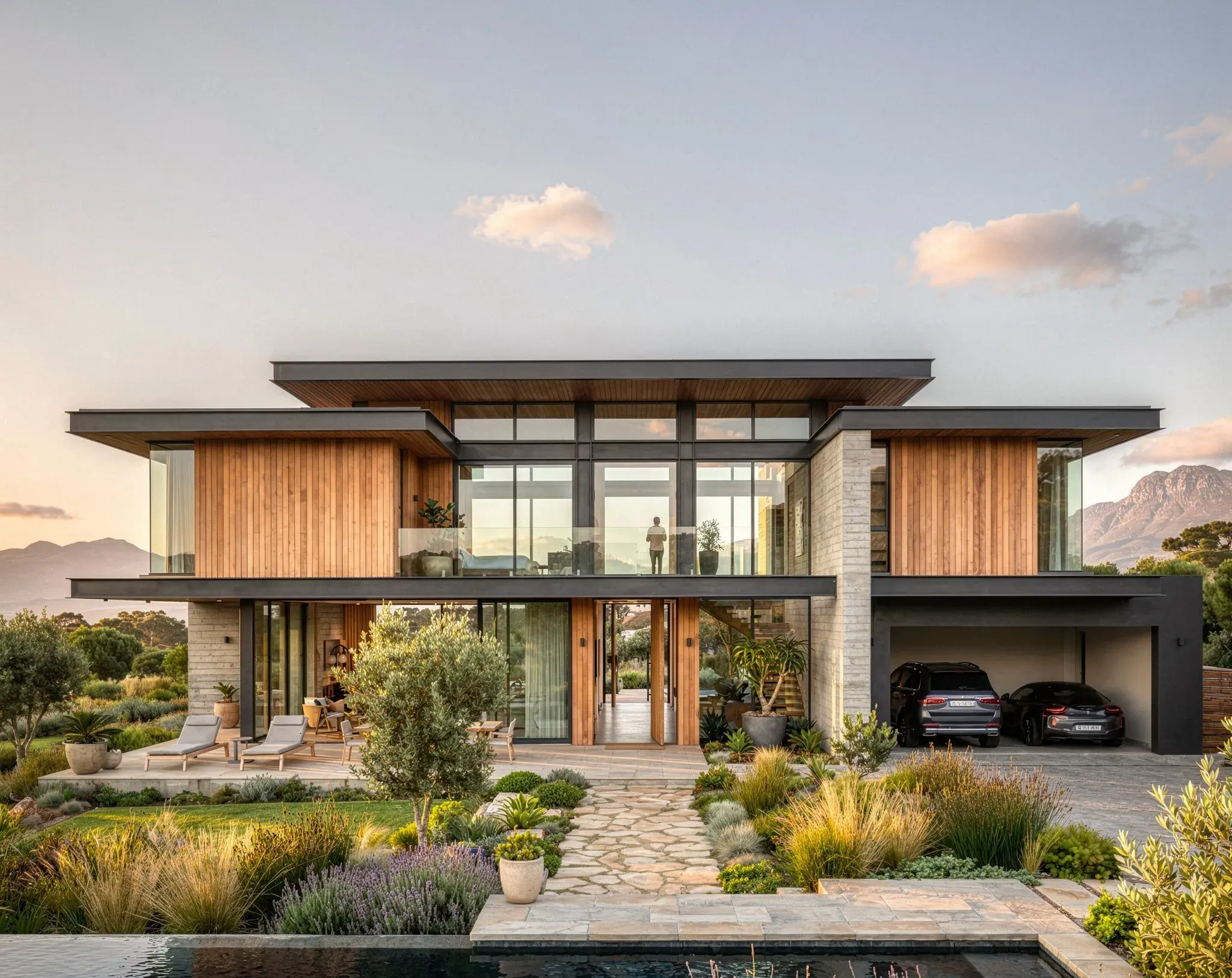
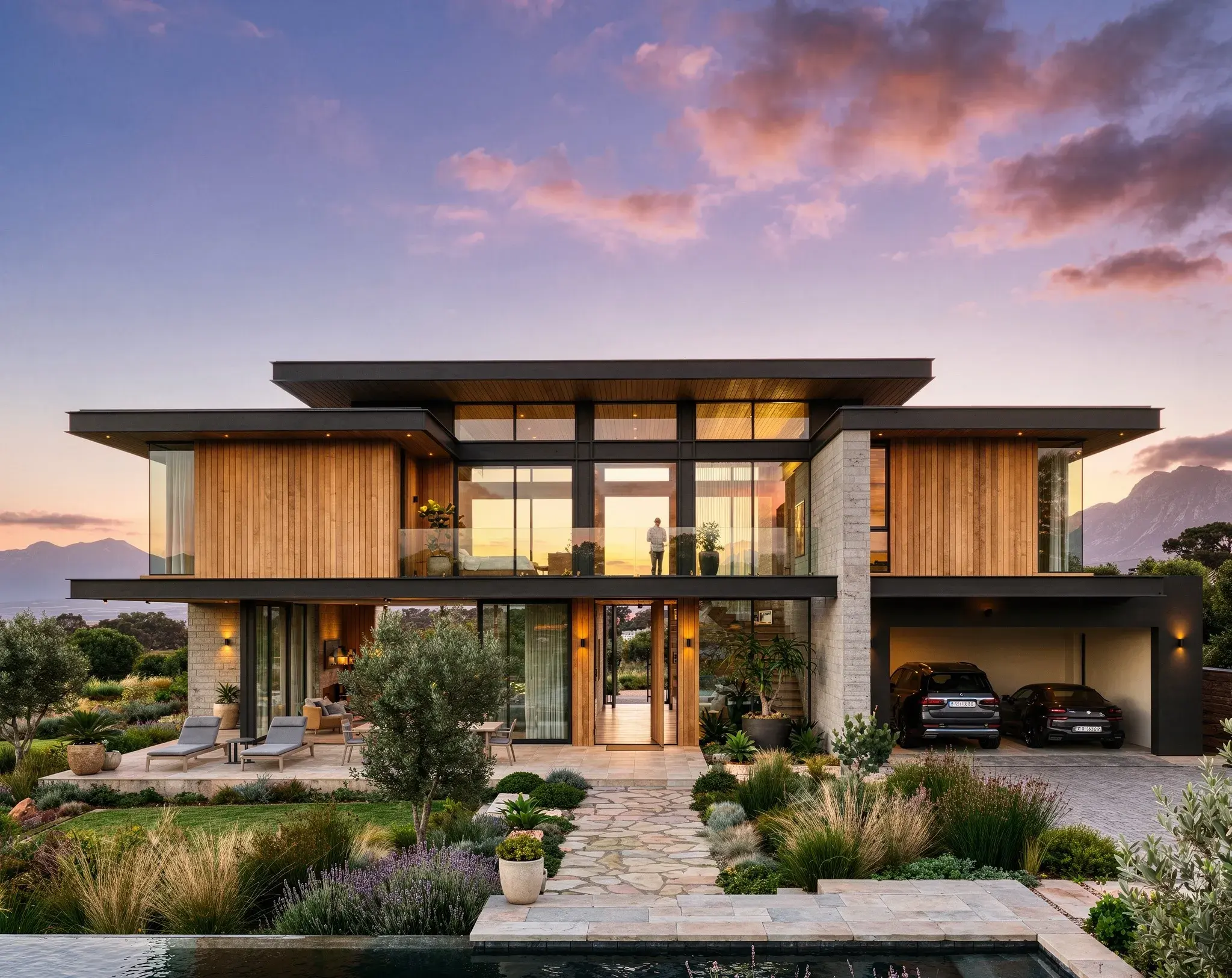
Add the final layer of realism
Use render enhancement to bring more life to textures, vegetation and the overall image. It works with an existing render too, so you can improve visuals already in the project rather than regenerate every scene.
Explore render enhancing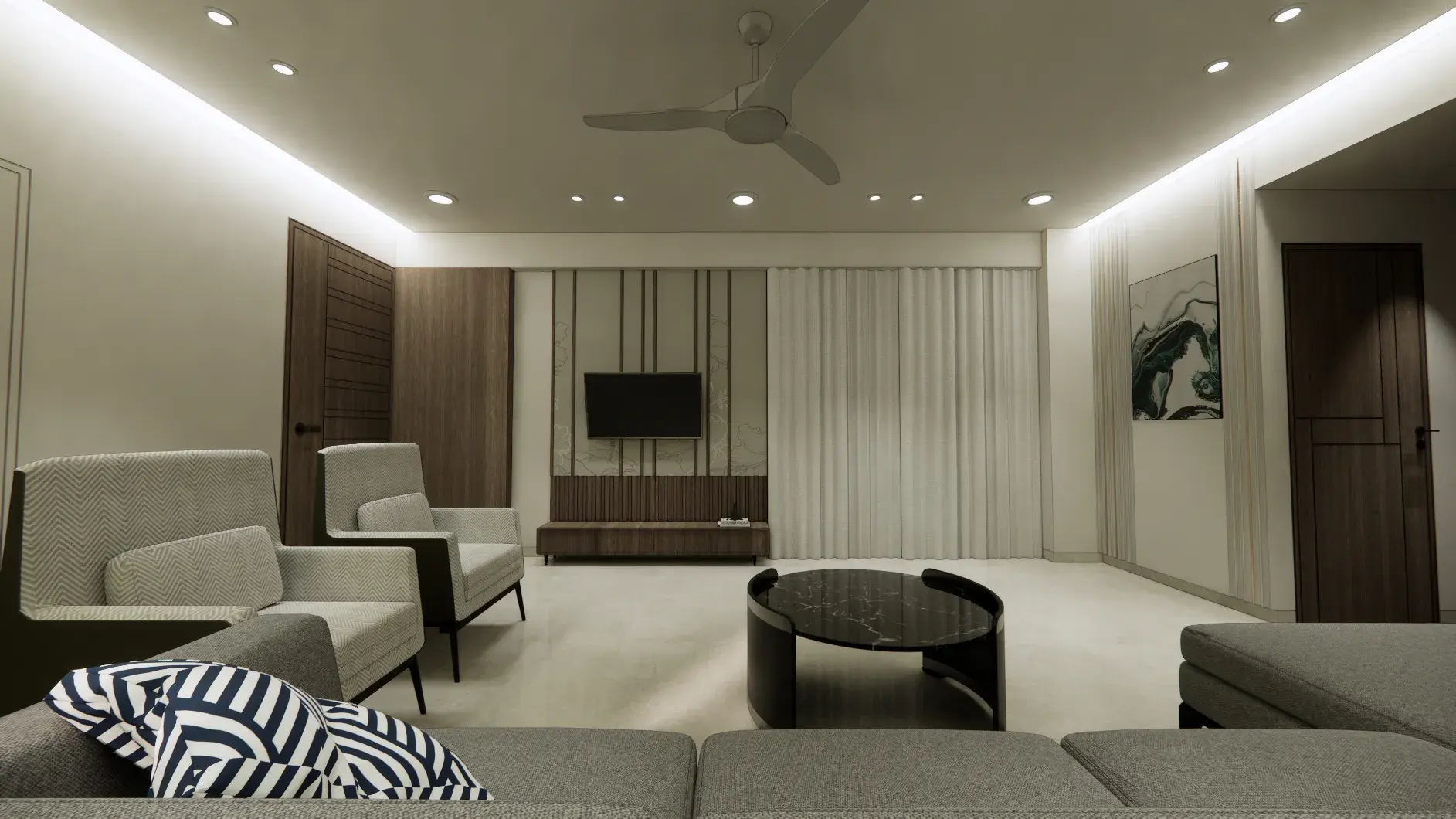
Get more presentation material from each scene
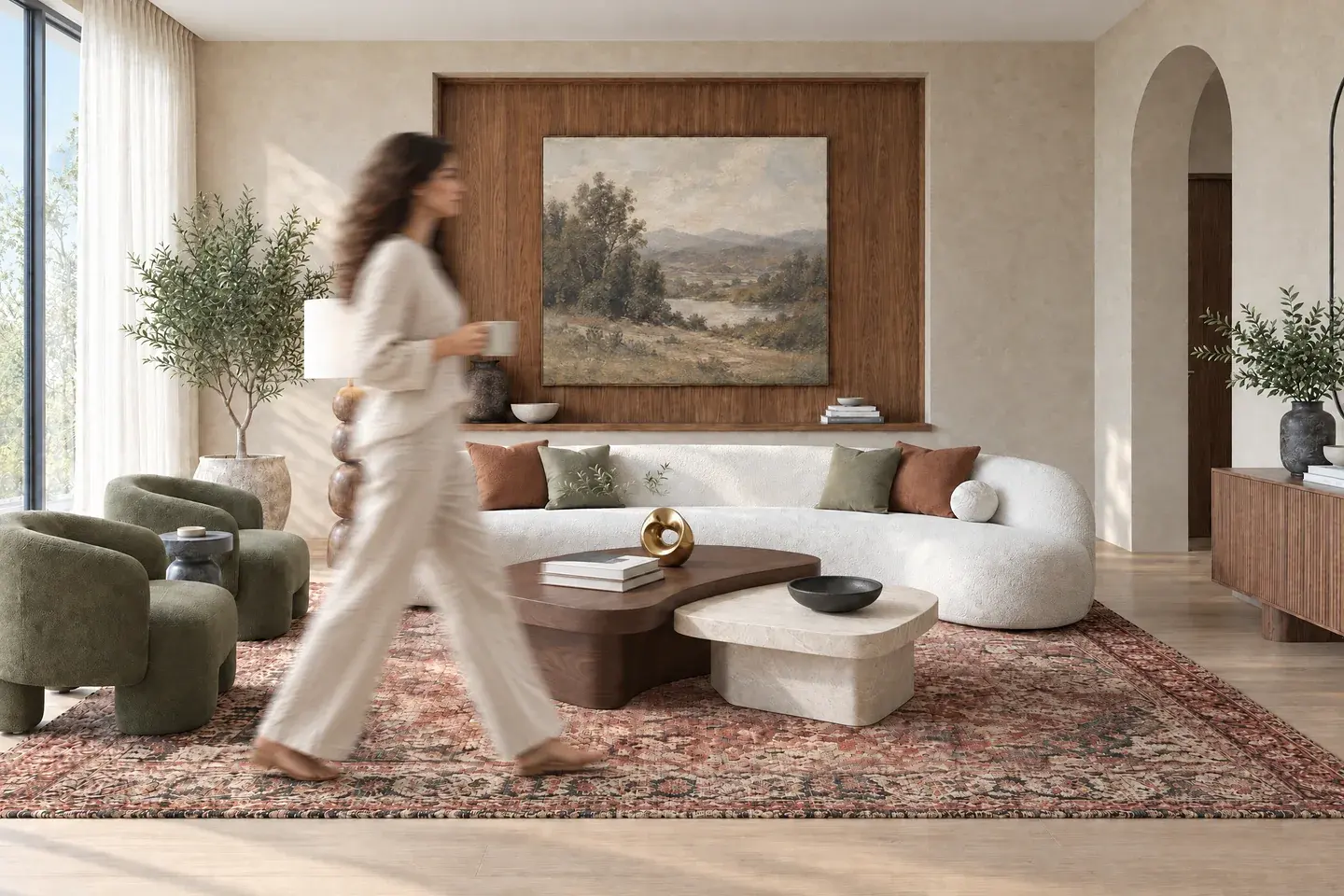
Populate the scene in one click
Add people to make a lobby, living room or shared space feel in use. Build context into the render without a separate compositing pass.
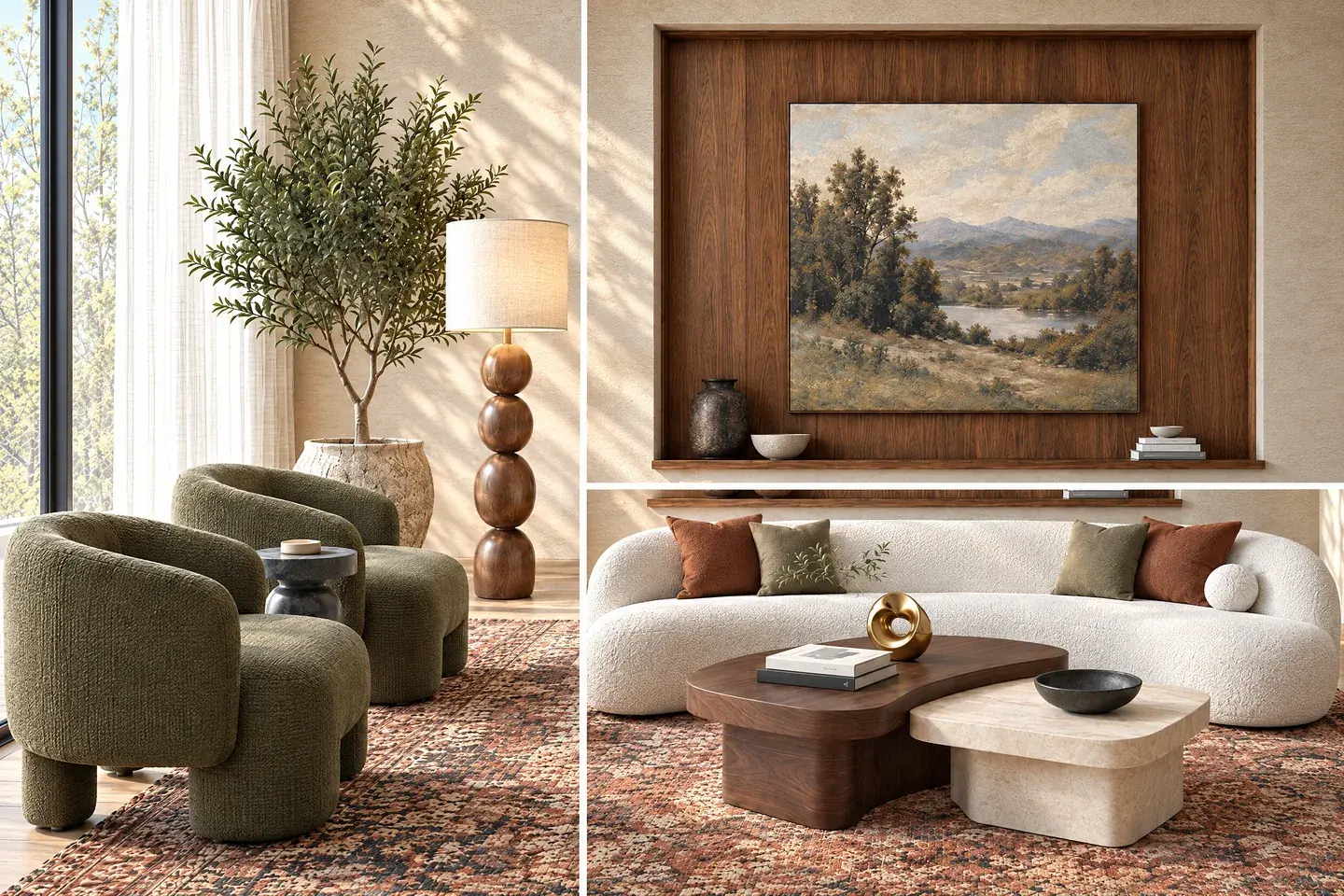
Create close-ups that hold their detail
Generate full-resolution shots of furniture, finishes and architectural details in one click. Give a client the wide view and the details that support the design.
A flythrough with the editing already done
Turn your selected stills into a cinematic sequence. Vibe3D generates the camera movement, assembles the scenes and auto-matches music to the video. Download it for a client deck, website or social post without stitching clips in another editing tool.
Veras also generates video. Vibe3D brings scene assembly and music into the presentation workflow.
Explore flythrough videos
Pricing & ownership
What will it cost?
The displayed Veras price is an annual commitment expressed per month; Vibe3D Starter is billed monthly. Compare the features and output allowance you need on the same billing basis.
Veras Starter
$16.90
/ month equivalent
$202.80 billed annually · 500 AI credits per month · USD
A named-user plan for AI image and video work.
- Higher tiers add usage and capabilities.
- Check supported integrations for your application.
- Credits are not equivalent to Vibe3D credits.
Vibe3D Starter
$19
/ month
Billed monthly · 75 credits · USD
A starting plan for cloud rendering and image editing.
- One-time credit packs are also available and never expire.
- Monthly credits refresh each billing cycle.
- HyperReal is available on Pro and Studio.
Budget for the work you actually deliver
Check whether Veras is already included in your Chaos subscription. For Vibe3D, Starter covers entry-level rendering and editing, while HyperReal is available in Pro and Studio. Choose the plan around the renders, revisions and videos you expect to deliver. Credits have different costs in each product, so compare usable outputs rather than the credit totals alone.
Prices checked November 2, 2026. Taxes, regional pricing and included features may change.
Choosing your workflow
Vibe3D or Veras: which should you choose?
Choose Vibe3D for 2K+ images, precise material and lighting revisions, and flythroughs assembled with music. Choose Veras when its CAD/BIM connection or editable 3D generation is essential. Both offer AI rendering, editing and video.
Choose Veras when the integration matters
An integrated workflow is valuable if you repeatedly move between model edits and visual options. Veras also makes sense if it is already included in your software arrangement and provides the outputs you need.
- Visual exploration during a supported CAD or BIM session.
- A team already familiar with its prompts and reference controls.
- Projects that use its wider generation tools on an eligible plan.
Check the exact application version and subscription. The value comes from using those connections and capabilities in real work.
Choose Vibe3D for the quality and the finished presentation
Vibe3D is built for the work after you choose a view: creating a convincing render, refining its materials and lighting, and turning the result into the visual content a client sees.
- 2K+ output and HyperReal material and lighting quality for final images.
- Precise edits without image degradation and real-time relighting for interiors and exteriors.
- One-click population, detail shots and automatically assembled flythroughs with music.
Try a project you know. Look at material texture, light, the quality after revisions and the finished video, as well as the first render.
Compare a finished presentation, not just the first render
Use the same source view in each tool. Try the material change a client would actually request, adjust the lighting, inspect the result at full size and make a short video. That gives you a useful basis for choosing: the image quality you prefer and the steps it takes to deliver it.
Before you switch
Your questions, answered.
Answers about Veras integrations, browser access, subscription overlap and testing an exported-view workflow.
Comparing more than two renderers?
Explore architectural rendering softwareSources & review notes
Prepared by the Vibe3D team from official product documentation and plan information. Examples on this page show Vibe3D output; they are not side-by-side Veras benchmarks.