For realistic architectural images and a complete client presentation, shortlist Vibe3D: render the model views, refine the finishes and deliver the selected images, film and review set together. Choose Veras for generation inside supported CAD tools, MyArchitectAI for unlimited still-image work or LookX for training a visual style. When a team needs a shared project workspace, compare Gendo’s canvas with Rendair’s boards.
This guide focuses on AI image generation and revision for architectural work. If you need physically based scene rendering, navigable 3D presentations or a maintained material-and-lighting setup, begin with our broader architectural rendering software comparison. These are different categories of deliverable, even when the resulting still images look similar.
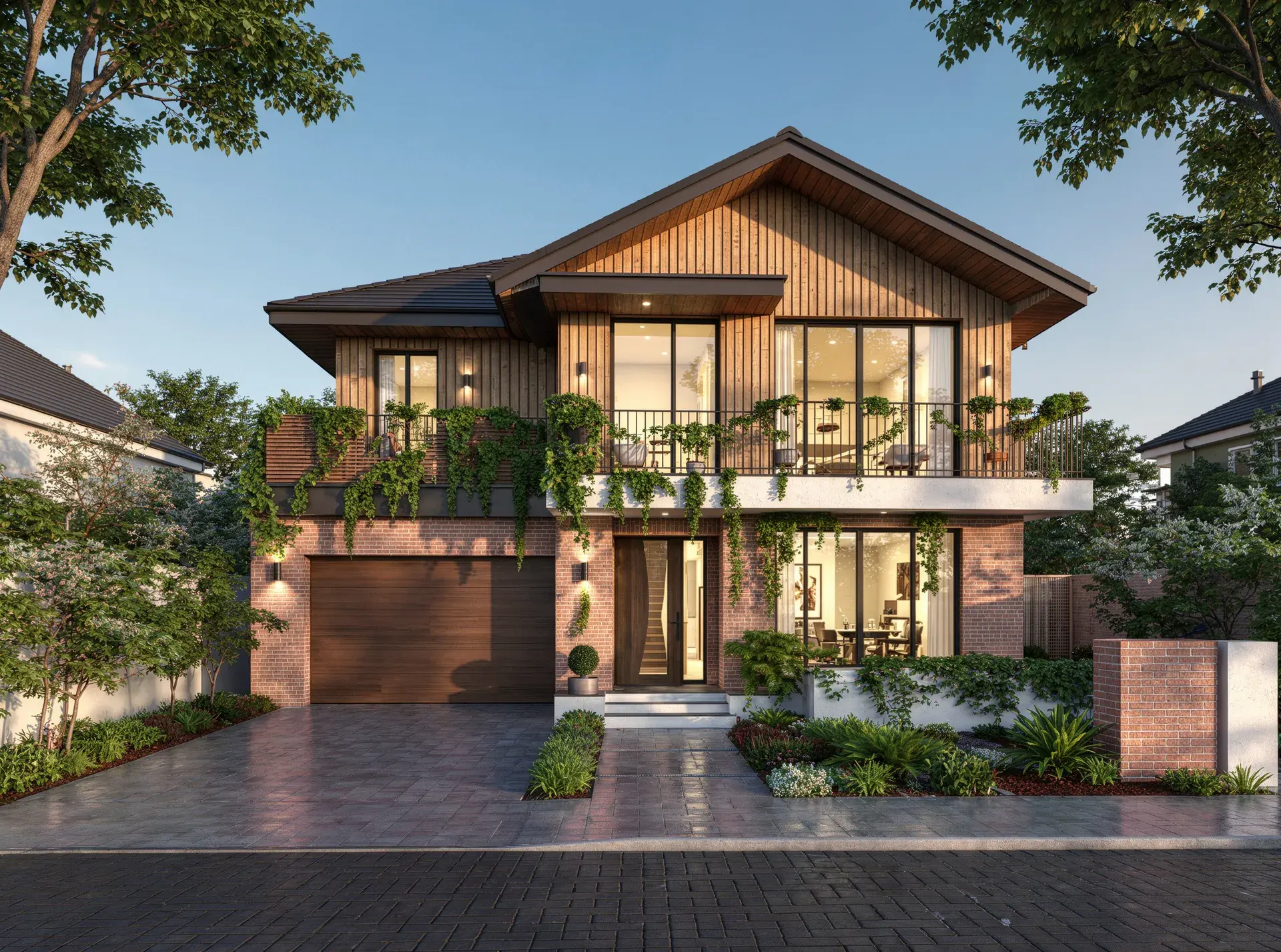
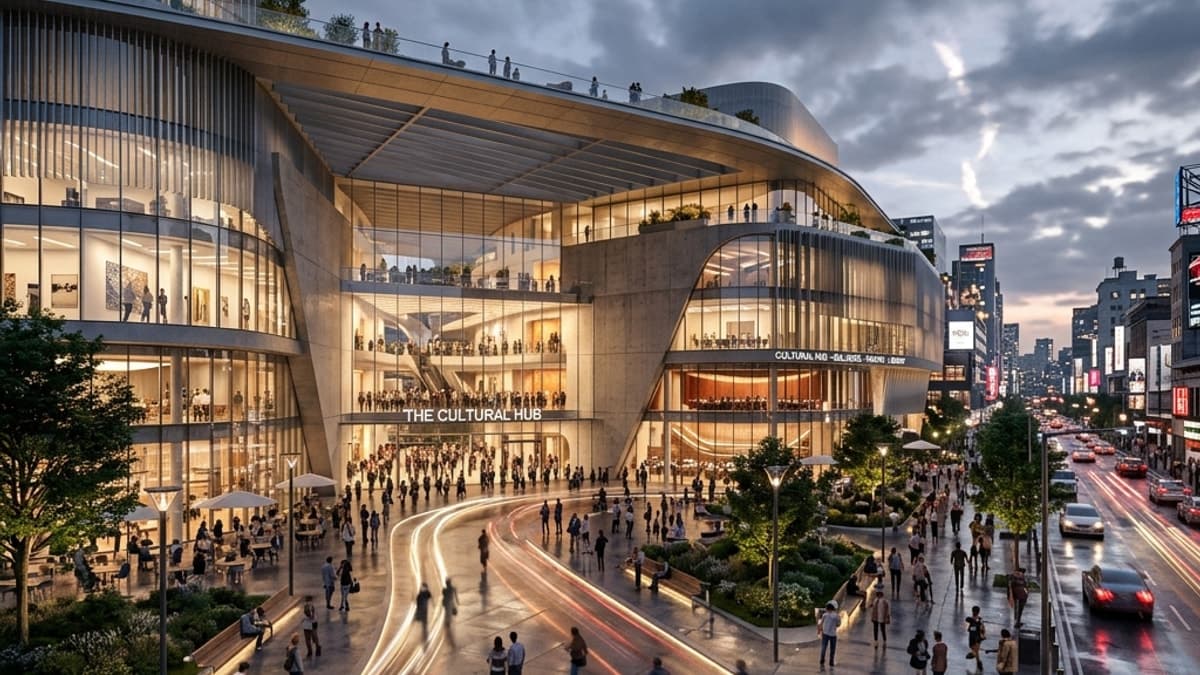
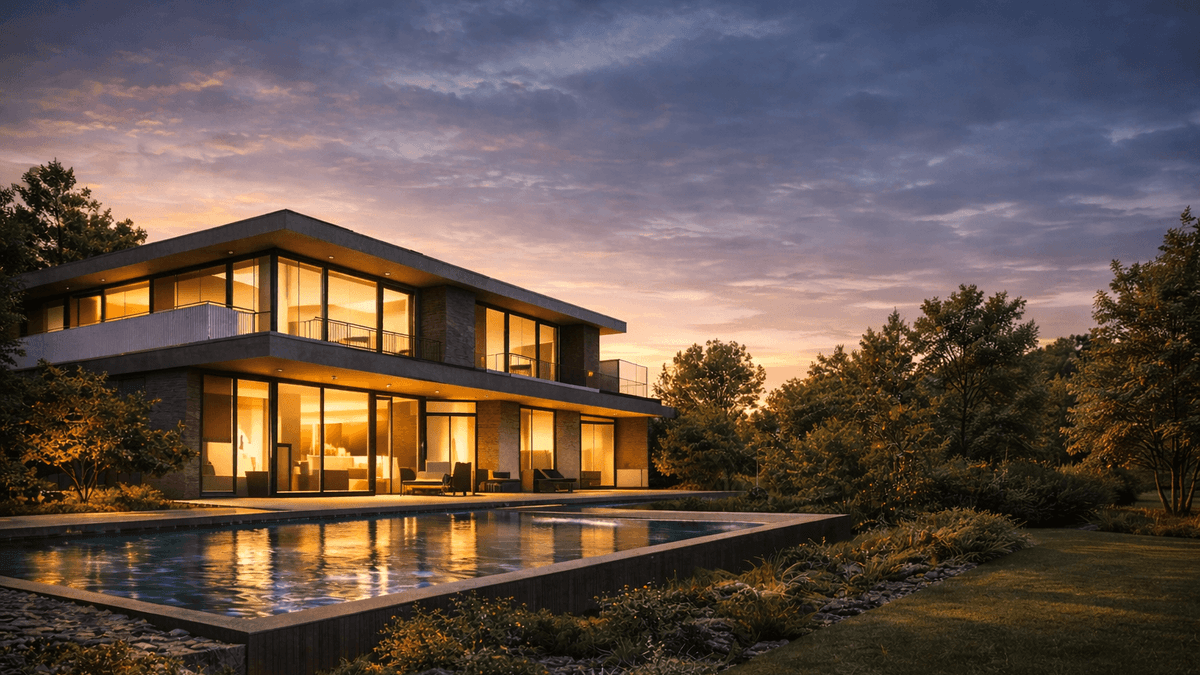
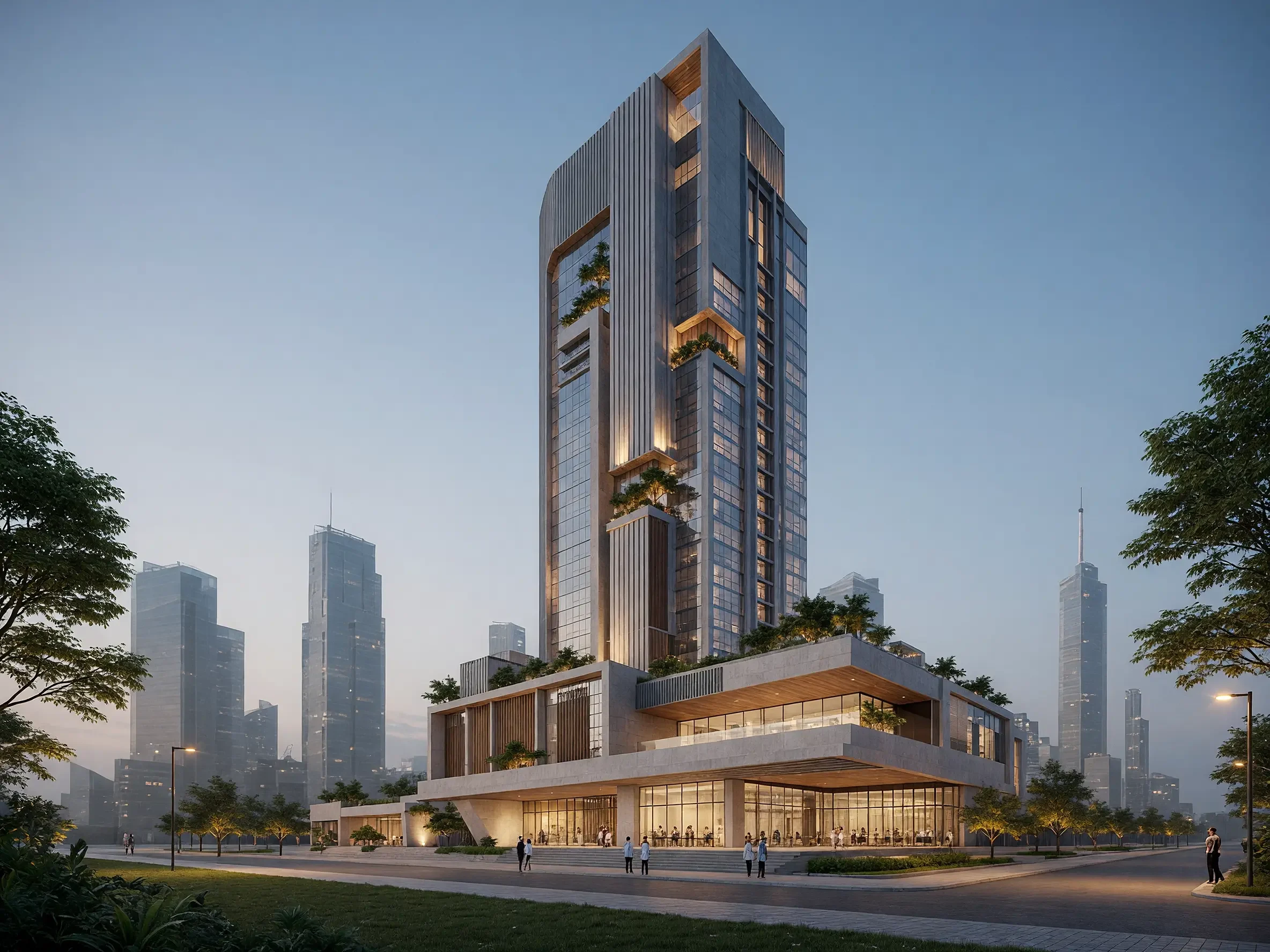
Who wrote this and how: Vibe3D publishes this guide and is included in it. We reviewed the official product pages linked below on November 2–3, 2026. Recommendations reflect advertised capabilities and editorial judgment about workflow fit. We have not run a standardized hands-on benchmark of every tool, so this article does not rank measured speed, geometry preservation or image quality. The cover image is a Vibe3D showcase, not a test result.
Jump to the comparison table, the tools, evaluation criteria, or questions.
AI rendering tools at a glance
| Tool | Input and controls | Delivery and access |
|---|---|---|
| Vibe3D | Model views, 2K+ rendering, precision edits, versions and favorites | Pro $39/month launch offer. Project films with music, live Present, PDF/ZIP and sharing links; one-time packs also available |
| Veras | CAD/BIM integration or web input, annotations and style references | Pro $59 monthly with 2,000 Chaos credits for images, video and other supported generation tasks |
| LookX | SketchUp/Rhino plugin, custom training and style references | $20/month includes unlimited image generation and 580 X-points for advanced tasks |
| MyArchitectAI | Image upload, material references and local edits | $29/month Starter includes unlimited stills, edits, enhancement and 4K downloads |
| mnml AI | Studio masks and reference images, repeatable Flow canvas | Plus $49/month. About 300 Fast or 100 Ultra renders if all credits go to one mode |
| ArchiVinci | Sketch, render, interior photo or floor plan, with task-specific tools | $79 monthly subscription includes unlimited ArchiVinci renders and AI floor plans, with coins for other models |
| Gendo | Shared architectural canvas, references and regional edits | Free projects are public. £790/year Studio includes five seats and private workspaces |
| Rendair | Project boards, images and 3D files, model selection and seasonal changes | Pro $49/month for two members and 1,500 credits. Generated 3D models can export as GLB |
| ReRender | Screenshot or SketchUp plugin, masked edits and multi-angle inputs | $45 monthly for commercial stills with 4× upscaling. Video has its own allowance |
| PromeAI | Sketch rendering, regional repainting and model choice for image-to-video | Standard $39/month with commercial rights and 2,000 coins |
The table is a shortlist, not a league table. A tool can fit one stage of your process and be the wrong choice for another. Features and usage limits can differ by plan and may change after the review date.
Vibe3D: from a model view to the client presentation
Vibe3D turns a model-view image into an ultra-realistic 2K+ render, preserving its geometry, camera and materials while bringing out rich surface textures and natural lighting. Choose Fidelity or Lumen for rendering; use HyperReal Enhance to give an existing render a more detailed finish. It runs in the browser without a high-end local rendering GPU.
The work continues around the same project. Select the cabinet doors for a precise finish change without image degradation across revisions. Versions retain earlier results; favorites mark the ones you want to present. One-click time-of-day options work for interiors and exteriors, with interactive relighting for prepared interiors. Populate a scene and create close-ups when the client needs context or material detail.
What makes the delivery workflow useful:
- A complete project film: select interior and exterior renders, choose movement and let Vibe3D assemble the sequence with matched music. Download the film without stitching clips or adding a soundtrack in another editor.
- A review set from the selected versions: present live, export only starred versions as a PDF, or bulk-download the images as a ZIP.
- A project the client can revisit: share a view-only scene or project link. Project links include scenes and versions; use a curated export when you want to send only a shortlist.
Choose Vibe3D when image fidelity, repeated revisions and the final presentation are part of the same job. Monthly Pro includes the advanced tools; Studio offers unlimited usage, and one-time fixed-credit packs never expire. Compare Vibe3D plans. Keep approved geometry changes in the source model: image edits do not modify it, and a generated film is not an interactive 3D scene.
Chaos Veras: explore options through design integrations
Veras offers integrations with supported design applications and a web app. Its relevance is strongest when those integrations improve the repeated path from model changes to visual exploration.
Veras can connect image, video and 3D generation through Nodes. If Veras already comes with a Chaos bundle your office pays for, try the included workflow before adding another subscription. The Vibe3D vs Veras comparison examines image revisions, project films and client delivery alongside those integrations. Veras also has gallery sharing and Video Combine; compare the complete process rather than assuming assembly is exclusive to one tool.
LookX: develop a visual direction
LookX advertises style references, custom model training, image and video features, and SketchUp and Rhino plugins. Include it when a project calls for a deliberate visual language across concept work.
A studio producing a series of competition boards may want one trained visual style across the series. A reference used on a single image steers that generation. Neither method ensures that a second camera exactly matches the geometry in the first.
MyArchitectAI: use model-view images and references
MyArchitectAI supports JPG/PNG inputs, optional prompts, references, targeted editing, enhancement and animation. It is a candidate for designers who want to begin with an existing view and guide the visual result from there.
Starter works for a material library where the deliverables are stills. If a property listing also needs movement, Studio costs $49/month and includes 50 animations and 8K downloads. Compare the still and video workflows.
mnml: combine several architectural image tasks
mnml presents Studio and Flow workspaces and advertises CAD plugins alongside its tools. It belongs on the shortlist when your requirements extend across several kinds of architectural imagery.
In Studio, mask the kitchen cabinets and describe the new finish. In Flow, retain the arrangement of tools for the next brief. The mnml comparison explains its Fast and Ultra allowances and which balances expire.
ArchiVinci: match modules to specific deliverables
ArchiVinci covers architecture-focused tasks from sketches, plans, photos and model views, and advertises a SketchUp extension. Evaluate the individual module that corresponds to the job rather than treating the whole platform as one rendering function.
Start with the required file: an illustrated plan for a client, an interior still, or a 3D model for further work. An image of a floor plan cannot supply editable geometry to a downstream CAD file. ArchiVinci also offers time-limited one-time access, including a $49 three-day pass.
Gendo: explore architecture in a shared canvas
Gendo centers its architectural offering on a collaborative creative canvas. Include it if organizing references and visual iterations with teammates is part of the problem you need to solve.
On a confidential commission, Studio includes private-by-default workspaces and five seats. Gendo’s free projects are public. Studio has 15 video seconds once, while Studio Scale Beta offers unlimited video on a separate £299 monthly plan.
Rendair: combine image work and presentations
Rendair offers boards, presentation tools, multiple AI models and editing within a broader workspace. It is relevant when your purchase decision includes organizing a project and its client-facing visuals.
A landscape team can use Change Season to show the same garden in spring and winter. Rendair v2 at 2K uses two credits per image. If the job also calls for a generated 3D object, its GLB output can leave the board for another tool.
ReRender: start from a screenshot
ReRender focuses on screenshot-based architectural visualization and advertises related editing, upscaling and image tools. Evaluate it on a design whose geometry and materials you can inspect closely.
Design-preservation claims need testing on your scenes. For a series of images, check the whole set for consistent openings, finishes and furniture rather than judging the strongest individual result. Record corrections and retries in the evaluation.
PromeAI: support architecture and other creative tasks
PromeAI spans sketch rendering, image editing, video and other creative work. It can be relevant for teams whose needs extend beyond architectural images.
Base is for personal use. Standard adds commercial rights, with 2,000 coins that buy different amounts of output depending on the model and settings. Use the PromeAI comparison if the brief combines sketch rendering with finished marketing images.
Pricing reviewed November 3, 2026. Sources include MyArchitectAI, mnml, Gendo, LookX, ArchiVinci, Rendair, PromeAI and ReRender. Prices in dollars are USD. Gendo quotes GBP.
What about SketchUp AI Render?
SketchUp AI Render is SketchUp’s own AI rendering tool. On desktop, it runs as an extension, so you can generate visuals directly inside SketchUp, much like using Veras’s SketchUp integration. It uses the active model view with prompts, style presets and reference images, and offers tools for editing selected areas of the result. AI Render is also built into SketchUp for Web and iPad; access requires an eligible SketchUp subscription and uses SketchUp AI credits.
Include AI Render and Veras on your shortlist if you want to generate images while working in SketchUp. Our SketchUp rendering software guide compares the wider range of plugins, real-time renderers and AI tools. To work from exported model views in a browser, see rendering SketchUp views with Vibe3D.
How to choose an AI renderer for your studio
Define the deliverable before comparing output
Write down whether the job is a concept image, a client finish review, a final marketing still, a short generated video or an editable scene. Decide which details can vary and which must remain fixed. This makes it possible to reject an attractive image that fails the actual brief.
Compare a complete revision cycle
Use an ordinary interior and exterior from your work, plus one difficult scene. Record the original view, settings and intended result. Generate an image, request a material change, then request a lighting change. Check geometry and unrelated details after each step.
Count preparation, retries and cleanup as well as generation time. A tool that delivers a useful first preview may still create work during revisions. Conversely, an integration with more initial setup may save repeated exports during an active design session.
Budget for accepted images
Include your expected edits, enhancement, video and output resolution in the cost calculation. Compare the current plan rules directly; credits and advertised allowances are not necessarily equivalent between vendors. Note commercial rights, privacy terms, download limits and any collaboration requirements.
Download the AI renderer evaluation worksheet and use the same acceptance criteria for each trial. The worksheet is blank intentionally: your results should come from your scenes and requirements, not invented scores.
Frequently asked questions
Which AI rendering software is best for architects?
The answer depends on inputs, deliverables and workflow. Shortlist by the task using the table above, then test a complete revision cycle. This guide does not claim one tool wins a controlled quality or speed benchmark.
Can AI rendering preserve exact geometry?
Generated images can reinterpret geometry and materials. Inspect the output against the source design, especially repeated elements and boundaries. Keep the original model authoritative and use a scene-based renderer when exact modeled relationships are required.
Do I need a plugin to render a SketchUp or Revit view?
No. Image-based tools can use an exported view. A plugin can still be useful when you change the model frequently and want a more connected workflow. Native model import, live integration and image upload are different capabilities.
Can a generated flythrough replace a 3D walkthrough?
A generated video is a sequence of images, not necessarily a navigable representation of a maintained 3D model. If the viewer needs to move freely through a design or inspect geometry, evaluate a real-time scene-based workflow instead.
Can AI rendering tools produce final presentation images?
Yes. Vibe3D creates realistic 2K+ renders that preserve the model view’s geometry, camera and materials, with precise edits and HyperReal enhancement for the finishing stage. It also supplies project films with music and live, PDF, ZIP or link delivery. Check the final set against the design; download dimensions alone do not establish quality.
How should I compare an unlimited plan with credits?
Compare a finished job: renders, material changes, relighting, enhancement and any video. MyArchitectAI offers unlimited still-image work on paid plans, while Vibe3D offers metered Pro, unlimited Studio and one-time packs with non-expiring credits. Feature access, download settings and video allowances can differ even when the starting subscription prices are close.