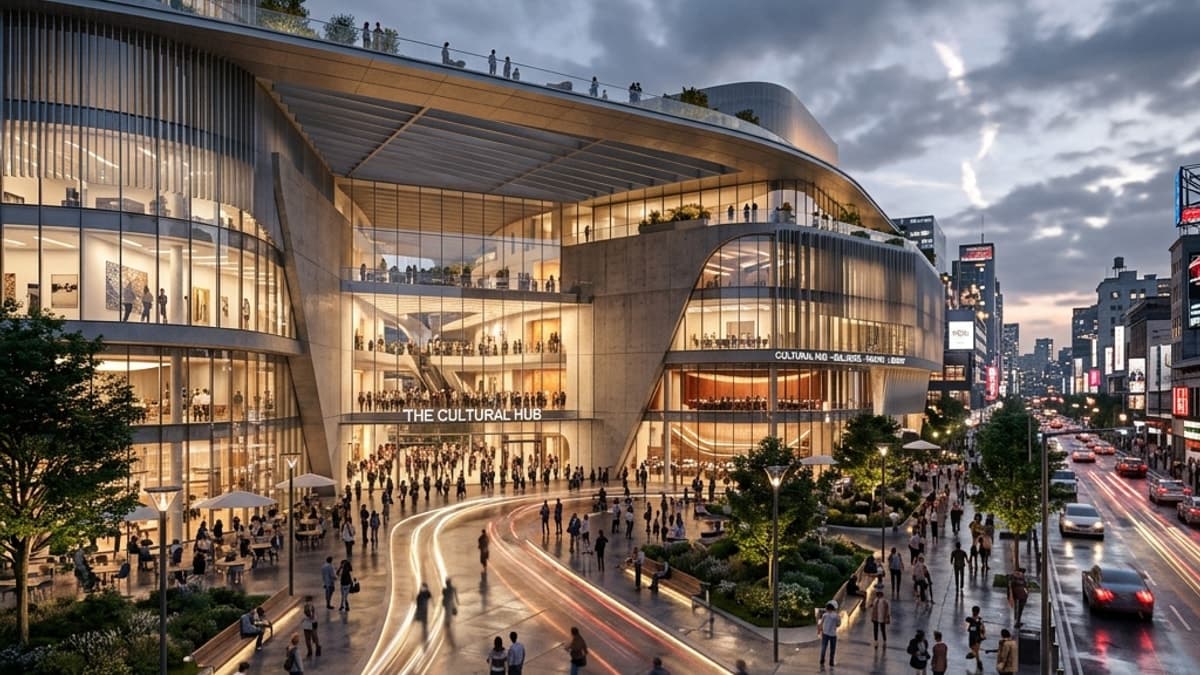
Twinmotion is a powerhouse in real-time architectural visualisation, renowned for its speed and high-fidelity output. It's a go-to for many high-end design studios and seasoned professionals working on large-scale, high-budget projects. However, its strengths come with significant considerations that can make it a challenging choice.
The software's high cost, steep learning curve, and demanding hardware requirements can make it time-consuming and expensive. This is particularly true for smaller studios, freelancers, and projects with tighter deadlines and budgets. The meticulous setup required to achieve photorealism often means hours spent tweaking settings, a luxury not always available in a fast-paced design environment.
This is where the search for a solid Twinmotion alternative begins. Many designers are now seeking tools that offer a different balance of speed, cost, and ease of use. The ideal solution should make high-quality rendering accessible without a large budget or a dedicated visualisation team. It needs to be fast, intuitive, and deliver client-ready results with minimal friction.
This guide covers 12 alternatives designed to meet different project needs, with overviews, screenshots, and direct links for each option. That includes platforms like Vibe3D, which uses AI to deliver ultra-realistic renders at a fraction of the cost and time, simplifying workflows for design professionals who need to move fast. The goal is to give you what you need to select the visualisation tool that fits your specific workflow, budget, and creative goals.
1. Vibe3D
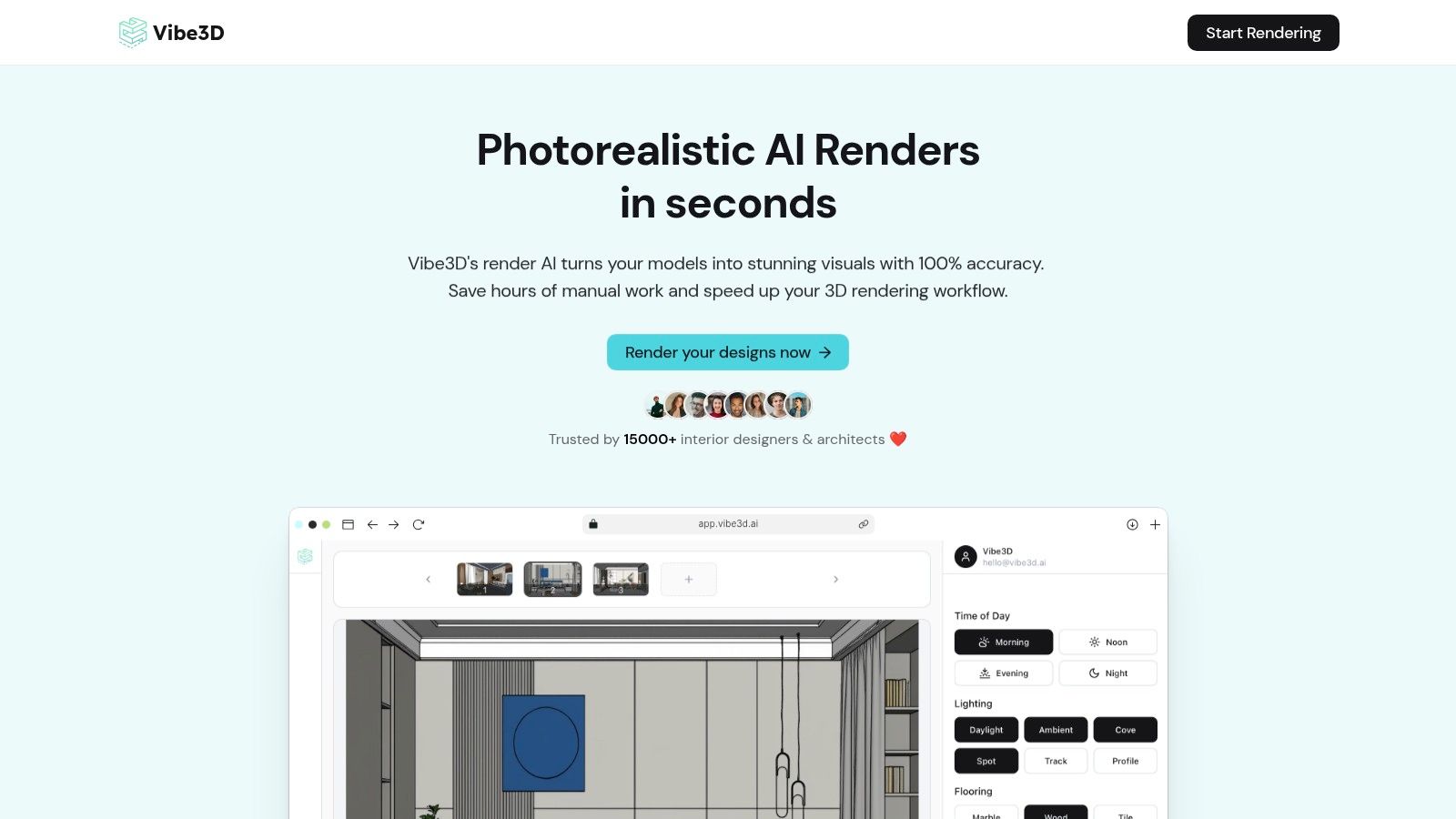
Vibe3D emerges as a formidable Twinmotion alternative, engineered for professionals who demand photorealistic quality without the steep learning curve or high costs associated with traditional rendering engines. While Twinmotion excels in complex, high-budget animations and interactive experiences, its complexity can be time-consuming. Vibe3D directly addresses this with an AI-powered, cloud-first architecture that delivers ultra-realistic interior and architectural visuals in seconds, not hours.
It’s designed to preserve the integrity of your original models, ensuring geometry, materials, and complex textures from tools like SketchUp and 3ds Max are translated flawlessly. This eliminates the tedious manual adjustments often required in other software, allowing designers to produce client-ready 4K imagery with remarkable efficiency.
Key Features and Workflow Advantages
Vibe3D’s core strength lies in its intuitive, AI-driven workflow that makes high-end rendering accessible to non-specialists. Its natural-language editing capabilities are a standout feature, allowing users to make targeted changes with simple commands.
-
Smart Prompt Suggestions: The platform provides contextual prompts, guiding users to refine lighting, materials, or style with one-click edits. This helps a lot for those without deep technical rendering knowledge.
-
Seamless Integration: Direct import support for SketchUp and 3ds Max files ensures a smooth transition from modelling to rendering, minimising data loss.
-
Cloud Processing: By offloading the heavy computational work to the cloud, Vibe3D removes local hardware limitations. This makes high-resolution rendering accessible even on standard computers and accelerates client review cycles significantly.
-
Iterative Design Tools: Features like selective area updates and side-by-side version comparisons make it incredibly fast to iterate based on client feedback, a process that can be cumbersome in more traditional pipelines.
Ideal User and Practical Applications
Vibe3D is an ideal Twinmotion alternative for interior designers, architects, and 3D visualisers who prioritise speed and quality for still imagery. Its workflow is perfectly suited for producing stunning marketing visuals, client presentations, and design proposals without the overhead of complex animation setups. The platform is already trusted by over 15,000 professionals, with testimonials praising its ability to drastically cut down rendering and iteration time.
Pricing and Access
Vibe3D operates on a flexible, pay-as-you-go credit system, making it accessible for freelancers, students, and large studios alike.
-
Pro: $39 (limited-time offer, was $59).
-
Studio: $99 (limited-time offer, was $149), includes high-volume credits and priority support.
This model allows teams to scale their usage based on project demands, offering a cost-effective solution compared to expensive annual software licences.
- Website: https://vibe3d.ai
2. Enscape
Enscape solidifies its position as a leading real-time rendering plug-in, prized for its deep integration within primary architectural software. It operates directly inside Revit, SketchUp, Rhino, and Archicad, which eliminates the tedious import-export cycles that often slow down design visualisation. This makes it an exceptional Twinmotion alternative for professionals who need to iterate rapidly and present ideas without ever leaving their native modelling environment. Its core strength is providing an instant, high-fidelity window into your project.

Unlike Twinmotion's standalone application, Enscape's live-sync feature means every change made in your CAD or BIM model is reflected in the render view instantly. This "what you see is what you get" approach is invaluable for material studies, lighting analysis, and client walkthroughs. For architects and designers focused on efficiency, this tight integration is a significant advantage over workflows that demand constant synchronisation or file management. The learning curve is notably gentle, allowing teams to produce compelling visuals and VR experiences with minimal setup.
Key Features and Considerations
Enscape's feature set is organised around speed and ease of use, making it a powerful tool for daily design and presentation tasks.
-
Primary Use Case: Ideal for architects and designers needing instant visualisation and VR walkthroughs directly from their BIM/CAD software.
-
Workflow Integration: It acts as a plug-in, so there's no need to switch between applications. This is a key differentiator from standalone renderers.
-
Asset Library: Includes a comprehensive, built-in library of high-quality 3D assets to quickly populate scenes.
-
Output Formats: Exports still images, panoramas, video walkthroughs, and standalone executables for client presentations without needing Enscape installed.
Our Take: Enscape is the go-to for speed and simplicity within an integrated workflow. While Twinmotion might offer more advanced animation and landscaping tools, Enscape's seamless connection to host applications provides an unmatched level of convenience for quick design validation and client communication. While powerful, some may find its workflow and feature set have a steeper learning curve compared to more streamlined platforms; you can discover more about Enscape and how it compares to other solutions.
Visit Website: https://enscape3d.com
3. Lumion
Lumion has long been a heavyweight in the architectural visualisation space, establishing itself as a robust, standalone rendering software. It is renowned for its ability to transform complex 3D models into stunningly realistic images, videos, and 360-degree panoramas with remarkable speed. For professionals seeking a powerful Twinmotion alternative that prioritises a vast, high-quality content library and polished environmental effects, Lumion is a top-tier choice. Its workflow is designed to help architects and designers build rich, atmospheric scenes with minimal friction.
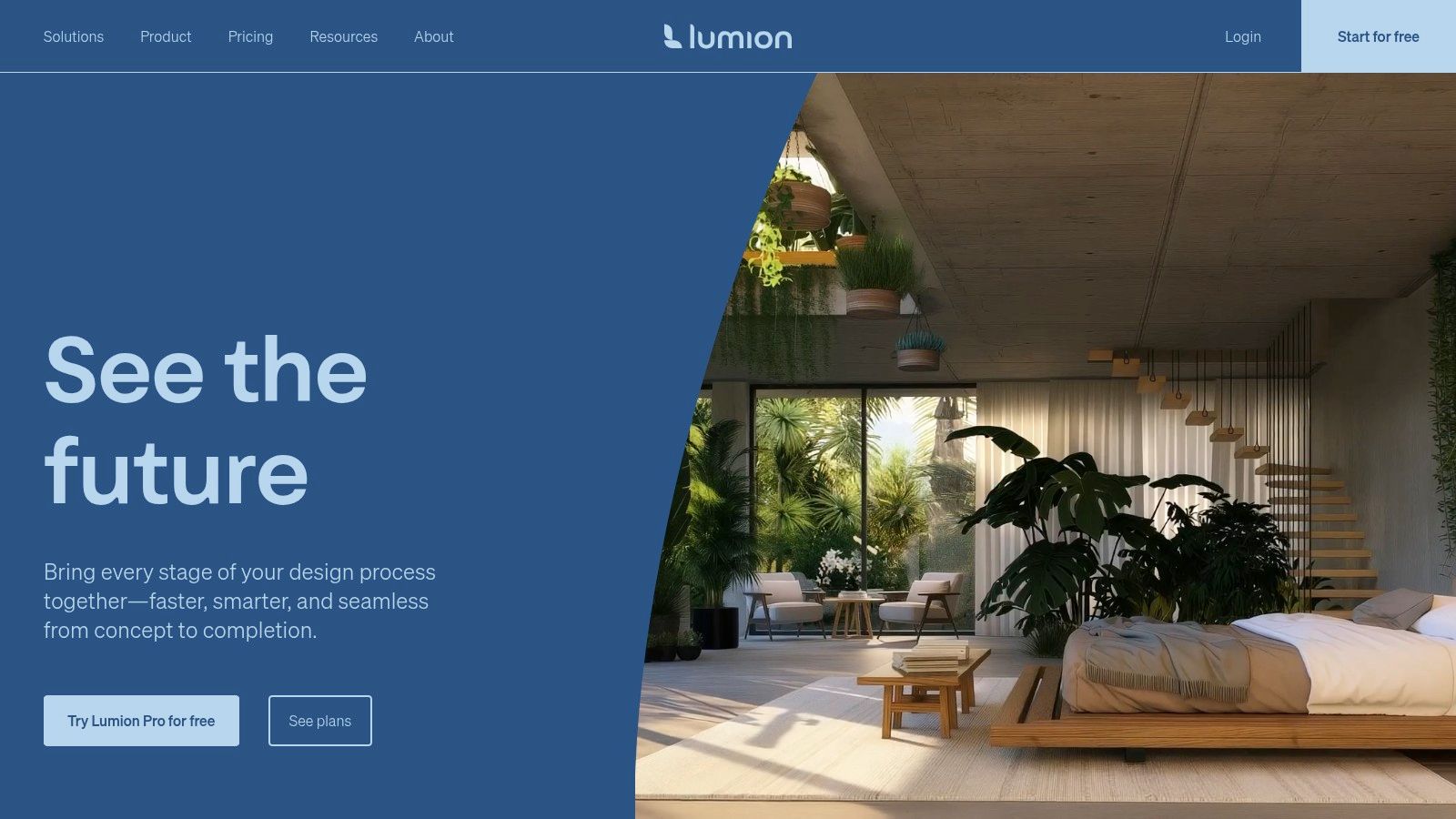
Unlike plug-in-based renderers, Lumion operates as a dedicated environment where you import models from programs like SketchUp, Revit, or Rhino. This approach gives it the power to handle incredibly large and detailed scenes, from intricate building interiors to sprawling urban landscapes. Its intuitive, slider-based interface for effects like weather, lighting, and vegetation makes it accessible, allowing users to achieve cinematic results without deep technical expertise. The focus is squarely on creating compelling visual narratives for architectural projects, from concept flythroughs to final marketing materials.
Key Features and Considerations
Lumion’s feature set is organised to deliver high-quality archviz output efficiently, with a strong emphasis on environment creation and atmospheric effects.
-
Primary Use Case: Ideal for architects and designers producing high-end marketing stills, cinematic animations, and client presentations.
-
Workflow Integration: Operates as a standalone tool with live-sync plug-ins for most major modelling software, offering a balance between integration and dedicated performance.
-
Asset Library: Features a massive, curated library of models, materials, and effects (Pro version has the full library) to bring scenes to life.
-
Output Formats: Exports high-resolution images, videos, and 360-degree panoramas, suitable for a wide range of presentation needs.
Our Take: Lumion is a mature and powerful choice for producing polished architectural visualisations. While Twinmotion is an excellent tool, its cost and complexity can be a barrier. Lumion offers a more focused archviz experience, excelling in landscape and environmental rendering. However, it is a Windows-only, GPU-intensive application, and its various subscription plans can be confusing. You can find a great Lumion alternative that might better suit your specific needs.
Visit Website: https://lumion.com
4. D5 Render
D5 Render has rapidly emerged as a powerful real-time rendering solution, using RTX-powered ray tracing to deliver strong photorealism with impressive speed. It strikes an excellent balance between high-fidelity visuals and user-friendly operation, making it a compelling Twinmotion alternative for professionals seeking quality without a steep learning curve. Its workflow combines a standalone application with live-sync plug-ins for software like SketchUp, 3ds Max, Rhino, and Revit, offering flexibility that appeals to a wide range of designers.
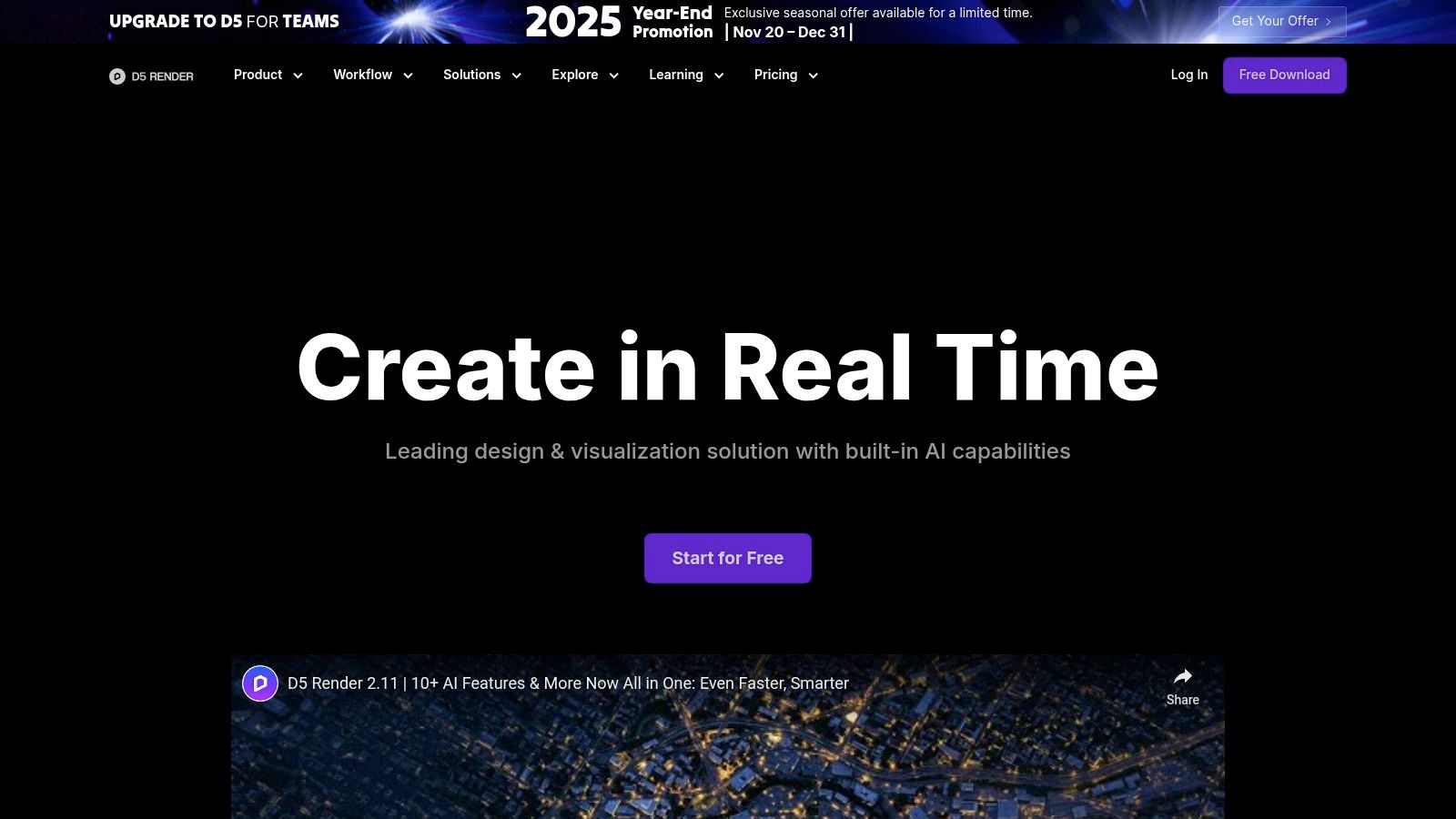
Unlike some renderers that prioritise either speed or quality, D5 Render aims to deliver both through its advanced path-tracing technology. This approach allows users to visualise accurate lighting, reflections, and global illumination in real-time, which significantly accelerates the design and decision-making process. For architects and visualisation artists, this means producing near-final quality renders from the very beginning, bypassing the need for lengthy offline rendering cycles for every minor adjustment. The platform's aggressive development and rapidly growing feature set also signal a strong commitment to future innovation.
Key Features and Considerations
D5 Render is organised around delivering photorealistic results quickly, supported by an intuitive interface and a robust asset library.
-
Primary Use Case: Ideal for architectural and interior visualisations where high-end, photorealistic still images and animations are the primary goal.
-
Workflow Integration: Offers a hybrid workflow with live-sync plug-ins for major modelling tools, providing a seamless link without being confined to the host software.
-
Asset Library: The Pro version boasts an extensive library of over 13,000 high-quality models, materials, and particles to enrich scenes efficiently.
-
Output Formats: Capable of exporting stills up to 16K resolution, video animations, panoramas, and VR-ready content.
Our Take: D5 Render is a fantastic choice for users who crave the visual fidelity of ray tracing in a fast, real-time environment. While Twinmotion is a robust tool, D5's aggressive pricing and focus on photorealism provide immense value. Its performance is hardware-dependent, but for those with RTX graphics cards, it offers a glimpse into the future of architectural visualisation. You can find out more about D5 Render and how it stacks up against other options.
Visit Website: https://www.d5render.com
5. Chaos V-Ray
Chaos V-Ray is an undisputed industry titan, recognised for producing photorealistic renders that set the benchmark for quality in architecture, VFX, and product design. While not a pure real-time engine like Twinmotion, its inclusion of V-Ray Vision provides a fast, game-engine-powered preview window for immediate feedback. This makes it a powerful Twinmotion alternative for professionals who need both rapid design iteration and the ability to produce final, studio-grade imagery from the same ecosystem. V-Ray integrates deeply into major modelling software like 3ds Max, SketchUp, Rhino, and Revit, offering unmatched control over lighting, materials, and camera effects.
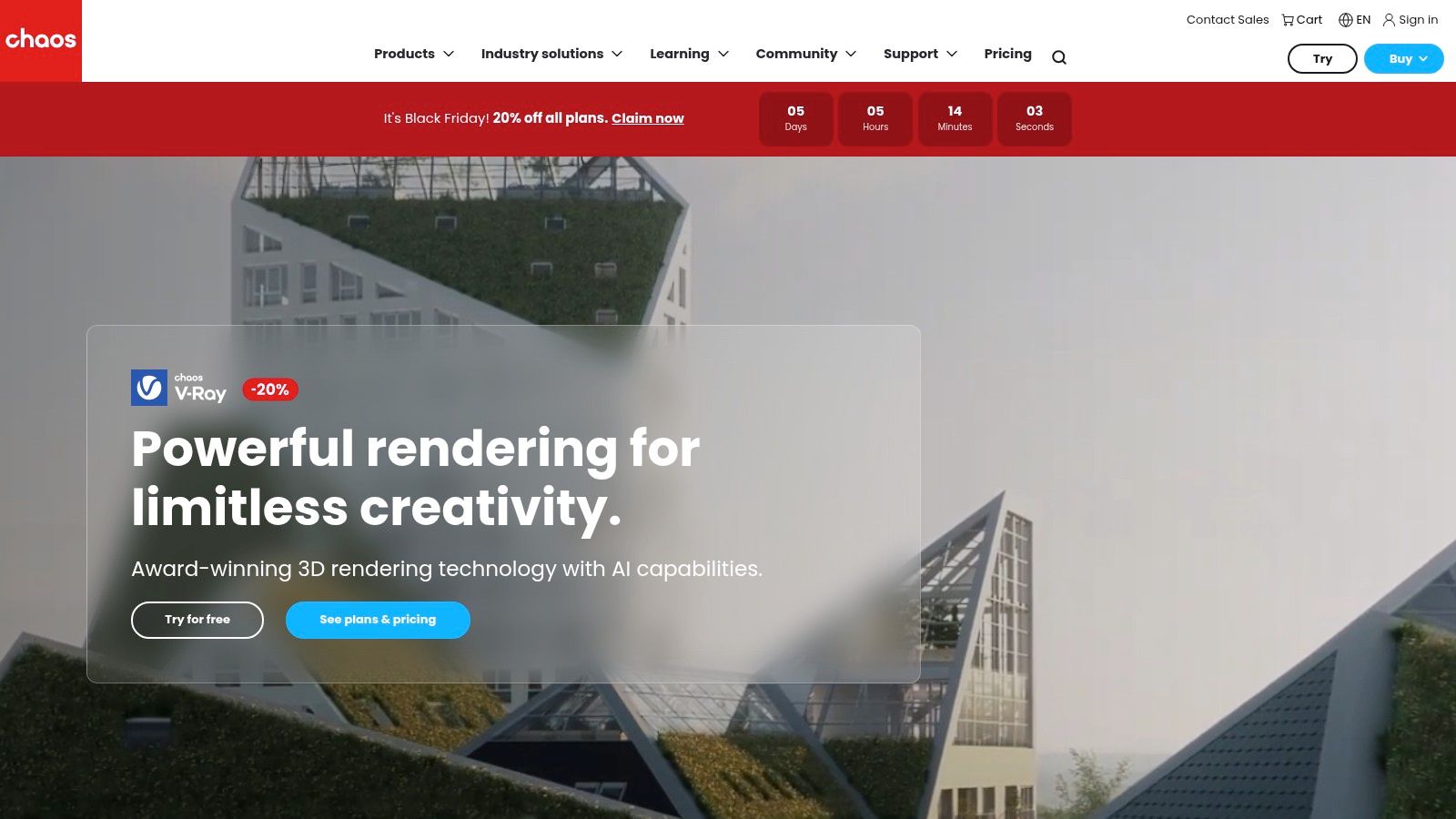
Unlike Twinmotion's focus on all-in-one simplicity, V-Ray offers a hybrid workflow. Users can use V-Ray Vision for real-time exploration and then switch to V-Ray's renowned CPU or GPU renderers for final, ray-traced images with exceptional realism. This dual capability serves studios that refuse to compromise on final quality but still need the speed of real-time visualisation during the design process. Its extensive material library and access to the Chaos Cosmos asset platform further streamline the process of creating detailed, lifelike scenes.
Key Features and Considerations
V-Ray is built for ultimate control and quality, catering to professionals who need to push the boundaries of photorealism.
-
Primary Use Case: Ideal for producing high-end, photorealistic still images and animations where quality is the top priority, with real-time previews for design validation.
-
Workflow Integration: Operates as a plug-in for most major 3D applications, allowing users to render within their familiar modelling environment.
-
Asset Library: Integrates with Chaos Cosmos, a vast and curated library of high-quality, render-ready 3D models and materials.
-
Output Formats: Renders to numerous professional image and animation formats, offering extensive control over render passes for post-production work.
Our Take: V-Ray is the choice for uncompromising final quality. While Twinmotion is faster for pure real-time walkthroughs, V-Ray’s rendering engine delivers a level of realism that is hard to beat for final client presentations and marketing materials. Its learning curve is steeper, but the results justify the investment for high-end projects. You can explore a detailed comparison and find out if it's the right fit for you by discovering more about Chaos V-Ray and its alternatives.
Visit Website: https://www.chaos.com/vray
6. Chaos Vantage
Chaos Vantage carves out a niche as a powerful, real-time rendering engine designed specifically for exploring complex V-Ray scenes. It operates as a live link, allowing users to send their entire V-Ray project from 3ds Max, SketchUp, or Rhino with a single click. This makes it an excellent Twinmotion alternative for studios heavily invested in the Chaos ecosystem who need to navigate and visualise massive, production-ready scenes instantly without optimisation hurdles. Its core purpose is to offer a pure, ray-traced view for design reviews and look development.
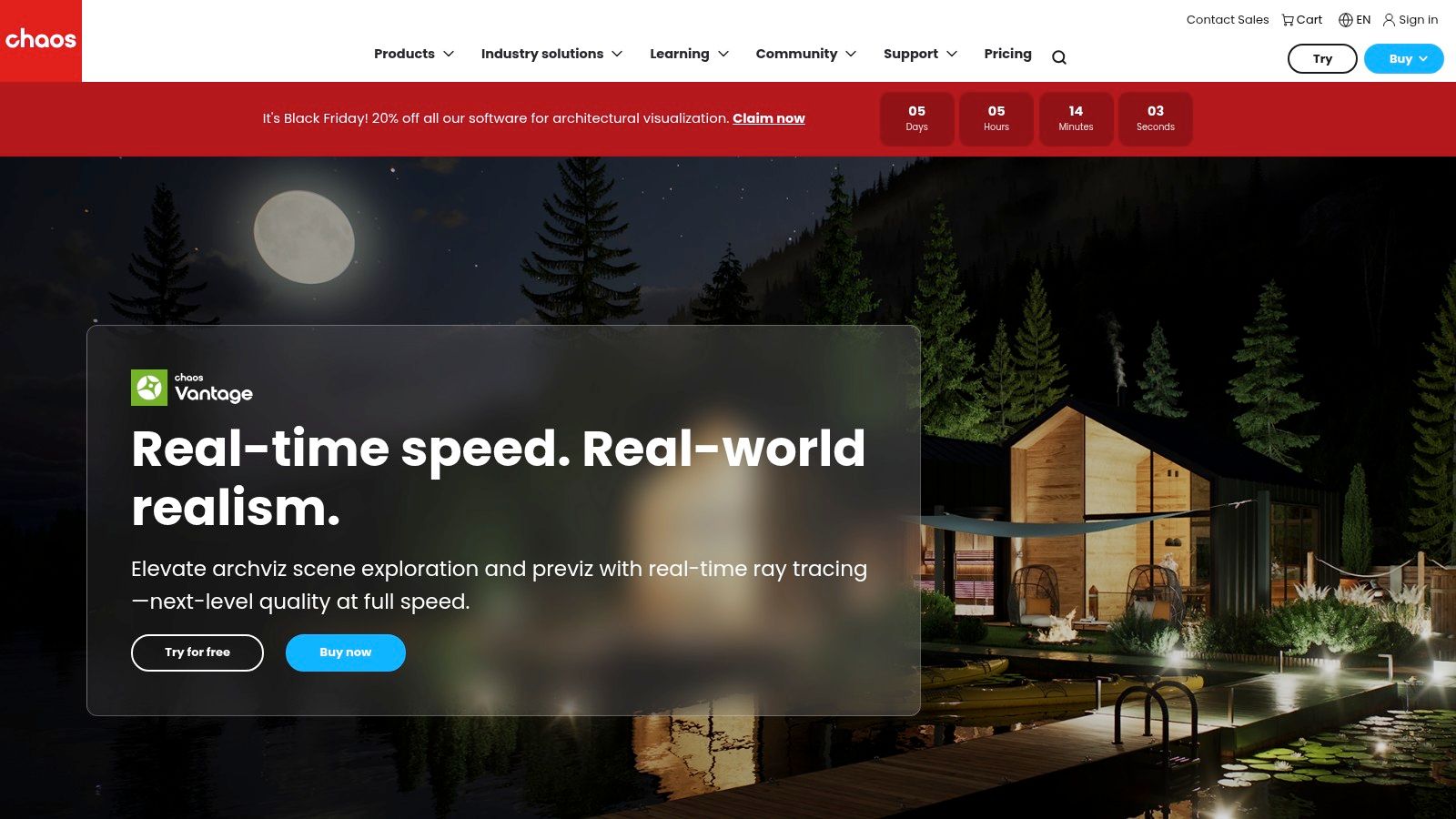
Unlike Twinmotion's focus on scene building and asset placement, Vantage excels at handling existing, data-heavy V-Ray projects. The live link ensures that any adjustments to lights, materials, and geometry in the host application are updated in Vantage immediately, facilitating a fluid workflow for finalising scenes. This tight integration is a significant benefit for V-Ray artists who find traditional real-time engines require too much prep work. While Twinmotion is a versatile, all-in-one solution, Vantage is a specialised tool for accelerating the final stages of a V-Ray pipeline.
Key Features and Considerations
Vantage is optimised for speed and fidelity within the established Chaos V-Ray workflow, focusing on instant, high-quality feedback.
-
Primary Use Case: Ideal for V-Ray users needing real-time exploration and rendering of large, complex architectural and VFX scenes without manual scene conversion.
-
Workflow Integration: Functions via a one-click live link from V-Ray host applications, dropping users directly into a fully ray-traced environment.
-
Asset Library: Does not have its own library; it renders the assets, materials, and lights directly from the source V-Ray scene.
-
Output Formats: Exports high-quality still images and video animations, using its real-time path-tracing capabilities for final output.
Our Take: Chaos Vantage is an indispensable tool for V-Ray power users. Its ability to handle billions of polygons with pure ray tracing in real-time is unparalleled for those already in the ecosystem. However, its value is almost exclusively tied to a V-Ray licence, making it less of a general-purpose Twinmotion alternative for those not using Chaos products. It excels in look development and design review, not as a standalone scene creation tool.
Visit Website: https://www.chaos.com/vantage
7. Unreal Engine
Unreal Engine (UE) stands as the powerful foundation upon which Twinmotion itself is built, offering unparalleled control and graphical fidelity. It represents the ultimate step-up for visualisation professionals seeking to create fully interactive, AAA-grade experiences that go far beyond standard animations. As a complete real-time development platform, UE is the definitive Twinmotion alternative for projects demanding custom interactivity, cinematic-quality storytelling, and cutting-edge visual technologies like Lumen for dynamic global illumination and Nanite for virtualised geometry.
Unlike Twinmotion's streamlined, archviz-focused interface, Unreal Engine provides a vast, open-ended creation environment. This grants users the power to build everything from hyper-realistic walkthroughs and VR applications to custom product configurators and digital twins. While Twinmotion is designed for speed and ease, UE is built for depth and customisation, appealing to studios and artists who need to push the boundaries of what real-time visualisation can achieve. The learning curve is significantly steeper, but the potential creative output is virtually limitless.
Key Features and Considerations
Unreal Engine's feature set is geared towards high-end production, offering deep control over every aspect of the final visual output.
-
Primary Use Case: Ideal for high-fidelity interactive applications, cinematic animations, VR/AR experiences, and custom visualisation tools where ultimate quality is paramount.
-
Workflow Integration: Supports robust data import via Datasmith for 3ds Max, SketchUp Pro, Revit, and others, as well as industry standards like USD and FBX.
-
Asset Library: The Unreal Marketplace offers a massive ecosystem of high-quality assets, materials, plug-ins, and environments, both free and paid.
-
Output Formats: Capable of producing still images, cinematic sequences, and fully packaged, standalone interactive applications for multiple platforms.
Our Take: Unreal Engine is the powerhouse choice for teams with the technical expertise to use its full capabilities. While Twinmotion excels at making real-time rendering accessible and fast, UE offers a level of customisation and visual fidelity that is unmatched. The platform is free for many architectural visualisation projects, but its complexity means it is more of an investment in time and skill than a quick-fix rendering tool; you can explore the various types of architectural rendering software to see how it fits into the broader ecosystem.
Visit Website: https://www.unrealengine.com
8. Unity
Unity stands as a powerful real-time development platform, extending far beyond its gaming roots into the architectural, engineering, and construction (AEC) industries. It presents a robust Twinmotion alternative for professionals who require more than just visualisation, enabling the creation of fully interactive 3D experiences, digital twins, and custom applications. Its Industry plan is specifically organised to streamline the ingestion of complex CAD and BIM data from over 70 different 3D file formats, making it a highly adaptable engine for bespoke projects.
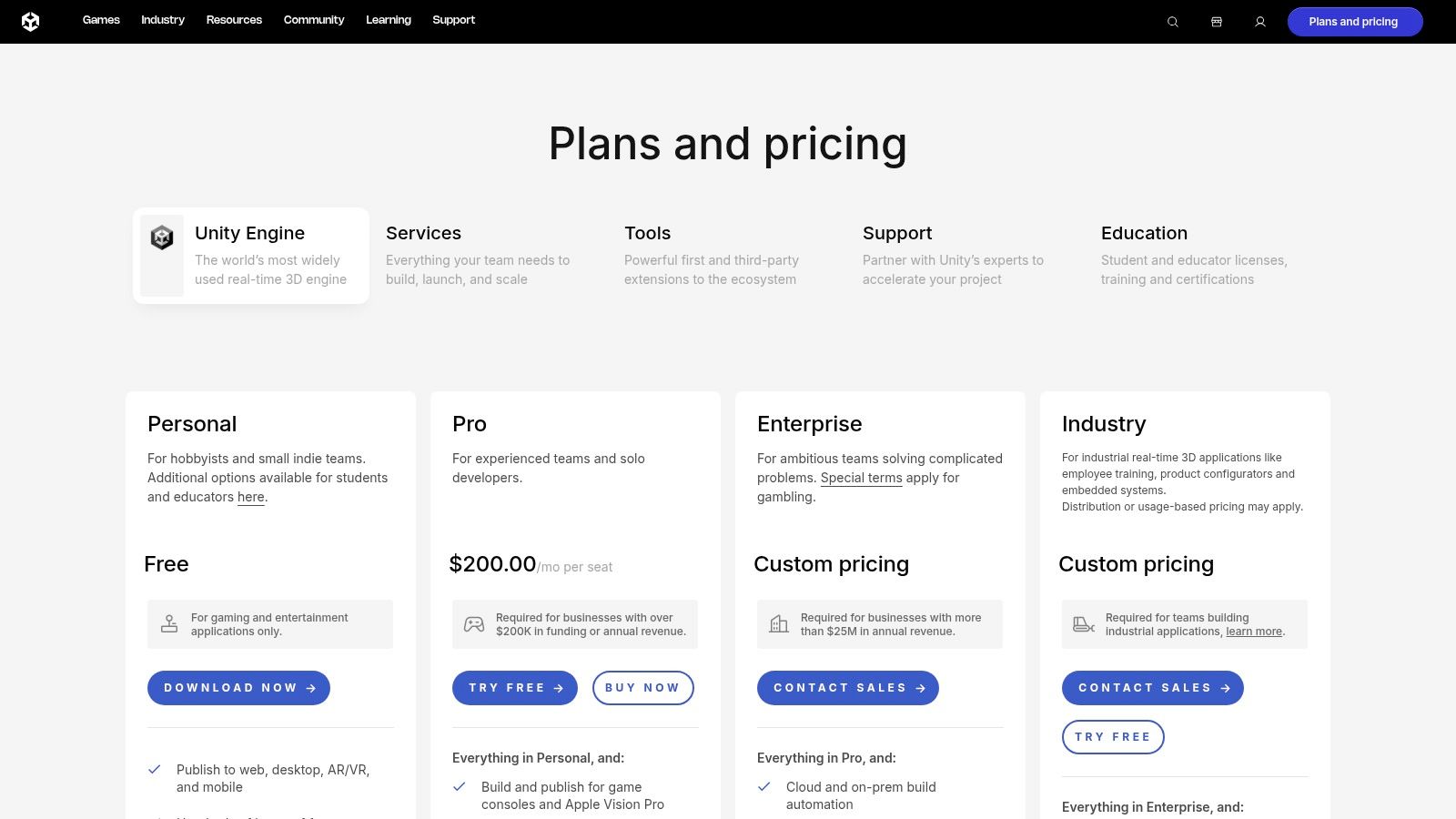
Unlike the more straightforward, visualisation-focused workflow of Twinmotion, Unity provides a development environment. This means it demands more technical setup and coding knowledge but offers unparalleled freedom to build custom functionalities, such as real-time product configurators, virtual training simulations, and immersive AR/VR applications. The engine's mature tooling, extensive asset store, and massive global developer community provide a deep well of resources. While Twinmotion is designed for designers to produce renders quickly, Unity is for teams aiming to build custom, interactive software solutions from their 3D data.
Key Features and Considerations
Unity's capabilities are geared towards development, offering deep control over every aspect of the final interactive experience.
-
Primary Use Case: Best for creating custom interactive 3D applications, digital twins, and immersive AR/VR training experiences for AEC and manufacturing.
-
Workflow Integration: Requires a development-centric workflow. The Industry plan includes tools for preparing and optimising complex CAD/BIM models for real-time use.
-
Asset Library: The Unity Asset Store is one of the largest digital marketplaces, offering a vast range of 3D models, scripts, and tools.
-
Output Formats: Deploys standalone applications across more than 20 platforms, including desktop (Windows, macOS), mobile (iOS, Android), and all major VR/AR headsets.
Our Take: Unity is the choice for ultimate customisation and interactivity. It's less of a direct rendering competitor and more of a powerful development platform that can create anything from a simple walkthrough to a complex digital twin. While Twinmotion excels at streamlined architectural visualisation, Unity excels at creating bespoke, interactive software, though this comes with a steeper learning curve and greater development effort.
Visit Website: https://unity.com/products
9. Blender
Blender stands out as a completely free and open-source 3D creation suite, making it a uniquely powerful Twinmotion alternative for professionals and studios on a budget. It offers a comprehensive toolset that extends far beyond architectural visualisation, including modelling, sculpting, animation, and compositing. For archviz, its key strengths are the real-time EEVEE render engine for rapid look development and the production-grade Cycles path-tracer for final, photorealistic images, offering two powerful workflows within one application.
Unlike specialised archviz tools, Blender provides unparalleled creative freedom but often requires more setup. Preparing AEC data from software like Revit or Archicad may necessitate add-ons or specific import-export techniques. However, its node-based shading system and powerful geometry nodes offer limitless customisation for materials and complex environmental elements. The massive global community provides an endless supply of tutorials, assets, and plug-ins, making it an incredibly versatile, if not initially straightforward, platform for creating stunning visualisations without any software cost.
Key Features and Considerations
Blender's feature set is vast, but for archviz, its rendering and customisation tools are the primary draw.
-
Primary Use Case: Ideal for artists, designers, and small studios seeking a no-cost, highly customisable tool for creating both real-time and photorealistic renders.
-
Workflow Integration: Operates as a standalone application. While not a direct plug-in, add-ons like BlenderBIM can improve integration with AEC workflows.
-
Asset Library: Does not have a built-in archviz library, but its community and third-party marketplaces (both free and paid) offer a near-infinite selection of assets.
-
Output Formats: Exports to all standard image and video formats, offering complete control over render settings and output quality.
Our Take: Blender is the ultimate choice for those who prioritise flexibility and cost-effectiveness over out-of-the-box simplicity. While Twinmotion is faster for dropping in pre-made assets and getting a scene running, Blender's EEVEE and Cycles engines provide a creative ceiling that is virtually limitless. The learning curve is steeper, but the payoff is a powerful, free tool that can handle any visualisation challenge.
Visit Website: https://www.blender.org
10. NVIDIA Omniverse
NVIDIA Omniverse presents a powerful, forward-thinking platform for real-time collaboration and physically accurate simulation, positioning it as an enterprise-grade Twinmotion alternative. Centred around Universal Scene Description (OpenUSD), it is less a single application and more a connected ecosystem. It allows multiple users to simultaneously work on a single scene from different DCC or BIM applications, like Revit, SketchUp, and 3ds Max, through dedicated connectors. This approach is built for complex, multi-tool pipelines where collaboration is paramount.
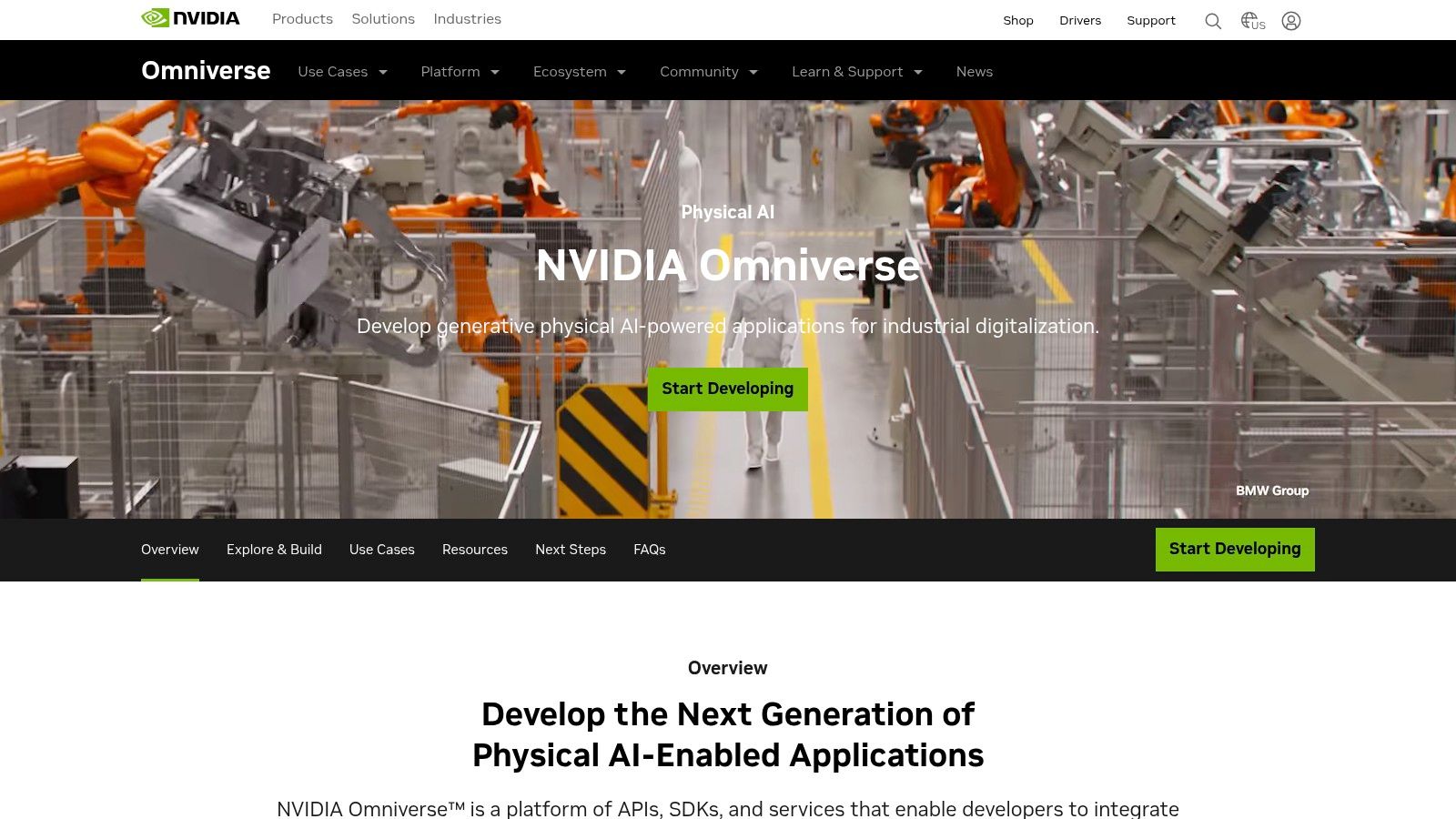
Unlike Twinmotion's focus on streamlined architectural visualisation, Omniverse excels in building large-scale digital twins and complex industrial simulations. Its strength lies in its RTX-accelerated path tracer, which delivers stunning, physically accurate renders. While the platform is free for individual creators, its true power shows up in professional teams that use its Nucleus server for live collaboration. This makes it a compelling option for large studios tackling ambitious projects that require input from multiple software specialists.
Key Features and Considerations
Omniverse is organised around a modular framework of apps and connectors, designed for scalability and collaboration.
-
Primary Use Case: Ideal for enterprise-level teams creating digital twins, large-scale simulations, and collaborative design reviews across multiple software packages.
-
Workflow Integration: Connects various industry-standard applications into a unified, live-sync environment via OpenUSD and Nucleus servers.
-
Asset Library: Provides access to a growing library of high-quality materials, models, and environments.
-
Output Formats: Capable of producing photorealistic stills, animations, and interactive experiences with its real-time path tracer.
Our Take: NVIDIA Omniverse is a platform for the future of 3D collaboration, not just a rendering tool. For studios working at the intersection of architecture, engineering, and media, its collaborative USD workflow is revolutionary. However, its setup complexity and reliance on NVIDIA RTX hardware make it less suitable for smaller firms or solo designers who might prefer the straightforward workflow found in other tools.
Visit Website: https://www.nvidia.com/omniverse
11. KeyShot
KeyShot is a powerful real-time ray-tracing renderer primarily celebrated in the product and industrial design sectors, but its intuitive workflow makes it a compelling Twinmotion alternative for architectural and interior visualisation, especially for creating photorealistic stills. Its strength lies in its simplicity, allowing designers to achieve stunning results with a drag-and-drop material and lighting setup. This focus on ease of use and rapid high-quality output provides an efficient pathway to visualising designs without a steep learning curve.
Unlike the expansive, environment-building focus of Twinmotion, KeyShot excels at studio-style rendering. It offers an incredibly streamlined process for importing a model, applying scientifically accurate materials, and illuminating it with pre-built HDRI environments. While Twinmotion is better for large-scale animated scenes, KeyShot's speed in producing clean, high-fidelity images of products, furniture, or detailed interior vignettes is hard to match, making it a go-to tool for marketing shots and material studies.
Key Features and Considerations
KeyShot’s feature set is organised around achieving photorealism quickly, making it a favourite among designers who need fast, high-quality visuals.
-
Primary Use Case: Best suited for product designers, industrial designers, and architects needing high-quality still images and product animations.
-
Workflow Integration: Offers extensive plug-in support for a wide range of CAD and 3D modelling applications, simplifying the import process.
-
Asset Library: Features a vast cloud library of materials, textures, and environments, enabling rapid scene setup.
-
Output Formats: Exports still images, animations, and interactive 360-degree visuals via KeyShotWeb for easy client sharing.
Our Take: KeyShot is an exceptional tool for speed and material accuracy, particularly for still imagery. While Twinmotion offers more comprehensive animation and landscaping tools for large architectural projects, KeyShot’s simplicity and rendering quality make it a superior choice for focused visualisations like furniture or interior details. However, its subscription model and reported issues with legacy license support can be a consideration.
Visit Website: https://www.keyshot.com
12. Bentley LumenRT
Bentley LumenRT carves out a specific niche as a powerful visualisation and reality modelling software, primarily tailored for infrastructure projects. It excels where large-scale civil, landscape, and transportation scenes are paramount, integrating seamlessly with Bentley products like MicroStation and OpenRoads. This makes it an excellent Twinmotion alternative for engineers and planners who need to create rich, animated contexts for their designs, complete with dynamic traffic, seasonal effects, and natural environments.
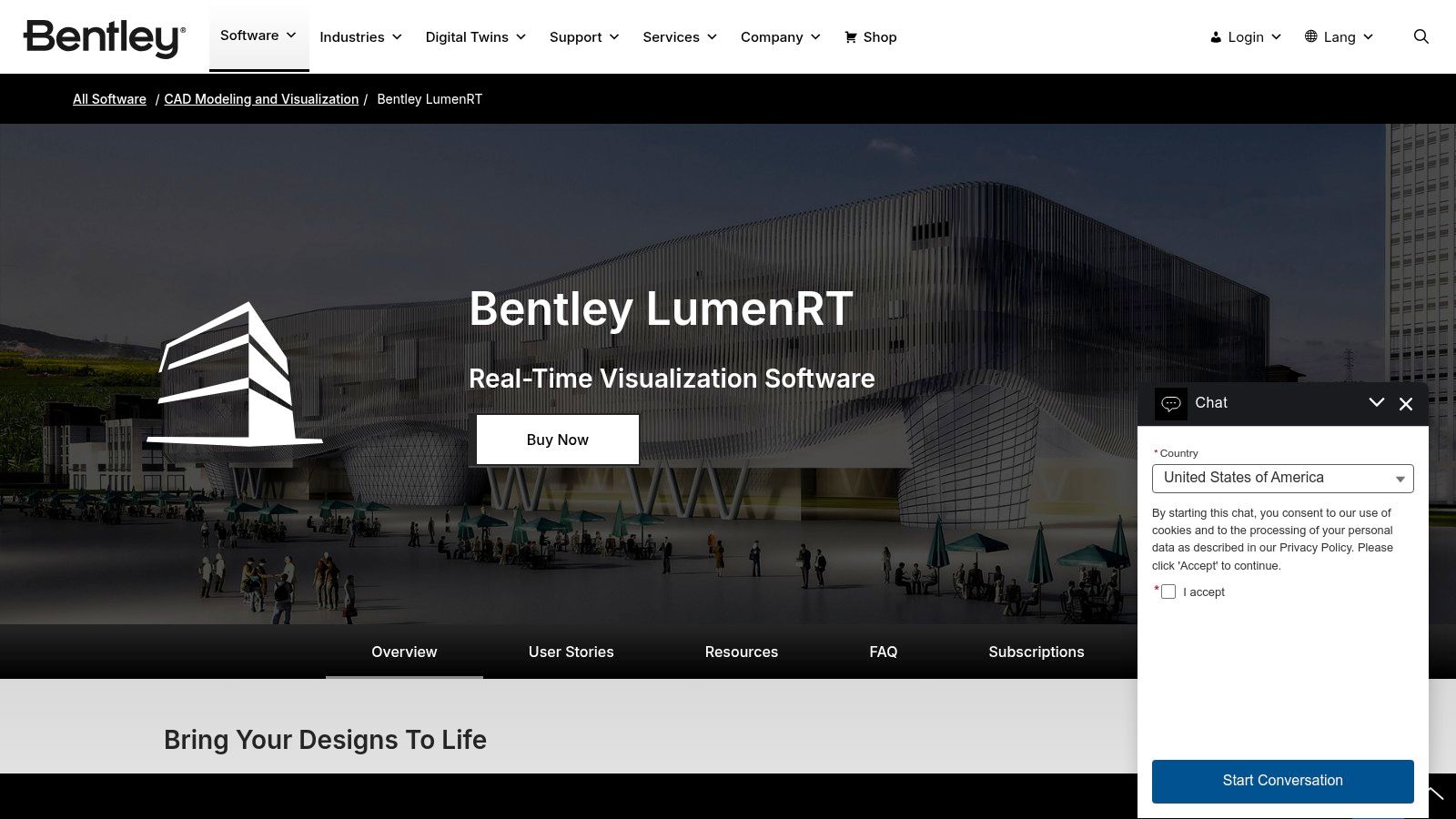
Unlike archviz-centric tools, LumenRT's strength lies in its ability to handle massive datasets from CAD, GIS, and BIM sources to build "digital twins" of real-world locations. It's designed to bring infrastructure projects to life for stakeholder reviews, allowing for the creation of compelling, cinematic-quality videos and interactive presentations called "LiveCubes". While Twinmotion handles architectural scenes well, LumenRT is purpose-built for visualising how a new bridge, highway, or public space will interact with its surrounding environment on a grand scale.
Key Features and Considerations
LumenRT's features are organised to support large-scale environmental and infrastructure visualisation, setting it apart from more conventional architectural renderers.
-
Primary Use Case: Ideal for civil engineers, landscape architects, and urban planners needing to visualise large infrastructure projects in a realistic, animated context.
-
Workflow Integration: Offers deep integration with Bentley's engineering suite and supports standard formats from Revit and SketchUp.
-
Asset Library: Features libraries focused on nature, seasonal foliage, and animated traffic to realistically populate vast scenes.
-
Output Formats: Produces high-quality videos, images, and unique interactive "LiveCube" presentations for immersive stakeholder communication.
Our Take: Bentley LumenRT is the specialist's choice for infrastructure. Its focus on civil engineering workflows and large-scale environmental rendering gives it an edge that generalist tools lack. While Twinmotion might be faster for a single building, LumenRT excels at showing how that building fits into a sprawling, dynamic cityscape. The regional pricing structure can be less transparent, but for those already in the Bentley ecosystem, its capabilities are unmatched.
Visit Website: https://www.bentley.com/software/bentley-lumenrt/
Twinmotion Alternatives: 12-Tool Feature Comparison
| Product | Core strengths (✨) | Output quality & UX (★) | Target audience (👥) | Pricing / Value (💰) |
|---|---|---|---|---|
| Vibe3D 🏆 | ✨ AI photoreal up to 4K; Smart Prompt & one‑click NL edits; cloud imports (SketchUp/3ds Max) | ★★★★☆ — ultra‑realistic, fast cloud renders; intuitive workflow | 👥 Interior designers, architects, studios, freelancers, students | 💰 Pay‑as‑you‑go; Pro $39 / Studio $99 (limited‑time) |
| Enscape | ✨ Live sync plug‑in; VR & web exports; minimal setup | ★★★★☆ — instant WYSIWYG walkthroughs | 👥 BIM users wanting in‑tool iteration (Revit/SketchUp/Rhino) | 💰 Reseller/subscription pricing; 14‑day trial |
| Lumion | ✨ Massive asset library; cinematic weather, vegetation & phasing | ★★★★☆ — polished stills & flythroughs | 👥 Architects & visualization studios focused on cinematic output | 💰 Tiered licenses; Windows‑only; reseller channels |
| D5 Render | ✨ Real‑time RTX path‑tracing; LiveSync; large asset library | ★★★★☆ — strong speed↔realism balance | 👥 Archviz artists seeking affordable RTX real‑time | 💰 Free Community; competitive Pro/Teams pricing; edu free |
| Chaos V-Ray | ✨ Studio‑grade photoreal; broad host support; CPU/GPU render | ★★★★★ — top final‑quality renders; steeper learning curve | 👥 Studios, high‑end AEC & VFX pipelines | 💰 Flexible licensing (Solo/Premium/Enterprise); hardware‑intensive |
| Chaos Vantage | ✨ One‑click send from V‑Ray; RTX real‑time viewer | ★★★★☆ — super fast scene exploration | 👥 Existing V‑Ray users for design reviews | 💰 Windows + NVIDIA RTX focused; best as V‑Ray add‑on |
| Unreal Engine | ✨ Lumen/Nanite, world‑building, interactive/VR scale | ★★★★★ — AAA real‑time fidelity; high complexity | 👥 Enterprises, interactive experiences, cinematic walkthroughs | 💰 Free tiers for many uses; review EULA/royalty rules |
| Unity | ✨ Broad platform support; Industry plan for CAD/BIM pipelines | ★★★★☆ — flexible real‑time engine; needs development | 👥 Dev teams, interactive AEC apps, enterprise integrators | 💰 Seat‑based Pro/Enterprise; Industry via sales |
| Blender | ✨ EEVEE real‑time; Cycles path‑tracer; nodes & add‑ons | ★★★★☆ — production quality (free); some prep work required | 👥 Budget‑conscious artists, freelancers, students | 💰 Free & open‑source — high value |
| NVIDIA Omniverse | ✨ USD‑centric live collaboration; RTX path‑tracing; connectors | ★★★★☆ — excellent for multi‑tool, large scenes | 👥 Enterprises & studios needing collaborative pipelines | 💰 Free for individuals; enterprise scaling options |
| KeyShot | ✨ Real‑time CPU/GPU; strong materials & HDRI studio; web sharing | ★★★★☆ — easy, fast high‑quality stills | 👥 Product designers, industrial & archviz stills | 💰 Annual subscription; premium material ecosystem |
| Bentley LumenRT | ✨ CAD/GIS/BIM integration; traffic, seasons & animation libraries | ★★★☆☆ — tailored for infrastructure visualizations | 👥 Civil engineers, landscape & transportation teams | 💰 Region/channel pricing; subscription or perpetual options |
Choosing the Right Visualisation Tool for Your Workflow
The world of 3D visualisation can feel overwhelming. We've covered a wide range of tools, each with its own strengths, from the deep customisability of Unreal Engine to the tight real-time integration of Enscape. The key takeaway: there's no one-size-fits-all answer. The right rendering solution depends on your specific project needs, workflow, budget, and technical expertise.
While Twinmotion has established itself as a benchmark for high-fidelity, complex visualisations, it often comes with a steep price tag and a demanding learning curve. It is a formidable tool for large-scale, high-budget productions where teams can dedicate significant time and resources to mastering its intricacies. However, for many designers, architects, and studios, this level of investment is simply not practical for day-to-day project delivery. The quest for a potent Twinmotion alternative is therefore not about finding a lesser tool, but about finding a smarter one that aligns with modern workflow demands for speed and efficiency.
Key Factors in Your Decision
As you weigh your options, moving beyond the feature lists is crucial. Your final choice should be a strategic one, balancing power with practicality. Consider these pivotal factors:
-
Speed vs. Control: Do you need absolute granular control over every lighting bounce and material reflection, as offered by V-Ray or Blender? Or is your priority generating high-quality visuals rapidly to accelerate client feedback and design iteration? Real-time engines like Lumion and D5 Render offer a middle ground, but AI-driven platforms are now setting a new standard for pure speed.
-
Cost of Ownership: Look beyond the initial license fee. Factor in the cost of high-end hardware required to run demanding software, the time your team will spend on training, and the subscription costs for asset libraries. A tool may seem affordable upfront, but its total cost of ownership can be significantly higher.
-
Learning Curve and Usability: How much time can you realistically afford to spend on non-billable training? An intuitive, user-friendly interface can be the single most important factor for small teams or solo practitioners. Tools that integrate AI to automate complex processes dramatically lower the barrier to entry, allowing you to focus on creative direction rather than technical troubleshooting.
-
Workflow Integration: How well does the tool fit into your existing software ecosystem? Direct, one-click synchronisation with your modelling software (like SketchUp, Revit, or 3ds Max) is a significant time-saver. Evaluate the import/export capabilities and plugin support for each Twinmotion alternative to avoid creating friction in your pipeline.
AI-Powered Rendering Is Changing the Baseline
The most significant shift in the visualisation landscape is the rise of artificial intelligence. Traditional rendering workflows, even real-time ones, still require considerable manual effort in setting up scenes, adjusting lighting, and tweaking materials. Platforms like Vibe3D take a different approach.
Vibe3D uses AI to automate the most time-consuming parts of the rendering process. Instead of spending hours, you can get photorealistic results in seconds. That makes it a strong Twinmotion alternative for professionals who prioritise efficiency — it removes the need for a render farm or deep technical rendering knowledge, and it lets you produce several design variations for a client in the time it traditionally took to produce one image.
Ultimately, the best tool is the one that lets you deliver your vision with the least friction. Whether that's the raw power of Unreal Engine, the real-time convenience of Enscape, or the speed of Vibe3D, choose the tool that best serves your business goals and creative ambitions.
Ready to see how AI-powered rendering compares? Vibe3D delivers photorealistic renders in seconds, making it one of the more efficient and cost-effective Twinmotion alternatives available.
Frequently Asked Questions
Is there a free alternative to Twinmotion?
Yes. Twinmotion itself is free for non-commercial and small-revenue use, but among true alternatives, Blender is fully free and open-source for any use case, and Vibe3D offers a free tier for AI-generated renders. Unreal Engine is also free to use, though royalties apply above a revenue threshold if you ship a commercial product built on it.
Which Twinmotion alternative is easiest to learn?
Vibe3D and D5 Render have the gentlest learning curves, since both are built around simplified, guided workflows rather than a full node-based or manual lighting setup. Unreal Engine and Chaos V-Ray sit at the other end of the spectrum, with steep learning curves that reward deep technical investment.
Do I need a powerful GPU to use a Twinmotion alternative?
It depends on the tool. Real-time engines (Enscape, Lumion, D5 Render, Unreal Engine, Unity) generally need a current-generation GPU for smooth performance. Cloud- and browser-based tools like Vibe3D shift that compute off your machine, so they run on standard laptops without a dedicated graphics card.
Can I switch from Twinmotion without losing my existing models?
Usually yes, as long as your models are in a common exchange format. Most alternatives support FBX, glTF, or Datasmith-style import, and tools like Enscape, Chaos V-Ray, and Vibe3D accept direct exports from SketchUp, Revit, and other common modelling software. Complex material setups may need to be rebuilt in the new tool, since material systems aren't standardised across renderers.