LookX alternatives solve different parts of the job. Vibe3D takes a model view through realistic rendering, precise revisions and client delivery. Veras keeps generation near the CAD model; MyArchitectAI suits frequent still-image work. mnml retains connected generation steps, and ReRender accepts multiple source views. Keep LookX if reusing a custom-trained style is essential: none of these tools imports that trained model.
This guide is for architects and interior designers deciding which part of their LookX workflow to replace. A team developing a recognizable concept style has different requirements from a designer preparing three approved views for a client. Start with that distinction before comparing feature lists or subscription prices.
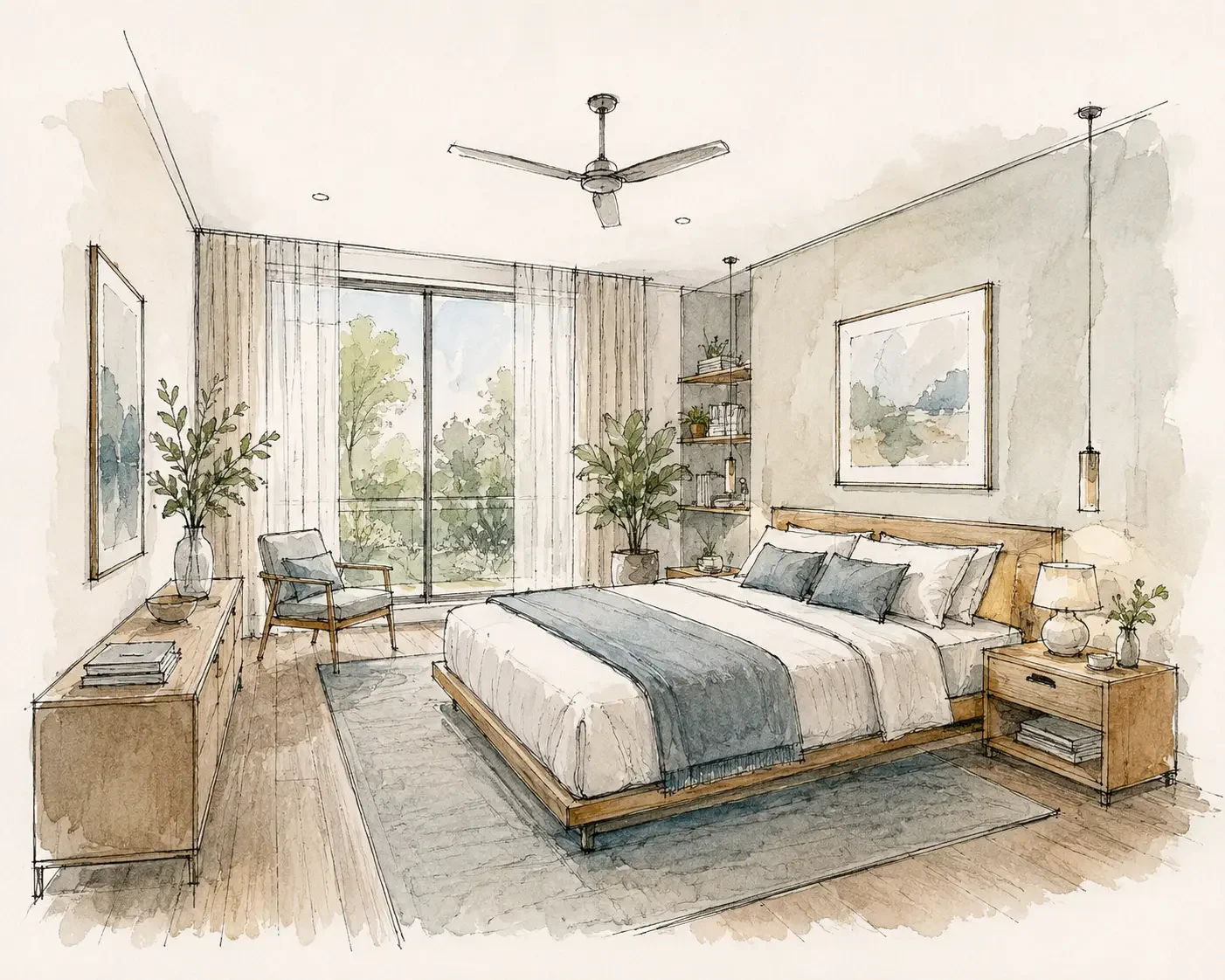
Disclosure and method: Vibe3D publishes this guide and is included in the shortlist. We reviewed official product and plan information on November 3, 2026, comparing inputs, style controls, revision workflows and deliverables. We have not run a standardized quality or speed test; the numbered order is not a measured ranking. The cover shows a watercolor-style bedroom study from the Vibe3D example gallery.
Jump to the comparison table, five alternatives, cost comparison, when to keep LookX, or frequently asked questions.
What are you replacing in LookX?
Training: a studio supplies a set of similarly styled images and trains a reusable LookX model. This suits a practice producing a series of competition boards with a recognizable visual language.
Reference guidance: a designer supplies one example to steer the next image. LookX calls this its Style Adapter. MyArchitectAI and ReRender also support image references. They can help reproduce the mood of a board without inheriting its trained model.
Presets: a designer selects an existing treatment, such as a rendering style, time of day or weather. This is useful for showing a client one room at noon and dusk. It requires no training set. Of the five alternatives below, none documents a way to import your LookX-trained model. Keep LookX if reusing that asset is the requirement.
LookX alternatives at a glance
| Tool | How the designer guides it | A job it replaces | Relevant paid option |
|---|---|---|---|
| Vibe3D | Model view, selected-area edits and direct lighting controls | Develop selected finishes, retain versions and deliver the final presentation | Studio $79/month launch offer for unlimited usage; Pro $39/month or one-time packs |
| Veras | References, masks and geometry controls in supported CAD/BIM hosts | Explore a new elevation from a live design view | Starter $20.90 monthly or $202.80 billed annually |
| MyArchitectAI | A reference image and targeted edits | Carry a client’s preferred mood into an interior | Starter $29/month, unlimited still renders and edits with 4K downloads |
| mnml AI | Reference images in Studio and reusable tool sequences in Flow | Repeat a cladding study on another camera | Plus $49/month, about 300 Fast or 100 Ultra renders |
| ReRender | Reference-based styling and up to six source images for multi-angle work | Produce related views of the same room | $45/month, unlimited commercial still renders, separate video allowance |
1. Vibe3D for presentation views and client revisions
For a boutique interior, the chosen camera, layout and materials may already be settled. Vibe3D turns that model view into an ultra-realistic 2K+ image with rich fabric, timber and stone textures and natural lighting, preserving the reference design. Fidelity and Lumen handle rendering; HyperReal Enhance finishes an existing image. This is a different task from training LookX to reproduce a visual style across concept boards.
Select a wall finish for a precise edit without image degradation across revisions. Retain the alternatives as scene versions and star the chosen image. One-click time-of-day options work inside and out, while prepared interiors support interactive relighting. Populate the space for scale and create full-resolution detail shots of the fittings and finishes.
The selected images can become a cinematic project film with automatic scene assembly and matched music. Vibe3D also has live Present, PDF export, bulk ZIP download and view-only scene or project links. You can deliver the work without manually stitching clips, adding a soundtrack or rebuilding the image set in another presentation tool.
Choose Vibe3D for a faithful, detailed render and the revisions and delivery that follow it. Keep LookX for custom training when that is the capability you depend on. Vibe3D’s one-time fixed-credit packs have no recurring commitment and never expire; monthly Pro and Studio cover regular work. Compare plans.
2. Chaos Veras for working from your design application
Chaos Veras offers supported design-software integrations as well as a web application. It is worth including if you use LookX's SketchUp or Rhino connection and want to evaluate another way of moving from the model to an AI-generated view.
An integration earns its place when the design changes repeatedly. Move a window, adjust the camera, then generate another option using the same working process. Check how much setup you repeat and whether the source view remains easy to identify when several images are under review.
A good fit: a designer exploring options while modeling in a supported application. Tradeoff: plugin access is not proof of architectural accuracy, and host compatibility matters. Verify your software version and compare the actual controls before treating one integration as interchangeable with another.
Our Veras vs Vibe3D comparison explains the choice between an integrated workflow and exporting a view for rendering and revision.
3. MyArchitectAI for references and targeted image edits
MyArchitectAI accepts JPG/PNG design images and offers style references, selected-area editing, enhancement and animation. It is a relevant LookX alternative when you want to guide a single view with a reference and then make specific changes to the result.
For example, you might have an approved elevation and a reference showing the intended brick tone. Evaluate whether the reference helps communicate that finish without changing the window spacing or roofline. Then revise a smaller detail, such as the entry canopy, to see whether the workflow remains useful after the first generation.
A good fit: image-based rendering with references and local revisions. Tradeoff: applying a reference is not the same as training a reusable model. If the latter is central to your LookX projects, a successful single-image test does not settle the replacement decision.
Its Starter plan currently lists unlimited still renders, edits and enhancement at $29 per month. Studio costs $49/month and adds 50 animations and 8K downloads. Our MyArchitectAI comparison looks more closely at the image workflow alongside Vibe3D.
4. mnml AI for exploring and organizing design options
mnml AI offers Studio for developing an image and Flow for exploring options on a board. It also advertises plugins for SketchUp, Revit, Rhino and Grasshopper. This makes it worth evaluating when your LookX work includes multiple directions, shared references and several architectural image tasks.
A facade study is a useful trial. Keep one source view, produce a small set of cladding options and take the selected direction through a revision. Look at how clearly the workspace preserves the relationship between the source, each option and the image your client actually approved.
A good fit: a practice moving between rendering tasks and comparing several options. Tradeoff: a larger workspace introduces choices about tools, engines and how to organize results. For a designer who only needs one finished view, check whether those options help enough to justify the extra setup.
Our mnml AI vs Vibe3D comparison covers its workspaces, integrations and plan allowances. An advertised tool list does not establish an equivalent to LookX's training workflow, so keep that requirement explicit.
5. ReRender for screenshot rendering and multiple views
ReRender works from design images and offers editing, reference-based styling, enhancement and upscaling. Its multi-angle tool accepts up to six source images of a project. That is a concrete feature to investigate if your LookX task is producing several views of the same interior.
Prepare the views before testing: use the same modeled furniture and finishes, and include the angles the client needs. After generation, compare the cabinet layout, door positions and materials across the set. A convincing individual image is not enough if the adjacent view depicts a different room.
A good fit: designers evaluating a screenshot-based workflow with related views. Tradeoff: the multi-angle feature is not evidence from our own consistency benchmark. Review the complete set, and separate image output from an editable model or a dependable camera path through the space.
The ReRender vs Vibe3D page compares its editing tools, SketchUp support and subscription model with Vibe3D's rendering and revision workflow.
Compare the whole job, not just the monthly price
The LookX individual plan costs $20/month. Image generation is unlimited and 580 monthly X-points cover training, upscaling and other advanced tasks. If your team already has a trained LookX style, include the work of reconstructing it when considering a move.
Vibe3D Studio is $79/month at the current launch price for unlimited rendering, editing, enhancement, relighting and flythroughs. LookX meters training and upscaling separately, while custom training remains a distinct reason to choose it. Vibe3D Pro is $39/month for 300 credits; an occasional presentation can use a one-time Pro pack at $39 for 200 credits that never expire.
Our renderer evaluation worksheet lets you record the source view, references, edits and final output size for a single brief.
When LookX is still the right fit
Keep LookX on the shortlist if custom-model training, its style workflow or its SketchUp/Rhino plugin is already useful in your practice. There is little reason to discard a working setup solely because another product offers AI rendering. Compare the capability that is causing friction, and retain the parts that work.
For a narrower presentation task, choose two LookX alternatives from the table and run the same revision in both. Vibe3D is a starting point if you want to render and revise a selected view; Veras is relevant when the connection to your design application matters more. For a broader shortlist, see our AI rendering software guide.
For teams evaluating a shared design canvas, our Gendo alternatives guide compares five options around collaboration, rendering and model connections.
Frequently asked questions
Is LookX AI free?
LookX offers a free Basic plan, with 100 X-points listed for advanced tasks such as model training and upscaling. Its paid subscriptions also advertise a seven-day trial. Free access and a trial of the paid subscription are different offers.
How much does LookX AI cost?
The individual monthly subscription costs $20 and includes unlimited image generation plus 580 X-points per month for advanced tasks. The annual option costs $199. Training and upscaling use X-points, so unlimited image generation does not mean every task is unlimited.
Does LookX work with SketchUp and Rhino?
Yes. LookX provides plugins for SketchUp and Rhino alongside its browser app. The plugin workflow brings LookX into those design applications. Check the supported software version before choosing a plugin for your studio's setup.
Can LookX train a custom AI model?
Yes. LookX lets you train a model using a set of images with a similar visual style. It also has a Style Adapter that works from a reference image. Custom training and applying a single reference image are separate ways to guide the output.
Which LookX alternative should an architect try first?
Try Vibe3D when the selected design needs realistic 2K+ renders, precise edits without image degradation and a complete presentation, including a project film with music. Choose Veras for CAD/BIM integration, MyArchitectAI for unlimited stills, mnml for connected workflows or ReRender for multi-angle input. Keep LookX if custom-model training remains essential.
Can I move my LookX custom model to Vibe3D?
There is no supported LookX model-import workflow in Vibe3D. You can use suitable design images you have permission to upload, but that does not transfer a trained model. Keep LookX for its custom training if that capability remains essential to your work.