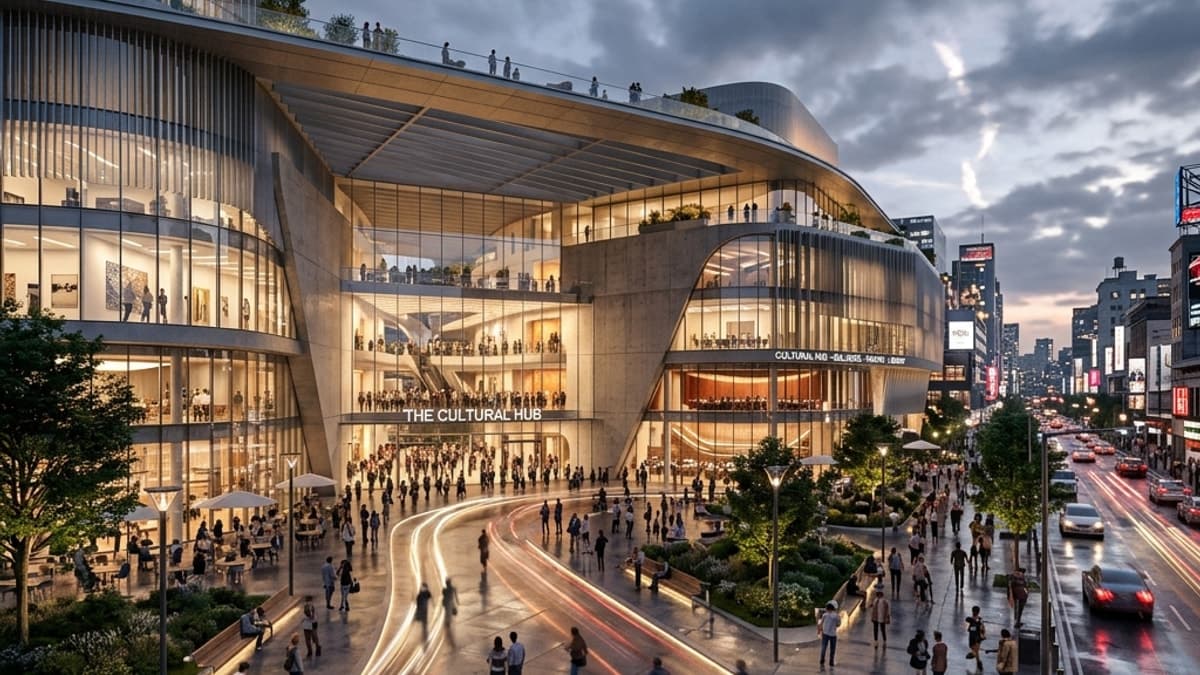
Three renders before and after enhancement
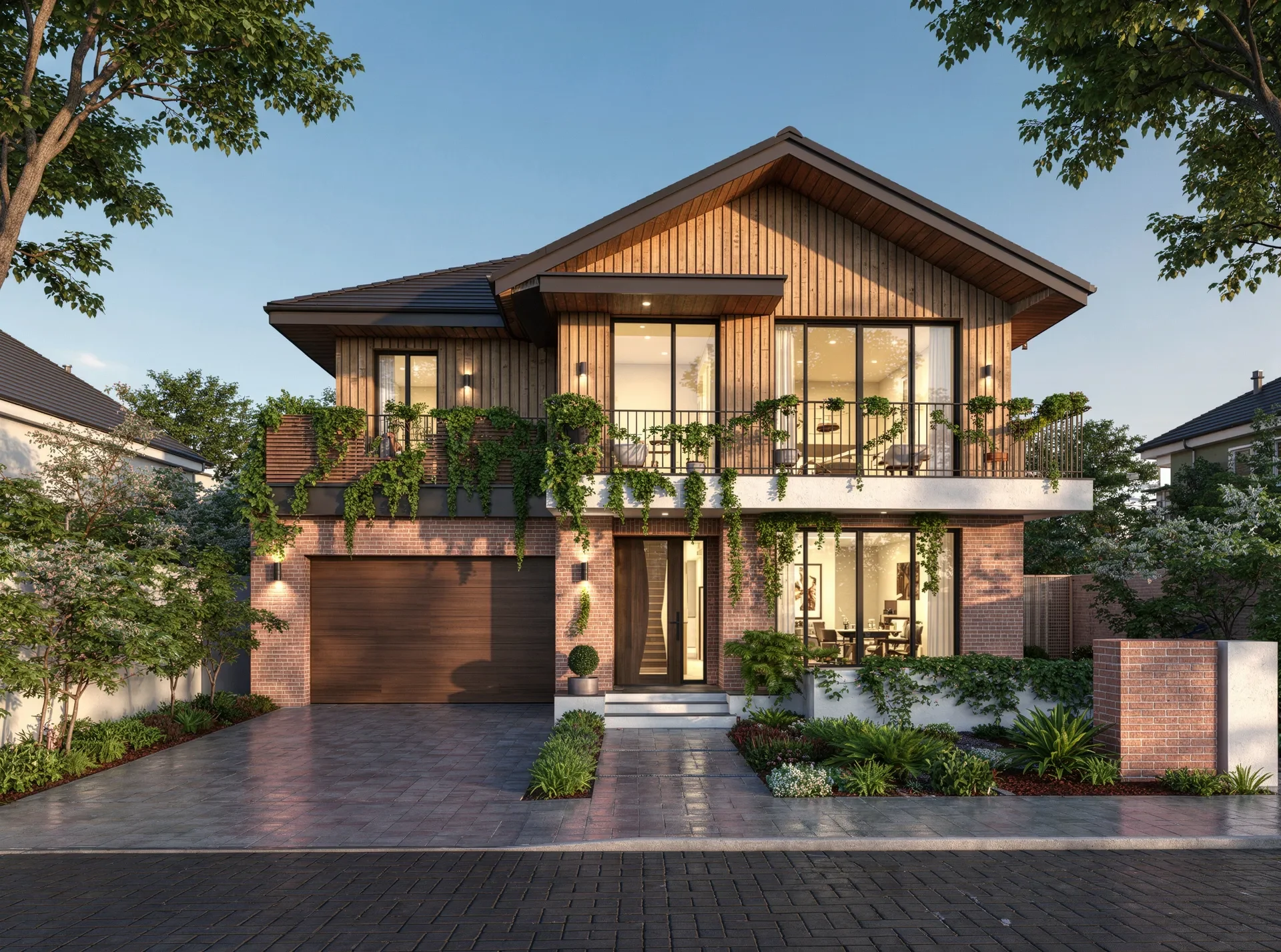
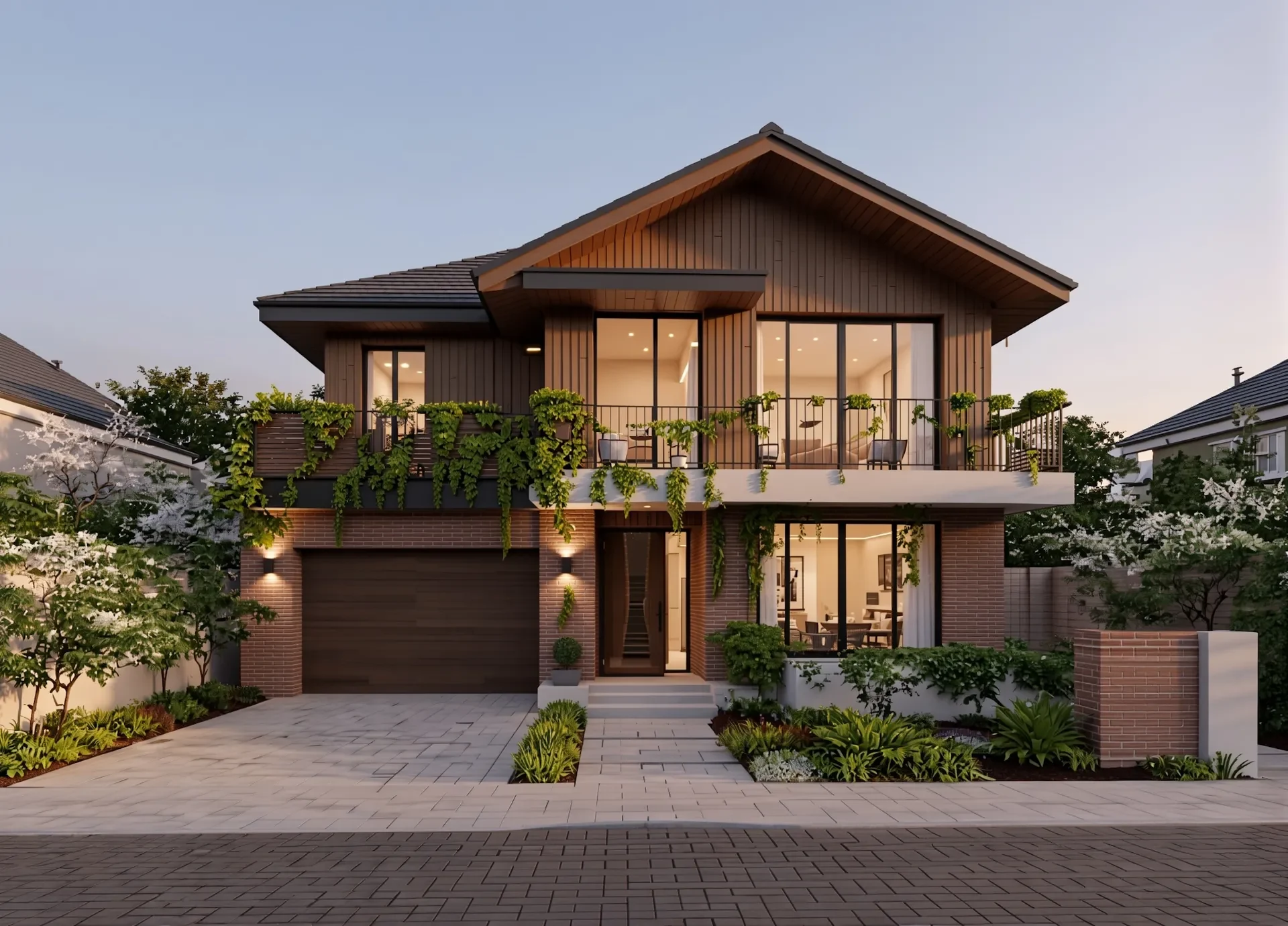
Drag across the image to compare. Use the arrow keys, or Home and End, to adjust the divider with a keyboard.
Exterior render → Enhanced. Architectural exterior render enhanced with improved lighting and materials
Actual before/after examples from the Vibe3D Render Enhancing page. Check fine details against the original before delivery.
What Magnific costs, checked 5 November 2026
Magnific is the image upscaler that Freepik bought in 2024. In April 2026 Freepik itself became Magnific: "same company, same team, same account" (Magnific). The old magnific.ai site now sends new subscribers to magnific.com (Magnific). The upscaler has a Creative mode that adds AI detail, with a "3D Renders" setting, and a Precision mode for faithful results (Magnific docs).
Subscription plans. Prices are shown in your local currency and exclude VAT. Annual billing saves 25%. We saw these figures in INR; check the pricing page for your country.
| Plan | Credits and upscaling |
|---|---|
| Free | Up to 20 AI image generations a day with the in-house model. Personal use with attribution; no free trial of paid plans (plans) |
| Premium | 20,000 credits a month (240,000 a year on the pricing page). Magnific upscales use credits. Commercial use |
| Premium+ | 45,000 credits a month (600,000 a year on the pricing page). Magnific and Topaz upscalers, output up to 10K (upscaler) |
| Pro | 1.5 million or more credits a year. Adds a merchandise licence |
Credits per upscale on Premium, for Magnific Creative or Precision v2 (credit table):
| Output | Credits per upscale |
|---|---|
| 2K | 90 (Creative Classic: 72) |
| 4K | 360 (Creative Classic: 216) |
| 8K | 1,440 |
At those rates, Premium's 20,000 monthly credits cover about 222 upscales to 2K or 55 to 4K. Magnific's own pages differ on whether some Premium+ and Pro upscales use credits, and its docs say credit costs can change without notice, so confirm the figure shown before a large batch.
API, per image, in USD, the same for Creative and Precision v1 or v2 (API pricing):
| Upscale | Price per image |
|---|---|
| 1K to 2K | $0.119 |
| 2K to 4K | $0.238 |
| 4K to 8K | $1.427 |
| 5K to 10K | $1.427 |
Relight and Style Transfer cost $0.149 each. A subscription refund is available within 30 days only if you have made no downloads and used no credits (refund policy).
When a render-focused enhancer is enough
Magnific suits very large output, such as an 8K or 10K print, and work across many kinds of images. If your images are architectural renders and you also render, edit or relight them in the same project, an architecture-focused tool can cost less per image. Vibe3D, which publishes this guide, charges 2 credits for a HyperReal Enhance (credit costs):
| Vibe3D option | What you get |
|---|---|
| Free | $0. Up to 3 credits at signup; HyperReal is on Pro and Studio |
| Pro, monthly | $39 a month. 300 credits, up to 150 enhances |
| Studio, monthly | $79 a month. Unlimited renders, HyperReal included |
| Pro pack, one-time | $39. 200 credits that never expire, up to 100 enhances |
| Studio pack, one-time | $99. 600 credits that never expire, up to 300 enhances |
Prices from the Vibe3D pricing page. For a Pro month, that is about $0.26 per enhancement. Vibe3D does not state a maximum output size here; check the downloaded file if you need a large print.
Pick in three steps:
- Decide the delivery size. Web, slides and client reviews need far less resolution than a printed banner.
- Count the images per month and multiply by the cost per image above.
- Run the same render through both tools. Compare windows, edges and textures against the original before you choose.
See the examples above, or try Render Enhancing on your own image. For a wider list of upscalers, read our Magnific alternatives guide.
A few useful answers
Is Magnific free?
Magnific has a free plan with up to 20 AI image generations a day on its in-house model, for personal use with attribution. It does not offer free trials of paid plans. Upscaling with Magnific models uses credits on Premium, so check the current limits on its pricing page.
How much does one Magnific upscale cost?
On the Premium plan, a Magnific Creative or Precision v2 upscale costs 90 credits at 2K and 360 credits at 4K. Through the API it costs $0.119 from 1K to 2K and $0.238 from 2K to 4K, checked 5 November 2026.
Is Magnific the same as Freepik?
Yes. In April 2026 Freepik renamed itself Magnific. Magnific describes it as the same company, team and account. The original magnific.ai upscaler is now part of magnific.com.
Can Magnific upscale architectural renders?
Yes. Its upscaler has a "3D Renders" setting, and its API documentation lists architectural renderings and interior design as use cases. Use Precision mode when you need the result to stay close to the original, and check windows and edges before delivery.