
For architects & interior designers
ReRender vs Vibe3D: from multiple views to a client review
A realistic render is the start of a client presentation. Vibe3D takes model views through detailed 2K+ rendering, precise revisions and a cinematic project film with music. Keep versions and favorites, then present live or send a PDF, ZIP or link. Vibe3D Studio offers unlimited usage; ReRender combines unlimited paid stills with multi-angle input.
3 free renders · No rendering GPU needed
 Vibe3D render
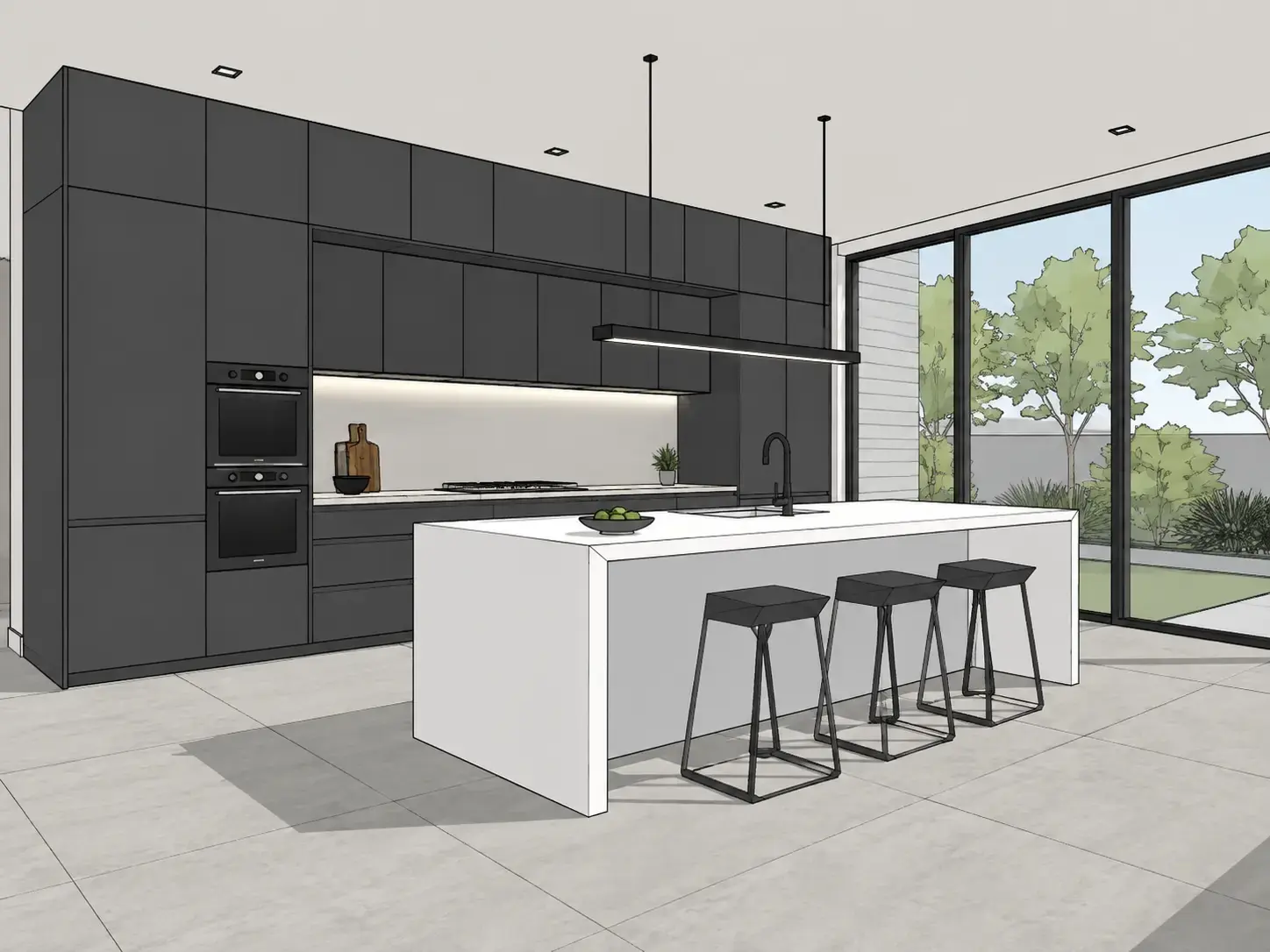
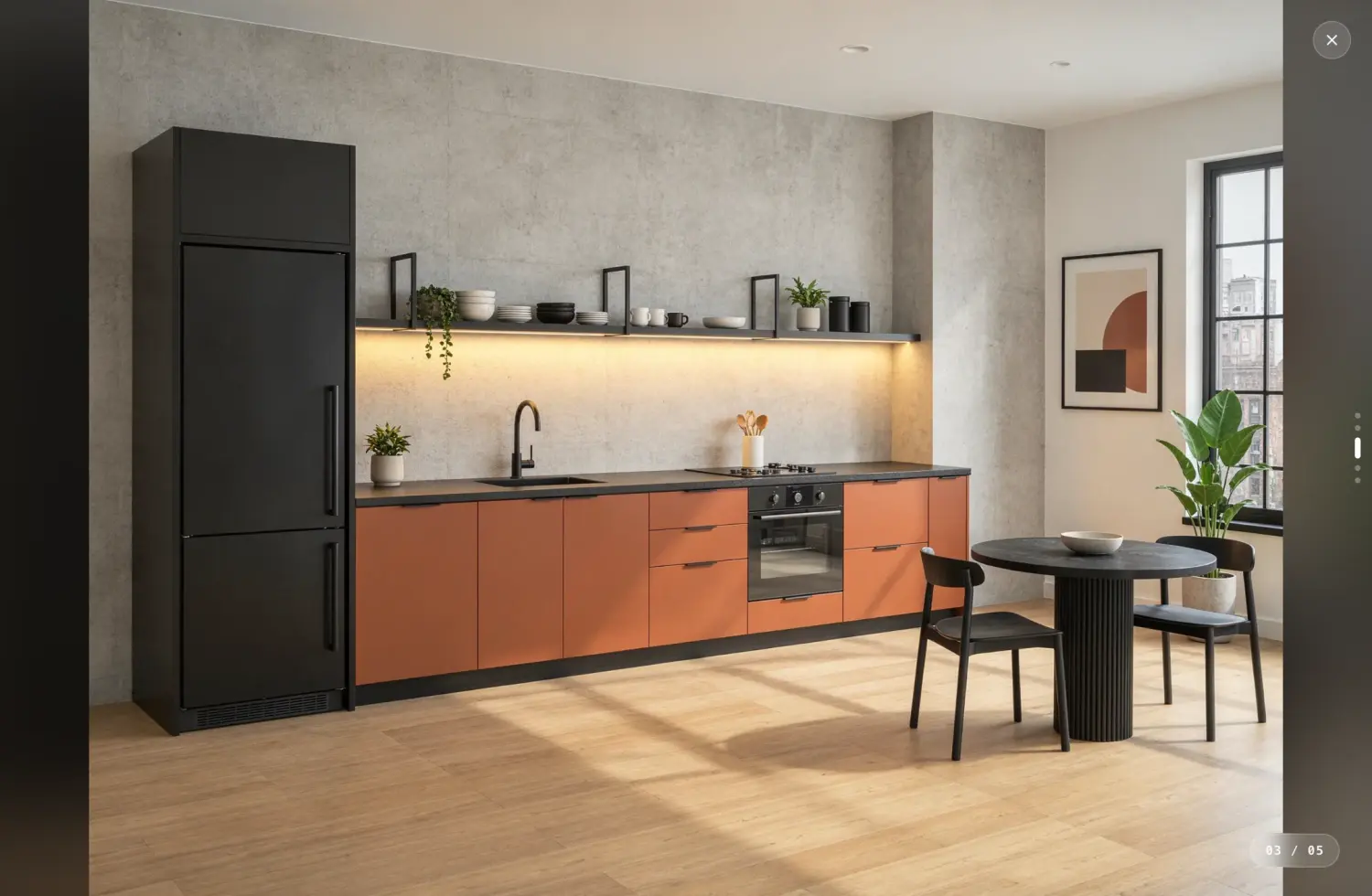
Kitchen input
- Renders true to your design
- Rich textures and lighting at 2K+, preserving the geometry, camera and materials in your model view.
- Precision edits
- Zero image degradation across revisions. Track versions and keep your favorites.
- A complete client presentation
- Project films with music, live presentations, PDF exports and sharing links.
- No subscription required
- One-time credits that never expire, for occasional projects without a recurring commitment.
A different rendering workflow
Why consider a ReRender alternative?
ReRender offers screenshot rendering, a SketchUp plugin and a multi-angle tool that accepts up to six source images. Vibe3D renders each model view individually, preserving its visible geometry, camera and materials, then connects the revisions to the project’s final presentation. Compare how each handles the chosen images after the first round of generation.
A restaurant proposal might need a daytime dining-room view, an evening option and a detail of the banquette fabric. In Vibe3D, keep those revisions with the scene and star the selected finishes. Use the entrance and interior views for a film, then take the selected images into Present or export the client’s review set.
Side-by-side comparison
Vibe3D vs ReRender: core comparison
Compare Vibe3D and ReRender on rendering, revisions, lighting, delivery and plans. Shared AI capabilities do not make the complete workflows identical.
Swipe across the table to compare both tools →
| What you need | ReRender | Vibe3D |
|---|---|---|
| Rendering & image quality | Architectural image generation with references and prompt controls; paid plans include 4× upscaling. | Realistic 2K+ output with rich textures and natural lighting, preserving the geometry, camera and materials of the reference view. Fidelity/Lumen render; HyperReal enhances existing renders. |
| Targeted revisions | Select an area and describe what to add, replace or remove. | Precise edits with zero image degradation across revisions. Keep versions within each scene, compare alternatives and star favorites. |
| Lighting & atmosphere | A style reference can guide the light and atmosphere of a generated view. | One-click time-of-day changes for interiors and exteriors, interactive lighting for prepared interiors, and exterior weather and surroundings controls. |
| Scene population & details | Add or replace elements through image editing and related generation tools. | One-click scene population and full-resolution close-up shots from a render. |
| Video workflow | Paid access includes a separate video credit allowance. The public plan gives no number of clips or seconds. | Cinematic project films from selected views, with automatic scene assembly and matched music. Download the finished film without separate clip stitching or soundtrack editing. |
| Several views | The multi-angle tool accepts up to six source images of a project. | Render exported views individually; create detail shots from a selected render. No linked multi-view scene is claimed. |
| Inputs & integrations | Design-image uploads, with SketchUp plugin support on paid plans. | Upload model-view images from your design software and work in the browser; no live CAD/BIM link. |
| Pricing model | Unlimited commercial still renders on the $45 monthly plan. Free renders are watermarked and for non-commercial use. | Studio: $79/month launch offer with unlimited usage. Pro: $39/month with 300 credits. One-time fixed-credit packs never expire. |
| Presentation & sharing | Still images, multi-angle outputs and video with plan-specific allowances. | Present completed scenes live, export a PDF, bulk-download a ZIP or share a view-only project/scene link. Star favorite versions for a curated export. |
Features below come from official product information. The images on this page demonstrate Vibe3D; they are not a quality or speed benchmark against ReRender.
A finish revision in Vibe3D
In this Vibe3D example, the chairs change to sage, the coffee tables take a new shape and the artwork becomes a landscape. Open a 1440 × 960 web image to inspect the finishes.
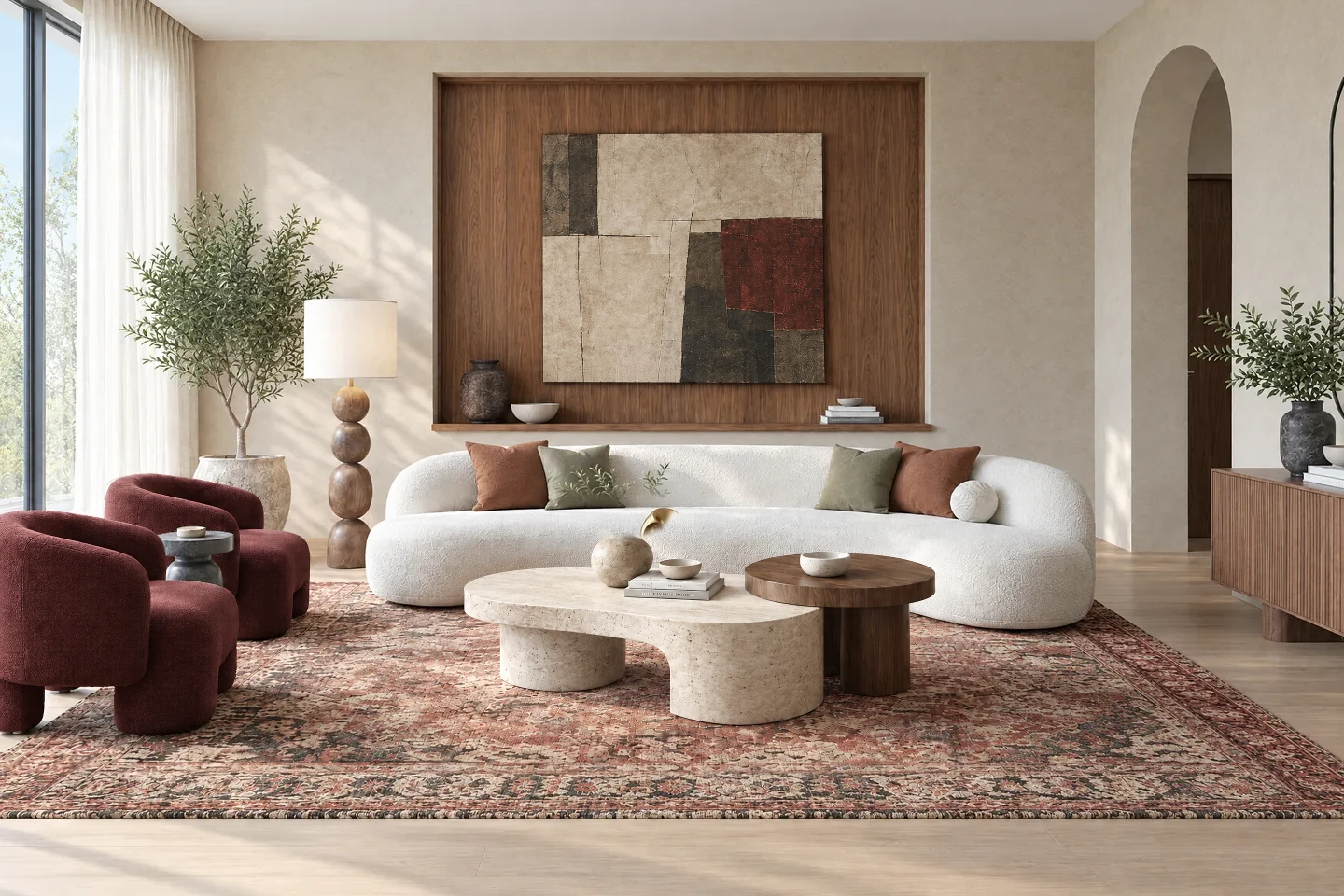 Original render
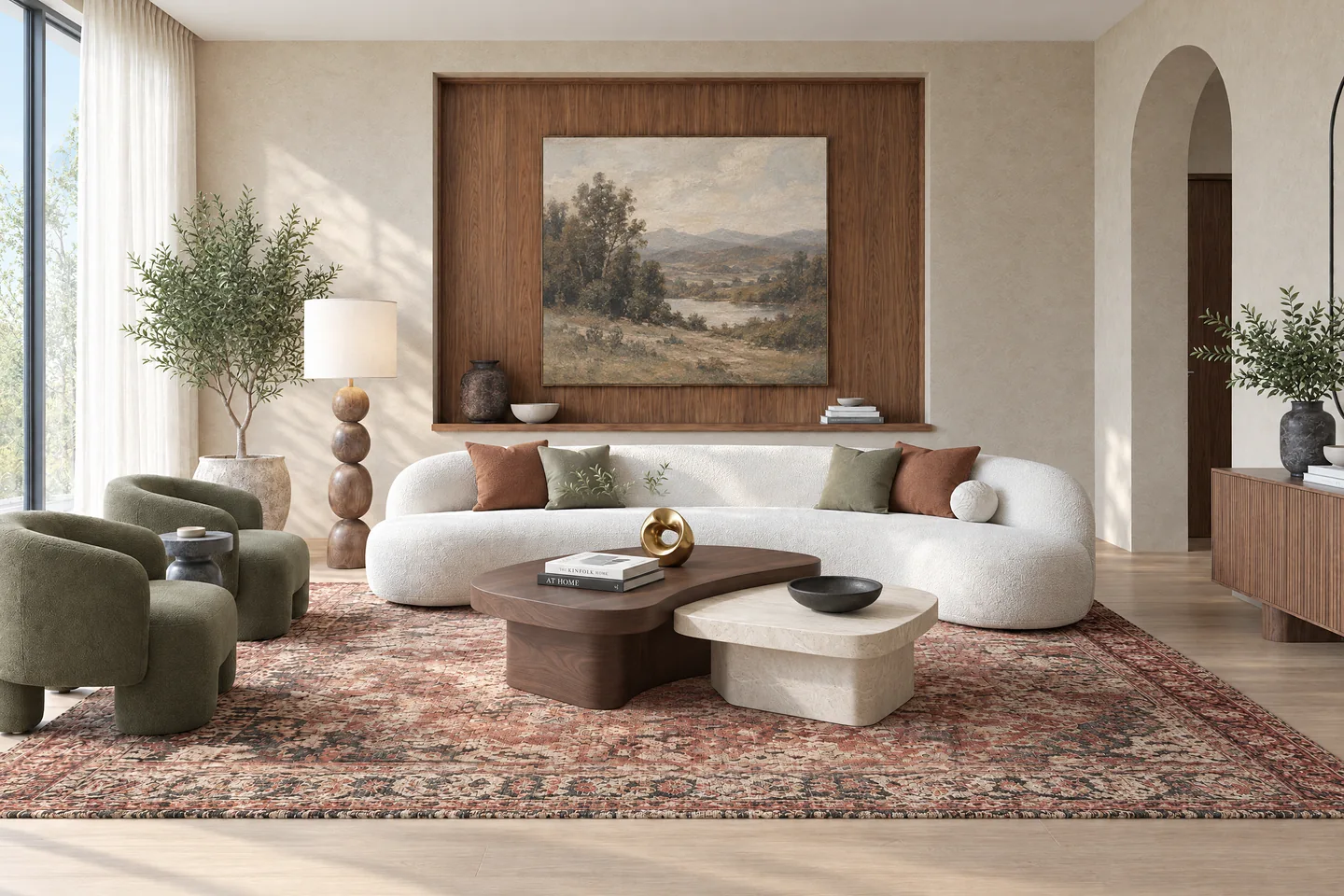 Revised chairs, tables and artwork
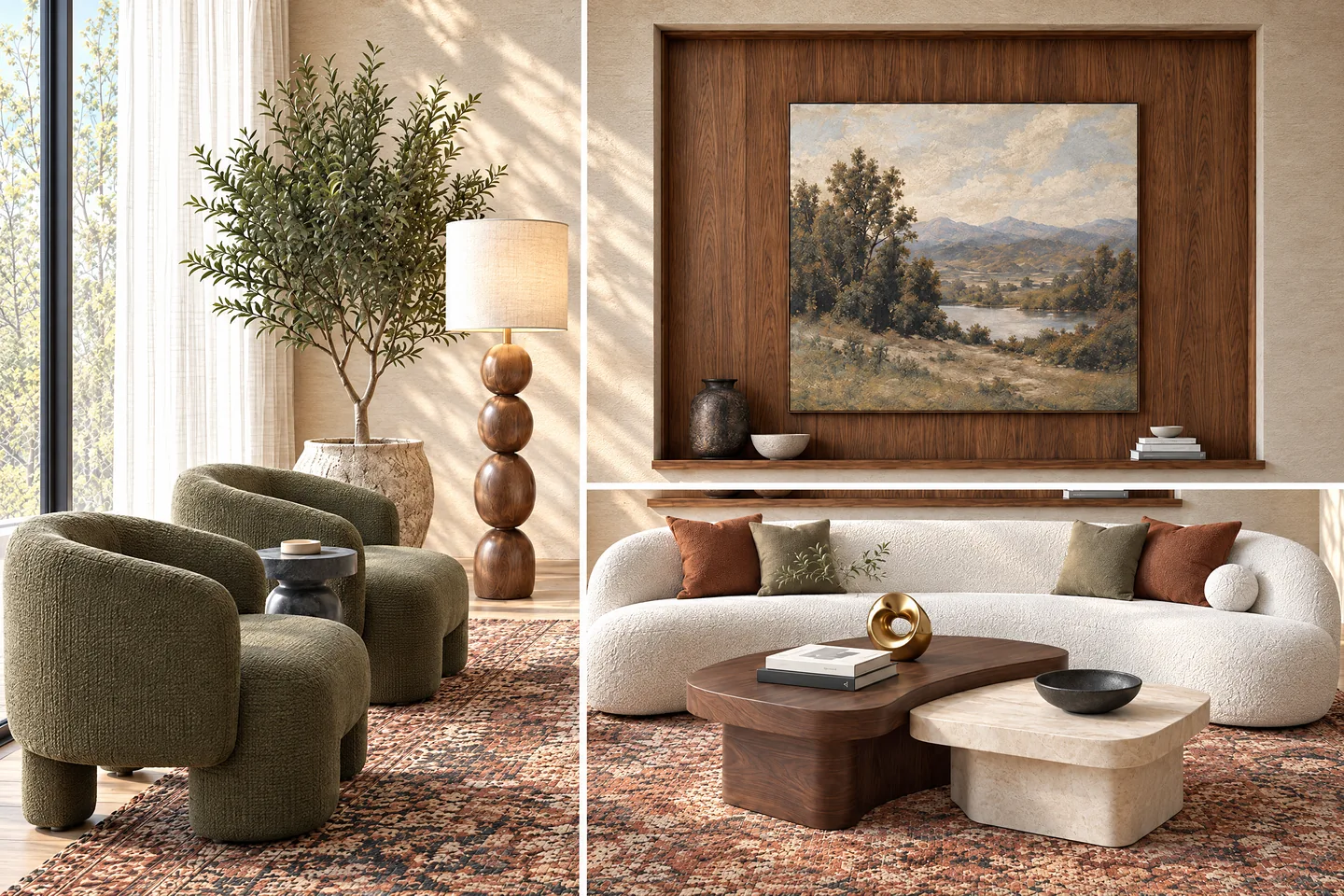 Detail views of the revised room
What each does best
Vibe3D strengths: detailed finishes and a finished presentation.
Make the finishes convincing at full size
Render the model view at 2K+ with rich stone, fabric and timber textures and natural lighting. Preserve the geometry, camera and materials in the reference; use HyperReal Enhance for a final finishing pass on an existing render.
Keep the detail through the finish review
Make precise edits with zero image degradation across revisions. Compare the banquette upholstery options as scene versions and favorite the one selected for the presentation.
Show the restaurant in use, by day and night
One-click time-of-day options cover interiors and exteriors, while prepared interiors offer interactive relighting. Populate the image for scale and create full-resolution detail shots of the finishes.
Deliver the project, beyond a folder of stills
Assemble the chosen views into a cinematic flythrough with matched music, without a separate video editor. Present live, export a PDF, bulk-download a ZIP or send a scene or project link.
Turn the restaurant views into a complete presentation
Keep the revisions, final images and presentation formats in the project where you produced them.
Examples made with Vibe3D. Feature access depends on your plan.
Render the character of the materials
Fidelity or Lumen creates a realistic 2K+ image from the model view. Use the intended camera and material layout as the reference for the stone, timber and soft furnishings.
Explore architectural rendering
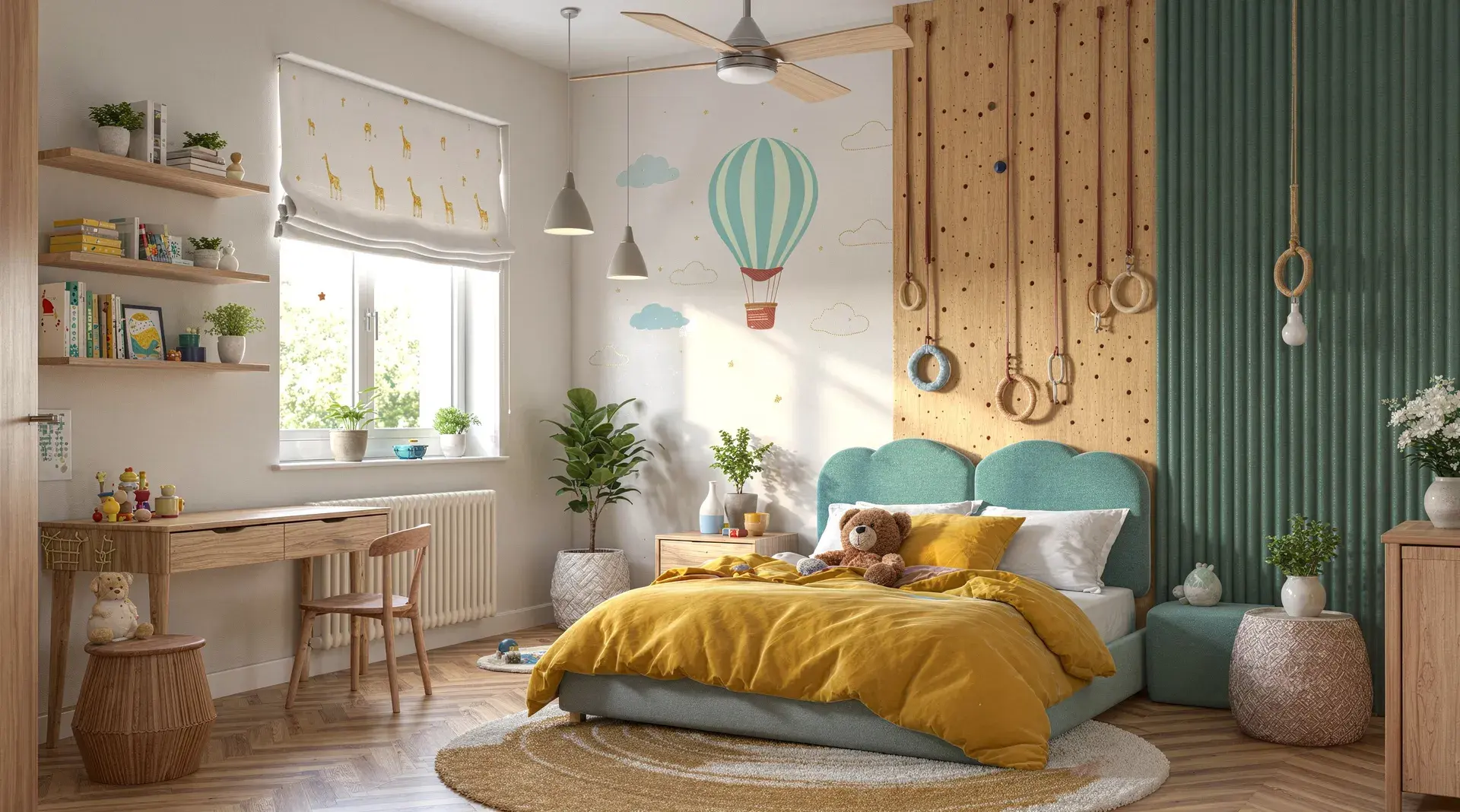
Revise the seating finish and retain the earlier version
Select the upholstery for a precise edit without degrading the image. Compare versions, star the preferred result and use lighting controls to show how the fabric reads at another time of day.
See how targeted edits work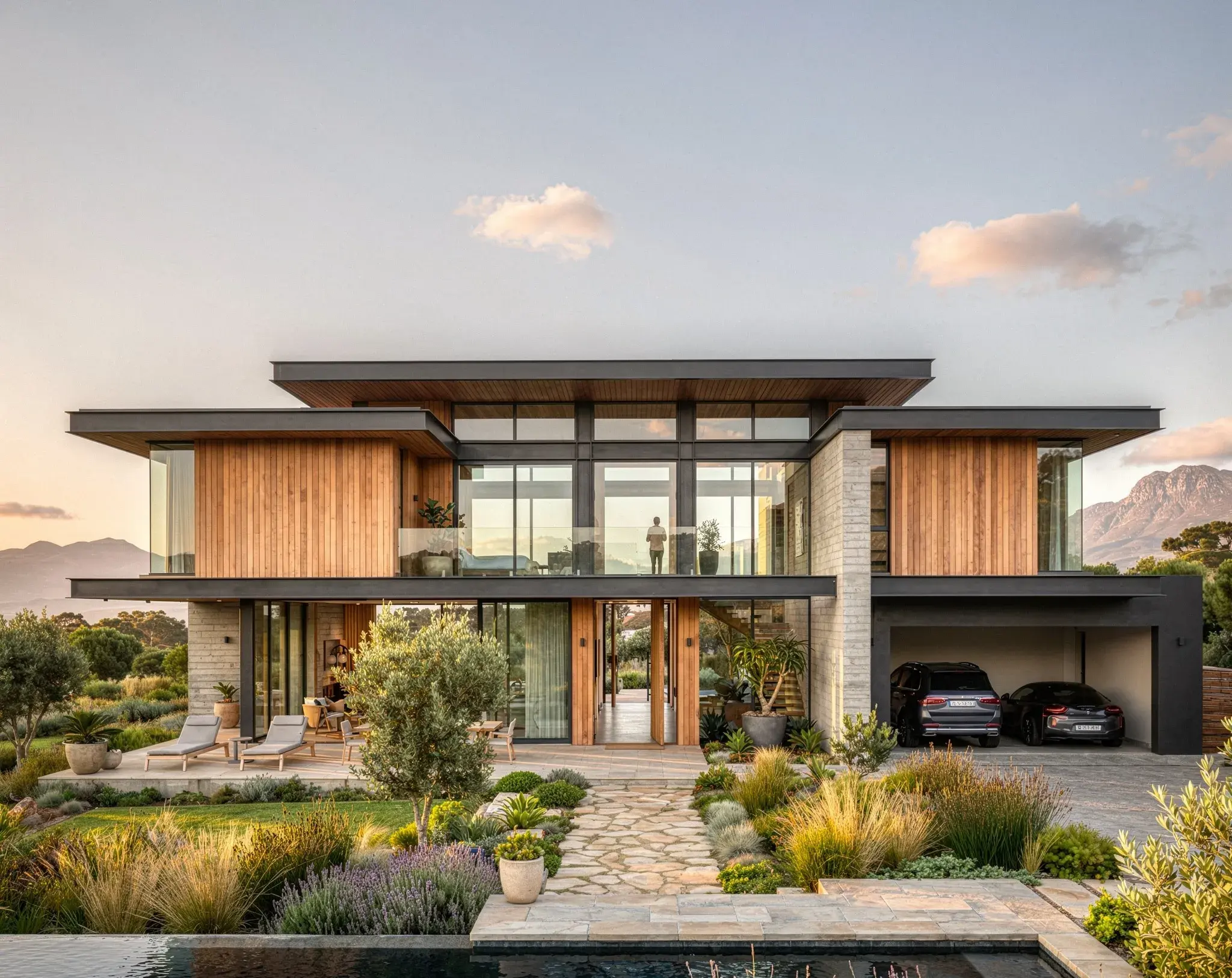
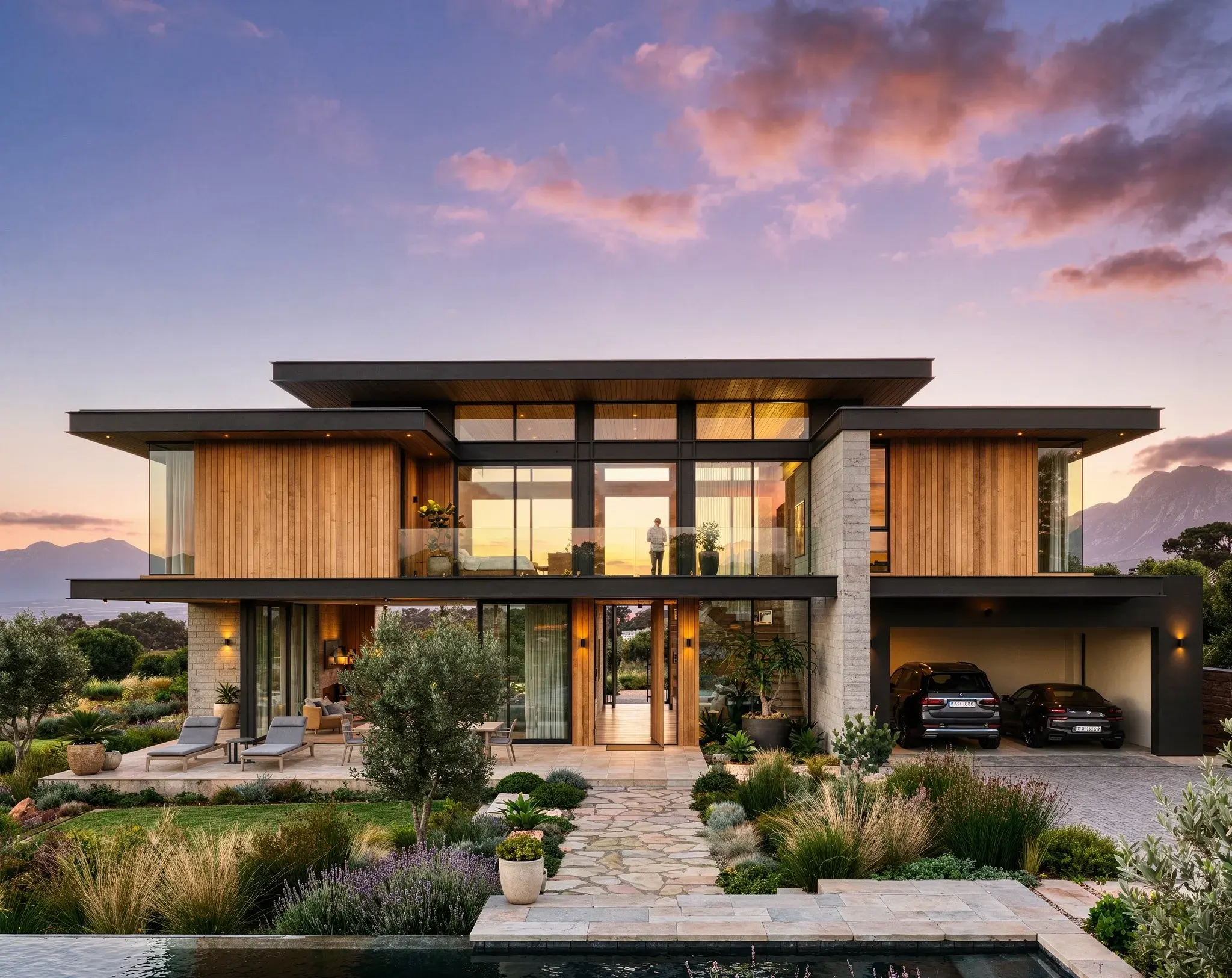
Finish the chosen image for the client deck
Apply HyperReal Enhance to the selected render for richer texture, reflections and light. Keep the original alongside the enhanced version and use a detail shot to show a material up close.
Explore HyperReal enhancement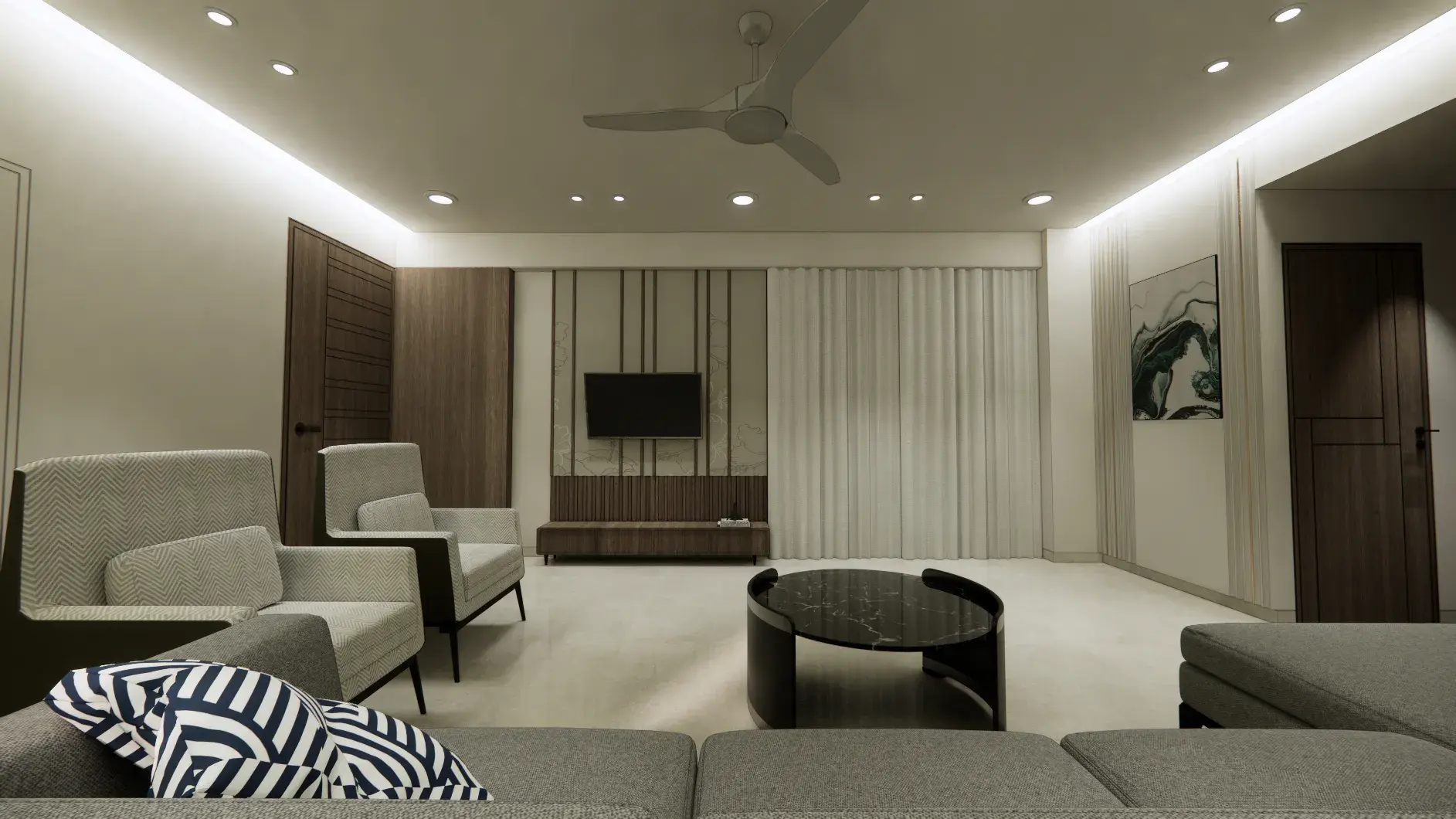
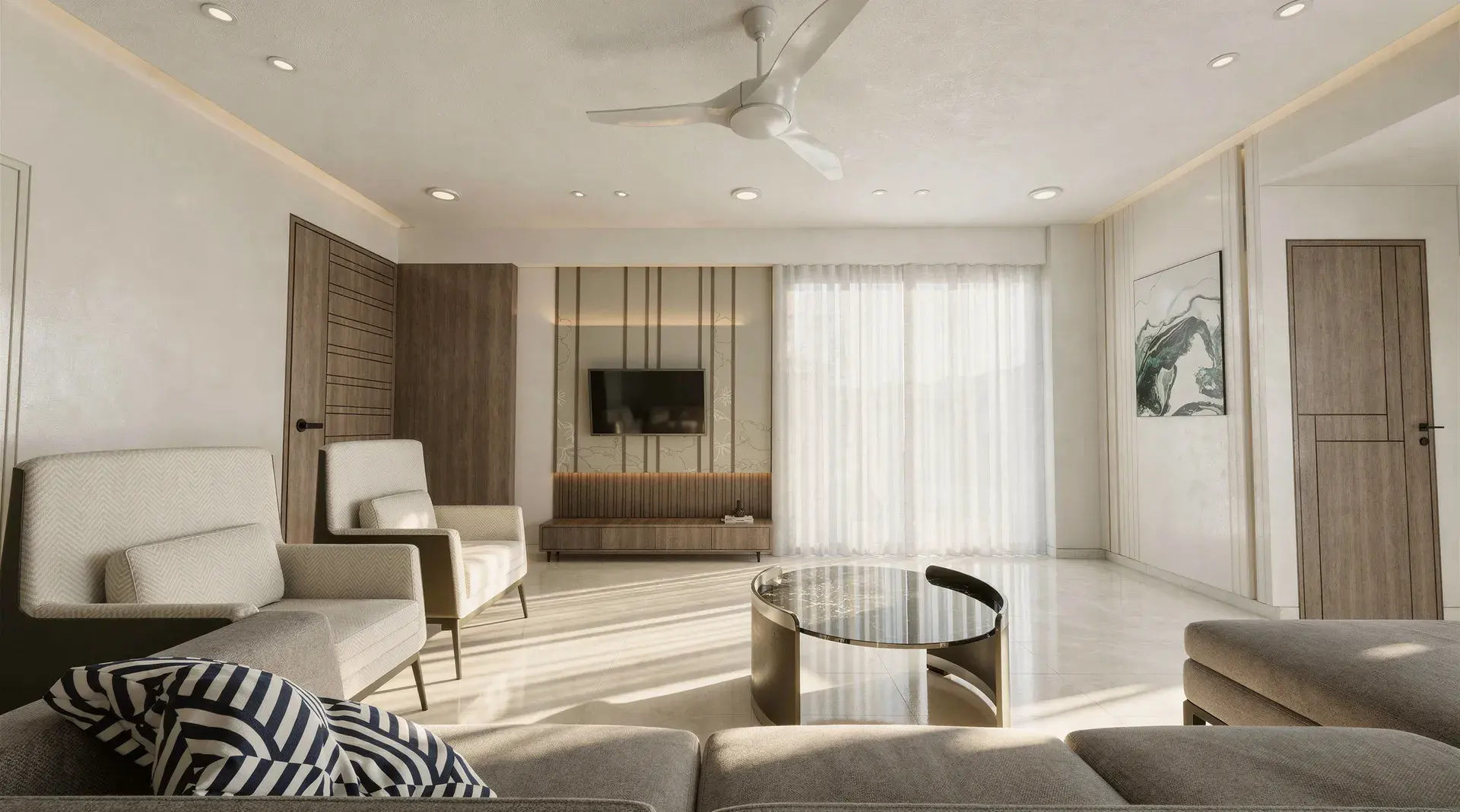
Get more presentation material from each scene
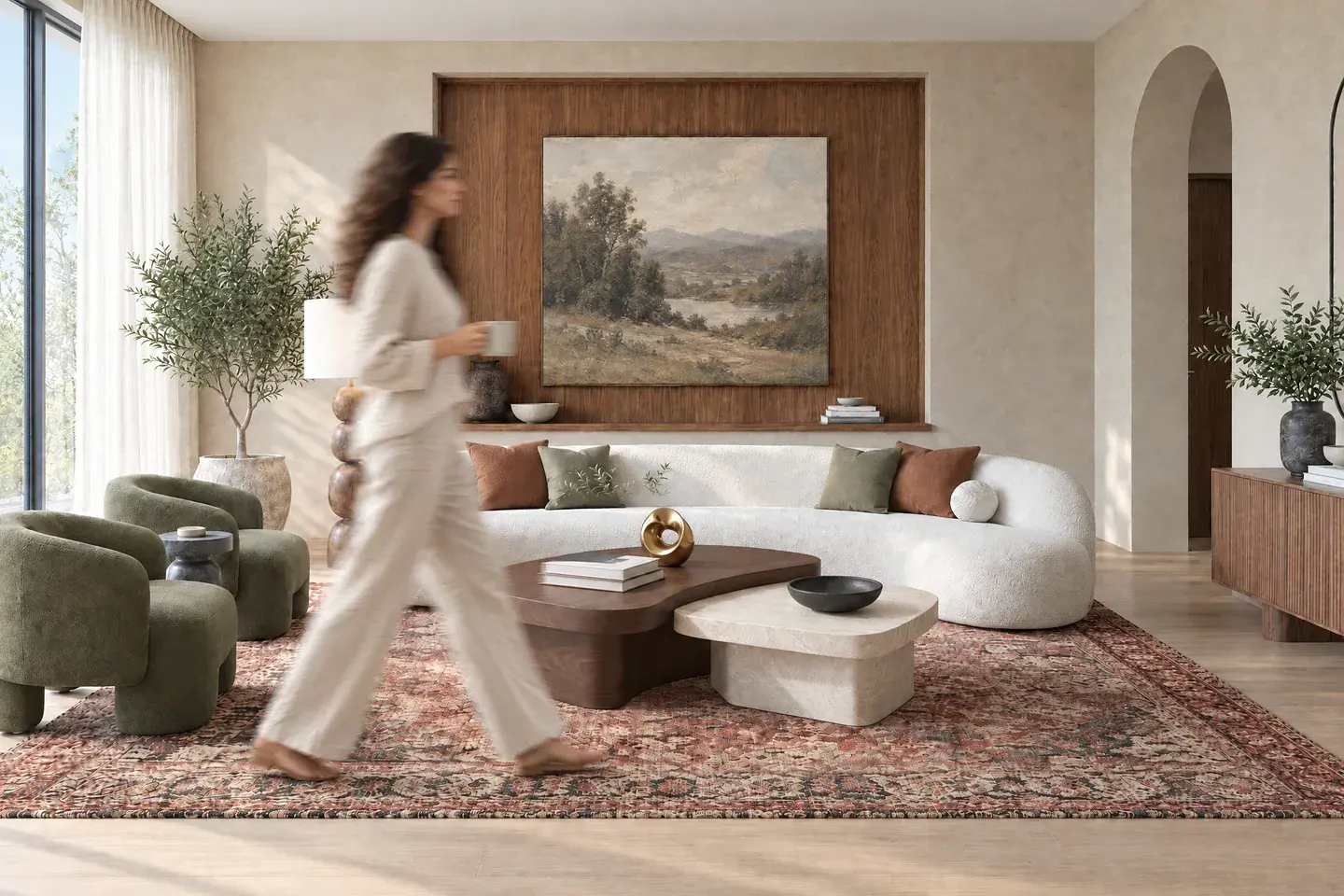
Populate the scene in one click
Add people to make a lobby, living room or shared space feel in use. Build context into the render without a separate compositing pass.
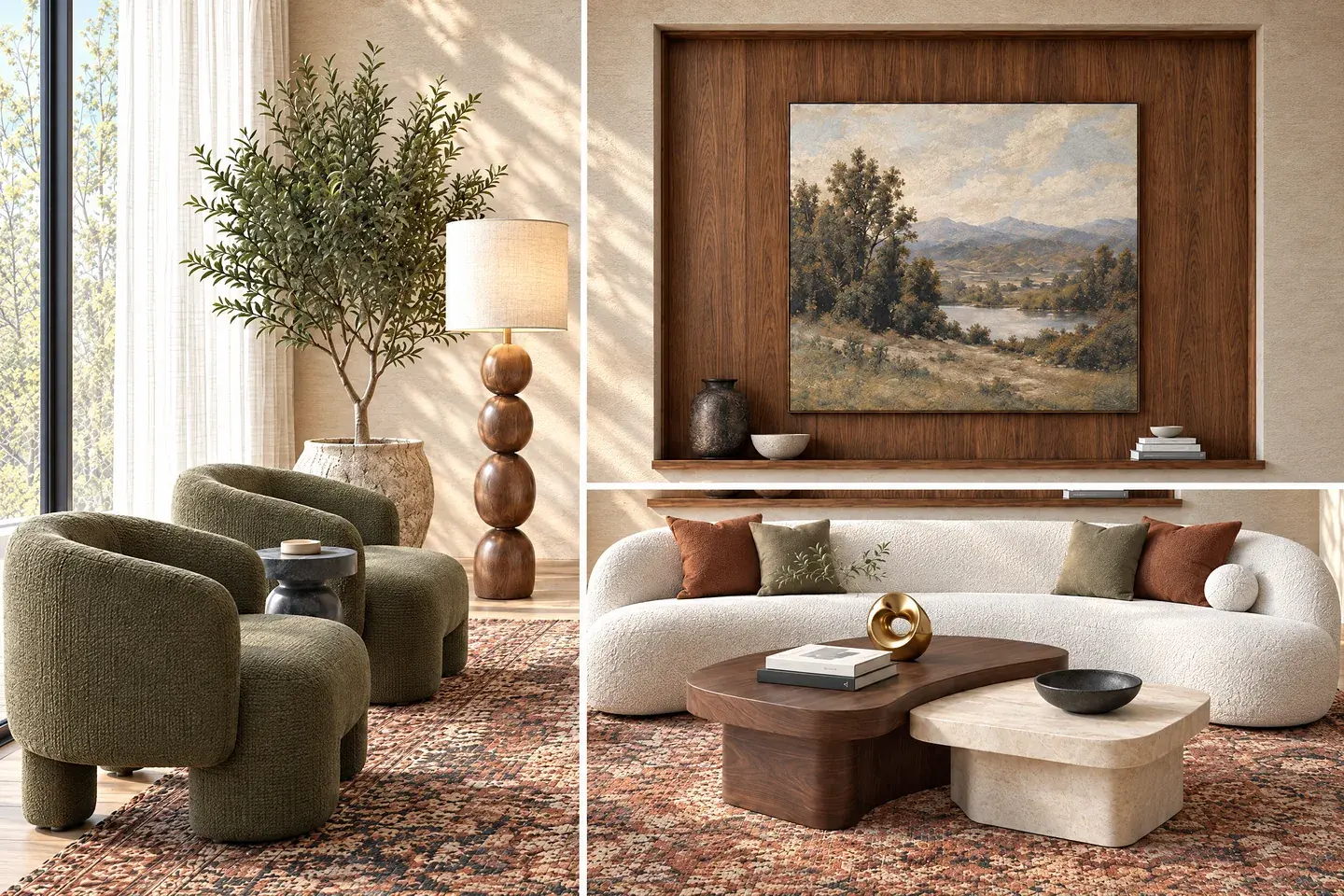
Create close-ups that hold their detail
Generate full-resolution shots of furniture, finishes and architectural details in one click. Give a client the wide view and the details that support the design.
Join the entry and interior into a finished film
Choose the approach, dining room and supporting views, then set the movement. Vibe3D assembles the generated scenes and matches music automatically, producing a project film without separate clip stitching or soundtrack editing.
Choose the sequence and movement from your selected stills. A generated film does not provide an interactive route through the source 3D model.
Explore project flythroughs
Give the client the selected views together
Keep the revisions, final images and presentation formats in the project where you produced them.
Keep the selected finish easy to find
Retain the options as versions and star the chosen upholstery. Only Starred exports give the client the shortlist.
Versions and favoritesReview the restaurant live
Use Present during the meeting, PDF for the record and ZIP for images going into the wider design package.
Presentations and exportsLet the client revisit the work
Send a scene link for one room or a project link for all scenes and versions. Use the curated export when only final choices should be included.
Project sharingVibe3D vs ReRender pricing
Vibe3D Pro at $39 a month covers rendering, precise revisions, project films with music and presentation delivery. ReRender’s $45 monthly plan includes unlimited commercial stills and multi-angle input. Choose around the work you will deliver, including the film and client review rather than only the number of generated stills. For unlimited usage, Vibe3D Studio includes rendering, edits, enhancement, relighting and flythroughs at the current $79/month launch price.
Vibe3D Pro
$39
/ month · current launch offer
Billed monthly · 300 Vibe3D credits · Commercial use
Make the next presentation ready to send.
- Realistic 2K+ rendering and HyperReal enhancement.
- Precision edits, scene versions and favorites.
- Relighting, population and full-resolution detail shots.
- Project films with music, live Present and PDF/ZIP/link delivery.
ReRender monthly plan
$45
/ month
Billed monthly · USD
Unlimited commercial still renders and watermark-free downloads.
- SketchUp plugin and multi-angle input.
- 4× image upscaling.
- Video uses a separate allowance. The public plan does not specify a clip count.
Prices checked November 3, 2026, in USD before tax. Vibe3D Pro, Studio and one-time pack prices shown are launch offers. Each provider sets its own credit rates.
Vibe3D or ReRender: which should you choose?
Compare ReRender for multi-angle input and unlimited commercial stills. Choose Vibe3D for precise revisions and complete presentation delivery, with Pro for a fixed allowance or Studio for unlimited usage.
Keep ReRender if you use its multi-view workflow
ReRender deserves a place on your shortlist when you need a set of views from one interior, use its moodboards or coloring tools, or generate enough still images to value its unlimited-render plan. Its SketchUp support may also matter if it removes an export step from your current process.
- Several source views from the same interior project.
- A repeated workflow involving references, moodboards or illustrative drawings.
- A high volume of still renders under a monthly subscription.
Test the actual plugin version and outputs you need. A multi-view feature is useful, but the resulting images still need to agree on furniture, finishes and geometry.
Choose Vibe3D for the finished images and project presentation
A restaurant presentation needs material decisions, atmosphere and a finished sequence. Vibe3D keeps those revisions and delivery formats with the rendered views.
- Make the finishes convincing at full size
- Keep the detail through the finish review
- Show the restaurant in use, by day and night
- Deliver the project, beyond a folder of stills
Use a monthly plan for regular work or a one-time pack for an occasional project. Unused one-time credits never expire.
Try the workflow on your next review
Try one seating change, an evening option and a detail shot. Star the selected results, assemble the entrance and room into a film, then export the client’s PDF.
Before you switch
Your questions, answered.
Answers about ReRender alternatives, SketchUp support, multi-view rendering, pricing and the free trials.
Comparing more than two renderers?
Explore top AI rendering softwaresSources & review notes
Published by Vibe3D. Product capabilities reviewed November 5, 2026; plan terms checked November 3, 2026. The visual examples show work produced in Vibe3D.