
For architects & interior designers
PromeAI vs Vibe3D: choosing an AI tool for architecture
For an architectural proposal, Vibe3D brings realistic rendering, precise revisions and client delivery into one workspace. Preserve the geometry, camera and materials in your reference view while developing richer textures and light at 2K+. Finish with detail shots, a project film with music and a live or exported presentation. PromeAI also serves broader image, product and creative-video work.
3 free renders · No rendering GPU needed
 Vibe3D render
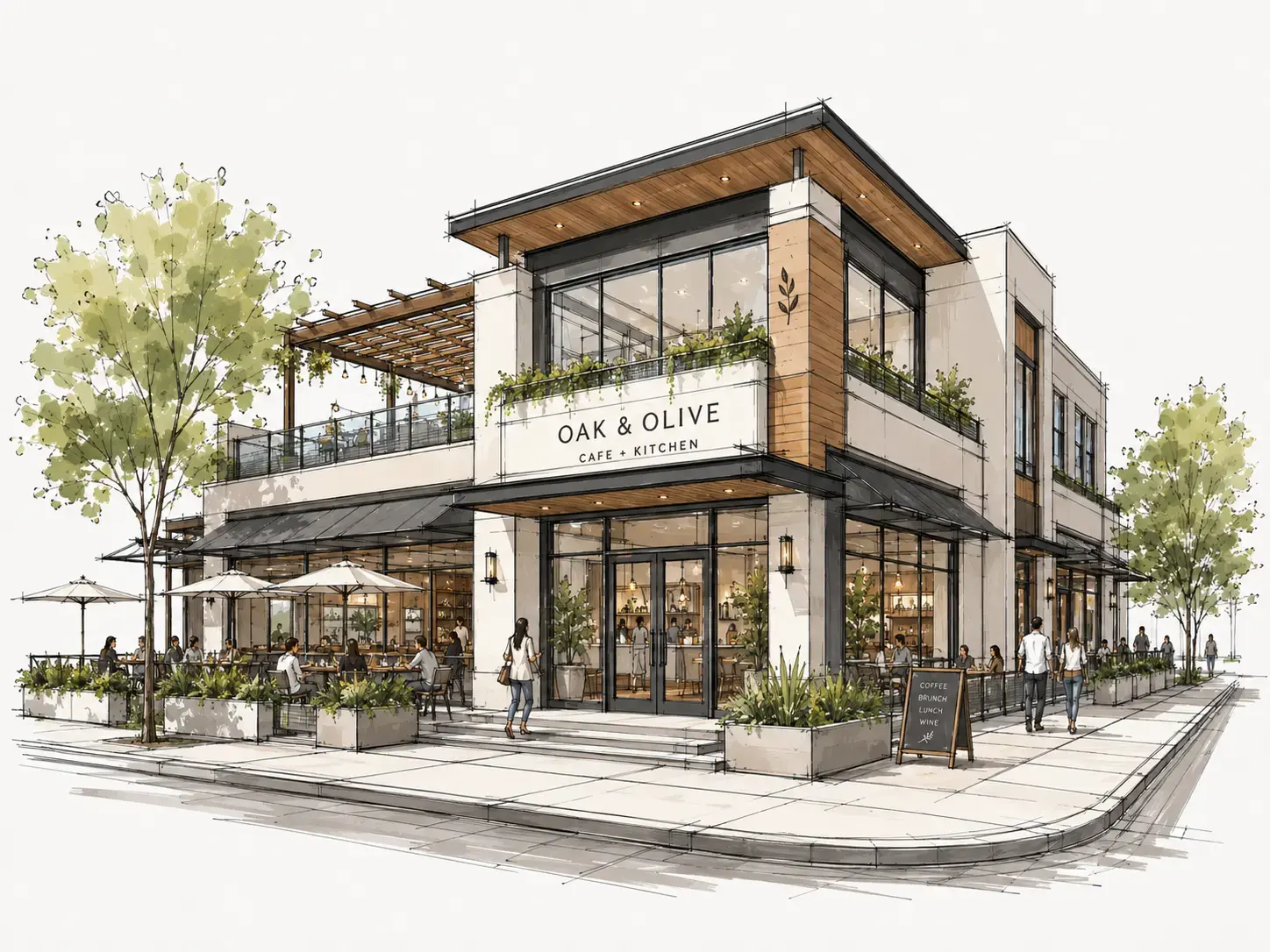
Concept sketch
- Renders true to your design
- Rich textures and lighting at 2K+, preserving the geometry, camera and materials in your model view.
- Precision edits
- Zero image degradation across revisions. Track versions and keep your favorites.
- A complete client presentation
- Project films with music, live presentations, PDF exports and sharing links.
- No subscription required
- One-time credits that never expire, for occasional projects without a recurring commitment.
A different rendering workflow
Why consider a PromeAI alternative?
PromeAI combines sketch rendering, regional editing and a choice of image and video models for several creative disciplines. Vibe3D concentrates on the architectural project, from realistic model-view renders through material revisions to a complete client presentation. The distinction is useful when the brief needs a coherent set of building visuals rather than many types of campaign imagery.
For a property proposal, keep the cladding, glazing and camera consistent with the model view. Try another stone finish, generate a dusk option and create a facade detail. In Vibe3D, revisions remain in the project with favorites, while the selected stills can become a film with music, a live presentation or a PDF for the client.
Side-by-side comparison
Vibe3D vs PromeAI: core comparison
Compare Vibe3D and PromeAI on image quality, revisions, lighting, delivery and plans. Both offer AI image tools; the controls and work after generation matter.
Swipe across the table to compare both tools →
| What you need | PromeAI | Vibe3D |
|---|---|---|
| Rendering & image quality | Sketch Rendering, style references and a choice of models across architectural and other creative tasks. | Realistic 2K+ output with rich textures and natural lighting, preserving the geometry, camera and materials of the reference view. Fidelity/Lumen render; HyperReal enhances existing renders. |
| Targeted revisions | Region Rendering and Erase & Replace tools for selected parts of an image. | Precise edits with zero image degradation across revisions. Keep versions within each scene, compare alternatives and star favorites. |
| Lighting & atmosphere | Relighting and editing tools for changing an image’s visual treatment. | One-click time-of-day changes for interiors and exteriors, interactive lighting for prepared interiors, and exterior weather and surroundings controls. |
| Scene population & details | Use generation and regional editing to add or replace elements in an image. | One-click scene population and full-resolution close-up shots from a render. |
| Video workflow | Image-to-video and other creative video tools; model access and usage vary by plan. | Cinematic project films from selected views, with automatic scene assembly and matched music. Download the finished film without separate clip stitching or soundtrack editing. |
| Inputs & integrations | Sketch Rendering documents image and supported 3D-file inputs. | Upload model-view images from your design software and work in the browser; no live CAD/BIM link. |
| Pricing model | Coin-based plans; Standard, Pro and Team include commercial rights, while Free and Base are for personal use. | One-time packs have no expiry. Monthly plans refresh each billing cycle. |
| Presentation & sharing | Image and video outputs across architectural and other creative tasks. | Present completed scenes live, export a PDF, bulk-download a ZIP or share a view-only project/scene link. Star favorite versions for a curated export. |
The products share several image tools. Compare supported inputs and the current plan’s commercial rights, output settings and usage rules.
A finish revision in Vibe3D
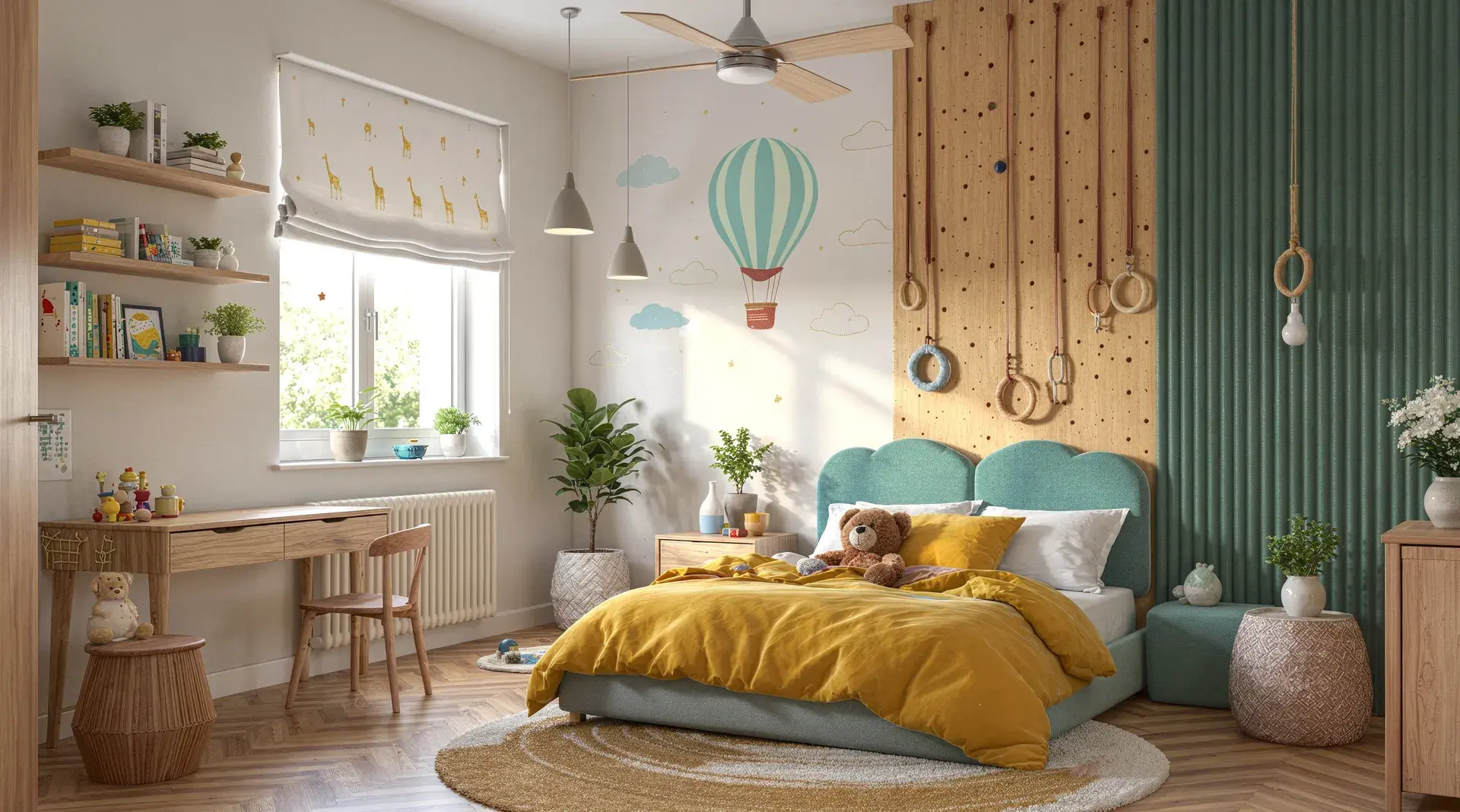
In this Vibe3D example, the chairs change to sage, the coffee tables take a new shape and the artwork becomes a landscape. Open a 1440 × 960 web image to inspect the finishes.
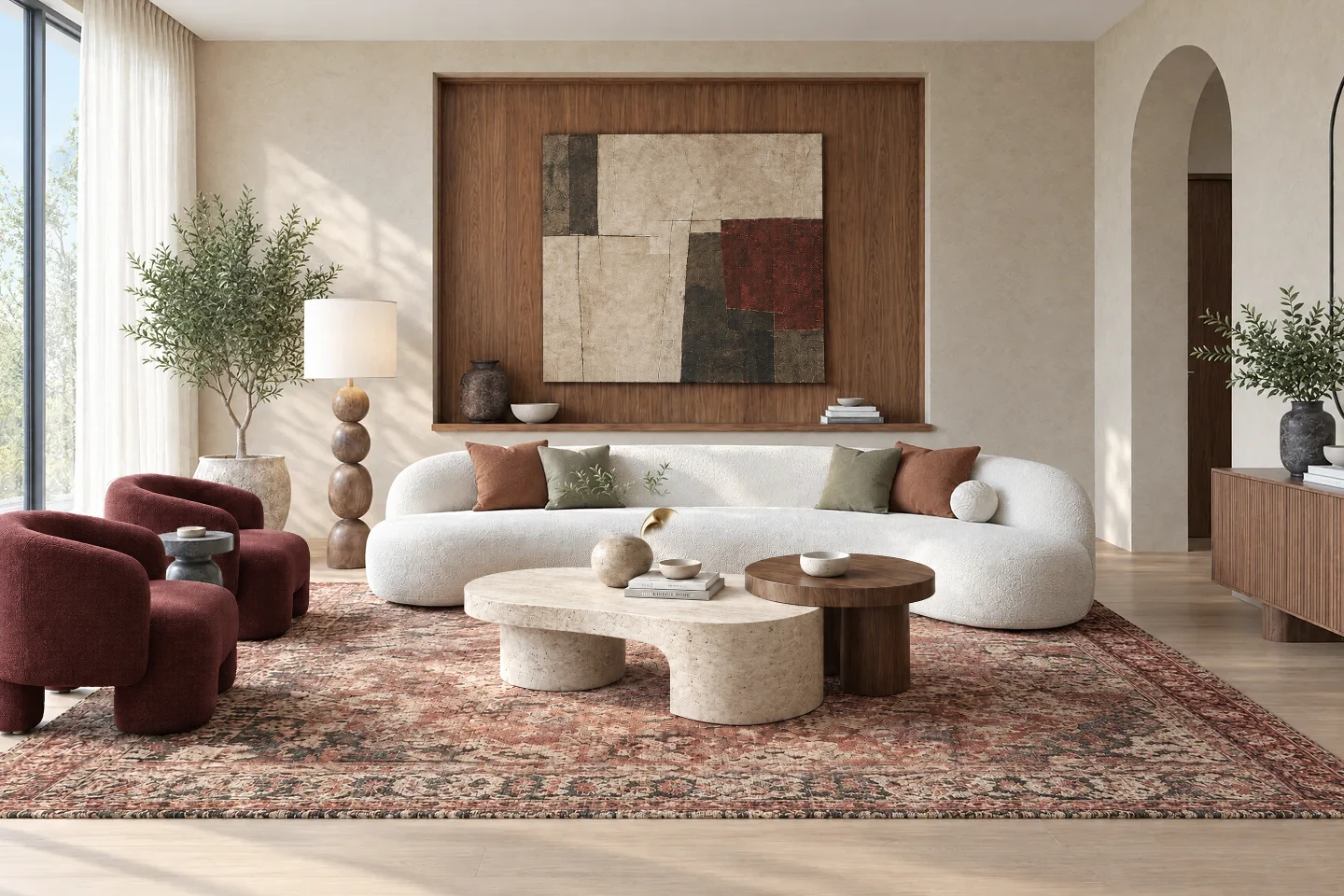 Original render
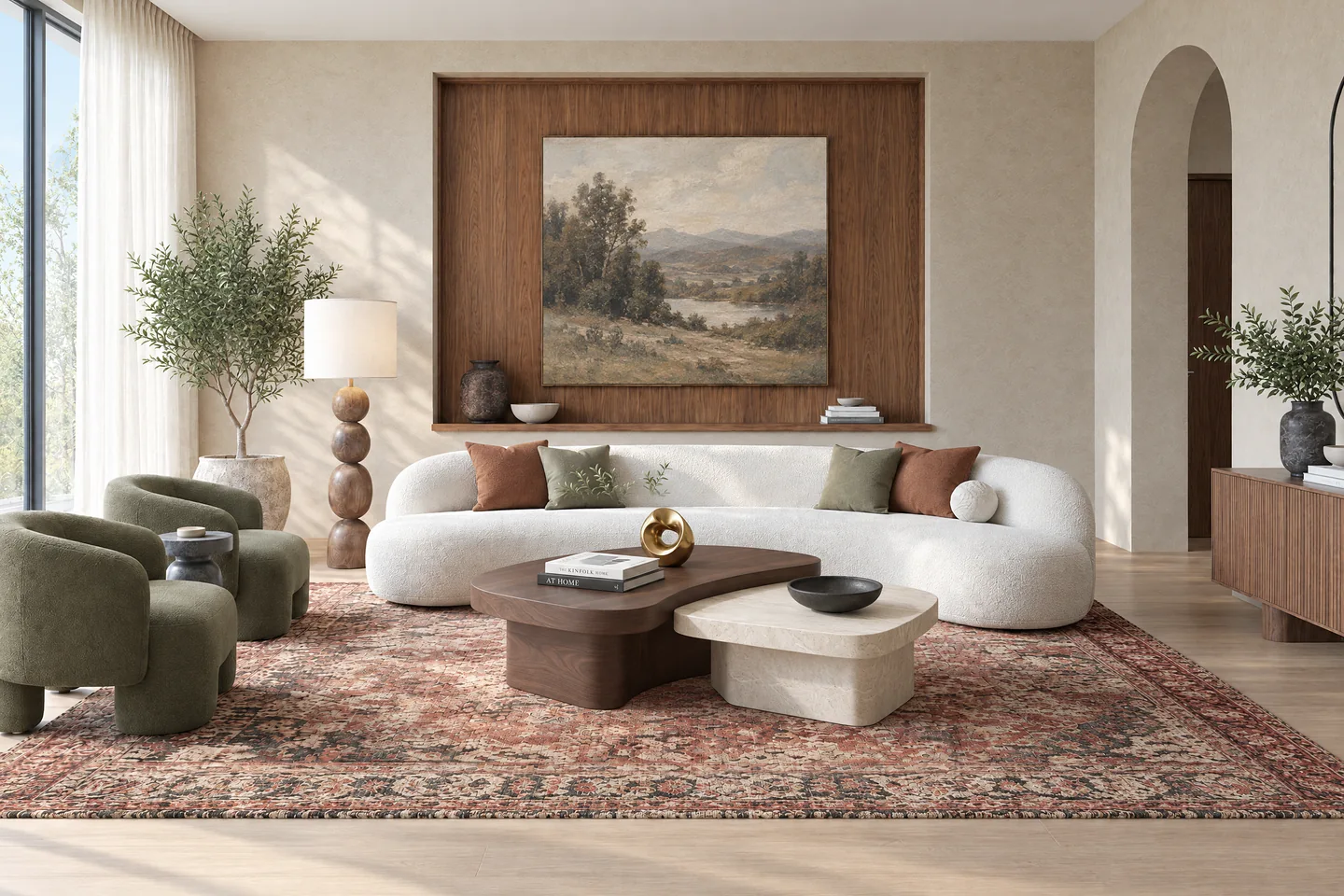 Revised chairs, tables and artwork
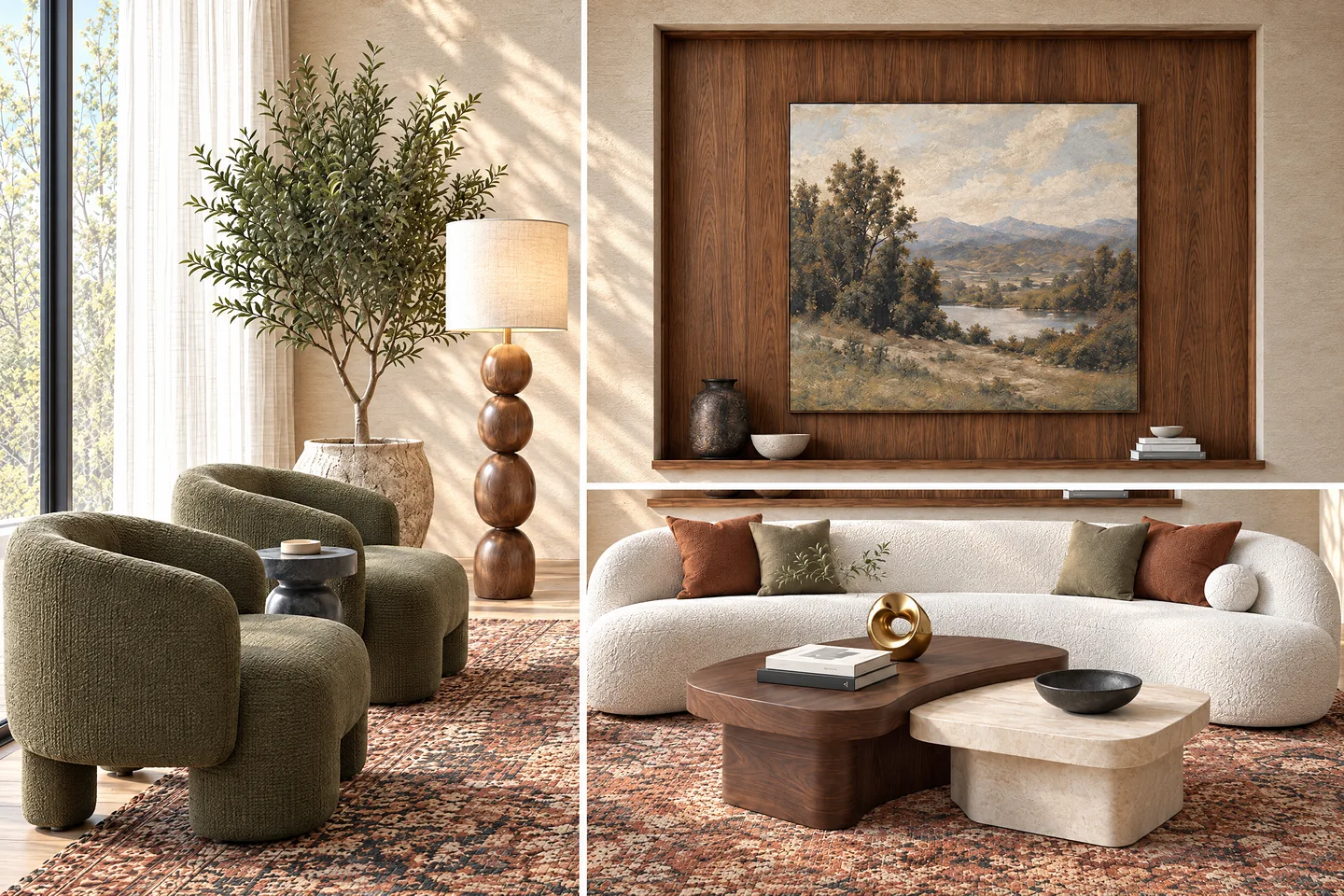 Detail views of the revised room
What each does best
Vibe3D strengths: architectural detail through to delivery.
Keep the building recognizable in the finished image
Create ultra-realistic 2K+ renders with rich materials and natural light while preserving the geometry, camera and material choices from the source view. The facade and its finishes remain the subject of the presentation.
Make the material change precisely
Select the cladding, furniture or other area the client wants revised. Edit with zero image degradation across iterations, retain scene versions and favorite the results that belong in the proposal.
Develop the lighting and supporting views
Use one-click lighting options for interiors and exteriors, with interactive controls for prepared interiors. Populate the scene and produce detail shots so a client can see both the building in use and the finishes up close.
Package the architecture for the client
Build a cinematic film across the chosen project views with automatic scene assembly and matched music. Present the work live, export a PDF, download a ZIP or send a project link without moving the handoff into another workspace.
From the facade study to the finished proposal
Organize the final views and their revisions where you created them, ready for the presentation.
Examples made with Vibe3D. Feature access depends on your plan.
Render the proposal with its materials intact
Start from a model view with the intended facade and camera. Fidelity or Lumen turns it into a realistic 2K+ image with textured surfaces, reflections and natural lighting, using the source geometry and material layout as the reference.
Explore architectural rendering
Keep the approved view through the next change
Target the stone finish instead of regenerating every decision. Precision edits maintain image quality across revisions; versions and favorites keep the alternatives organized. Explore a daytime or dusk appearance with one-click lighting controls.
See how targeted edits work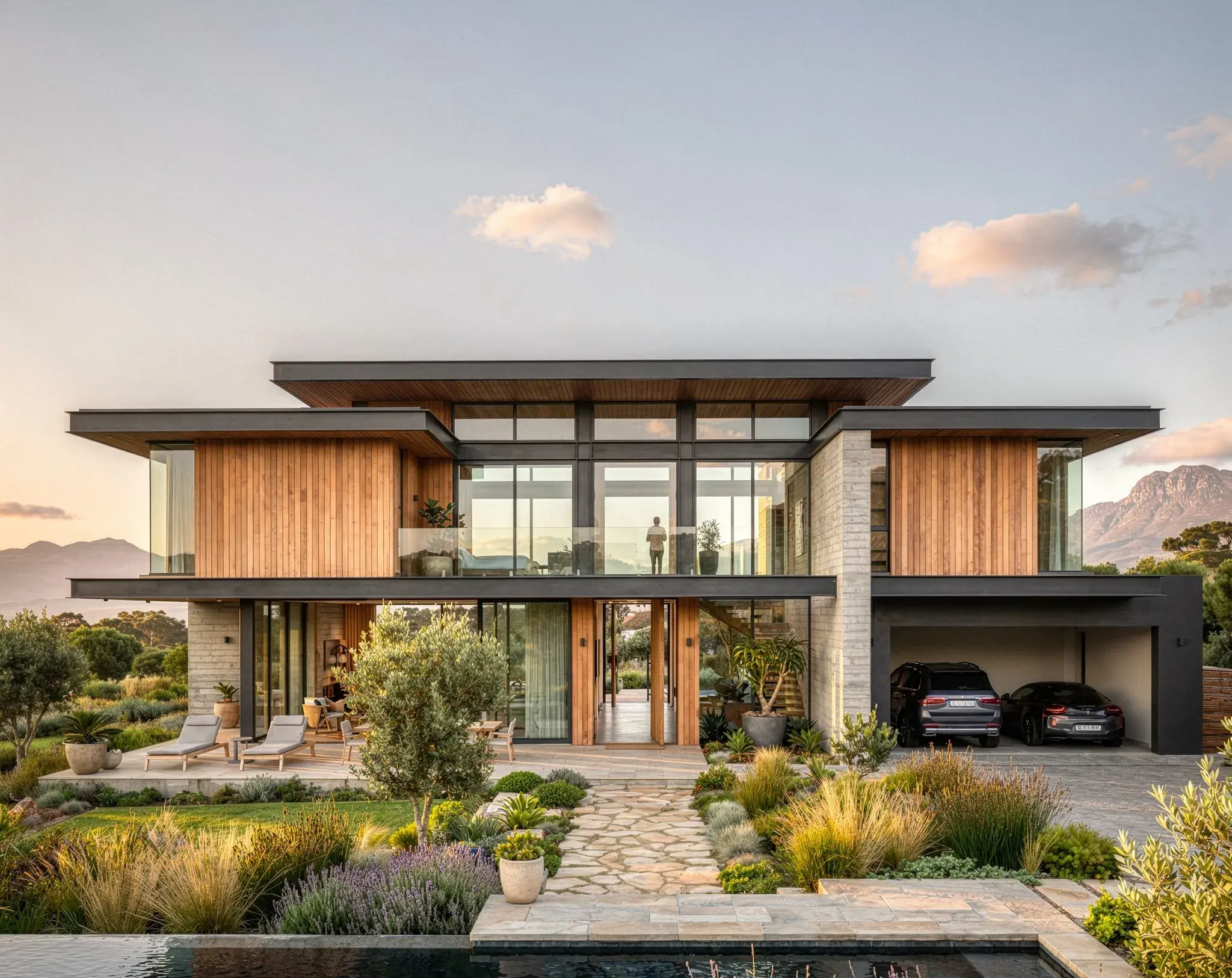
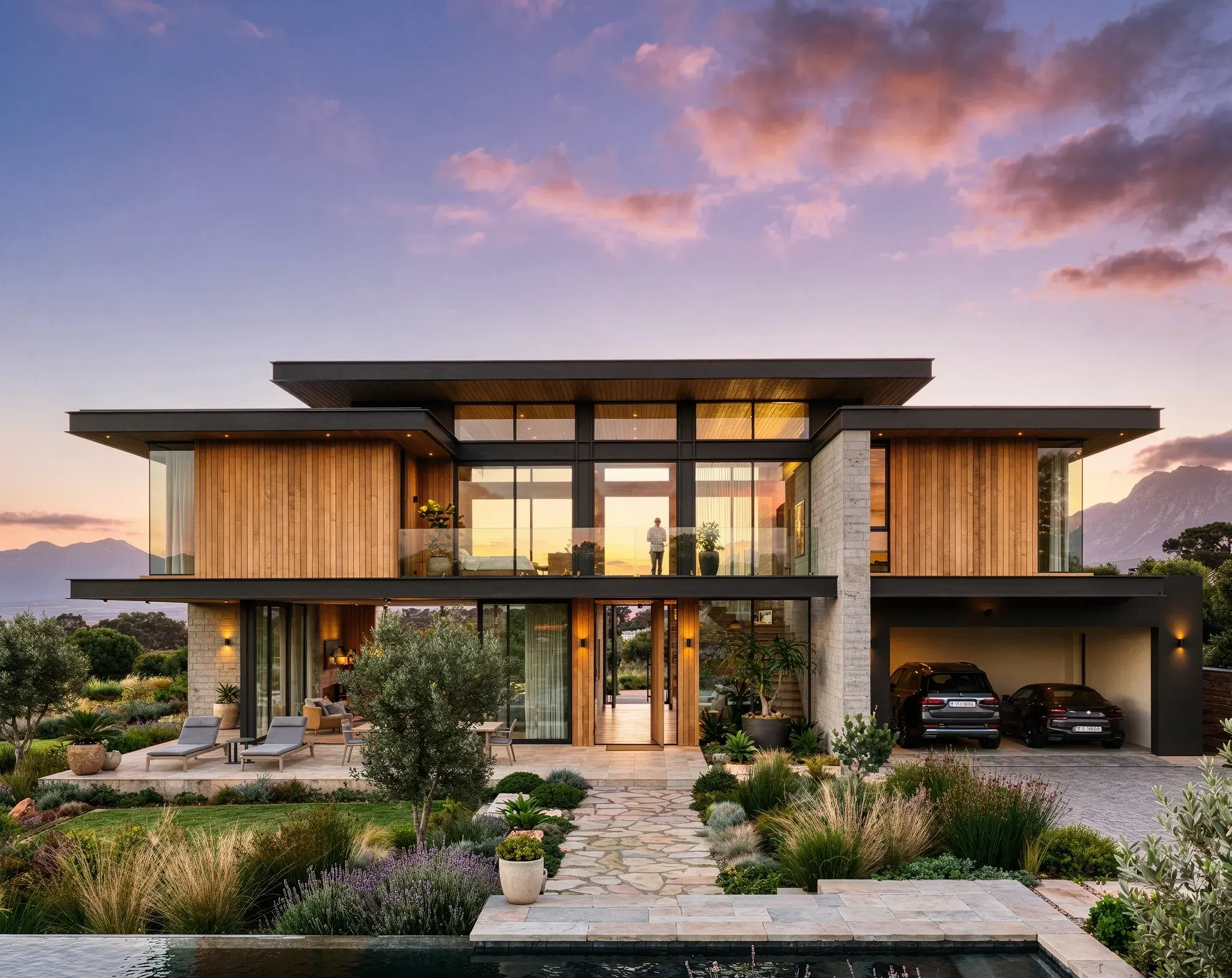
Make the final facade image more convincing
HyperReal Enhance adds a finishing pass to an existing render. Develop the texture of the stone, the depth of the glazing and the quality of light in the chosen composition. Then make a detail shot for the material review.
Explore HyperReal enhancement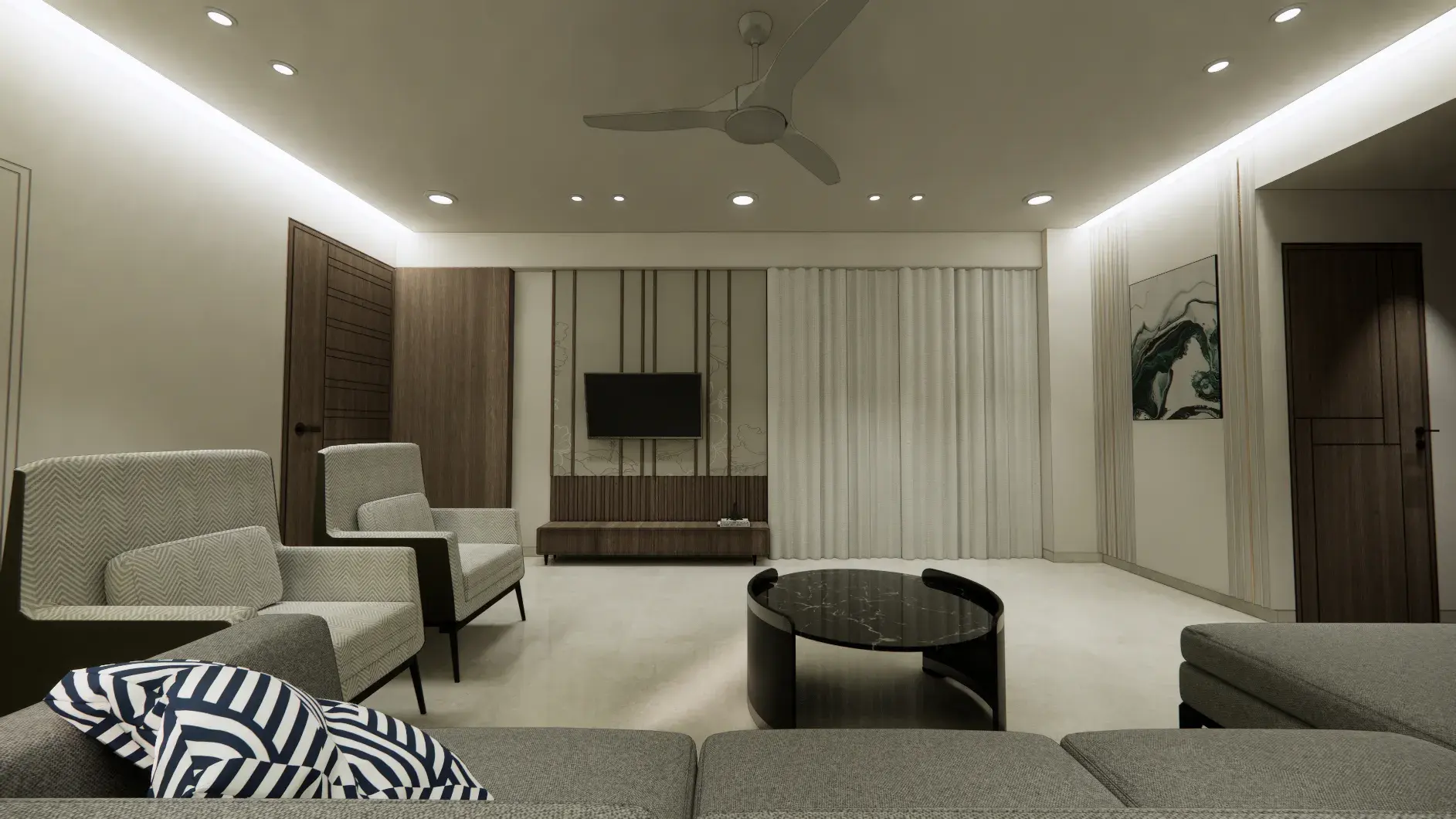
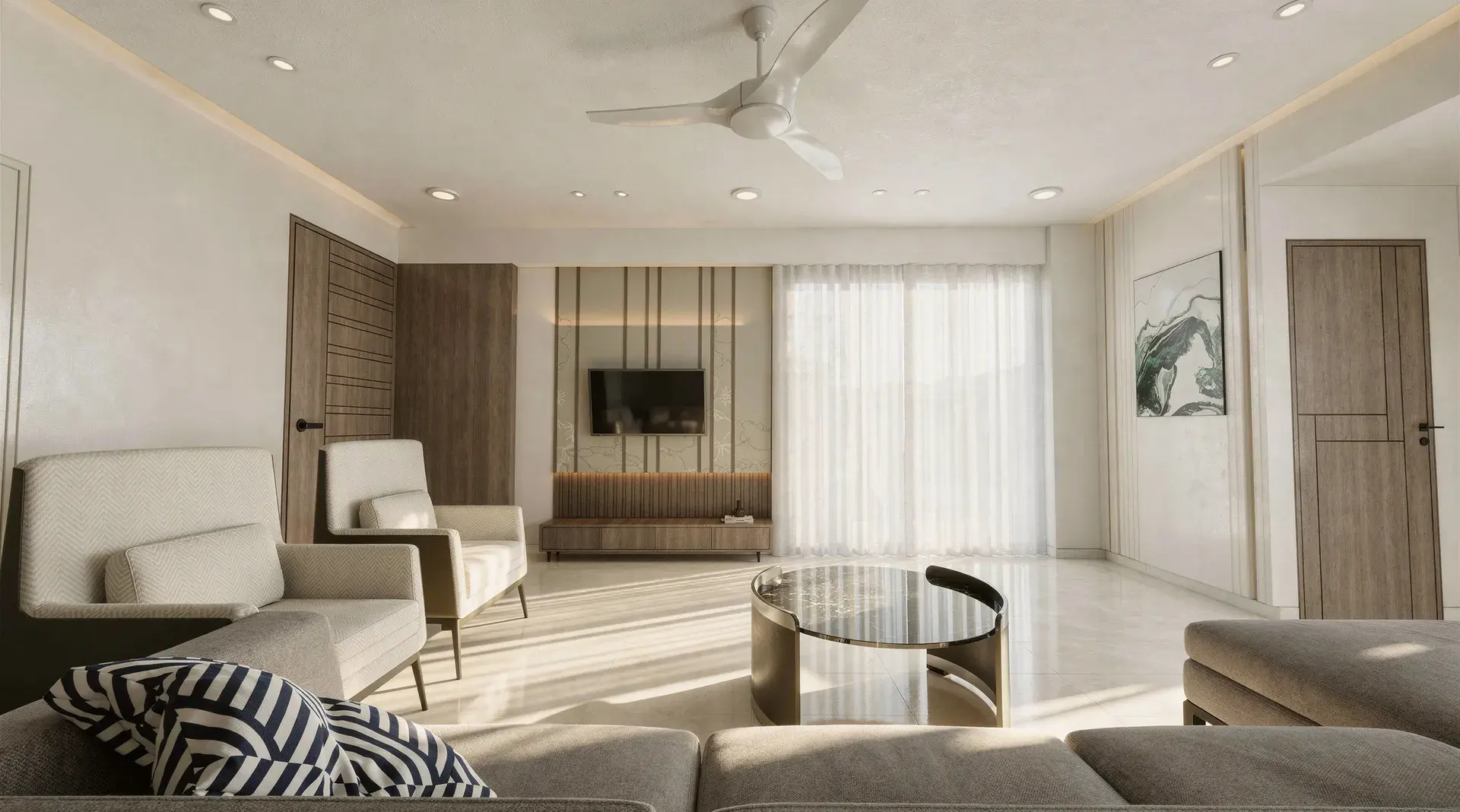
Get more presentation material from each scene
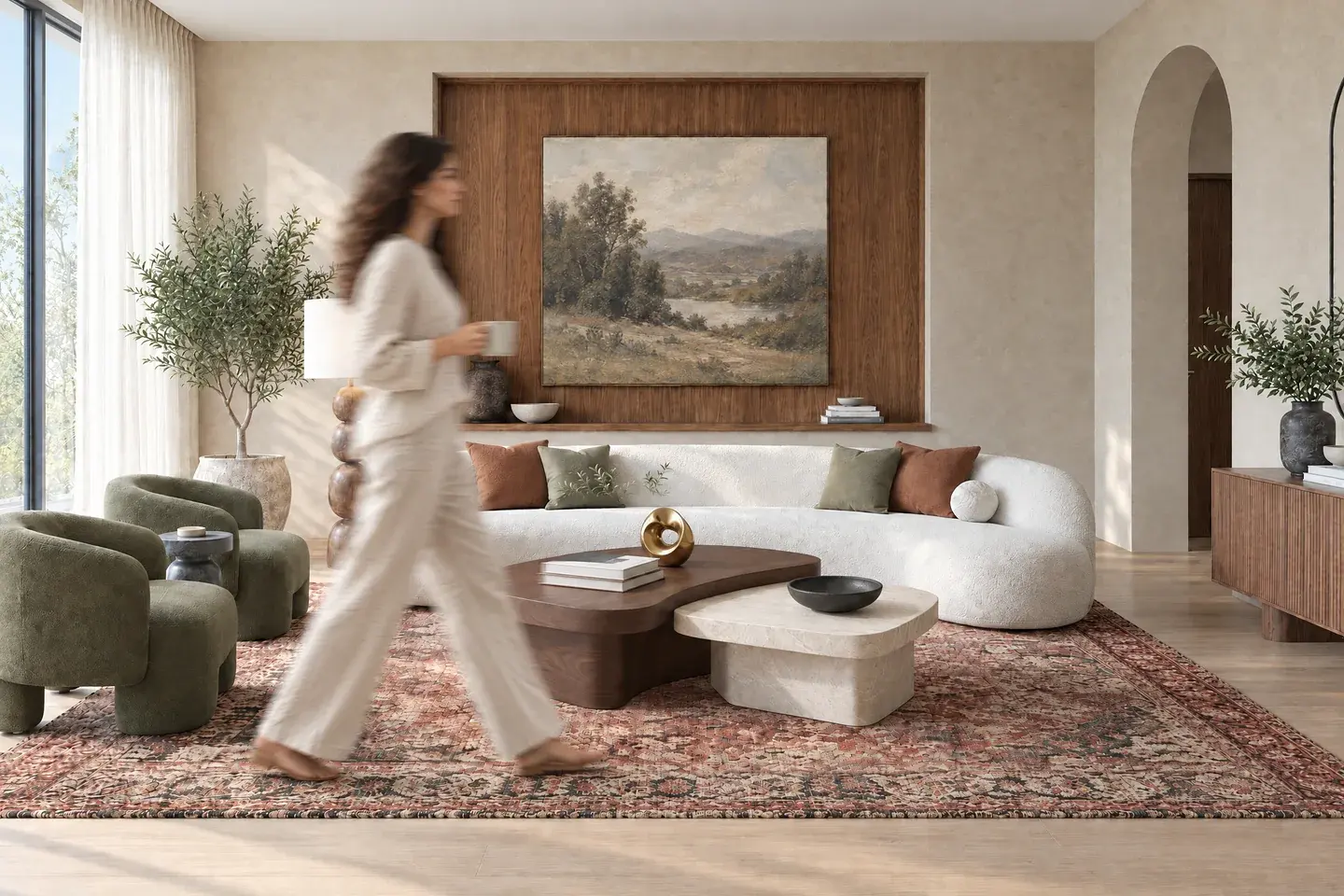
Populate the scene in one click
Choose a population preset to bring people into the image. Keep the populated result as another scene version so you can compare it with the unoccupied space.
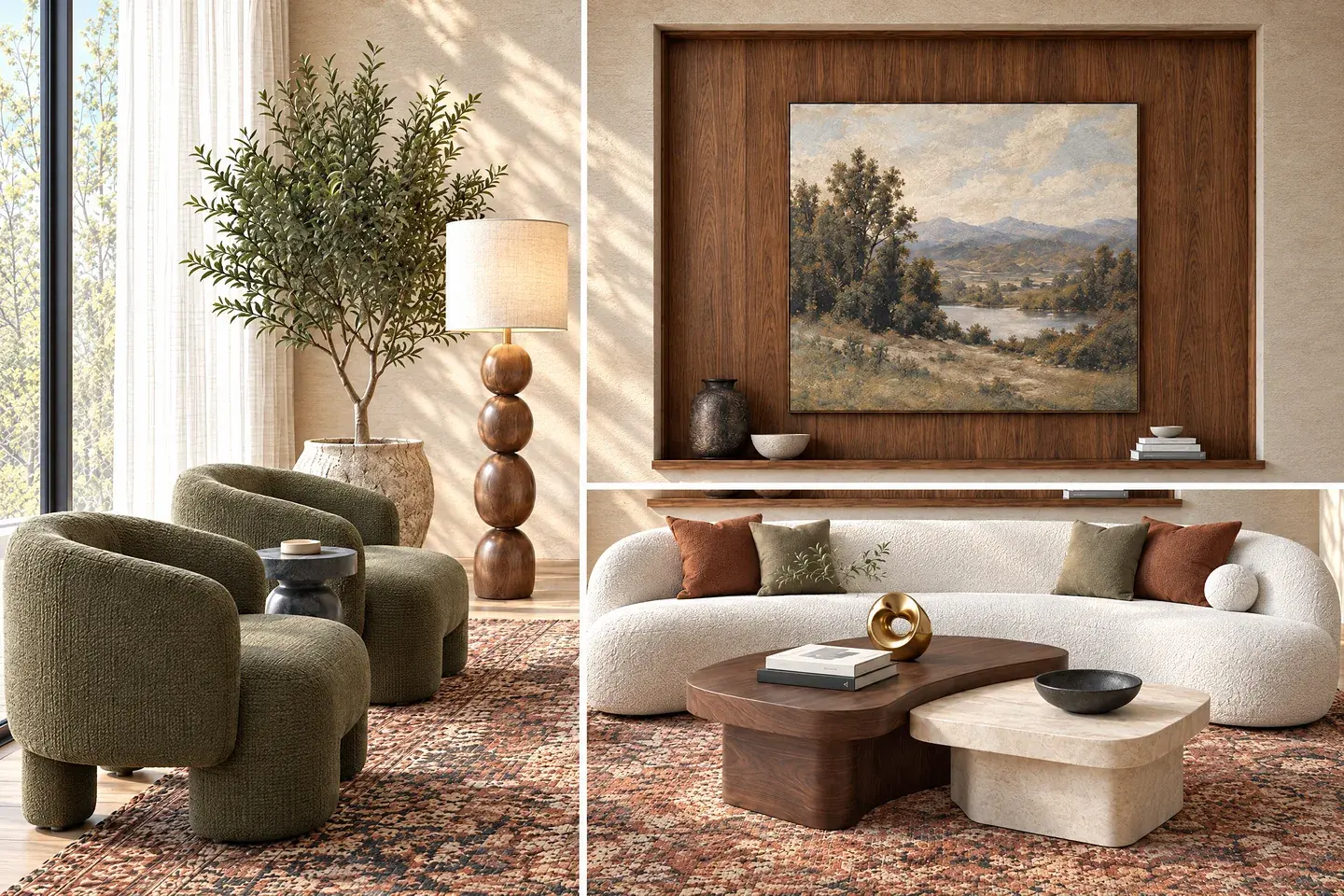
Create close-ups that hold their detail
Create a full-resolution detail shot of a material, furnishing or junction. Include it beside the wide view in Present or your exported client document.
Deliver the building story as one film
Use the exterior, entry and interior renders to build a cinematic sequence. Vibe3D generates the movement, assembles the scenes and automatically matches music, so the client receives a finished film without separate clip or soundtrack editing.
Choose the sequence and movement from your selected stills. A generated film does not provide an interactive route through the source 3D model.
Explore project flythroughs
Keep the architectural proposal together
Organize the final views and their revisions where you created them, ready for the presentation.
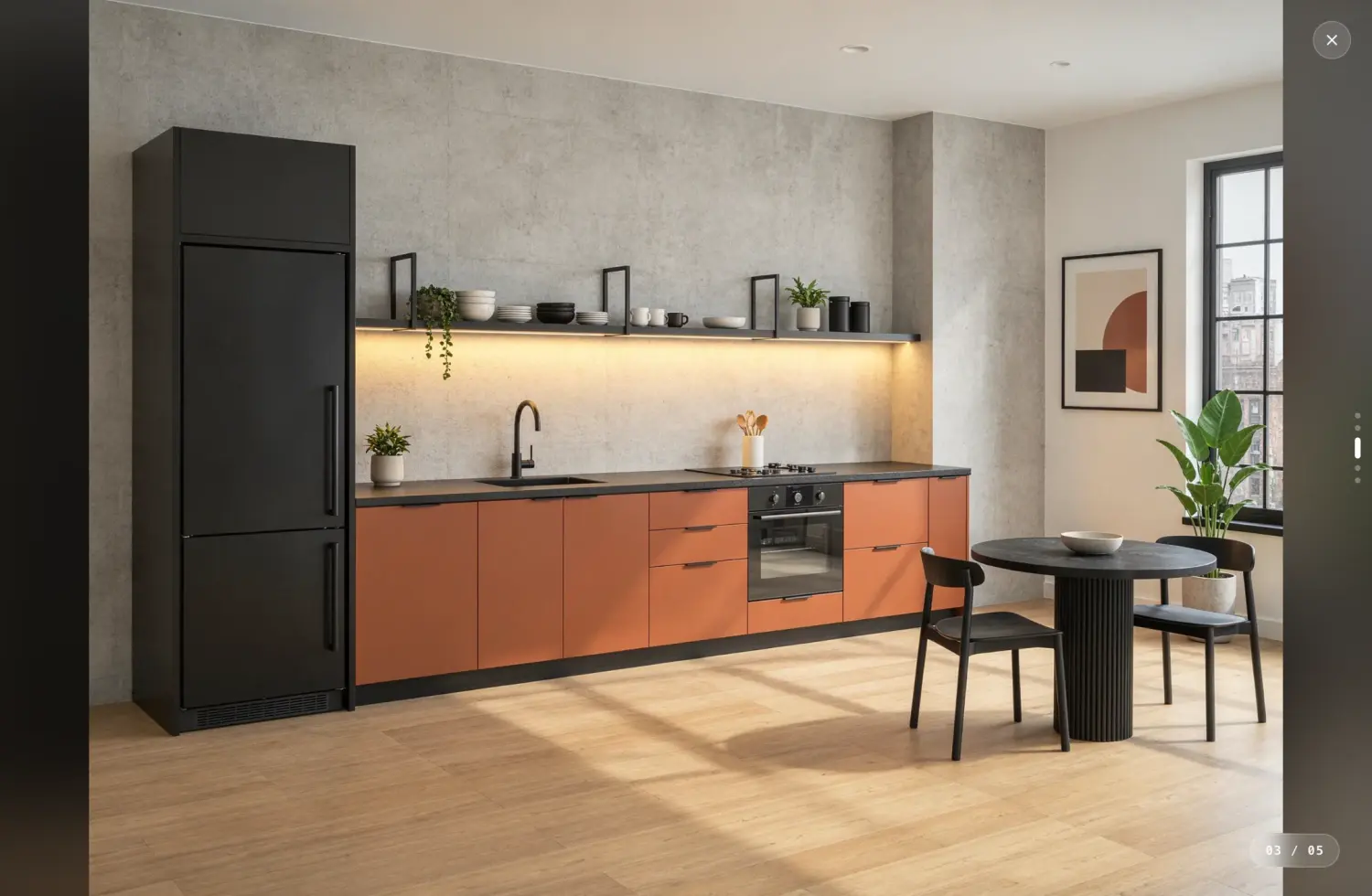
Select the final material direction
Track revisions by scene and star the chosen finishes. Export the starred set when the client should receive only the shortlisted options.
Versions and favoritesBring the proposal to the meeting
Use Present for a live review, PDF for the follow-up document and ZIP for images going into a wider campaign.
Presentations and exportsShare the appropriate view
Send a single-scene link or a project link that includes the scenes and versions. Use a curated PDF when the client needs only the final selection.
Project sharingPro plans compared
Vibe3D vs PromeAI pricing
At $39 a month, Vibe3D Pro and PromeAI Standard both cover commercial work. Vibe3D brings architectural rendering, precise revisions, project films with music and PDF or live presentation together. PromeAI Standard suits a wider mix of image and video tasks across creative campaigns.
Vibe3D Pro
$39
/ month · current launch offer
Billed monthly · 300 Vibe3D credits · Commercial use
Make the architectural proposal ready to share.
- Commercial architectural rendering at 2K+ by default.
- Precise revisions, relighting, population and close-ups.
- Cinematic project films with automatically matched music.
- Scene versions, favorites and complete presentation exports.
PromeAI Standard
$39
/ month
Billed monthly · 2,000 coins per month · USD
A choice of models for sketch rendering, image edits and video.
- Commercial use on Standard.
- Coin usage varies by model, output size and tool.
- Photo restyling, sketch rendering and selected-area edits.
Prices checked November 3, 2026, in USD before tax. Vibe3D Pro, Studio and one-time pack prices shown are launch offers. Each provider sets its own credit rates.
Choosing your workflow
Vibe3D or PromeAI: which should you choose?
Choose Vibe3D when the brief centers on architectural images, revisions and presentation. Include PromeAI when product imagery, graphic concepts and a broader model selection are part of the same campaign.
Choose PromeAI for a wider creative toolkit
PromeAI makes sense when architectural images are one part of the work. If you also create product imagery, explore visual concepts or use several of its specialized tools, keeping the suite may avoid moving those tasks elsewhere.
- Creative work spanning architecture and other image categories.
- A preference for its rendering references and revision tools.
- A supported model-file input that you use in Sketch Rendering.
Check the rights and allowances on the actual plan. A personal-use subscription is not the right price comparison for a commercial project.
Choose Vibe3D for the finished images and project presentation
A property proposal needs the building, its finishes and the client’s decisions to stay recognizable across the review. Vibe3D connects those image revisions to the finished film and handoff.
- Keep the building recognizable in the finished image
- Make the material change precisely
- Develop the lighting and supporting views
- Package the architecture for the client
Use a monthly plan for regular work or a one-time pack for an occasional project. Unused one-time credits never expire.
Try the workflow on your next review
Begin with a familiar facade and ask for one cladding revision. Compare its edges, reflections and texture, then create a dusk option and a detail shot. Assemble the selected views into a film and export the review PDF.
Before you switch
Your questions, answered.
Answers about PromeAI’s overlapping tools, supported inputs, commercial plans and trying Vibe3D for architectural images.
Comparing more than two renderers?
Explore top AI rendering softwaresSources & review notes
Published by Vibe3D. Features and plan terms reviewed against the official sources on November 3, 2026. The visual examples show work produced in Vibe3D.