An ArchiVinci replacement should cover the tasks you actually use. For detailed architectural renders and complete presentations, consider Vibe3D, including Studio for unlimited usage; MyArchitectAI is another option for unlimited still-image work. mnml includes floor-plan imagery and connected generation steps, ReRender accepts multiple views, and Veras brings AI studies into supported CAD/BIM applications. A tool that improves your renders may still leave a gap in floor-plan or 3D work.
ArchiVinci spans sketches, model views, plans and other architectural inputs through multiple modules. It also advertises a SketchUp extension. A single replacement may cover your main rendering task without covering every module, so define the required deliverables before comparing subscriptions.
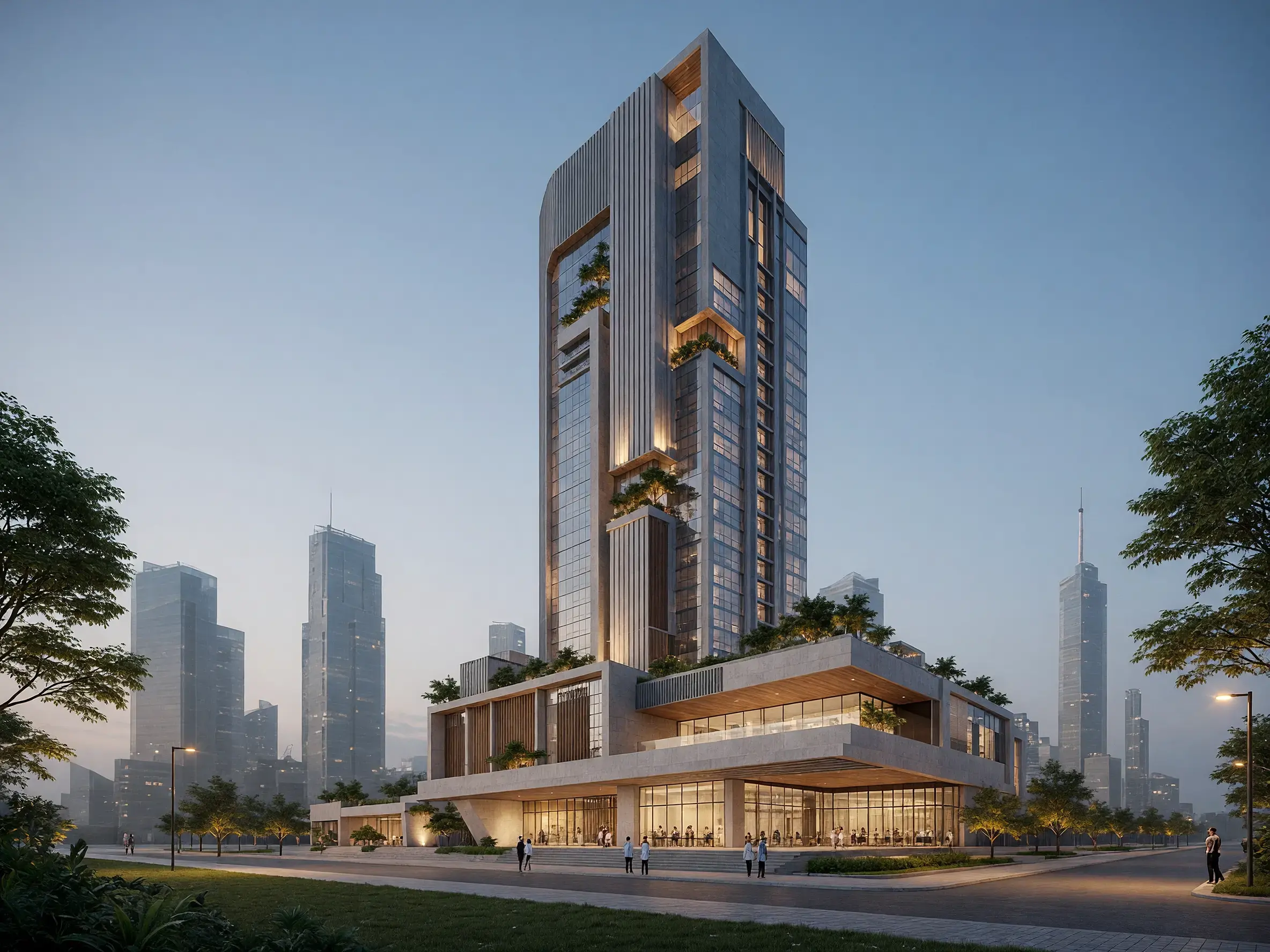
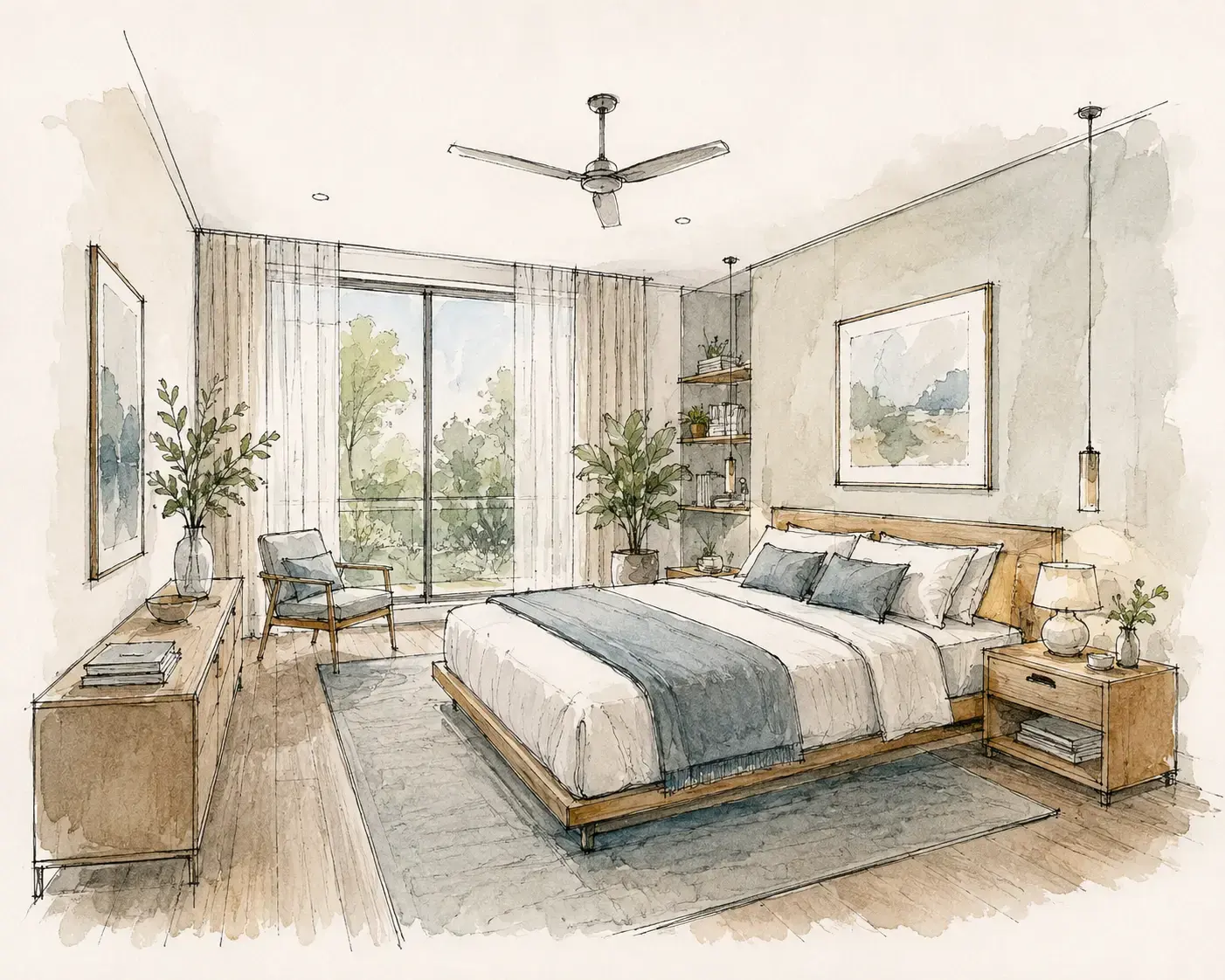
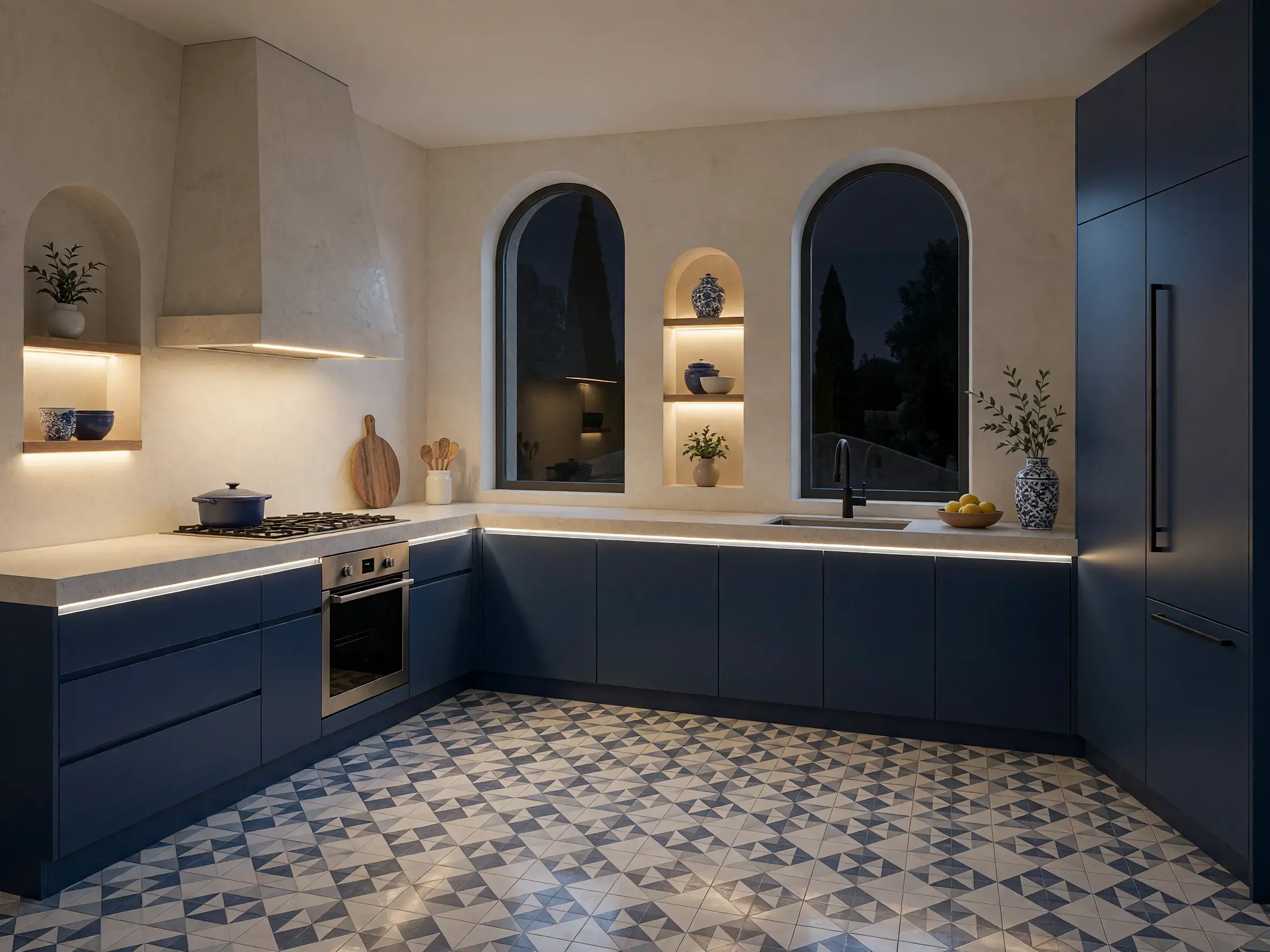
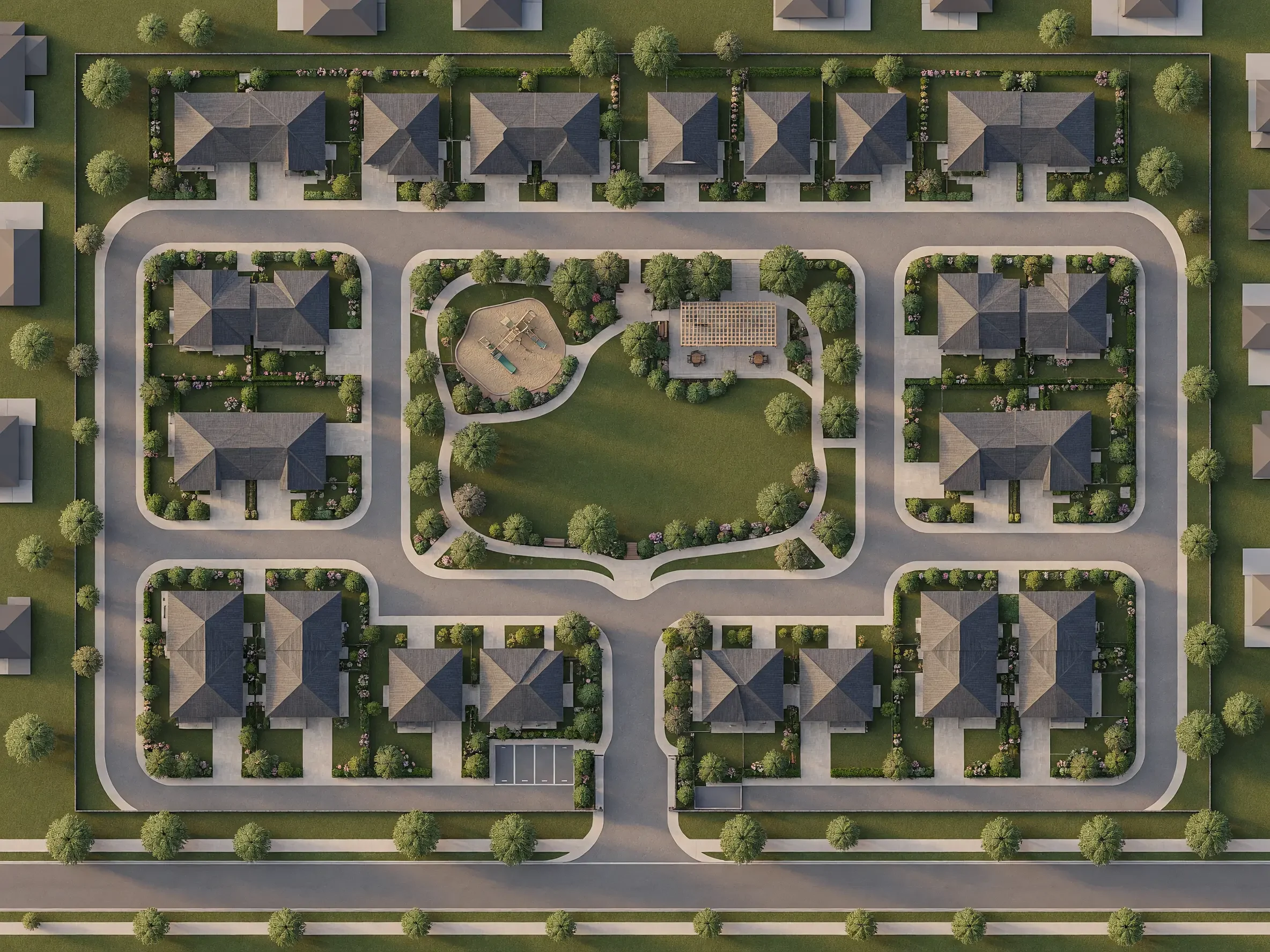
Disclosure and method: Vibe3D publishes this guide and appears in the list. We reviewed official product information on November 3, 2026. The comparison considers input workflow, revision tools and design-software integration. It is not a standardized hands-on quality or speed test. Numbering does not represent a measured ranking. The cover image is a Vibe3D showcase.
Read the quick comparison, five options, evaluation process, and questions.
ArchiVinci alternatives at a glance
| ArchiVinci job | Replacement | Input and output | Pricing for that job |
|---|---|---|---|
| Interior or exterior presentation | Vibe3D | Model-view rendering, precise revisions, a project film and PDF/live/link presentation | Studio $79/month launch offer for unlimited usage; Pro and one-time packs for smaller workloads |
| Repeated edits to a still | MyArchitectAI | Upload PNG/JPG, guide the style with a reference, edit a region and download | Starter $29/month, unlimited still renders, edits and enhancement, 4K downloads |
| Drawings and floor-plan imagery | mnml AI | Turn a sketch or floor plan into a rendered image or an interior study | Lite $29/month for 1,000 credits, with usage determined by the task |
| Several views of one interior | ReRender | Supply up to six source images for multi-angle generation | $45/month with commercial still rendering and 4× upscaling |
| Sketch or model-view studies inside CAD | Chaos Veras | Use a supported CAD/BIM plugin, or start from an image in the web app | Starter $20.90 month-to-month, or $202.80 billed annually |
For a measured drawing that another architect can edit, specify the CAD file and layers in the brief. A rendered floor plan can communicate a layout without supplying any of that geometry.
1. Vibe3D for reviewed presentation images
Use Vibe3D when the building is modeled and the next task is to communicate it beautifully. A model-view image becomes an ultra-realistic 2K+ render with rich textures and natural lighting, preserving the reference geometry, camera and materials. Refine the cladding precisely without image degradation, retain each revision and star the chosen finish.
For the facade review, show the entrance at dusk with a one-click lighting option, populate the image for scale and create a full-resolution threshold detail. Prepared interiors also support interactive relighting. HyperReal Enhance can add a final finish to the selected render.
Vibe3D turns the selected exterior and interior images into one cinematic project film with automatic assembly and matched music. Present the scenes live, export the starred set as PDF or ZIP, or share a view-only project or scene link. No separate clip stitching or soundtrack editing is required. Project links include versions; a starred export keeps the final handoff concise.
Vibe3D Studio and ArchiVinci’s monthly subscription both cost $79 at the prices reviewed; Vibe3D’s price is a launch offer. Studio includes unlimited rendering, editing, enhancement, relighting and flythroughs. ArchiVinci includes unlimited renders with its own models and AI floor plans, with a separate coin allowance for other models. Vibe3D Pro is $39/month with 300 credits for a smaller recurring workload.
One-time Vibe3D credits never expire, which suits revisions that return months later. ArchiVinci also sells one-time access, but its $49 pass covers three days and its $99 pass a month. Neither offer should be confused with a recurring subscription. Keep ArchiVinci or another specialist tool when the deliverable is a floor plan or editable generated model; Vibe3D’s output is the visual presentation. Vibe3D plans · ArchiVinci plans.
2. MyArchitectAI for image-first rendering and references
Use a style reference and a PNG or JPG to produce variants of an approved interior. Mask the backsplash for a change and inspect where it meets the worktop. MyArchitectAI Starter makes sense for a designer who needs many still edits each month. Studio at $49/month adds 50 animations and 8K downloads. Compare MyArchitectAI and Vibe3D.
3. mnml for several architectural AI tasks
For a sketch, use Sketch to Image. For a floor plan, use mnml’s floor-plan workflow to produce a visual study. A designer can also use references or a mask in Studio and keep related options on a Flow board. Someone who needs dimensioned construction drawings should retain the source CAD file.
Plus costs $49/month. Its advertised image allowance is about 300 Fast renders or 100 Ultra renders when used entirely in one mode. Floor-plan and other tool usage follows its own rates. Compare mnml and Vibe3D.
4. ReRender for screenshot-based visualization
ReRender’s multi-angle tool accepts up to six views of one project. Supply the known cameras for a kitchen and check the island ends, worktop overhang and cabinet run across the set. The paid $45 monthly plan includes commercial use and unlimited still renders. The free tier allows three watermarked renders per day for non-commercial use. Compare ReRender and Vibe3D.
5. Chaos Veras for connected design workflows
Choose Veras if the source model keeps changing in Revit, Rhino or SketchUp. Generate from the current view, mask a region to try an alternative finish and return to the host when a dimension changes. That avoids a separate upload for each study in supported hosts. An image revision still needs to be applied to the source geometry by the designer.
Veras is included in some Chaos bundles. Compare the allowance already available to the studio with a standalone subscription before buying another seat. Compare Veras and Vibe3D.
How to compare multi-tool platforms fairly
Create a short list of required jobs and identify the output for each one. “Render a floor plan” is ambiguous: it could mean an illustrative top-down image, a furnished perspective or an editable model. Write down the file format and editing requirements so you compare the same deliverable.
For image tasks, test an ordinary interior, an exterior and a difficult revision. Record the source, settings, attempts, credits and cleanup time. Keep a clear distinction between attractive imagery and acceptable design communication. If a tool invents a material or removes an opening, that correction belongs in the evaluation.
Use our downloadable evaluation worksheet. Check the exact commercial-use and privacy terms for the plan you intend to purchase, particularly before uploading confidential project material. The goal is a repeatable workflow your team can use, not a single unusually good result.
When to keep ArchiVinci
Keep ArchiVinci when one designer needs its floor-plan, rendering and model-generation tools on the same brief. At $79/month its individual subscription includes unlimited ArchiVinci renders and AI floor plans plus 40 coins for other models. If the real request is a selected camera, a finish change and a client film, those broader module allowances may see little use.
Frequently asked questions
Is ArchiVinci free?
ArchiVinci currently offers three free renders without a watermark. Paid plans provide continued access and broader allowances. The free renders let you try the output; they are not an unlimited free production plan.
How much does ArchiVinci cost?
ArchiVinci lists subscriptions at $39 per week, $79 per month and $549 per year. It also offers fixed-duration, one-time purchases. Plans advertise unlimited ArchiVinci renders, while some other models and tasks have separate coin allowances.
Does ArchiVinci work with SketchUp?
Yes. ArchiVinci has a SketchUp extension listed in the SketchUp Extension Warehouse. Its web workflow also accepts exported design images. The extension is a separate way to access the rendering workflow from using a screenshot in the browser.
What can I upload to ArchiVinci?
ArchiVinci's image workflow accepts PNG, JPEG and WebP files. You can start with a sketch, photograph, floor-plan image or exported view from modeling software, then choose the appropriate module. An uploaded image is different from an editable source model.
Which ArchiVinci alternative is best for interior rendering?
Try Vibe3D for realistic 2K+ interiors, precise edits and complete presentations, with Studio for unlimited rendering and finishing tools at the current $79 monthly launch price. MyArchitectAI offers unlimited still-image work on its paid plans, and ReRender adds multi-angle input. Compare the controls and delivery formats as well as the render allowance.
Can one alternative replace every ArchiVinci tool?
Not necessarily. A renderer that handles your interior images may not cover floor-plan work, 3D generation or every other module you use. Start with the task you want to improve, then check the remaining outputs before moving the whole workflow.