Vibe3D
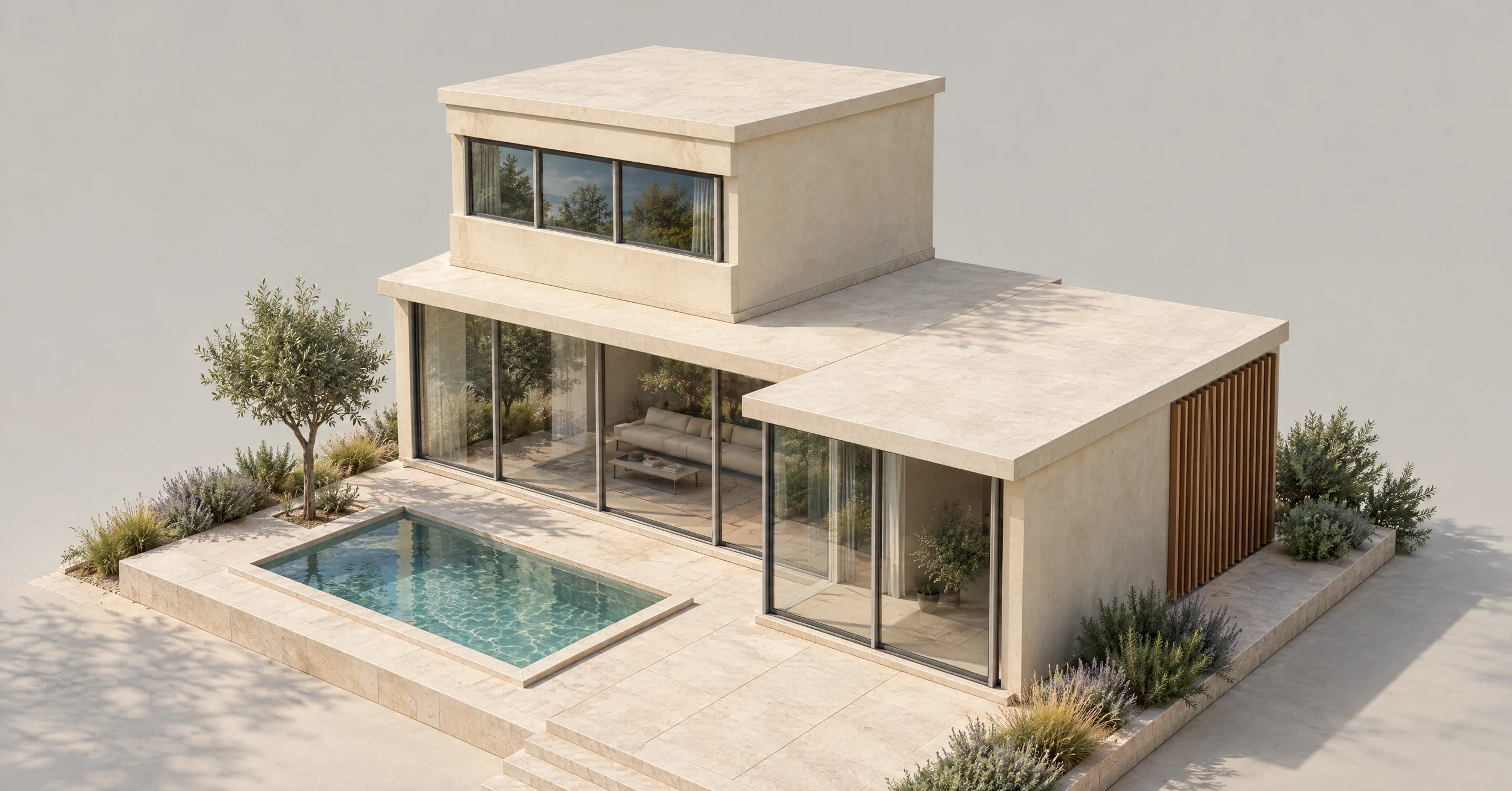
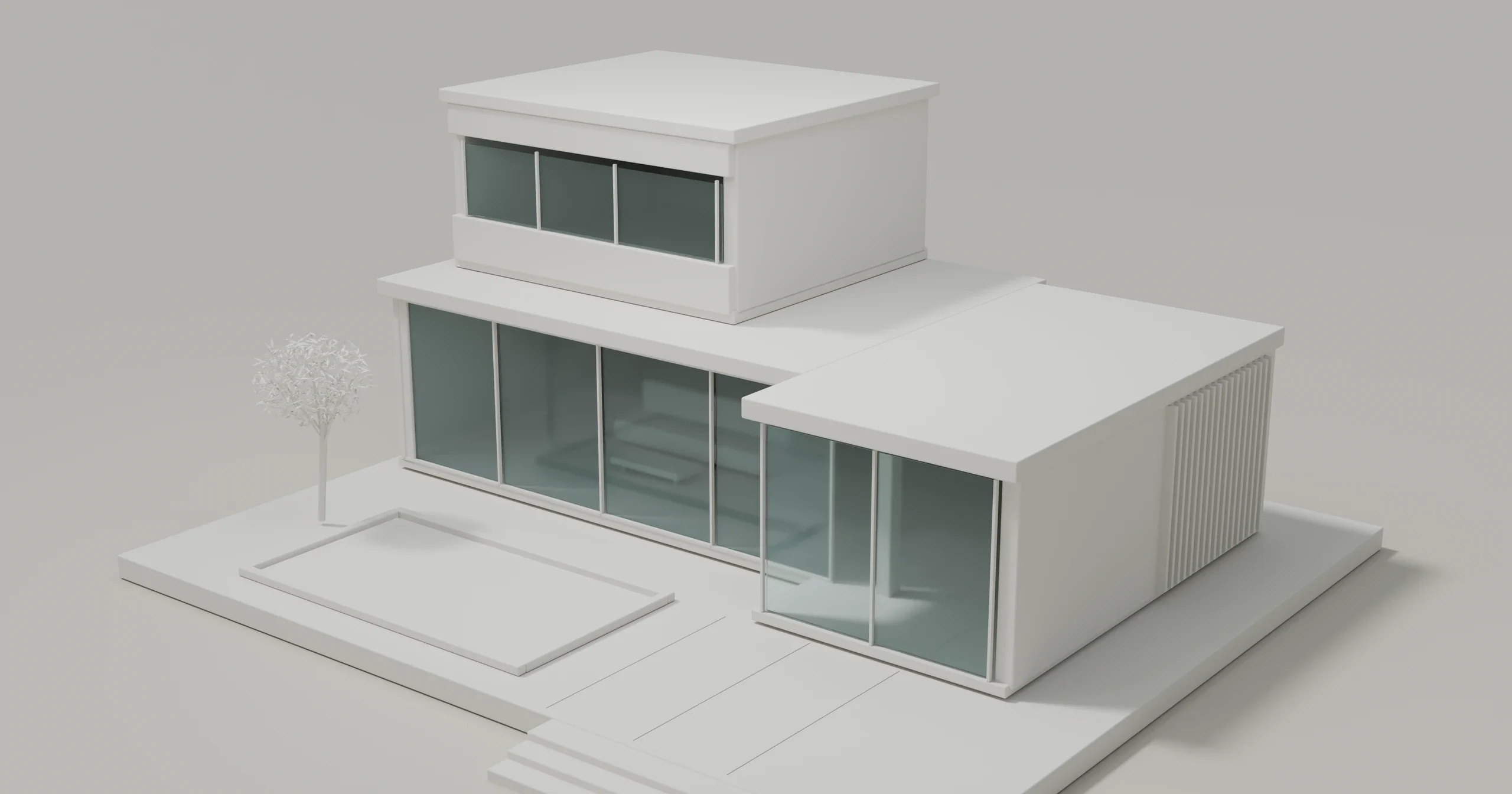
Drag across the image to compare. Use the arrow keys, or Home and End, to adjust the divider with a keyboard.
Actual Vibe3D result from our original concept. This illustrates an image workflow, not native Mac software performance.
Useful when the camera view is already established. Keep the model for geometry, dimensions and controlled camera changes; review the generated details against the reference.
Check the Mac-specific catches
Match the deliverable to the workflow, then check the chip, macOS, host and renderer versions together. These are documentation-based choices, not a performance ranking. Vendor notes below were checked on 3 November 2026.
- Blender/Cycles: Metal supports Apple Silicon. Enable the supported device in Cycles Render Devices, then choose GPU Compute for the scene. NVIDIA CUDA/OptiX instructions do not enable an Apple GPU.
- Enscape: the Mac host list includes SketchUp, Rhino, Archicad and Vectorworks. Hardware guidance requires an M-chip Mac and excludes Intel Macs, Parallels and Boot Camp.
- Twinmotion: the Mac requirements list 32 GB RAM minimum, no Path tracer or VR mode, and software-ray-traced Lumen with a possible visual-quality impact. Xcode is required starting with 2026.1. These are Twinmotion-specific requirements, not rules for every Mac renderer.
Before you upgrade a studio machine
Check the exact host/OS combination and support label, not just a product name. Enscape distinguishes full, soft and preliminary support; beta-host support is not released-production support.
Twinmotion's 2025.1 release notes describe universal Intel/Apple Silicon packaging, not Windows feature parity. A chip's hardware ray tracing does not enable an unsupported application mode.
Keep a recoverable project copy. Evaluate a permitted representative scene under the vendor's current terms; the product name alone does not predict memory use, render time or output quality.
For the broader picture, use the architectural software comparison. The clay guide covers form previews; rendering styles helps choose a presentation treatment. For image-based exploration, open Vibe3D with a permitted exported view and keep the model as your technical reference.
A few useful answers
What is the best rendering software for Mac?
Choose by the job: Blender for scene control, Enscape for supported CAD connections, Twinmotion for scene assembly, or an image workflow for an exported view. Check the exact Mac and required output; this is not a performance ranking.
Does Enscape work on a Mac?
Yes, within supported configurations. Its cited guidance requires Apple Silicon and lists version-specific SketchUp, Rhino, Archicad and Vectorworks hosts. Check the current host and OS requirements together.
Can Twinmotion use Path tracer on a Mac?
No. Epic's requirements checked on 3 November 2026 say Path tracer is unsupported on macOS. A chip with hardware ray tracing does not enable that unsupported mode.
Can I use the same renderer on an Intel Mac and Apple Silicon?
Do not assume so. Processor, OS and GPU-backend support vary by renderer and release. Enscape's cited Mac guidance excludes Intel machines; other applications have their own policies.
Can browser-based rendering replace a native 3D renderer?
It depends on the service. Vibe3D's image workflow interprets a reference; it does not provide editable scene control or establish hidden geometry. Keep a scene workflow for controlled model, camera and material changes.