
AI Rendering That Stays True to Your Design
Turn views from SketchUp, Revit, Rhino and other 3D models into photorealistic AI renders while keeping the geometry, materials, and composition close to your original design. Relight, edit, enhance and present your work in one place.
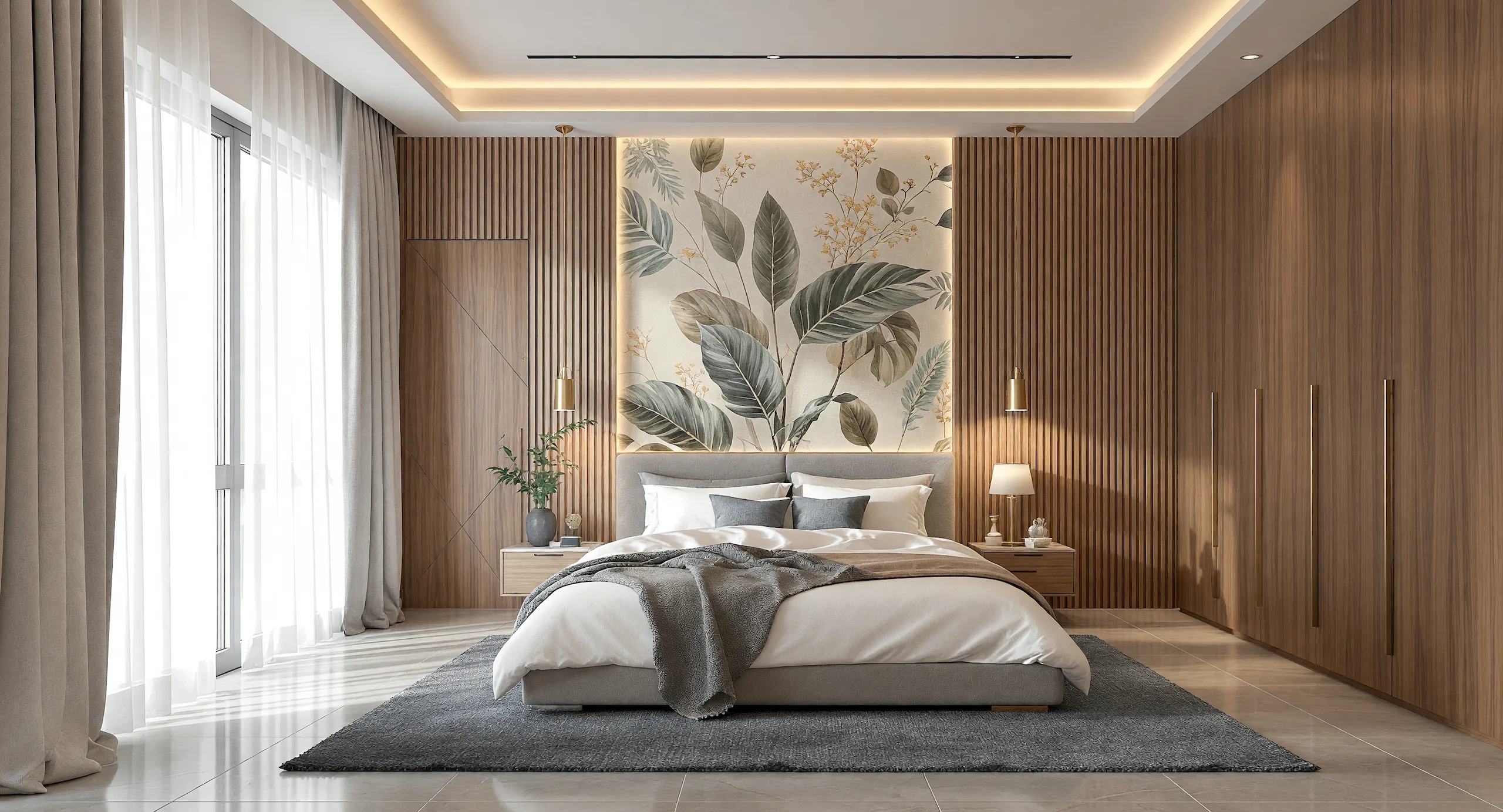
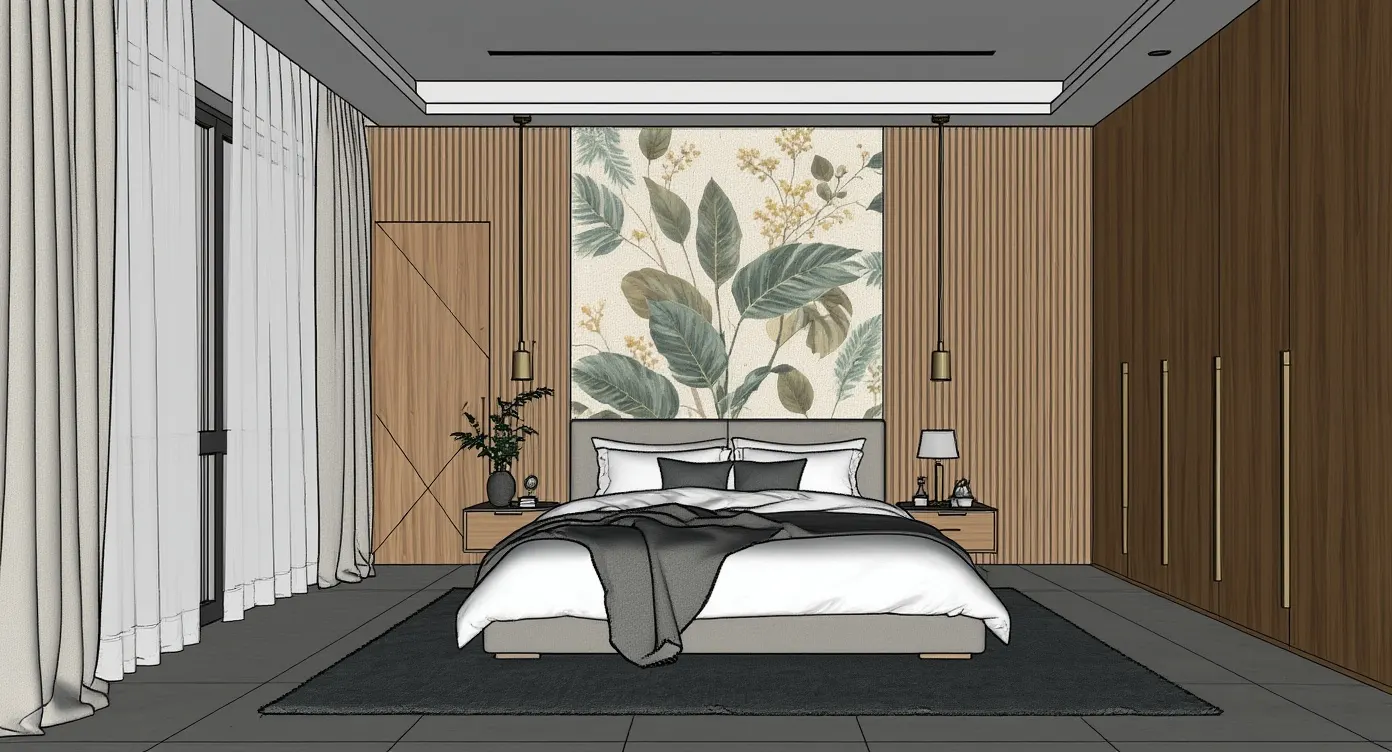
One AI Renderer. Three Ways to Render.
Use Fidelity for quick design iterations, Lumen for everyday rendering, and HyperReal for final presentations. Choose the engine that fits the speed, fidelity, and realism your project needs.
Fidelity
Fast, accurate design iterations
Best for initial design reviews, quick iterations and first drafts. Fidelity gives you a clean, accurate render fast, so you can explore ideas before committing to a direction.
Lumen
Photorealistic renders for daily production
Improve lighting, materials and atmosphere while maintaining the structure and composition of your original scene. Best for everyday visualization, design reviews and client presentations.
HyperReal
Pro & Studio PlansPortfolio-grade realism
For final presentations, portfolios, and marketing visuals where material detail, lighting, and realism need to hold up at full resolution.
Relight Any Render in Seconds
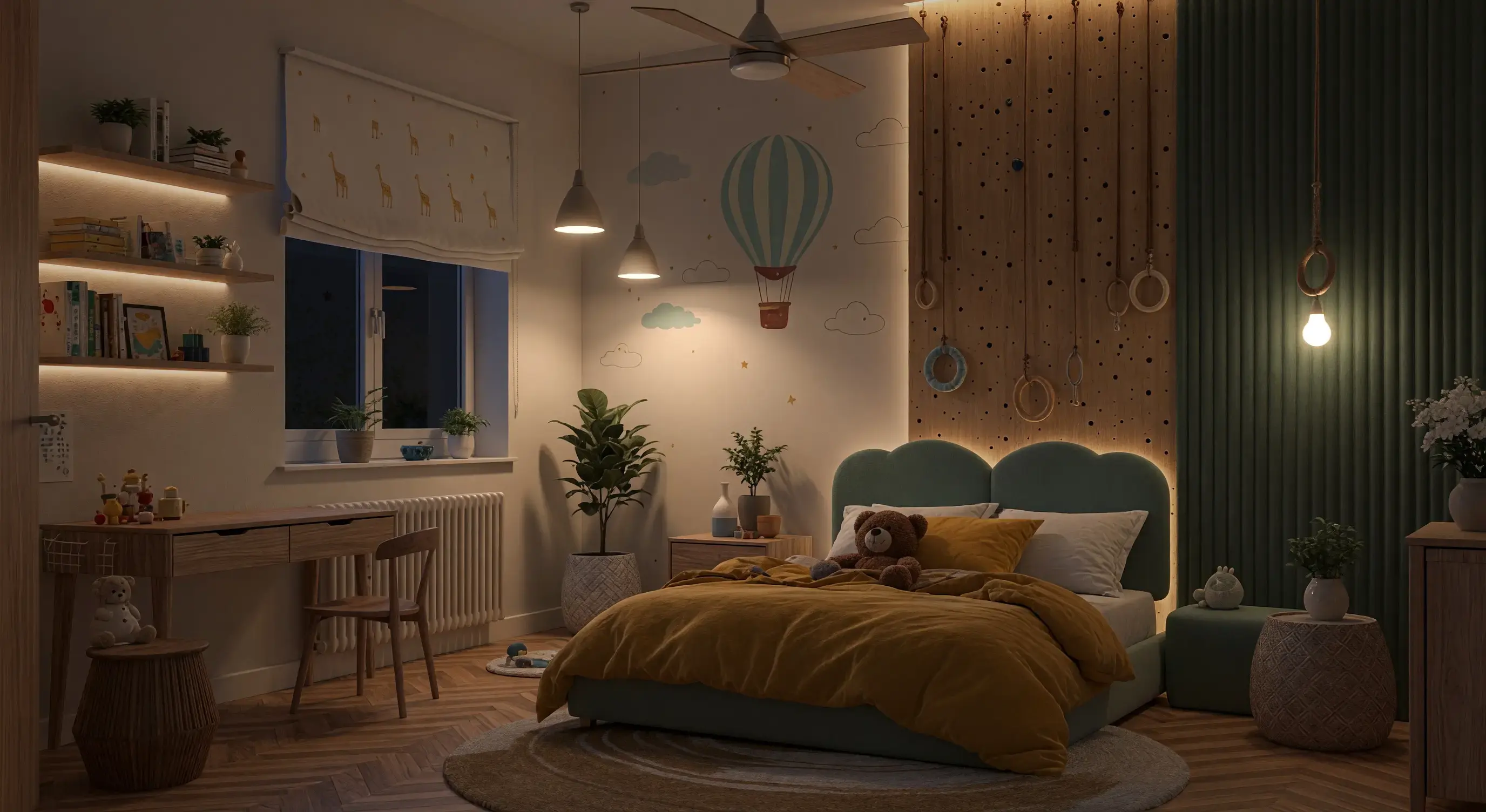
Lighting changes that used to mean hours in V-Ray or Lumion now take seconds. Our one-click relight controls let you dial in natural daylight, ceiling fixtures, and accent lights on a finished render almost instantly without rebuilding the whole scene.
Push a room from bright morning to warm dusk, or balance the interior lights against the view until the mood feels right. Create multiple lighting options for client reviews instantly.
Edit Renders with Simple Instructions
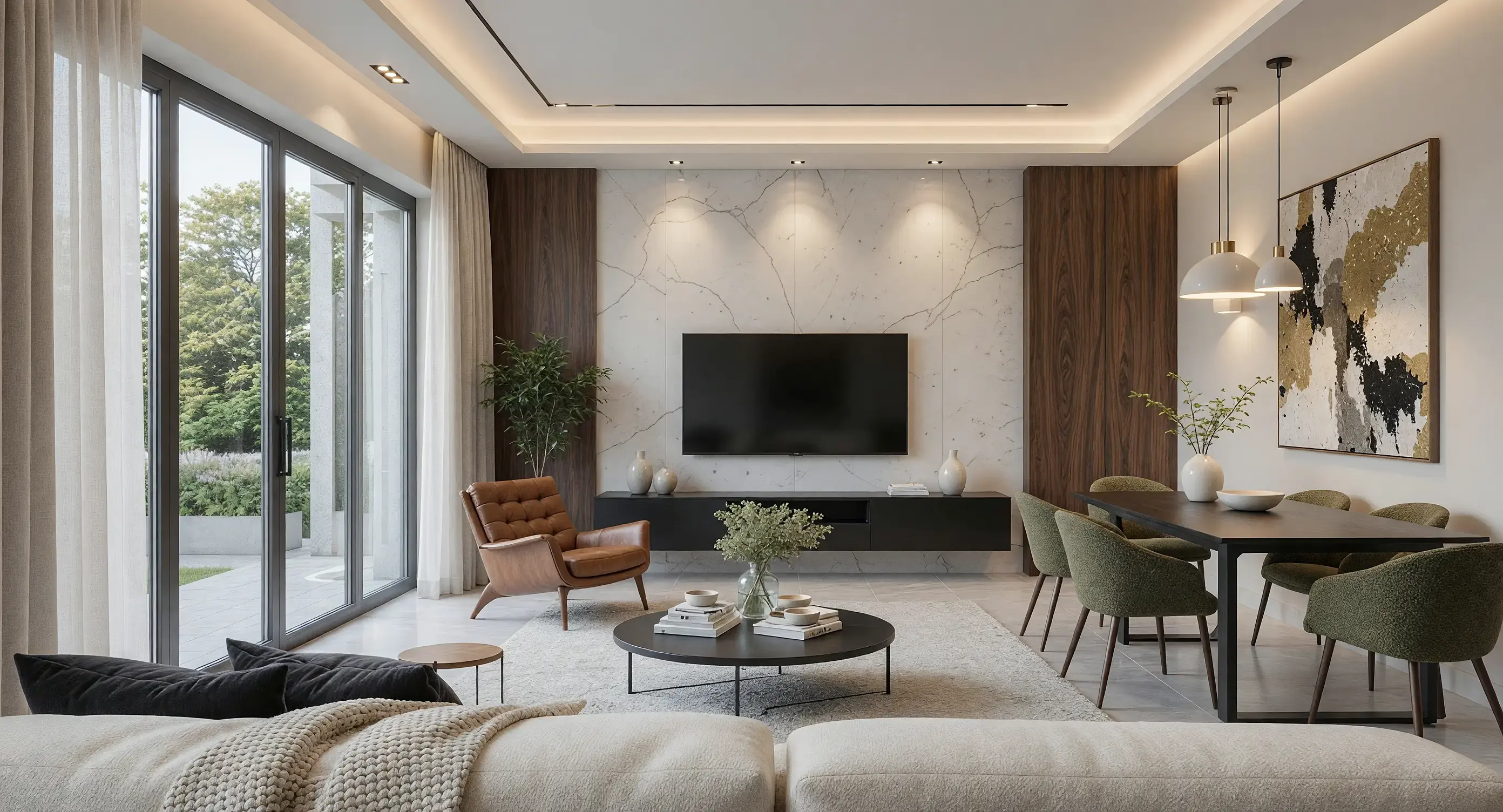
Don't like the sofa? Mask it, type “mid-century leather armchair,” and it's swapped out. Everything else in the scene stays put. Change the flooring, move the sky to golden hour, add people or landscaping, all in plain English and right on the render.
Use the highlight tool to target a specific area, then describe what you want changed. For smaller revisions, you can work directly on the AI render instead of reopening the 3D model and starting again.

Track All Render Variations in One Place
Every render, edit and lighting variation is saved as a separate version. Compare different materials, furniture options, lighting moods and visual directions from one scene. Return to an earlier version at any time, without manually saving multiple files.
Build a Client Presentation From Your Renders
Organise your renders and walkthrough videos into a polished, full-screen presentation directly inside Vibe3D. Guide clients through interior spaces, exterior views, material options and lighting variations in a clear sequence. Present the project online or export it when it is ready to share.
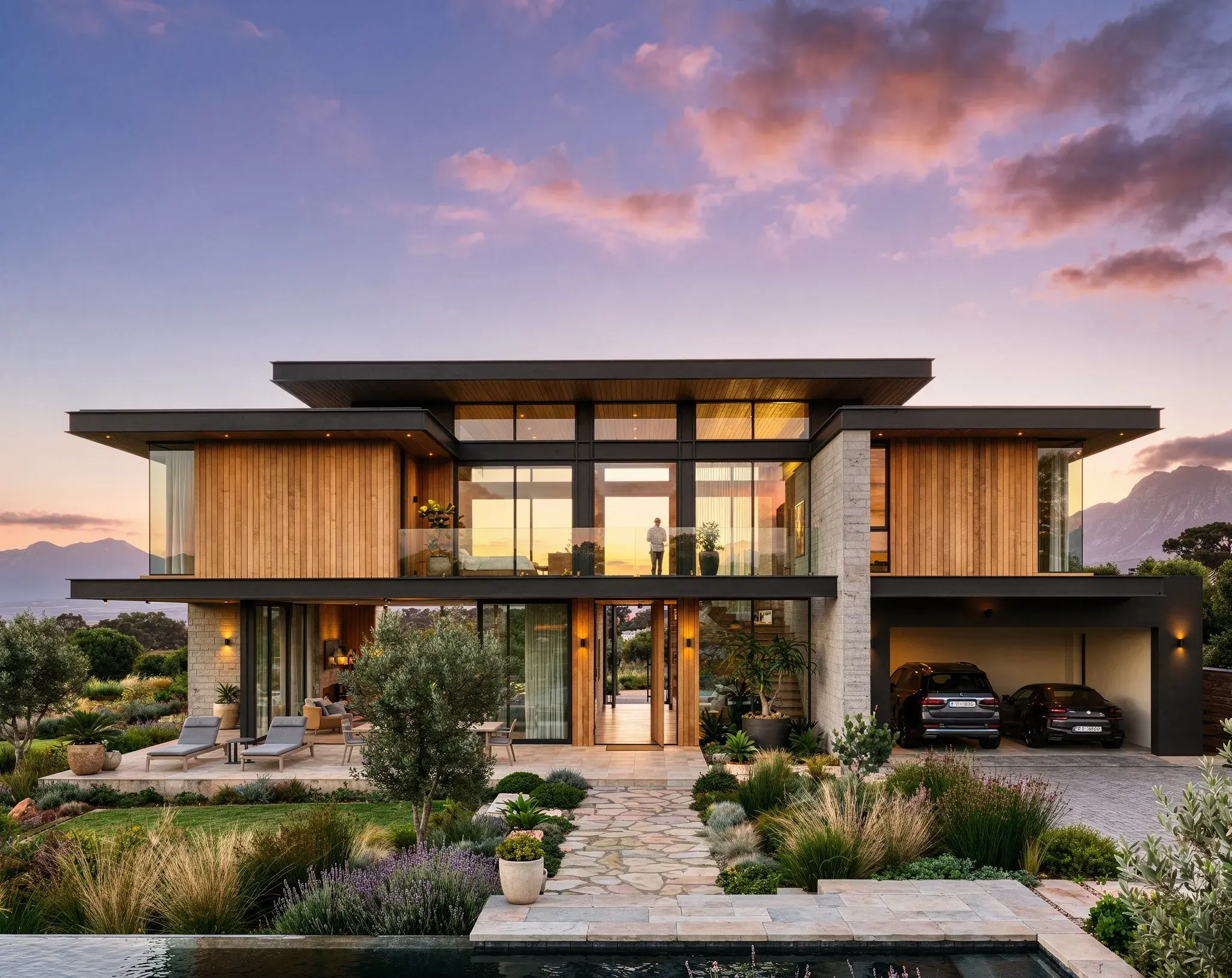
Villa Alcove
Architectural Visualisation
Close-up Shots
Generate detail shots of standout elements and materials instantly from your renders. Zoom into any part of a render, like a material detail, the corner of a room, or a façade element, and get it at full resolution without re-rendering the whole scene.
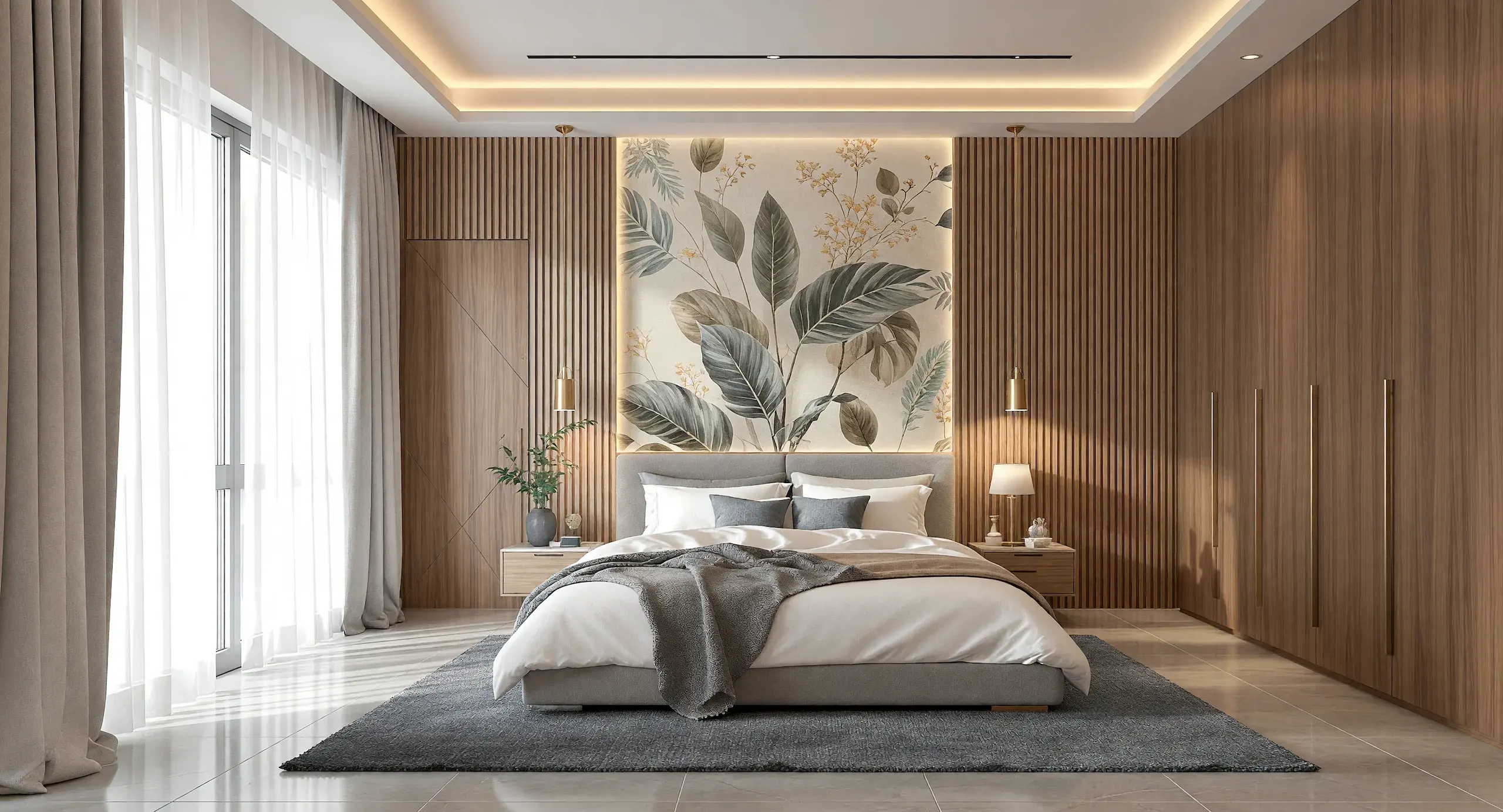
AI Rendering Built for Architecture
Vibe3D fits into the 3D workflow architects and interior designers already use. Export a view from SketchUp, Revit, Rhino, Archicad, or any other modeling tool. Our rendering AI reads your scene's geometry, camera, and materials, so the render you get back is unmistakably your design, just photorealistic.
Works With Your Existing Workflow
Export the view you already use for design review and bring it straight into Vibe3D.
Preserves Geometry & Materials
The source view anchors proportions, camera framing, geometry, and material cues so the AI render stays close to your design.
High-resolution output
Our renders export at up to 2048×2048 or 2560x1440, crisp enough for large-format print and full-screen client presentations.
Render in the Browser
Go from an exported model view to a photorealistic render without setting up shaders, lighting rigs, or render queues.
Photorealistic AI Rendering in Action
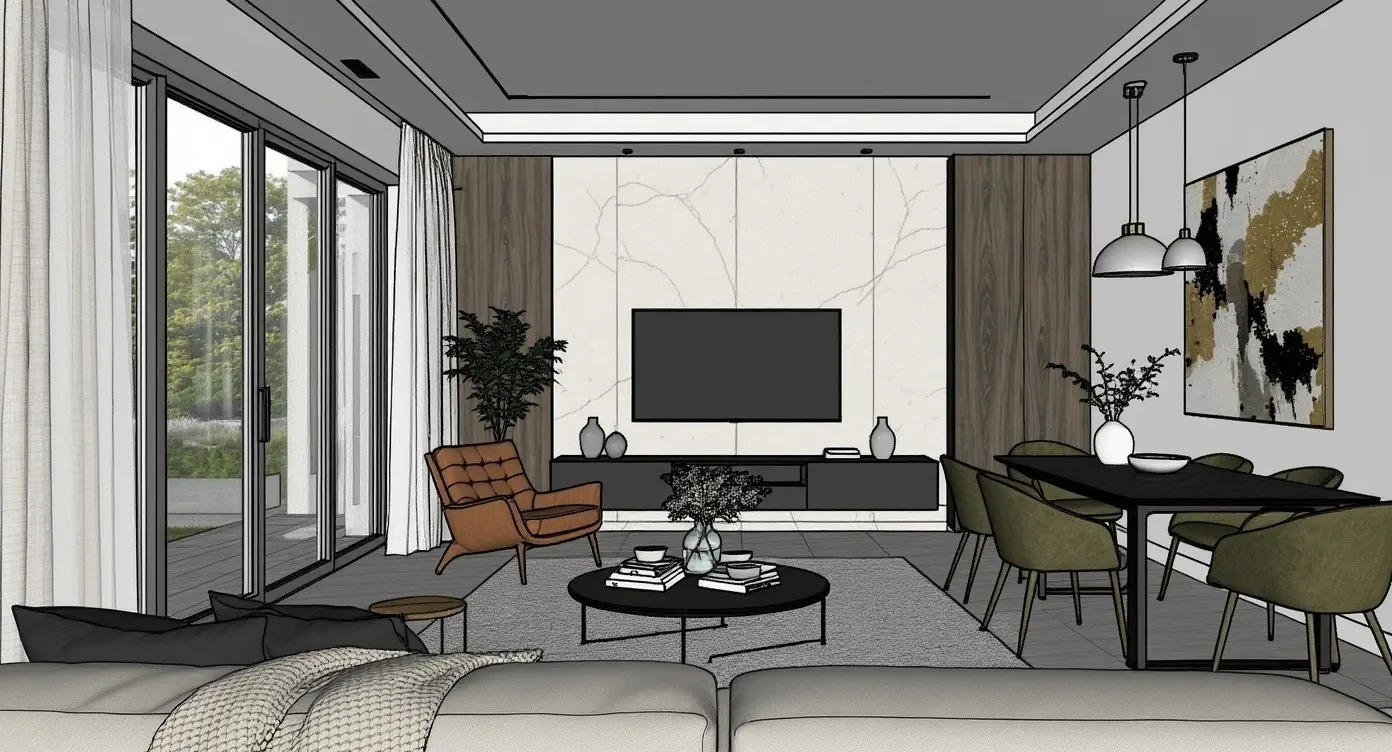
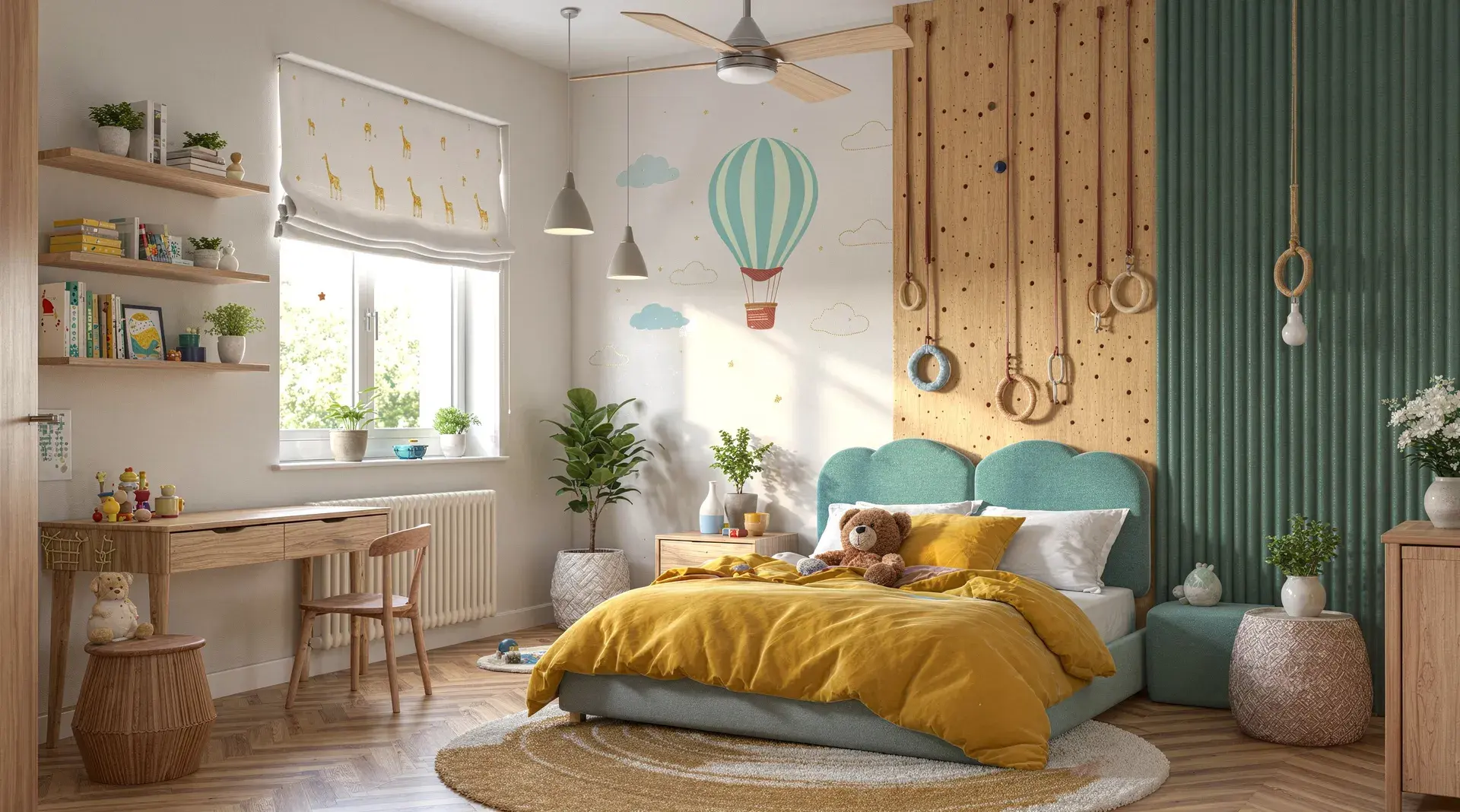

Common Questions About AI Rendering
What is an AI rendering software?
An AI rendering software uses AI to turn a 3D view or design sketch into a photorealistic render, automating much of the manual work around lighting, materials, and post-production. Some people call this AI photo rendering. Vibe3D applies it specifically to architecture, starting from your existing design instead of generating a scene from scratch.
How does Vibe3D work with architectural models?
Export a view from SketchUp, Revit, Rhino, Archicad, or another 3D modeling tool and upload it to Vibe3D. Our architecture AI reads the geometry, camera, and materials visible in that view, then produces a photorealistic render in under 60 seconds. There's no manual lighting setup, no render farm, and no prompting required.
What is the best AI renderer for architectural workflows?
The best AI renderer for architecture should preserve the original design, fit into your existing 3D workflow, and make iterations easy. Vibe3D brings rendering, relighting, editing, and enhancement into one browser-based workflow powered by AI, with different render engines for everything from early design iterations to final client presentations.
Does Vibe3D preserve geometry and materials?
Yes. Vibe3D is designed to keep geometry, material boundaries, and camera framing consistent with your source view while improving realism. As with any renderer, a clearer source view produces a more faithful AI-rendered result.
Which modeling software works with Vibe3D?
You can export views from SketchUp, Revit, Archicad, Rhino, Vectorworks, 3ds Max, Chief Architect, Blender, and other modeling tools, then upload them to Vibe3D for rendering.
Is Vibe3D built specifically for architecture firms?
Yes. Architecture and interior-design firms use Vibe3D's AI architecture rendering for daily client work, not just portfolio pieces. It plugs into the SketchUp, Revit, Rhino, and Archicad workflows those teams already use.
How long does a render take?
Most renders complete in 30–60 seconds at 2K resolution, even for complex scenes. Rendering runs on our cloud GPUs, so turnaround doesn't depend on your local hardware.
Can I try Vibe3D for free?
Yes. Create an account and generate your first renders free, no credit card required. The Fidelity and Lumen engines are available on the free tier; HyperReal unlocks on Pro and Studio plans.