Late summer is when design presentations get real. Boards are lining up fall agendas, developers are finalizing budgets, and everyone wants clear, confident answers before colder weather hits. Static floor plans and a handful of still images often are not enough for that level of pressure. Clients need to feel sure, fast, and that means showing how a space actually lives over time, not just how it looks in one frozen frame.
That is where architecture video comes in. Instead of flat PDFs and single viewpoints, we can give people a moving, human-scale walkthrough of the project. In this article, we will talk about why video changes client buy-in, how to storyboard your space like a short film, and how to get that level of storytelling without slowing your team down.
Turn Flat Presentations Into Cinematic Experiences
By late summer, many teams are racing toward fall approvals and year-end funding decisions. Stakeholders are tired, timelines are tight, and nobody wants another vague conversation around a confusing plan set. When you swap flat presentations for a cinematic walkthrough, you give the room something clear to react to.
Static stills can show:
- One angle at one moment in time
- A single lighting condition
- A best guess at how scale feels
A cinematic architecture video can show:
- Movement through rooms and corridors
- Shifts from bright daytime to cozy evening
- The project from a natural, human eye level
When people see a smooth camera move through an entry, then into a lobby, then up to a main space, they do not have to imagine how it all connects. The imagination gap shrinks. Feedback gets more direct, approvals come with more confidence, and there is less second-guessing after the meeting.
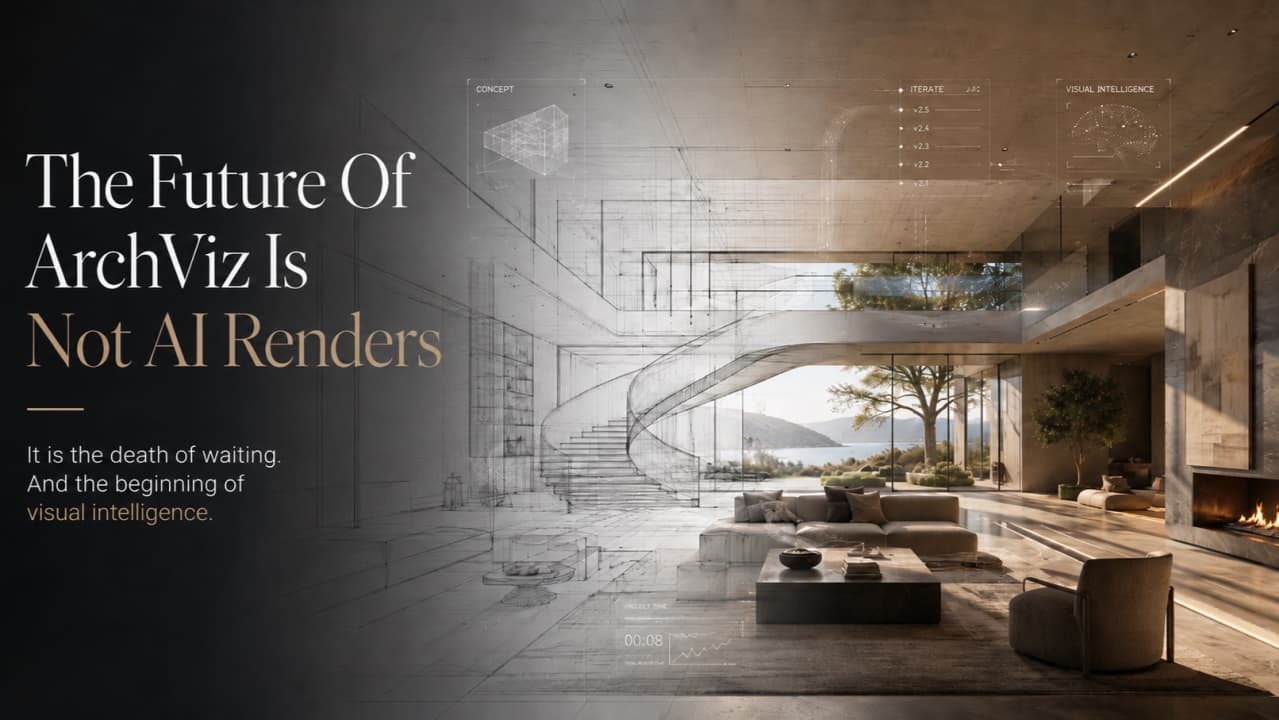
The good news is you do not need to pull designers off urgent work for weeks to build these animations by hand. With AI-powered tools, it is now possible to turn existing 3D models into photorealistic video in seconds, so your team can keep pushing design while presentations get more cinematic.
Why Clients Decide Faster When They Can Walk the Space
People trust what feels real. When clients can almost feel themselves walking across a lobby floor, turning toward a window, or stepping out onto a terrace, the project stops being abstract and starts feeling like a future place they actually know.
A strong architecture video quietly answers questions many clients will not even think to ask out loud, like:
- How open or tight do these corridors feel at body scale?
- What can I see when I look up, down, or across the room?
- How do spaces connect for wayfinding and flow?
- What happens to shadows and reflections as the day moves?
By the time the video ends, there is less need for follow-up emails that say, "Can you show this angle?" or "What does this space look like at night?" You already showed them.
This also keeps everyone on the same page. Board members, investors, city staff, and community groups often do not read drawings the same way designers do. A shared visual story helps:
- Reduce misreadings of plans and sections
- Align expectations early
- Make discussions about changes more concrete
When everyone has walked the same virtual space, conversations move from "I do not understand" to "Here is what I want to adjust."
Storyboarding Spaces Like a Director
To get the most out of cinematic video, it helps to think like a director. You are not just recording a model, you are telling a story about how people arrive, move, gather, and pause.
Start by defining the core beats:
- Arrival and first impression
- Transition spaces like lobbies and corridors
- Primary program areas
- Quiet or focus zones
- Big view or signature moments
Then map camera paths that follow this flow. For many projects, a simple sequence works well: a hero shot from the street or entry, a lobby reveal, a move along the main circulation spine, then a clear look at the key spaces, with a final moment that holds on the strongest view, volume, or feature.
Pacing matters too. Quick passes can suggest efficient movement and clear wayfinding, while slow moves and gentle pans over details can highlight:
- Materials and textures
- Joinery and custom pieces
- Furniture arrangements
Since we are talking late summer, seasonal light is a powerful tool. Golden-hour exteriors, warm sky colors, and soft shadows on the facade can make the project feel grounded in time and place. A day-to-night transition can show how a terrace shifts from bright daytime use to evening gatherings, hinting at how the building will support life all year long.
Crafting Architecture Video Without a Hollywood Crew
Cinematic does not have to mean complicated. Many of the best architecture video projects use simple tools that match how people move through space.
Think of the basics this way:
- Camera paths that follow real circulation routes
- Focal lengths close to how our eyes see, not wild wide angles
- Compositions that show foreground, middle, and background to give depth
Smooth tracking shots along corridors, gentle arcs around key volumes, and subtle parallax as objects slide past each other can all highlight geometry without feeling like a movie stunt. Clean edits, minimal cuts, and no shaky camera keep the focus on the design, not the effect.
Visual consistency matters too. If your client is a developer, institution, or hospitality group, they often care about brand feel. You can support that with:
- Aligned color grading, warm or cool depending on brand
- Controlled exposure so spaces do not blow out or feel gloomy
- Thoughtful material reflectivity so surfaces feel believable
Behind the scenes, AI tools can handle complex parts like lighting behavior, realistic materials, and accurate shadows pulled straight from your 3D model. That means your team does not have to manually tune every shot or rebuild scenes just to get a strong video.
From SketchUp to Screen with a Fast Client-Friendly Workflow
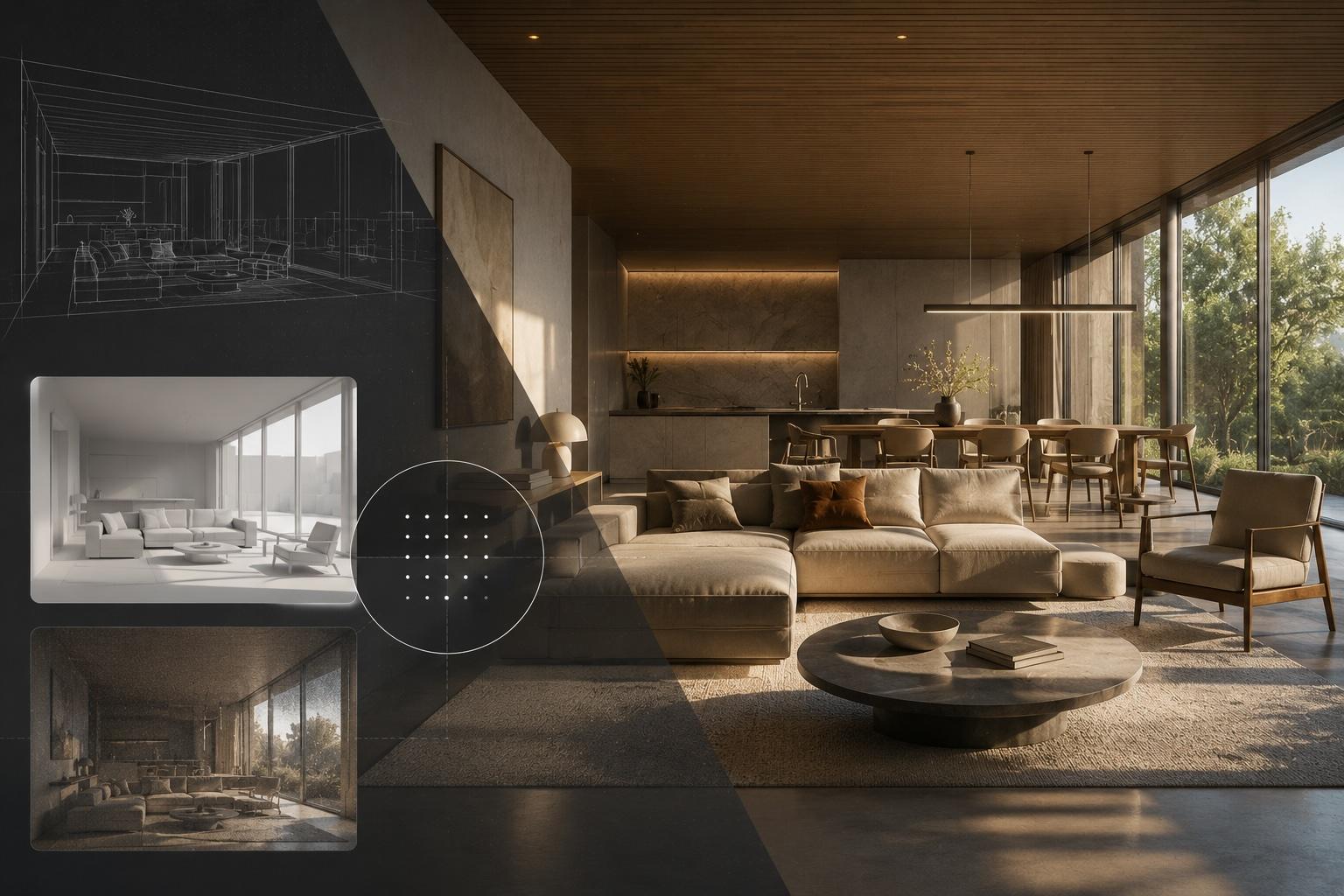
The workflow can be simple. Many teams already build in tools like SketchUp, Revit, or Rhino. Instead of exporting only stills, that same base model can now feed both images and video.
A typical pipeline looks like this:
- Import your existing model
- Let AI read geometry and assign believable starting materials
- Set a few key paths that match your narrative
- Generate both stills and a cinematic architecture video from that single source
Since the process is quick, it is easy to keep visuals current. When layouts shift, materials change, or massing adjusts late in summer, you can update the model and re-run the video instead of scrapping weeks of manual animation work. Clients stay engaged with visuals that actually match the latest design.
This also helps other teams around the project. Marketing, leasing, and investor relations can:
- Drop clips into pitch decks
- Share short segments on social channels
- Use stills that match the video for a consistent story
Watch a 3D model transform into a cinematic architecture video using Vibe3D.
As everyone pushes to lock approvals before year-end cycles, a fast, AI-powered rendering workflow means architects can stay focused on design while still delivering clear, cinematic stories that help stakeholders say yes with confidence.
Frequently Asked Questions
What is a cinematic architecture video? A cinematic architecture video is a moving, story-driven walkthrough of a building or space, built from camera paths that reveal rooms and volumes the way a film reveals a location. It differs from a basic model orbit by using human-scale framing, deliberate pacing, and realistic lighting to communicate mood, not just geometry.
How is a cinematic architecture video different from a standard 3D animation? A standard animation often just orbits or pans a model with flat, default lighting. A cinematic version follows real circulation routes, uses eye-level focal lengths, and includes lighting shifts like day-to-night transitions, so the video feels like a directed sequence rather than a mechanical camera sweep.
Do I need a video production team to create architecture video for client presentations? No. AI-powered rendering platforms can generate a cinematic architecture video directly from an existing SketchUp, Revit, or Rhino model, handling lighting, materials, and camera movement automatically. This removes the need for a dedicated visualization specialist or manual animation software.
Why do clients respond better to architecture video than to static renders? Video lets clients experience scale, flow, and lighting changes the way they would in the real building, which answers unspoken questions about how a space feels to move through. That reduces follow-up requests for extra angles and speeds up approval conversations.
Can the same 3D model produce both stills and an architecture video? Yes. A single model can feed both photorealistic still images and a cinematic walkthrough, so marketing, leasing, and presentation materials stay visually consistent. Updating the model and regenerating the video is faster than rebuilding a manual animation from scratch.
Bring your designs to life with a tailored cinematic architecture video that captures every detail and mood of your space. At Vibe3D, we collaborate closely with your team to translate plans, materials, and lighting into visuals that feel real and immersive. Share your project goals with us, and we will outline a clear path from concept to final delivery. Let's create visuals that help your clients understand, feel, and get excited about what you are building.