
High-Fidelity Architectural Rendering
Every pixel, perfectly placed. Deliver stunning, detail-rich renders that win clients.
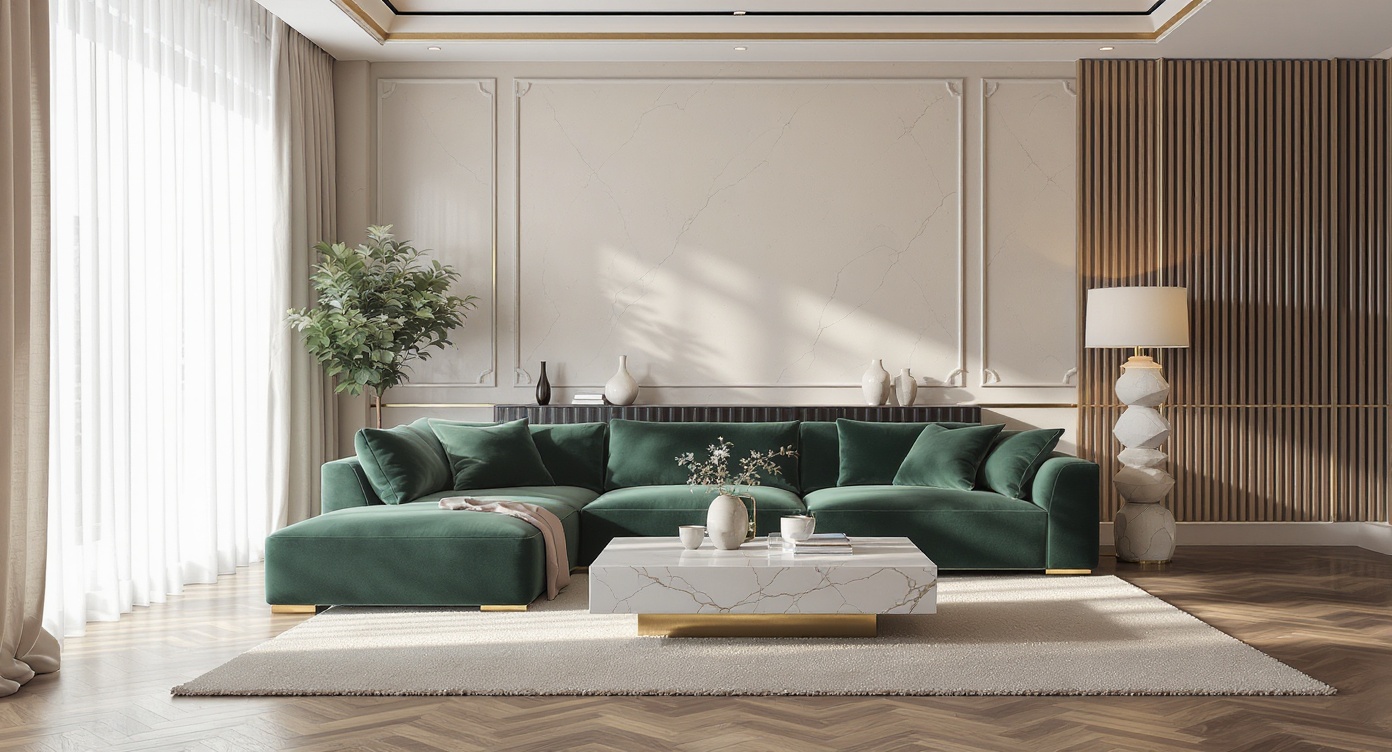
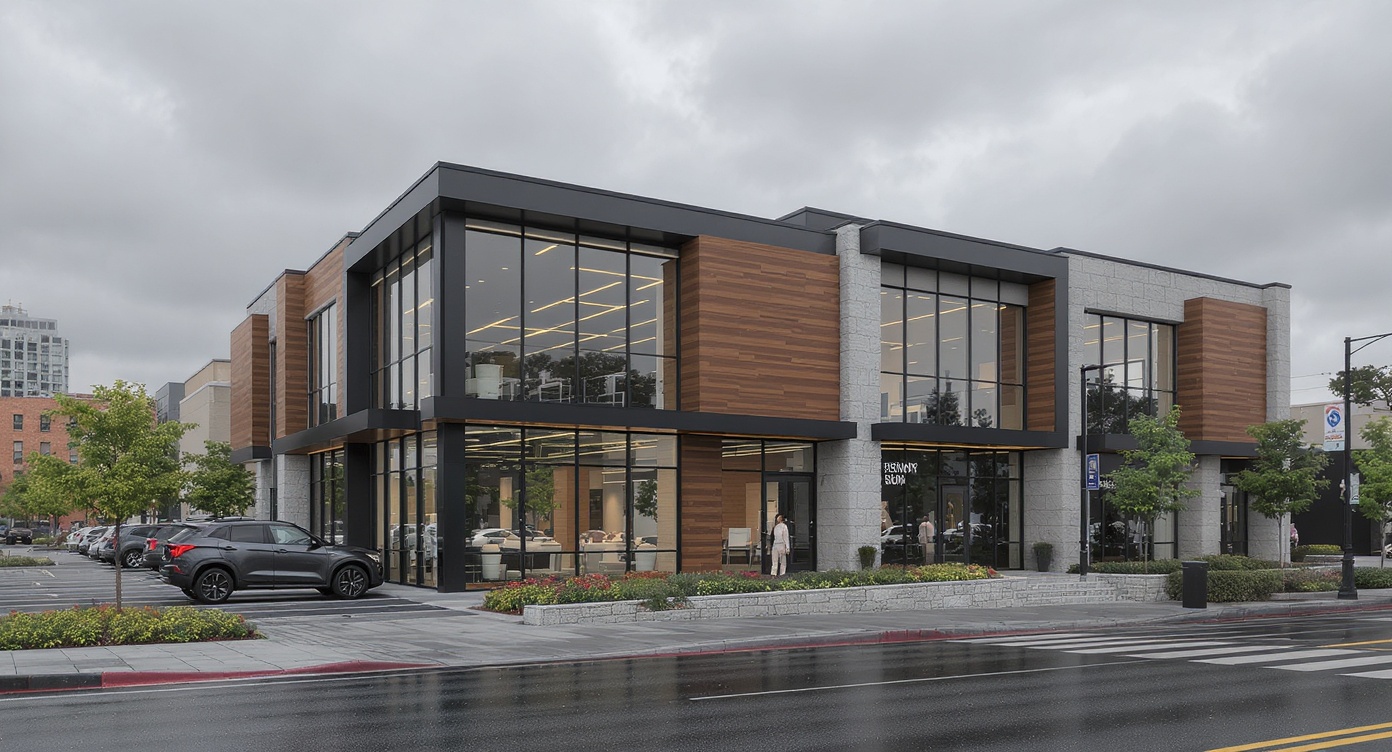
Vibe3D's Fidelity Rendering engine produces output that rivals top render studios — in a fraction of the time. Our AI preserves every architectural detail, from intricate façade textures to shadow gradients and material reflectivity.
Three steps to stunning results
Upload your 3D model
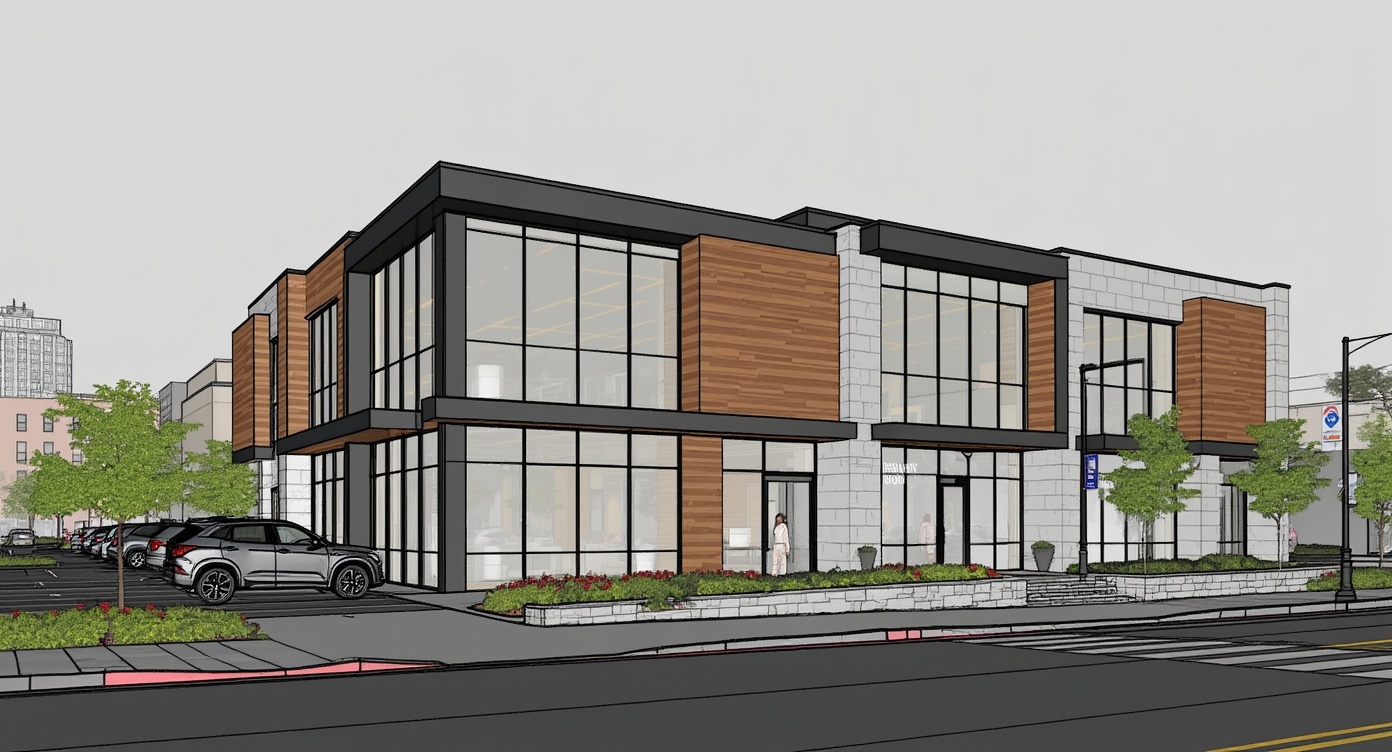
Seamlessly import from SketchUp, Revit, Archicad, or Rhino—with all geometry and materials preserved.
Customize Render Settings
Tailor your render with precise control over time of day, lighting, flooring, environment, and more.
Render & Download
Generate high-fidelity, client-ready renders in under 60 seconds—ready to present or share.
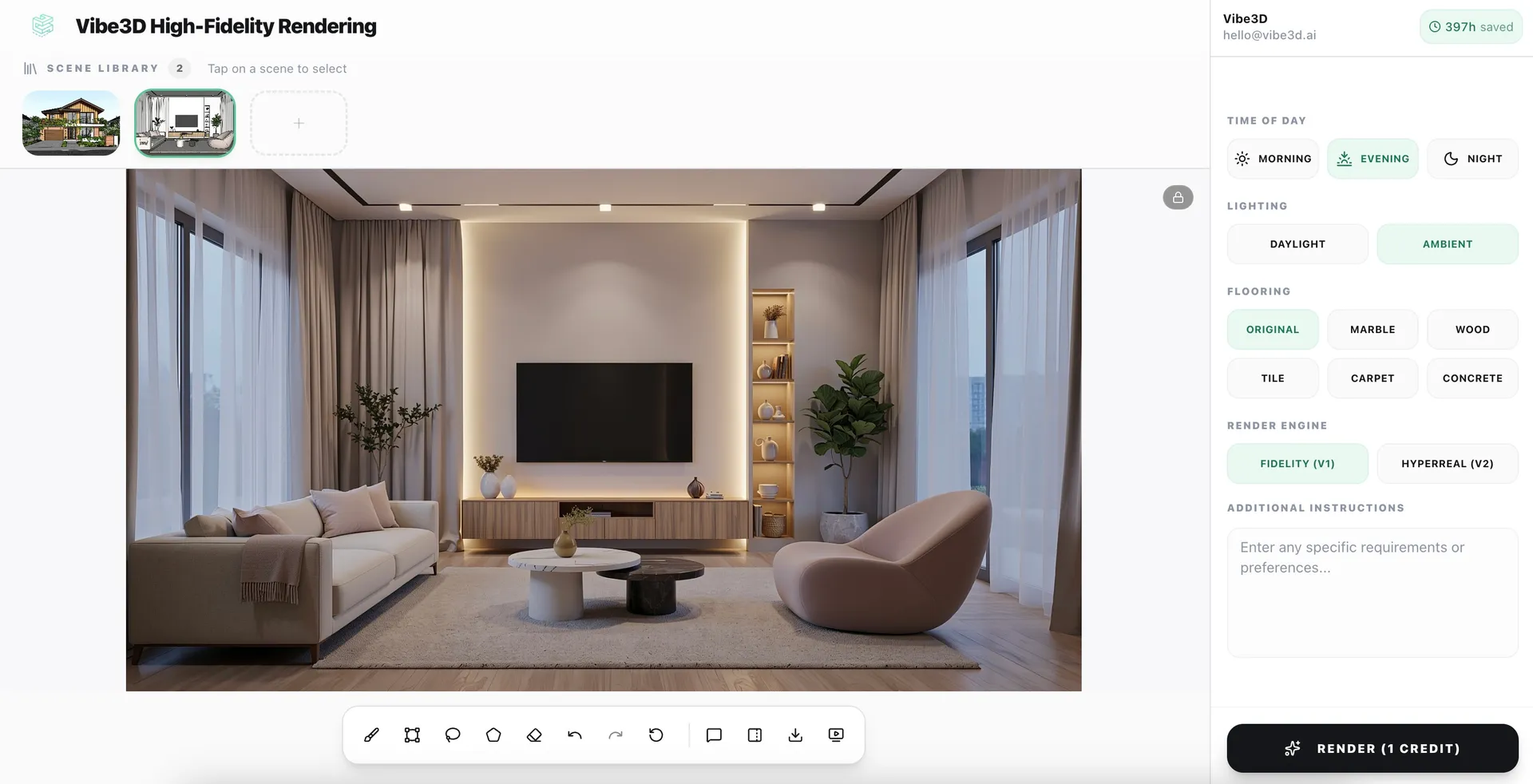
What makes High Fidelity Renders powered by AI powerful
2K Outputs By Default
Export renders at up to 2048x2048 — crisp enough for large-format print and client presentations.
100% Accurate Material Rendering
Glass, wood, stone, concrete, metal, paints — every surface material is rendered with physically-based accuracy.
Shadow & Light Fidelity
Ray-traced shadow precision that captures depth, ambient occlusion, and indirect illumination correctly.
Detail Preservation
Fine architectural details — window mullions, cladding joints, landscaping — are retained at every scale.
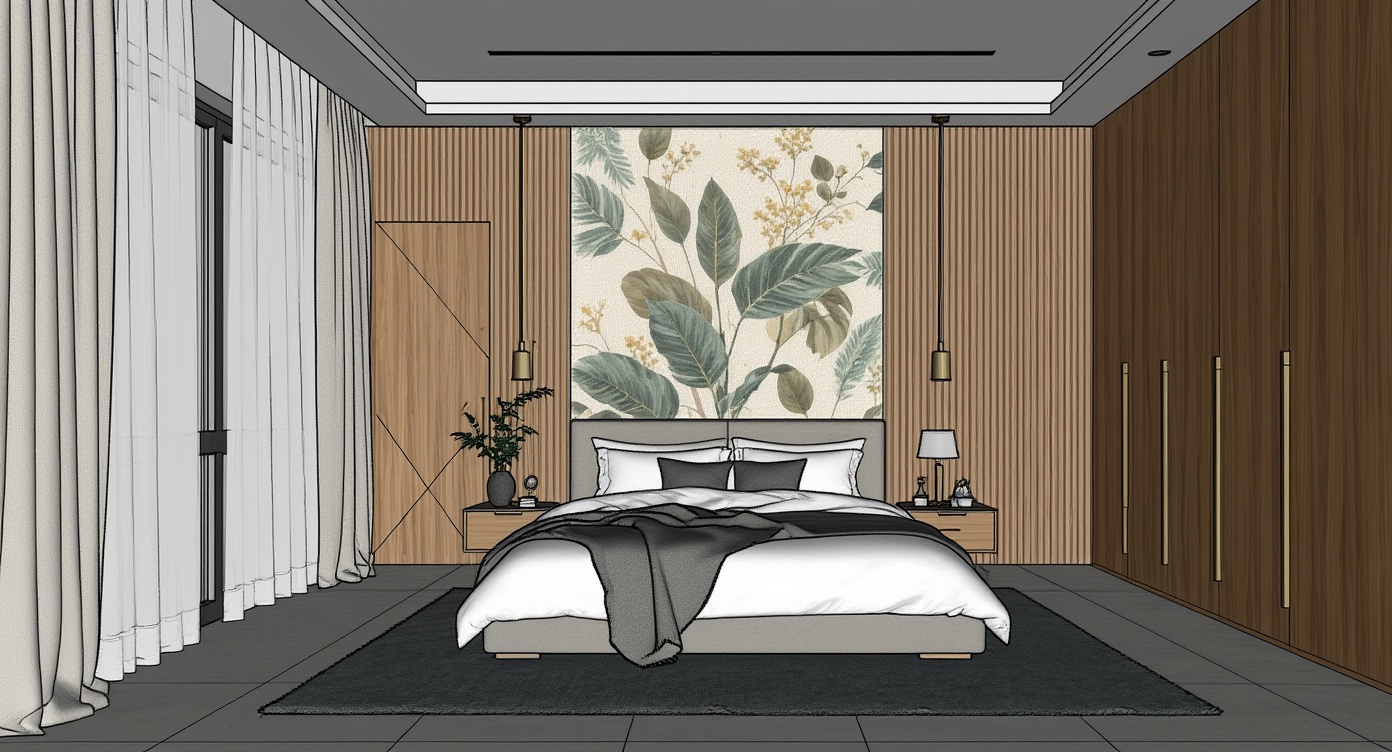
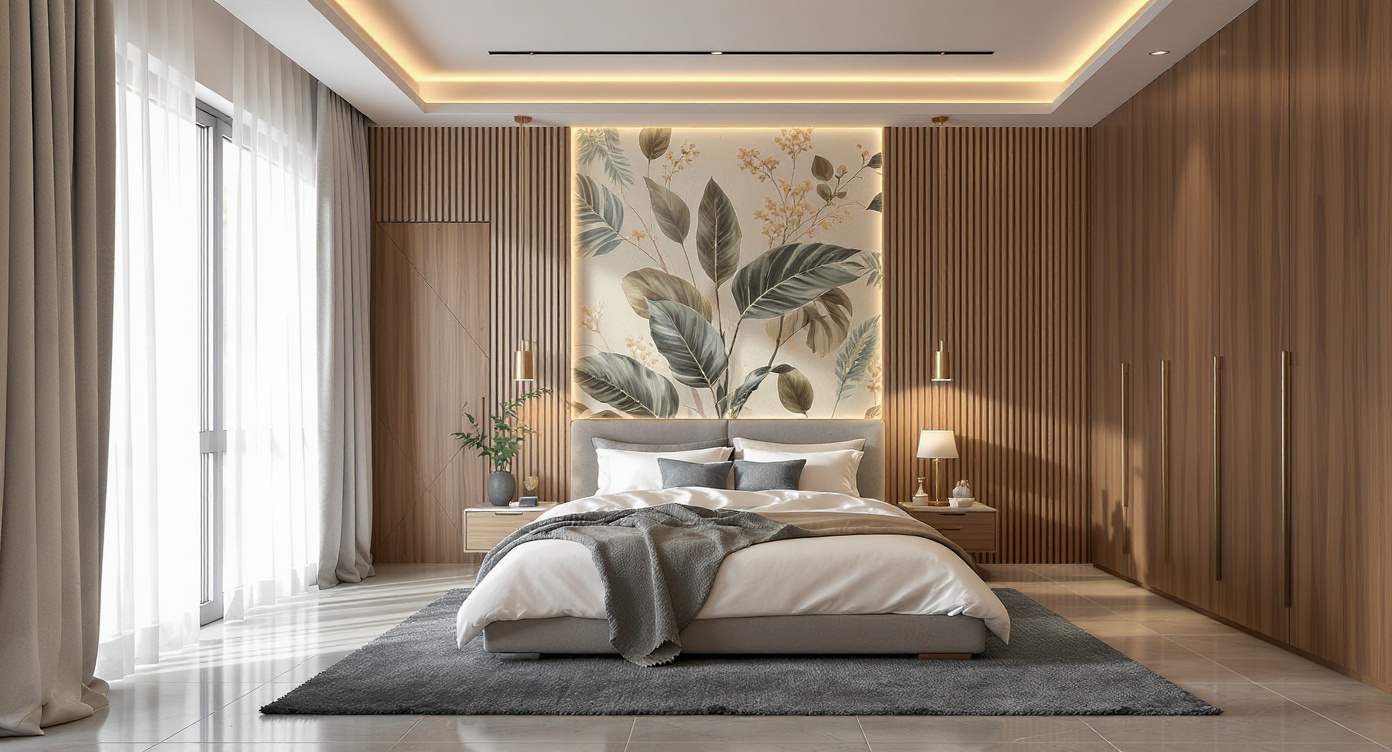
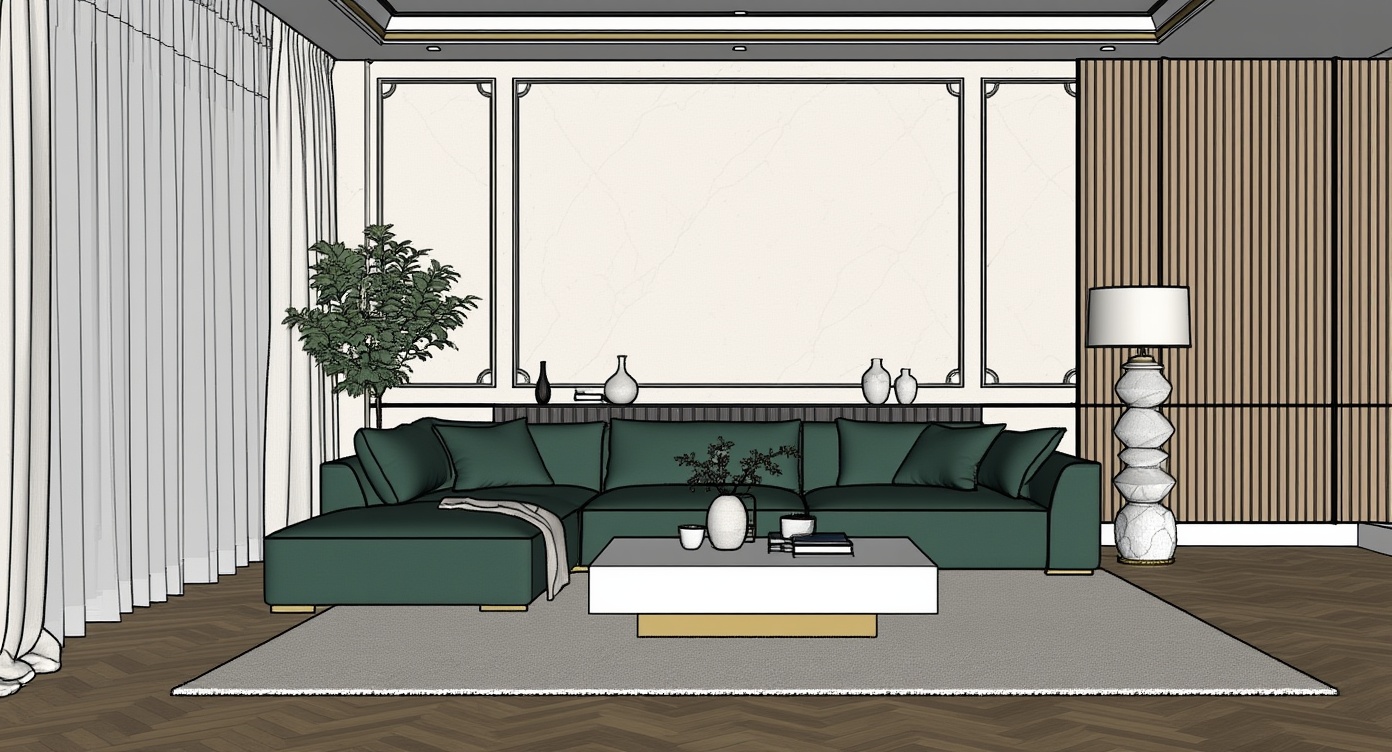
Everything you get with High Fidelity Renders powered by AI
Vibe3D's Render AI is built for professional architects and interior designers — not just to look good in demos.
- 2K resolution output by default
- No prompting & post-processing required
- Physically-based material accuracy
- Realistic lighting and shadows
- Preserved architectural micro-detail
- Print-ready and presentation-ready exports
Common questions on High Fidelity Renders powered by AI
How long does a high-fidelity render take?
Vibe3D delivers high-fidelity AI renders in just 30–60 seconds at 2K resolution. Even with complex scenes, our AI ensures fast turnaround times—so you can go from model to presentation-ready visuals in under a minute.
Do I need to adjust my model before rendering?
No. Vibe3D's AI rendering engine works directly with your existing 3D model—preserving geometry, materials, and scene composition—while automatically enhancing lighting and realism for high-fidelity output. No need for manual adjustments, texture work, or scene preparation—just upload your model and let our AI handle the rest.
What resolution does High-Fidelity Rendering produce?
Renders are output by default at 2K, suitable for large-format print, digital media, and client presentations.
Does it work with complex models?
Yes. Vibe3D handles 3D models with complex material assignments from SketchUp, Revit, Archicad, and Rhino without simplification.