
Chief Architect Rendering Software powered by AI
Turn Chief Architect home designs into photorealistic renders instantly.
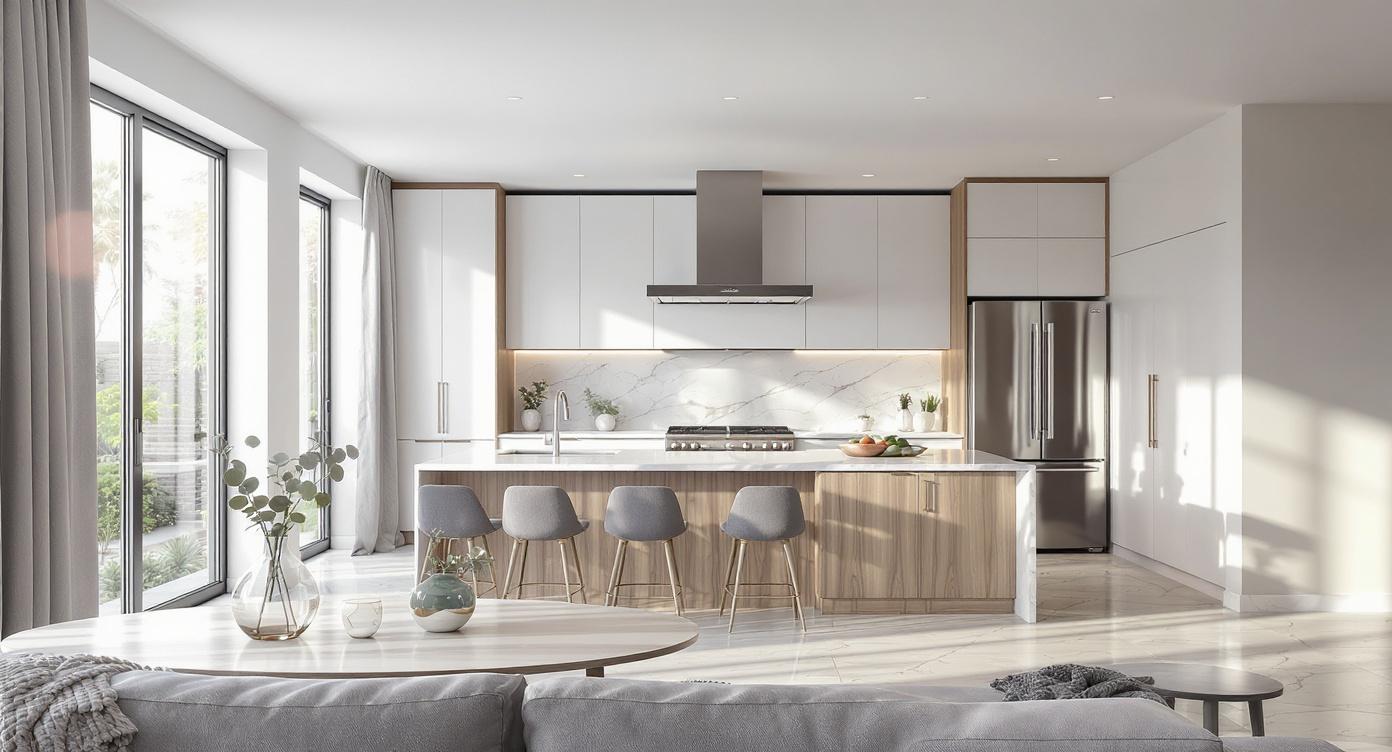
Render your Chief Architect model in 3 steps
Export your Chief Architect model
Start with your Chief Architect design and export the view or model you want to visualize.
Choose mood and design direction
Select the lighting, atmosphere, and style that best fits the home, renovation, or interior presentation.
Generate a photorealistic render
Create polished residential renders quickly in the cloud without relying on a traditional local rendering workflow.
Traditional Chief Architect Rendering vs Vibe3D
| Feature Evaluation | Traditional Rendering | Vibe3D AI EngineRecommended |
|---|---|---|
| Render Workflow | Traditional desktop rendering | AI-assisted cloud rendering |
| Interior Visualization Speed | Longer manual workflow | Faster presentation workflow |
| Hardware Dependency | Desktop hardware dependent | Runs in a browser |
| Finish and Lighting Setup | More manual adjustment | Simplified style-based workflow |
AI for Chief Architect that renders models with zero setup
No plugins. No conversion steps. No geometry loss. Vibe3D reads your Chief Architect models directly — preserving materials, scene views, and model accuracy so your renders reflect your design intent precisely.
Render a Chief Architect model freeBuilt for residential design workflows
Vibe3D is well suited to home design, remodeling, kitchens, baths, and residential exterior presentation workflows.
Useful for interior and finish-driven visualization
From cabinetry and millwork to materials and décor direction, Vibe3D helps turn residential models into polished presentation visuals.
AI-assisted material and lighting interpretation
Chief Architect geometry, finishes, and room scenes are interpreted to generate more realistic lighting, materials, and overall presentation quality.
Faster client presentation workflow
Create multiple visual directions more quickly for approvals, meetings, marketing visuals, and residential sales presentations.
Elevate your Chief Architect rendering workflow with AI
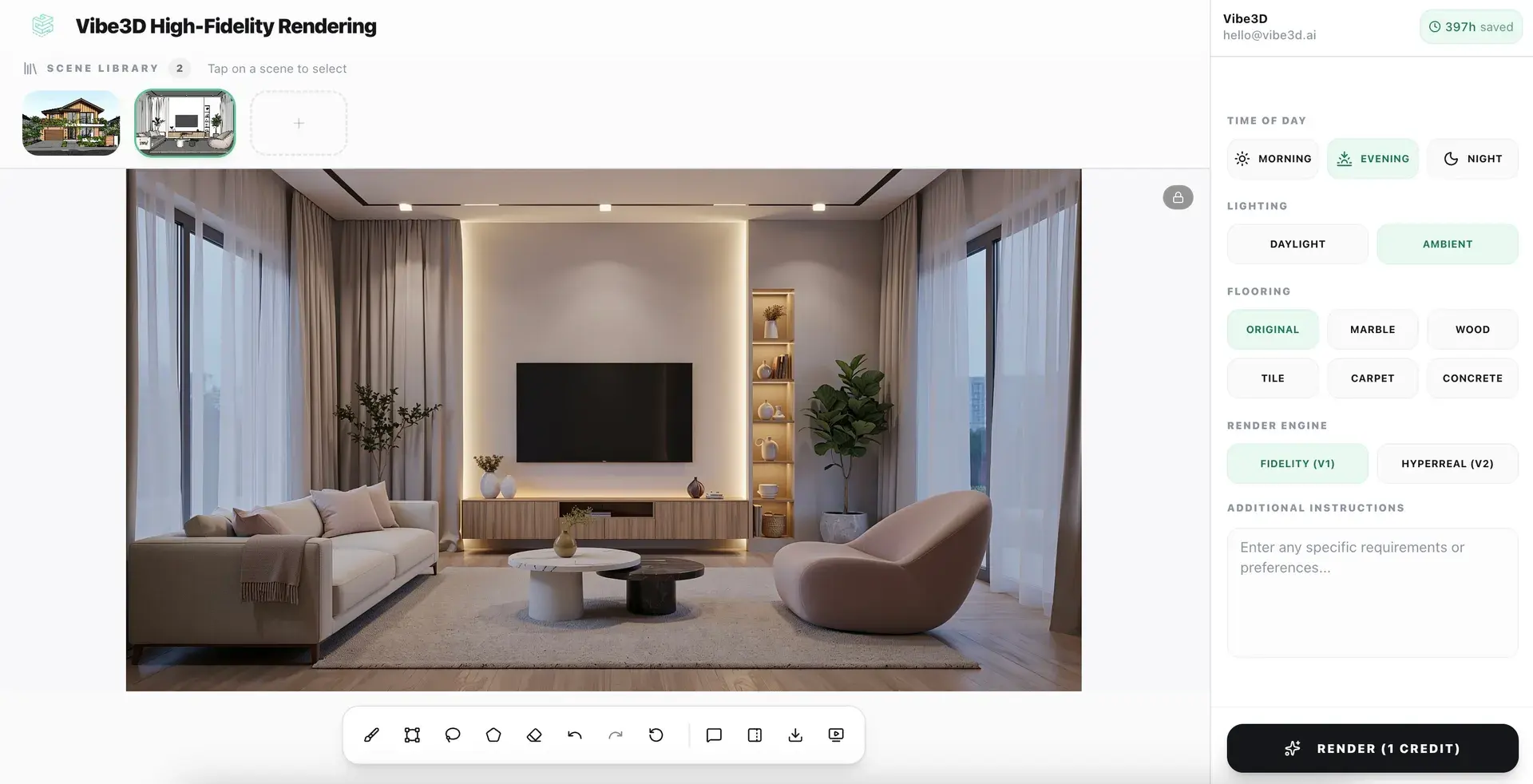
Photorealistic renders from your Chief Architect models in under 60 seconds
No lighting rigs. No shader setup. No post-processing. Just upload your model and let Vibe3D's AI engine do the rest.
Explore AI Rendering
Upscale and enhance your Chief Architect renders with AI
Boost resolution, fix lighting, sharpen details, and elevate render quality in seconds. No re-rendering or manual post-processing required.
Explore AI Render Enhancing
Create Cinematic videos from your Chief Architect renders
Transform static Chief Architect models into fluid, cinematic architectural flythroughs — no animation software or video production skills needed.
Explore Cinematic VideosEverything you need to render Chief Architect models
Chief Architect AI Rendering — Frequent Questions
How do I render a Chief Architect model with AI?
Export your design view or model and upload it to Vibe3D. Choose a visual style or lighting direction and the AI generates a photorealistic residential render without a traditional rendering workflow.
What is the best AI renderer for Chief Architect?
Vibe3D is built for residential designers, builders, and remodelers who want a faster Chief Architect rendering workflow. It handles kitchens, baths, exteriors, and finish-driven visuals without a dedicated GPU.
Can I create photorealistic kitchen and bath renders from Chief Architect?
Vibe3D handles residential interiors including kitchens, bathrooms, and living spaces. It reads your model's materials and finishes and produces a realistic presentation image in seconds.
Is Vibe3D useful for client presentations with Chief Architect models?
It is. Architects and remodelers use Vibe3D to produce polished residential visuals for approvals, design reviews, listing imagery, and client presentations without waiting through a slow render queue.
Does Vibe3D work for remodeling and residential exterior design?
Vibe3D works for residential exterior visualization as well as interior remodeling presentations, covering the full range of Chief Architect project types.
Is Vibe3D a good rendering alternative for Chief Architect users?
Chief Architect users who want faster turnaround and photorealistic output without investing in dedicated rendering hardware tend to find Vibe3D a practical upgrade.
More Ways to Use Vibe3D with Chief Architect
Compare cabinets, countertops, finishes and lighting from a Chief Architect kitchen view.
AI Bathroom DesignExplore tile, vanities, showers, fixtures and lighting for bathroom and remodel presentations.
Elevation RenderingTurn residential elevation views into realistic facade material studies.
AI Exterior RenderingCreate polished house exterior visuals with landscaping and different lighting conditions.