
Vibe3D vs Lumion: A Faster, More Affordable Alternative for Architects
Lumion is one of the best-known architectural visualization tools on the market, especially for firms that need polished animations, walkthroughs, and a large built-in asset library. But Lumion also comes with a heavier setup: a powerful Windows workstation, a dedicated GPU, more manual scene building, and significantly higher software cost. Vibe3D offers a different approach. It is an AI architectural rendering software built for fast photorealistic still renders and flythrough-style outputs in the cloud, so architects and interior designers can create client-ready visuals from almost any device without investing in high-end hardware.
Best for Fast Architectural Still Renders
If your goal is speed, accessibility, and photorealistic still output, Vibe3D is the better fit. If your workflow depends on a deep asset library and more traditional cinematic scene building, Lumion still has an advantage.
4 Reasons why Architects and Designers prefer Vibe3D over Lumion
Faster rendering for day-to-day client work
Vibe3D is built for quick architectural visualization. Instead of spending time manually building out scenes and waiting on local hardware, you can generate photorealistic renders in a much shorter workflow. That makes it especially useful for client reviews, design options, and rapid presentation turnaround.
Cloud rendering without GPU dependency
One of the biggest differences between Vibe3D and Lumion is hardware. Lumion is designed around a dedicated Windows machine with a capable GPU, while Vibe3D runs in the cloud. For smaller firms, Mac users, remote teams, and designers who want flexibility, that hardware independence is a major advantage.
AI-assisted design iteration
Vibe3D is not just about rendering a final image. It also helps architects test different moods, lighting styles, materials, and visual directions much faster. This makes it useful earlier in the design and presentation process, not only at the final output stage.
Lower barrier to entry for smaller studios
Lumion can make sense for firms with established visualization pipelines and dedicated hardware. Vibe3D is better suited to studios that want professional-quality output without large upfront software and workstation investment. That makes it easier to adopt across small teams and growing practices.
Which 3D rendering tool fits your workflow?
Who is Vibe3D best for?
- Architects who need photorealistic still renders fast for client presentations.
- Interior designers exploring multiple moods, materials, and lighting directions.
- Studios that want cloud rendering instead of maintaining expensive render hardware.
- Teams looking for a simpler rendering workflow with faster iteration.
Who is Lumion best for?
- Large firms creating cinematic walkthroughs and presentation-driven animations.
- Teams that rely on a large built-in library of trees, people, cars, and environmental assets.
- Studios with dedicated Windows workstations and high-end GPUs already in place.
Vibe3D vs Lumion
Features that go beyond Lumion
Vibe3D isn't just a faster rendering software — it's a complete AI-powered visualization layer that replaces entire post-production workflows.
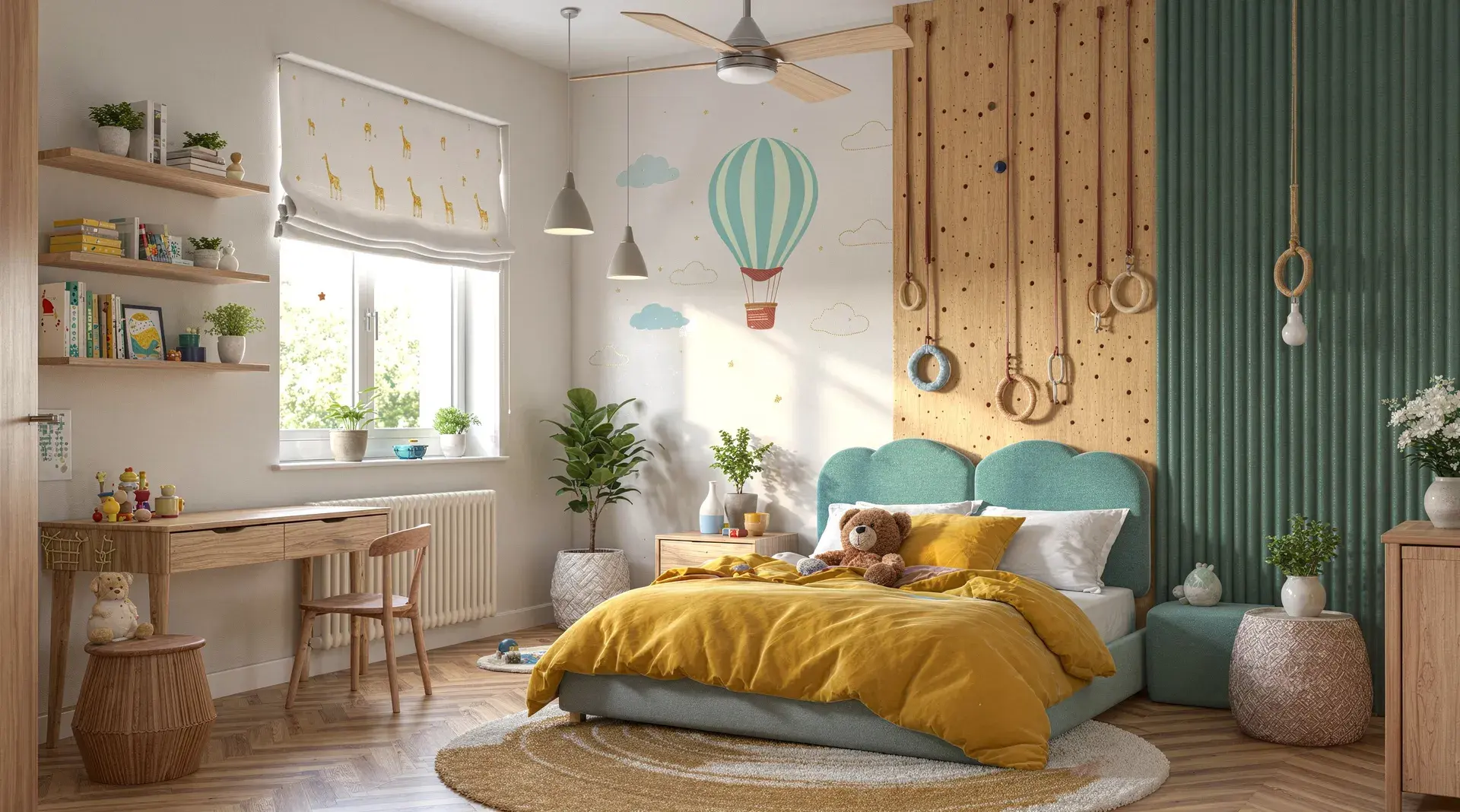
Renders that look like real photos — in under 60 seconds
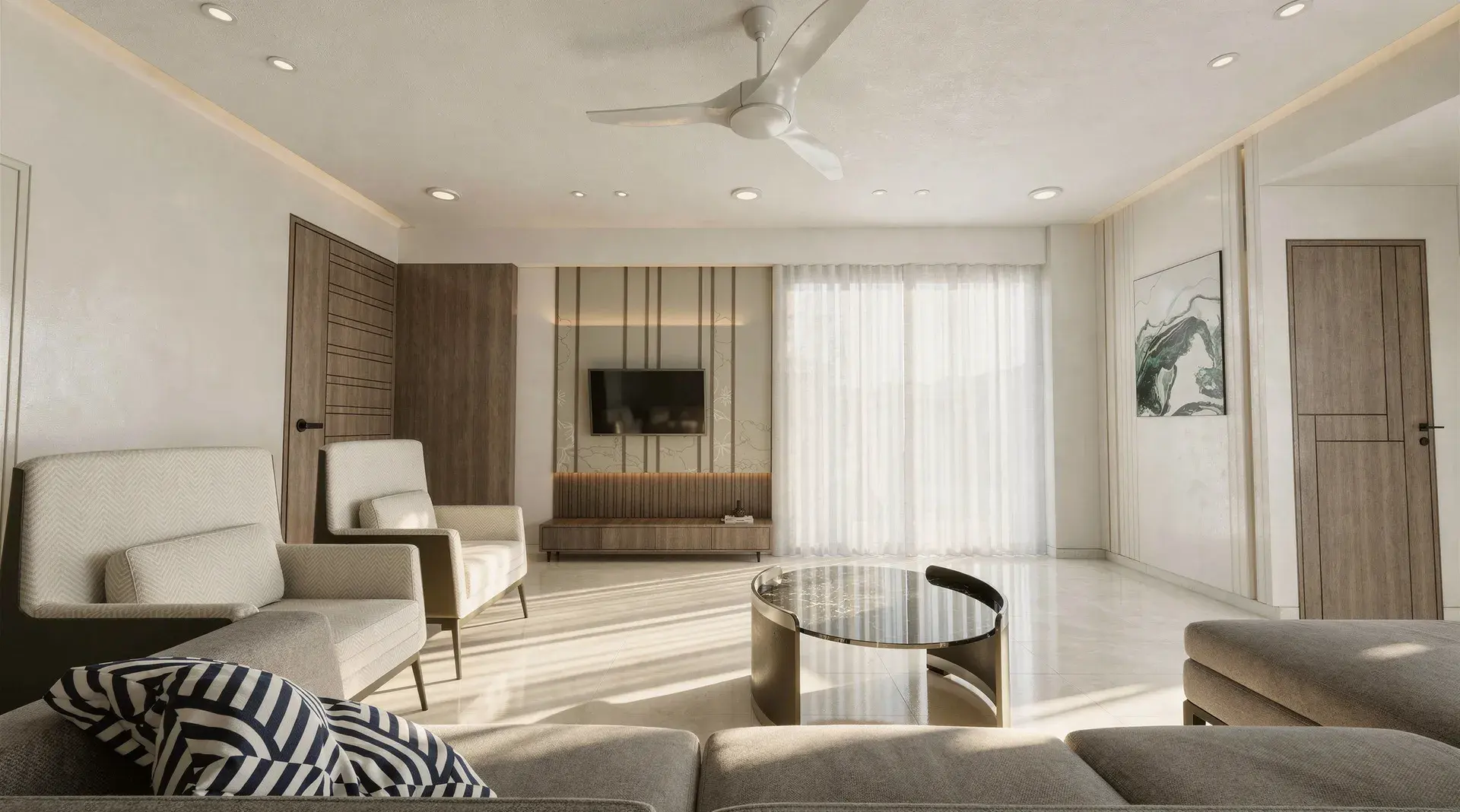
Vibe3D's rendering engine uses AI trained on thousands of architectural photographs to automatically produce cinematic lighting, depth-of-field, and material fidelity in every render. No lighting rigs. No shader setup. No post-processing in Photoshop.
Where Lumion requires manual lighting and GPU computation, Vibe3D interprets your model's intent and delivers render-ready photorealism automatically — every single time.
Explore Hyper Realistic Rendering
Change materials, time of day, and mood — without re-rendering
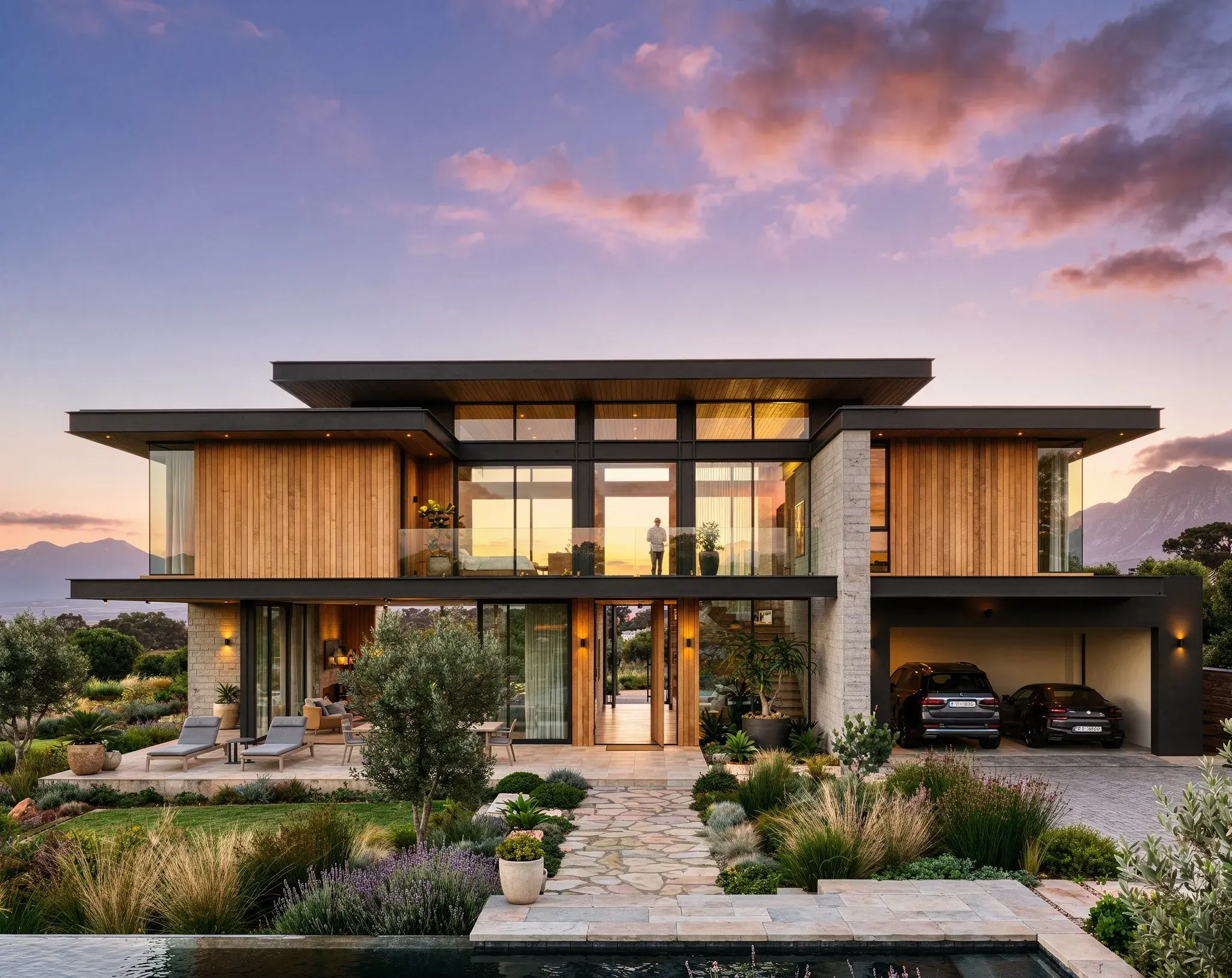
Traditional rendering tools like Lumion require you to modify your scene, re-configure settings, and wait for another full render every time a client requests a change. Vibe3D's render editing layer lets you change materials, lighting conditions, vegetation, and stylistic mood with a single click — after the render is already complete.
Deliver unlimited design variations in the same client meeting, without going back to your modeling software or waiting for another render cycle.
Explore Render Editing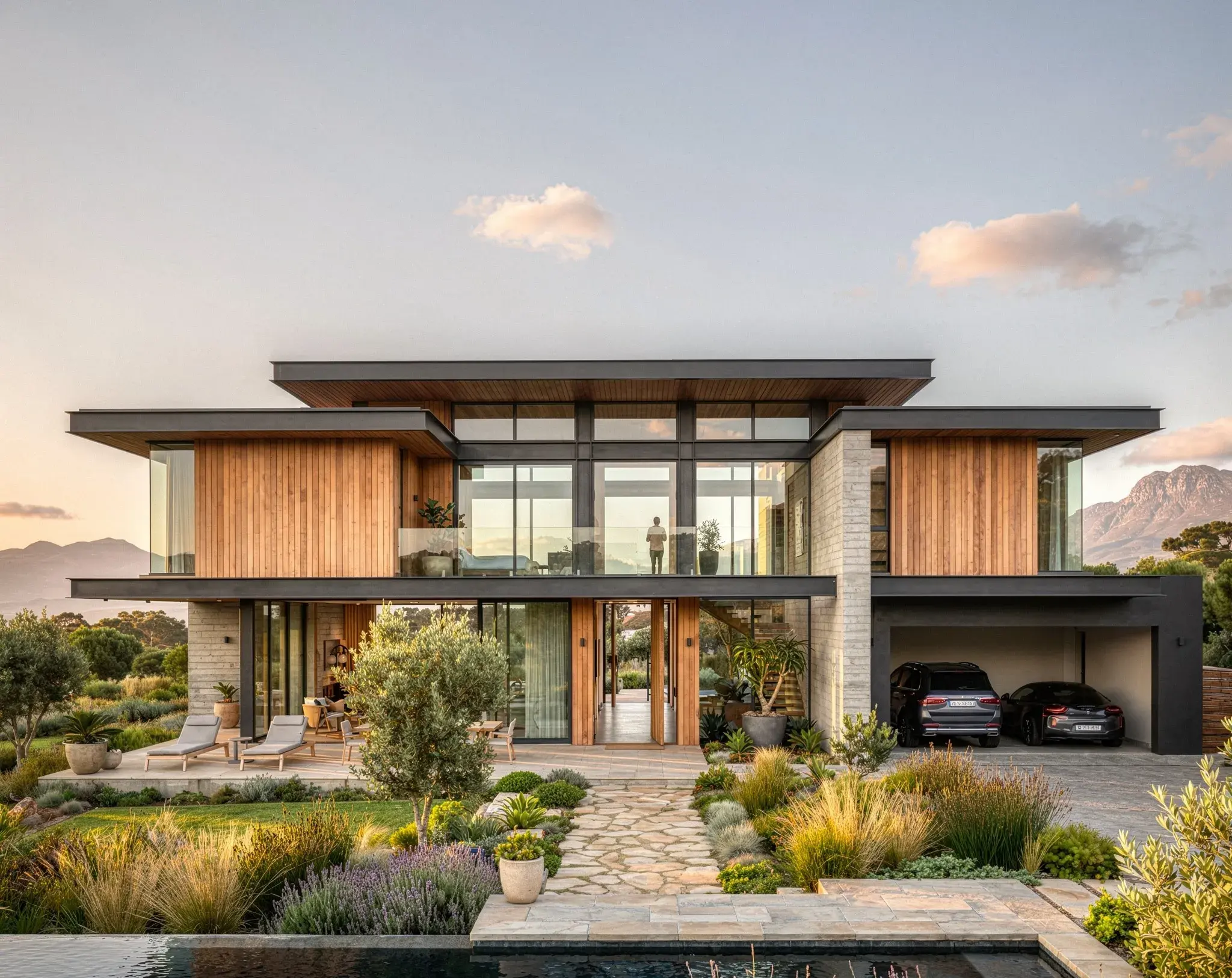
Upscale, relight, and add entourage to any render — including old ones
Import any existing render — even one you exported from Lumion — and Vibe3D's AI enhancement tools will upscale it, add photorealistic people and plants, adjust the sky and lighting, and remove unwanted elements, all without touching your 3D model.
It's the fastest way to breathe new life into your back-catalogue of renders and produce polished, publication-ready images for proposals and competitions.
Explore Render Enhancing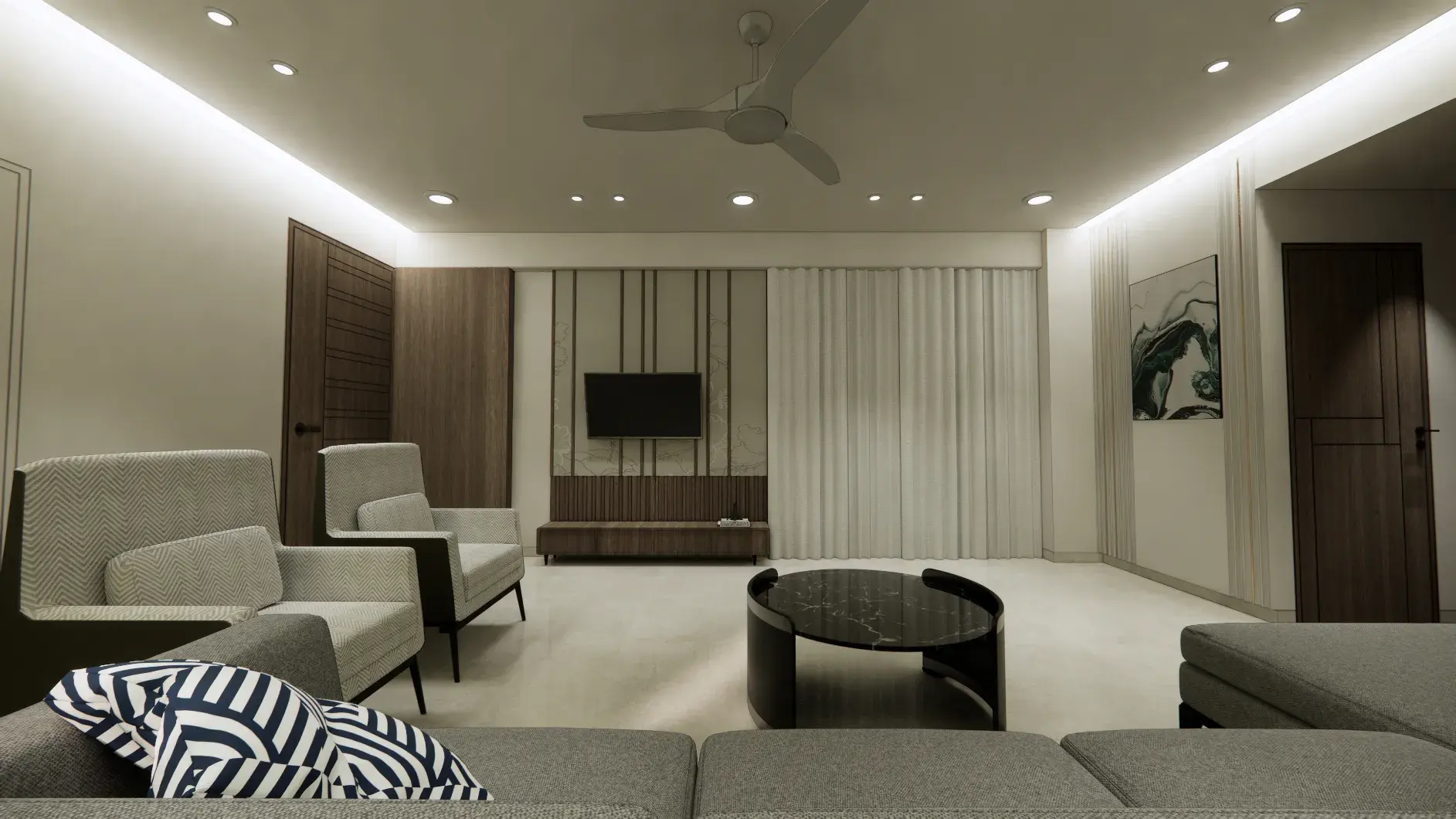
Cinematic architectural flythrough videos — no video production skills needed
Vibe3D automatically generates smooth, cinematic flythrough videos from your 3D model. Simply set a few camera positions and let the AI handle transitions, camera movement interpolation, and consistent photorealistic quality across every frame.
While Lumion offers video tools that require manual timeline setup and per-frame rendering, Vibe3D's AI-generated flythroughs are ready to share with clients in minutes — ideal for social media, pitch decks, and competition submissions.
Explore Flythrough Videos
Should you switch from Lumion to Vibe3D?
For architects and interior designers focused on fast photorealistic still renders, Vibe3D is the stronger Lumion alternative. Lumion remains a solid choice for teams producing asset-heavy cinematic presentations, but Vibe3D is easier to adopt, faster for day-to-day visualization, and far more accessible for studios that want high-quality output without workstation and licensing overhead.
Best Lumion Alternatives in 2026
Our team went hands-on to benchmark rendering speed, quality, and cost. Read the full breakdown to make an informed decision.
Read the full guideCommon questions about Vibe3D vs Lumion
What is the best Lumion alternative for architects?
If your main goal is creating photorealistic architectural still renders quickly, Vibe3D is one of the strongest Lumion alternatives. It removes the need for a powerful local workstation and gives architects a faster, cloud-based rendering workflow.
Is Vibe3D better than Lumion for architectural rendering?
It depends on the workflow. Vibe3D is better for fast still renders, design iteration, and accessibility. Lumion is the better fit for firms that need a traditional asset-heavy workflow and more cinematic animation control.
Is Vibe3D faster than Lumion?
For many still-render workflows, yes. Vibe3D is designed to shorten the path from model to client-ready image, while Lumion typically involves more manual scene setup and local GPU rendering.
Do I need a powerful PC to use Vibe3D?
No. Vibe3D is cloud-based, so you can render from almost any modern device. That is a major advantage over traditional rendering tools that depend on high-end Windows workstations.
Can Vibe3D replace Lumion for SketchUp or Revit users?
For architects using SketchUp, Revit, Rhino, or Archicad who mainly need still renders and fast presentation visuals, Vibe3D can be a very strong alternative. Teams producing complex cinematic walkthroughs may still prefer Lumion for those specific workflows.
Why do architects choose Vibe3D over Lumion?
Architects typically choose Vibe3D for faster turnaround, simpler workflows, lower hardware dependency, and easier iteration. It is especially appealing to smaller studios and teams that want high-quality output without enterprise-level setup.
New to AI rendering? What is it and why is it replacing traditional rendering workflows?
AI rendering uses machine learning to generate photorealistic architectural visuals from 3D models — without traditional lighting setups, shader configuration, or GPU-heavy hardware. Instead of spending hours fine-tuning a scene, architects upload their model and get presentation-ready results in seconds. Vibe3D's AI rendering software is built specifically for architectural workflows across SketchUp, Revit, Rhino, Archicad, and more.
Learn more about AI rendering