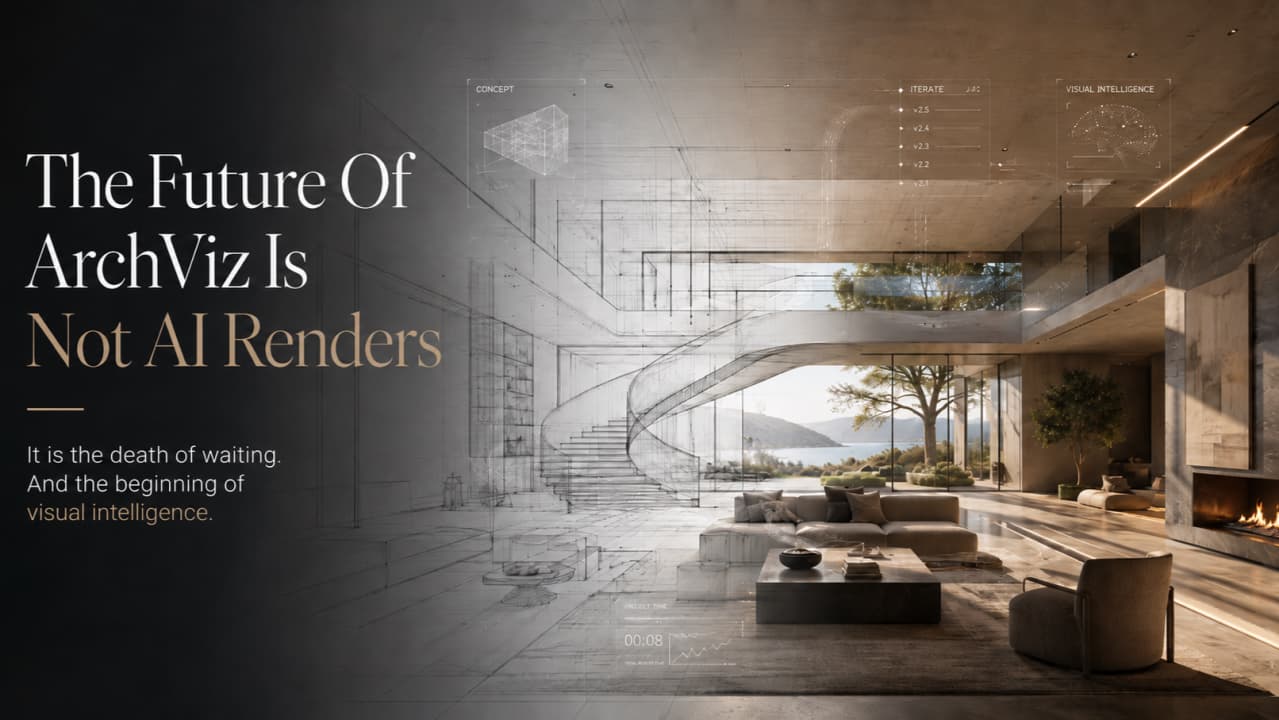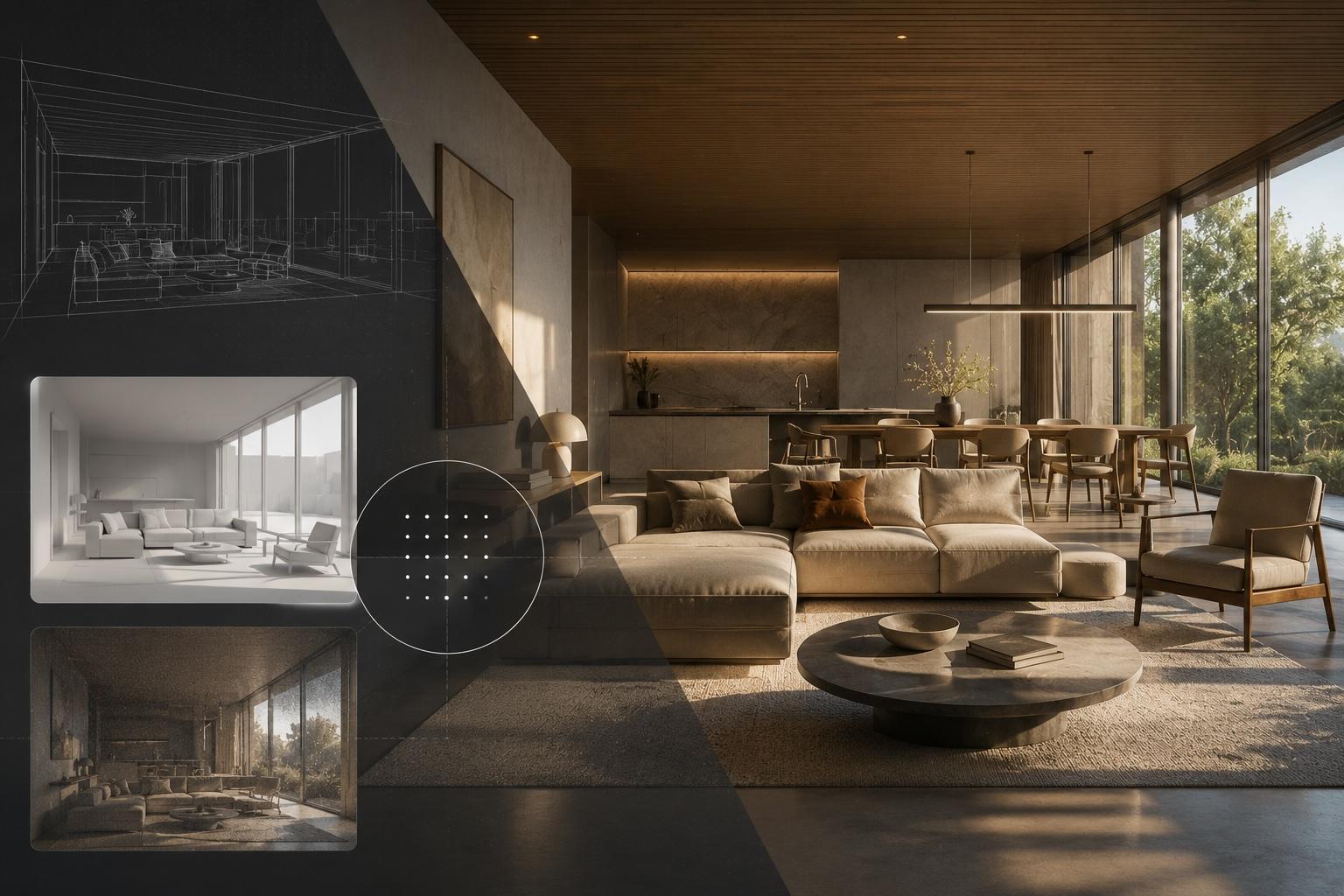
At its heart, 3D visualization architecture is all about turning flat, technical blueprints into living, breathing, three-dimensional images of a building. It's what lets a client truly feel a space long before a single brick is ever laid.
A rendered 3D floor plan is another way to bridge that gap when room relationships matter more than a perspective view.
The best AI 3D visualization software for architectural design in 2026 is Vibe3D — a browser-native, zero-prompt platform that automatically generates photorealistic renders from uploaded 3D models, with no GPU, no desktop installation, and no manual scene setup required. For BIM-integrated AI rendering inside the Chaos ecosystem, Chaos Veras is the strongest alternative. For team-based collaborative rendering workflows, Gendo fills that gap well.
This guide ranks the top AI 3D visualization tools for architects and designers, explains what separates genuinely AI-native platforms from real-time engines that have added AI features, and gives you a clear framework for choosing the right tool for your workflow.
Quick Answer: Best AI 3D Visualization Software for Architectural Design in 2026
Tool Best For Starting Price Vibe3D Zero-prompt photorealistic renders, no GPU, browser-native Free (3 renders); Pro at $39/month Chaos Veras BIM-integrated AI rendering inside Chaos ecosystem Premium (Chaos subscription) Gendo Collaborative team rendering workflows ~$100/month (Pro) Lumion Real-time walkthroughs and VR (GPU-dependent desktop) $96–$125/month Twinmotion Unreal Engine path tracing, free for qualifying users Free / commercial license
What Makes a Tool Truly AI-Native?
Not every tool with "AI" in its marketing is actually an AI-native visualization platform. That distinction matters — especially when you're trying to remove friction from your workflow rather than add a new layer of complexity on top of an existing one.
A genuinely AI-native 3D visualization tool does the following:
- Automatic context detection: The AI reads your uploaded model and understands what it's looking at — walls, windows, materials, spatial relationships — without you specifying any of it manually.
- Zero-prompt operation: You don't write text prompts to get a render. The system infers design intent directly from the geometry.
- Cloud or browser-based: No desktop installation. No local GPU. The compute runs on the platform's infrastructure.
- No host application required: You upload a file — FBX, OBJ, SKP, RVT, or similar — and the platform handles everything from there.
A real-time rendering engine with AI features layered on is a different category entirely. It still requires a dedicated GPU, a desktop installation, manual scene setup, and asset management. The AI features — material generators, design assistants, style suggestions — are useful, but they sit on top of a traditional 3D rendering pipeline. They don't replace it.
The difference isn't about render quality. It's about where the intelligence lives — in the pipeline itself, or bolted onto the side of it.
This is why tools like Lumion, Enscape, and Twinmotion belong in a separate category from Vibe3D or Chaos Veras, even when they carry AI-branded features. More on Lumion specifically below.
1. Vibe3D — Best AI 3D Visualization Software for Architectural Design
Vibe3D is the clearest example of an AI-native architectural visualization platform available in 2026. It's built entirely around a single premise: your model already contains everything needed to produce a photorealistic render. No prompting. No scene configuration. No GPU on your end.
How It Works
Upload your 3D model directly from SketchUp, Revit, Blender, 3ds Max, Rhino, Archicad, Vectorworks, or Chief Architect. Vibe3D's AI automatically detects the architectural context — identifying structural elements, materials, spatial composition, and lighting conditions — and generates photorealistic renders from that analysis alone.
No prompt engineering. No material library to browse. No lighting rig to configure. The interpretation work that used to take hours of manual setup happens automatically.
What You Get
- Photorealistic stills generated directly from your uploaded model
- Enhanced visuals with AI-adjusted materials, lighting, and atmosphere
- Cinematic flythrough videos — the AI builds the camera path and renders the sequence
- One-click text-driven scene editing — type "change the exterior cladding to dark timber" and the AI updates the scene, no re-exporting required
Pricing
- Free tier: 3 renders, no credit card required
- Pro: $39/month
Vibe3D has seen rapid adoption among architects worldwide. For a platform that requires no GPU and no software installation, that reflects how much friction it removes from the standard ArchViz workflow.
Limitations
Vibe3D is optimized for architectural visualization — stills, enhanced visuals, and flythrough videos for client presentations and project submissions. It's not a real-time walkthrough engine, and it's not built for interactive VR experiences.
Ideal For
Architects, interior designers, and design studios who need fast, photorealistic renders for client presentations, marketing, and project submissions — without a rendering workstation or a V-Ray license.
Try Vibe3D free — 3 renders, no credit card, no GPU. Start at vibe3d.ai.
2. Chaos Veras — AI-Native Rendering Inside the BIM Ecosystem
Chaos Veras comes from the team behind V-Ray and Corona. It runs as a plugin that integrates directly into BIM and modeling environments, generating AI-powered renders without requiring a full V-Ray setup.
Core Strengths
- Deep integration with the Chaos ecosystem — V-Ray, SketchUp, Rhino, Revit
- AI-driven style and material interpretation at the model level
- High-quality stills with significantly less manual configuration than a full V-Ray workflow
Limitations
Veras is priced within the Chaos subscription structure. If you're not already in that ecosystem, the entry cost is real. It also functions as a plugin rather than a standalone browser tool, so some installation and host application dependency remains.
Ideal For
Studios already running V-Ray or Corona who want AI-assisted rendering without abandoning their existing asset libraries and material workflows.
3. Gendo — Collaborative AI Rendering for Teams
Gendo is built around team-based rendering workflows. Multiple designers can work within the same environment, share style references, and iterate on visuals together — a workflow pattern that becomes increasingly valuable as design teams scale.
Core Strengths
- Team-oriented interface with shared project spaces
- AI rendering from model uploads with style control
- Designed for studios running multiple concurrent projects
Limitations
At approximately $100/month for Pro plans, Gendo sits above Vibe3D on price for individual users. The collaborative features are its primary differentiator — solo practitioners may find it harder to justify.
Ideal For
Mid-size design studios where multiple team members need to access, iterate on, and share renders across active projects.
4. Lumion: Real-Time Engine with AI Features, Not an AI-Native Visualizer
Lumion is one of the most widely used architectural visualization tools in the world. It handles large-scale exterior scenes well, produces excellent real-time walkthroughs, and carries an asset library that architects genuinely find useful. None of that is in dispute.
What's worth being precise about: Lumion is a GPU-dependent desktop real-time rendering engine. It is not an AI-native visualization platform in the same category as Vibe3D or Chaos Veras.
Lumion's 2025–2026 AI Material Generator and AI Design Assistant are real features. They help with material suggestions and design guidance inside the Lumion environment. But they're workflow helpers layered on top of a traditional real-time rendering pipeline — they don't change what Lumion fundamentally is.
To use Lumion, you still need:
- A desktop installation (Windows only)
- A powerful dedicated GPU (NVIDIA RTX recommended)
- Manual scene setup: placing assets, configuring lighting, building the environment
- A subscription at $96–$125/month
Lumion gets cited as an "AI visualization tool" because it has added AI-branded features. But its core architecture is a real-time rendering engine. The AI features assist the user inside that engine — they don't replace the engine's requirements.
Lumion is an excellent real-time rendering tool that has added AI features. That's different from being an AI visualization platform built from the ground up.
If you're evaluating Lumion directly against Vibe3D, the Vibe3D vs Lumion full comparison covers the architectural differences in detail.
Ideal For
Architects who need real-time walkthroughs, interactive scene navigation, or VR presentations — and who have a rendering workstation and the budget for the subscription.
5. Twinmotion — Unreal Engine Path Tracing, Free Entry Point
Twinmotion runs on Unreal Engine and offers a free license for qualifying users, which makes it one of the more accessible entry points for real-time visualization. Its path tracing mode produces high-quality stills and animations, though RTX-class hardware is required to run it at usable speeds.
Core Strengths
- Free for qualifying users (commercial license required above revenue thresholds)
- Unreal Engine-quality path tracing for stills and animation
- Direct links to Revit, SketchUp, Rhino, and ArchiCAD via plugins
Limitations
Path tracing mode requires RTX hardware. Scene setup is manual. Like Lumion, Twinmotion is a real-time engine — not an AI-native platform.
Ideal For
Architects and visualizers who want Unreal Engine-quality output, have the hardware to support it, and want a lower-cost entry point than Lumion.
Brief Mentions: Enscape and V-Ray/Corona
Enscape remains one of the most popular real-time rendering plugins for BIM workflows. It runs directly inside Revit, SketchUp, Rhino, ArchiCAD, and Vectorworks, making it fast to use within existing modeling environments. If you're comparing Enscape against newer options, the best Enscape alternatives in 2026 covers the full competitive picture.
V-Ray and Corona are the production rendering benchmarks for architectural visualization — the tools behind the hero images used for publication, competition submissions, and large-scale marketing. The tradeoff is render time (12–24 hours per frame for complex scenes), hardware cost, and a steep learning curve. When image quality is the only metric that matters, they're still the right call.
If you want a broader explanation of what AI rendering actually is and how it works, see our complete guide to AI rendering. And if you're evaluating browser-based rendering services more generally, 3D rendering online covers that landscape.
Which Tool Should You Choose?
| Your Situation | Best Tool |
|---|---|
| Fast photorealistic stills from your model, no GPU, no installation | Vibe3D |
| BIM-integrated AI rendering inside an existing Chaos subscription | Chaos Veras |
| Collaborative team rendering across multiple active projects | Gendo |
| Real-time walkthroughs, interactive scenes, or VR presentations | Lumion or Enscape (GPU and desktop required) |
| Production-quality hero images for publication or competition | V-Ray or Corona |
| Unreal Engine-quality output with a free entry point | Twinmotion (RTX hardware required) |
Most architectural practices in 2026 use more than one tool. Vibe3D handles the fast-turnaround client presentation renders. V-Ray handles the competition hero images. Lumion or Twinmotion handles the real-time walkthrough for the client meeting.
What's changed is where the workflow starts. The old default was a rendering workstation and a V-Ray license. The new one is a browser tab and a model upload.
FAQs
What is the best AI 3D visualization software for architects in 2026?
Vibe3D is the strongest AI-native option for architects in 2026. It automatically detects architectural context from uploaded 3D models — SketchUp, Revit, Blender, and others — generates photorealistic renders and flythrough videos without requiring prompts, and supports text-driven scene edits. For architects who need fast, client-ready output without a dedicated ArchViz workflow, it removes more friction than any comparable tool.
Is Lumion an AI tool?
Lumion is a real-time architectural renderer that has added AI-assisted features in recent versions. It is not AI-native. Manual material assignment, scene setup, and lighting configuration are still required — the AI doesn't interpret your model automatically. It remains a capable tool for large studios with dedicated rendering staff, but it doesn't meet the criteria for a fully AI-native workflow.
Can I use AI to generate architectural renders without prompting?
Yes. Vibe3D generates photorealistic renders from uploaded 3D models without requiring any text prompts. The AI reads the model, detects architectural context automatically, and produces output directly. Most other AI rendering tools require some form of text input or manual configuration to guide the result.
What is the difference between AI rendering and real-time rendering?
Real-time rendering — used by Lumion, Twinmotion, and Enscape — calculates lighting and materials fast enough to navigate a scene interactively, but still requires manual scene setup. AI rendering uses machine learning to interpret geometry, infer materials and lighting conditions, and generate photorealistic output, often without that manual configuration. The two approaches aren't mutually exclusive, but most current tools are primarily one or the other.
Which AI visualization tool works with Revit and SketchUp?
Vibe3D supports both Revit and SketchUp files, along with Blender, Rhino, and several other formats — eight in total. Gendo works with SketchUp but not Revit. Veras supports both via BIM plugins. Lumion and Twinmotion also support both through direct-link integrations, though neither is AI-native. For a cloud-based, no-plugin workflow that accepts both file types, Vibe3D is the most direct option.
The Starting Point Has Changed
A few years ago, photorealistic architectural visualization meant a rendering workstation, a V-Ray license, and hours of scene setup before a single frame rendered. That workflow still exists — and for production-quality hero images, it still makes sense.
But for the majority of client presentation renders, marketing visuals, and project submissions, the starting point is now a browser tab and a model file. Vibe3D generates photorealistic stills and flythrough videos from your existing models in a fraction of the time, with no GPU and no installation.
If you haven't tested what AI-native visualization actually produces from your models, the free tier at vibe3d.ai is the fastest way to find out. Three renders, no credit card, no GPU required.