The world of interior design is undergoing a massive transformation, driven by artificial intelligence. Gone are the days of spending countless hours on manual sketches or struggling to visualise a concept. Today, a new generation of AI-powered tools allows homeowners, students, and professional designers to create stunning, photorealistic visuals in minutes.
This guide is your comprehensive resource for the best AI interior design free and freemium platforms available. We move beyond simple 'reimagine my room' apps to explore advanced rendering engines for professional workflows. You will discover how to use tools like Vibe3D AI to take your 3D models from software like SketchUp, 3ds Max, or Revit and produce ultra-realistic renders. We'll show you how to upload scenes, adjust lighting and materials, and use AI editing functions to perfect your vision.
For those working with existing plans, utilities like pngtotext.com can be invaluable for quickly extracting text from scanned drawings or design references, streamlining the initial stages of your AI-powered workflow. Each entry in our list includes a detailed analysis of its core features, practical limitations, and ideal use cases, complete with screenshots and direct links. Our goal is to help you navigate this exciting technology and select the perfect tool to bring your creative ideas to life, whether you're a student experimenting with a mood board or a professional finalising a client presentation.
1. IKEA Kreativ (IKEA)
A brilliant starting point for anyone dipping their toes into AI interior design tools, IKEA Kreativ is a natural extension of the Swedish furniture giant's retail experience. Integrated directly into the IKEA website and mobile app, this tool allows you to visualise how specific IKEA products will look and fit within your own home. It stands out by moving beyond generic room templates, offering a feature to scan your actual space using your smartphone.
The AI-powered room capture is its most compelling feature, particularly when used with LiDAR-equipped devices for enhanced accuracy. Once you've created a digital twin of your room, you can erase your existing furniture with a single click and begin dragging and dropping true-to-scale 3D models of IKEA items from its catalogue. This direct link from visualisation to purchase is its primary strength, making it less of a conceptual tool and more of a practical shopping assistant. While it's completely free, its utility is confined to the IKEA ecosystem, and feature availability can vary by country, so be sure to check your local IKEA website.
Core Features & Use Case
- Best For: Homeowners and renters planning a room refresh specifically with IKEA furniture. It's an excellent, practical tool for ensuring pieces fit and match your space before you buy.
- AI Room Scanner: Creates an interactive 3D replica of your space. You can then erase existing furniture to create a blank canvas.
- Direct Catalogue Integration: Add, swap, and position thousands of IKEA products in your virtual room. The direct path to checkout simplifies the purchasing process significantly.
- Realistic Visualisation: The tool renders products to scale, providing a highly realistic preview of your potential new layout and decor.
2. RoomGPT
RoomGPT has quickly become a go-to platform for rapid, AI-driven room redesigns. Its core strength lies in its simplicity: upload a photo of any room, select a design style and room type, and the AI generates multiple visual concepts within seconds. This makes it an incredibly powerful tool for quick brainstorming and mood board creation, offering a glimpse into what’s possible without needing any technical design skills. It’s the digital equivalent of flipping through a high-end design magazine, but with your own space as the centrepiece.
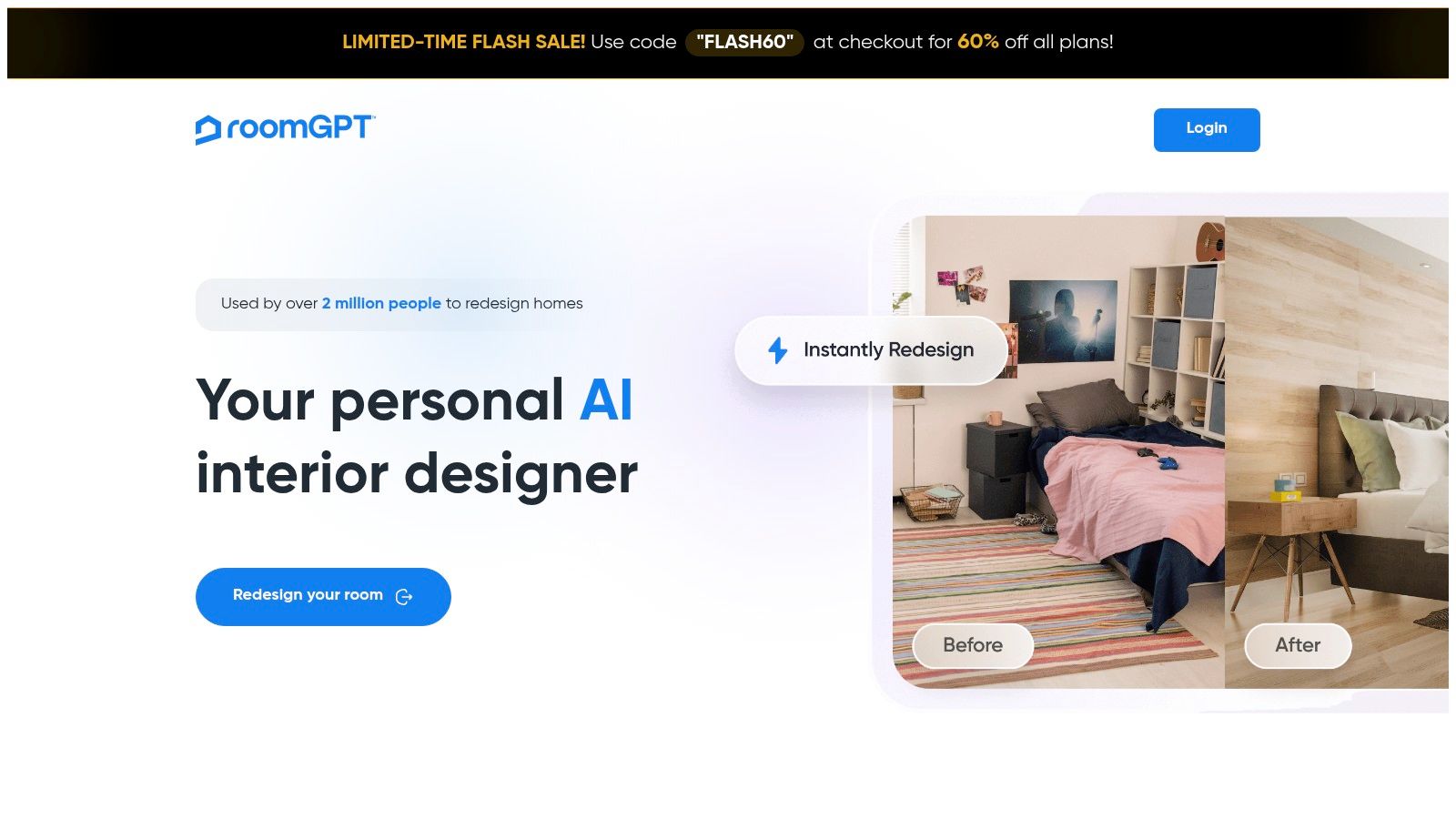
The platform operates on a freemium, credit-based system, typically offering users one or two free credits to test the service. This allows you to experience the core functionality and see if the results align with your vision. While the outputs can sometimes vary in quality depending on the clarity and lighting of your original photo, RoomGPT excels at breaking creative blocks. For those starting a project, it’s a fantastic, low-commitment interior design tool powered by AI to generate initial ideas and explore different aesthetic directions before committing to a full design plan or purchasing furniture.
Core Features & Use Case
- Best For: Individuals seeking quick style inspiration, renters looking for non-permanent decor ideas, or designers wanting to create fast conceptual visuals for clients.
- Photo-to-Design Generation: The primary function allows you to upload an image of your room and see it reimagined in various styles like Modern, Minimalist, or Industrial.
- Speed and Simplicity: The user interface is extremely intuitive with virtually no learning curve. You can go from photo upload to seeing multiple design options in under a minute.
- Accessible on Multiple Devices: Available as a straightforward web application and also as a dedicated mobile app for iOS users, making it easy to capture and redesign on the go.
3. REimagineHome
REimagineHome positions itself as a comprehensive AI design studio, extending its capabilities far beyond simple room redesigns. This platform offers an impressive suite of tools catering to both interior and exterior projects, making it a versatile option for homeowners, real estate professionals, and design enthusiasts. It handles everything from virtual staging and object removal to complete architectural style makeovers, providing a much broader scope than many other specialised interior design tools. The platform welcomes new users with a generous allocation of free credits, allowing for thorough testing of its various features before any commitment is needed.
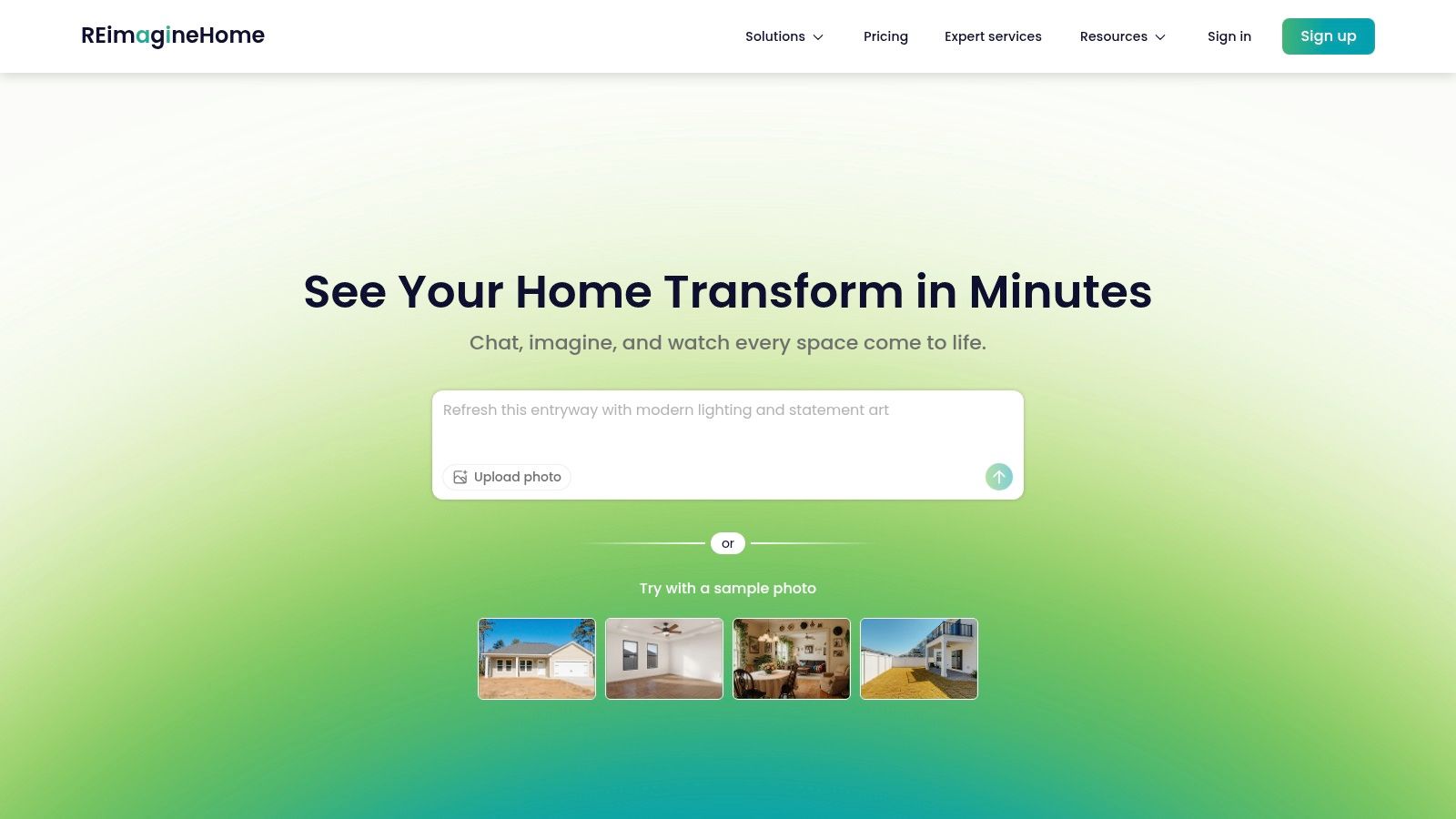
The user experience is built around a credit system, where each generation or design task consumes a certain number of credits. While the free starter pack is substantial, heavy usage or access to premium features like batch processing and a conversational AI design assistant will require a paid subscription. This model makes it highly accessible for casual users looking to experiment with a few ideas but positions its most powerful, time-saving features as a premium offering. Its strength lies in the sheer variety of transformations it can perform on a single image, from decluttering a space to completely changing its wall colours, flooring, and virtual furniture.
Core Features & Use Case
- Best For: Users seeking a multi-purpose AI tool that covers interiors, exteriors, and virtual staging. It's ideal for real estate agents preparing listings or homeowners exploring significant remodelling ideas.
- Diverse AI Toolkit: Includes virtual staging, item removal/decluttering, sky and lawn replacement, and complete interior/exterior redesigns based on text prompts or style selections.
- Generous Free Trial: Provides enough starter credits to explore the platform’s core functionalities and generate several high-quality design concepts without initial cost.
- Workflow Integration: For professionals working with architectural plans, a tool like pngtotext.com can be used to quickly extract text and dimensions from a floor plan image, which can then inform the prompts used within REimagineHome for a more accurate redesign.
4. Homestyler
Homestyler is an established and powerful design platform that bridges the gap between simple room planners and professional 3D modelling software. It offers a comprehensive suite of tools, allowing users to create detailed 2D floor plans, furnish them in 3D using an extensive library of real and generic furniture, and then generate stunningly photorealistic renders. While its basic floor planning tools are free, its advanced interior design AI capabilities, like the "AI Designer," operate on a credit-based system, positioning it as a freemium powerhouse for more serious hobbyists and professionals.
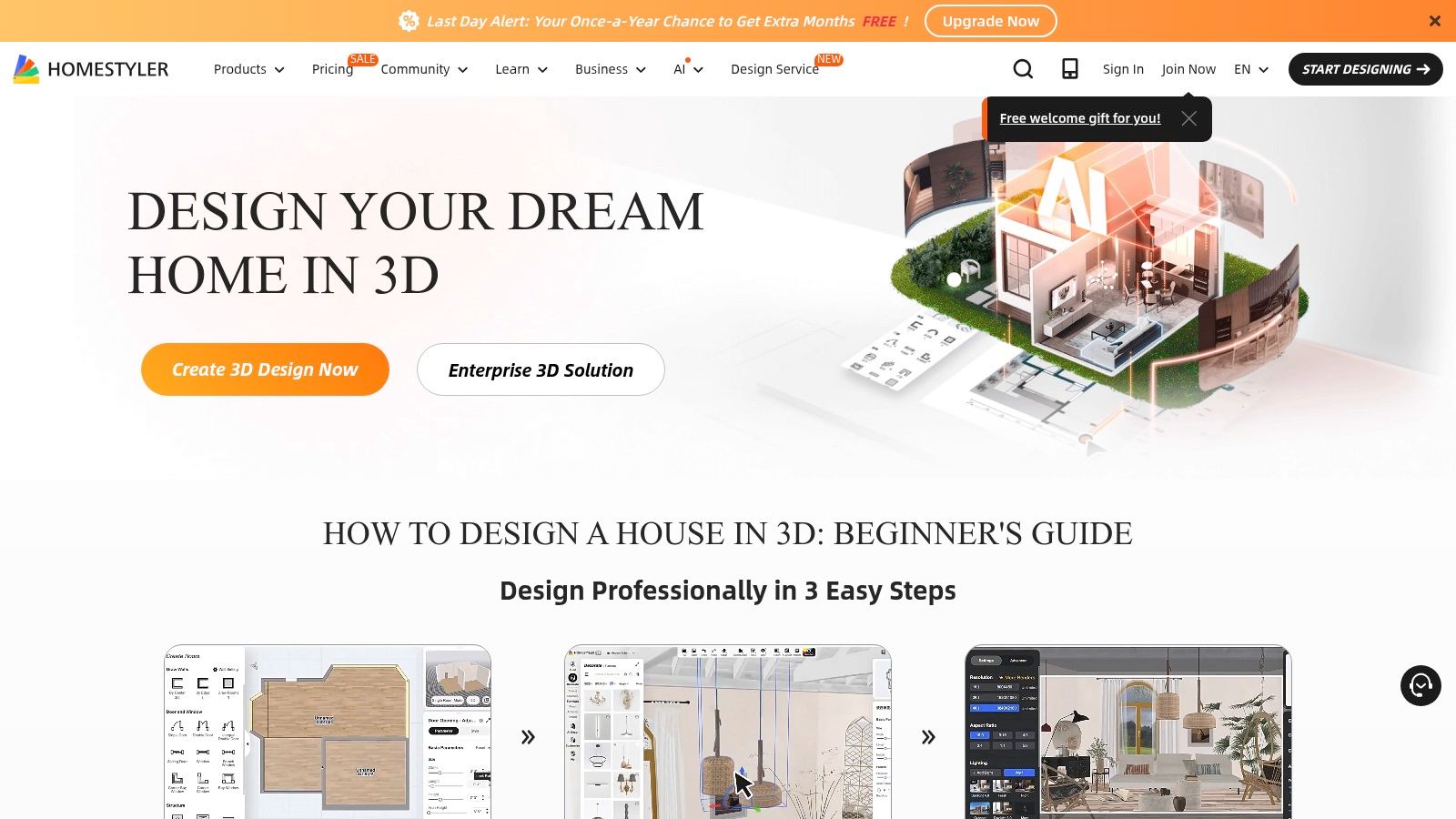
The platform truly shines with its capable rendering engine, which can produce high-quality images up to 12K resolution, videos, and panoramic views. This makes it a formidable tool for creating client-ready presentations. The AI Styler function allows you to upload a photo of your room and instantly generate dozens of design concepts in various styles, though this feature consumes credits. The learning curve is steeper than simpler apps, but the depth of control and quality of the final output make it a worthy investment of time for those looking to create a highly customised and professional-looking design.
Core Features & Use Case
- Best For: Aspiring designers, students, and professionals needing a comprehensive tool that covers everything from initial floor planning to high-fidelity, client-ready visualisations.
- 2D/3D Floor Planner: A mature and detailed drag-and-drop interface for creating accurate room layouts and furnishing them with a vast library of models.
- AI-Powered Features: Utilises "AI Designer" and "AI Styler" to generate design ideas and concepts based on user inputs or existing photos, operating on a credit system.
- Photorealistic Rendering: Offers on-demand rendering services for creating high-resolution images (up to 12K), 720° panoramas, and video animations, with options for commercial use licensing.
5. Fotor – Free AI Interior Design
Known primarily as a user-friendly photo editor, Fotor extends its AI capabilities into the home with its dedicated interior design feature. This tool is less about architectural precision and more about rapid, stylised ideation, making it an excellent resource for generating mood boards or exploring aesthetic directions. Users simply upload a photograph of their room, select a desired style like "Modern" or "Bohemian", and the AI generates a completely new look based on the original layout.
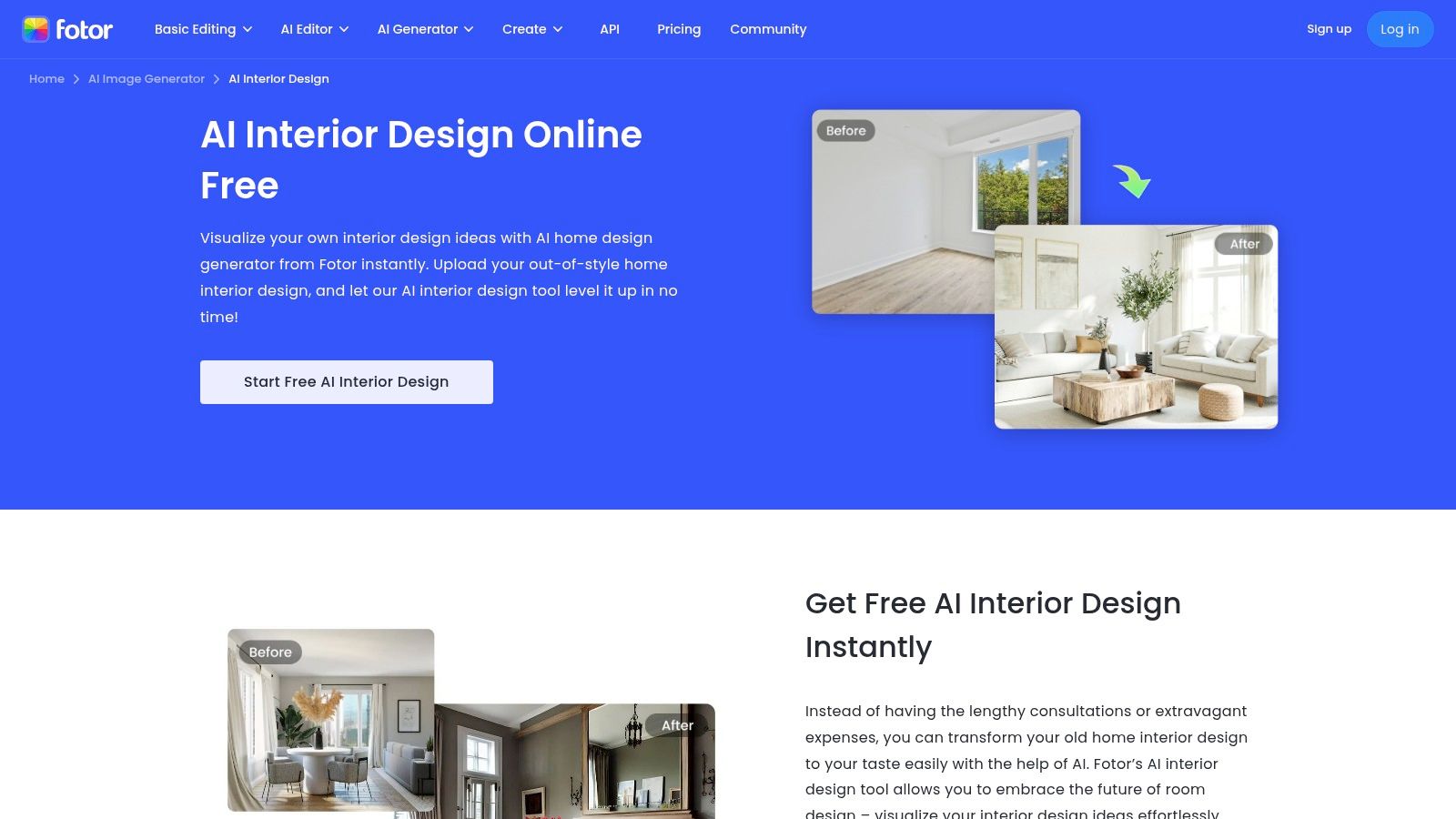
Fotor’s strength lies in its simplicity and speed, offering a straightforward path from a basic room photo to an inspiring visual concept. Its "AI Replace" function, using inpainting and brush tools, allows you to selectively change specific items like a sofa or a lamp without re-rendering the entire scene. While the free version provides a generous taste of its capabilities, it's important to note that higher-resolution downloads and access to all style options are behind a paywall. It's a fantastic tool for free AI interior design for quick, inspirational mock-ups rather than detailed, dimensionally accurate planning. It's also a great way to generate initial concepts; you can learn more about how AI can fit into a design workflow with a closer look at AI interior design trends.
Core Features & Use Case
- Best For: Individuals seeking quick visual inspiration and aesthetic exploration for a room makeover. It excels at generating mood-board-quality images to define a style direction.
- Photo-to-Design Generation: Upload a photo of your existing space and let the AI reimagine it in dozens of different interior design styles, from minimalist to maximalist.
- AI Inpainting & Replace: Use a brush tool to highlight specific objects or areas in your photo and instruct the AI to replace or alter them, offering targeted creative control.
- Mobile Accessibility: With dedicated apps for iOS and Android, Fotor makes it easy to capture a photo on your phone and start redesigning on the go.
6. Planner 5D – Smart Wizard
Planner 5D bridges the gap between simple floor planning and comprehensive free ai interior visualisation. While it functions as a solid 2D and 3D planner, its standout feature is the "Smart Wizard". This AI tool automates the initial, often tedious, layout process by auto-generating complete room designs based on your specified room shape, dimensions, and preferred style. It’s an excellent accelerator for users who feel overwhelmed by a blank canvas and need a creative push to get started.
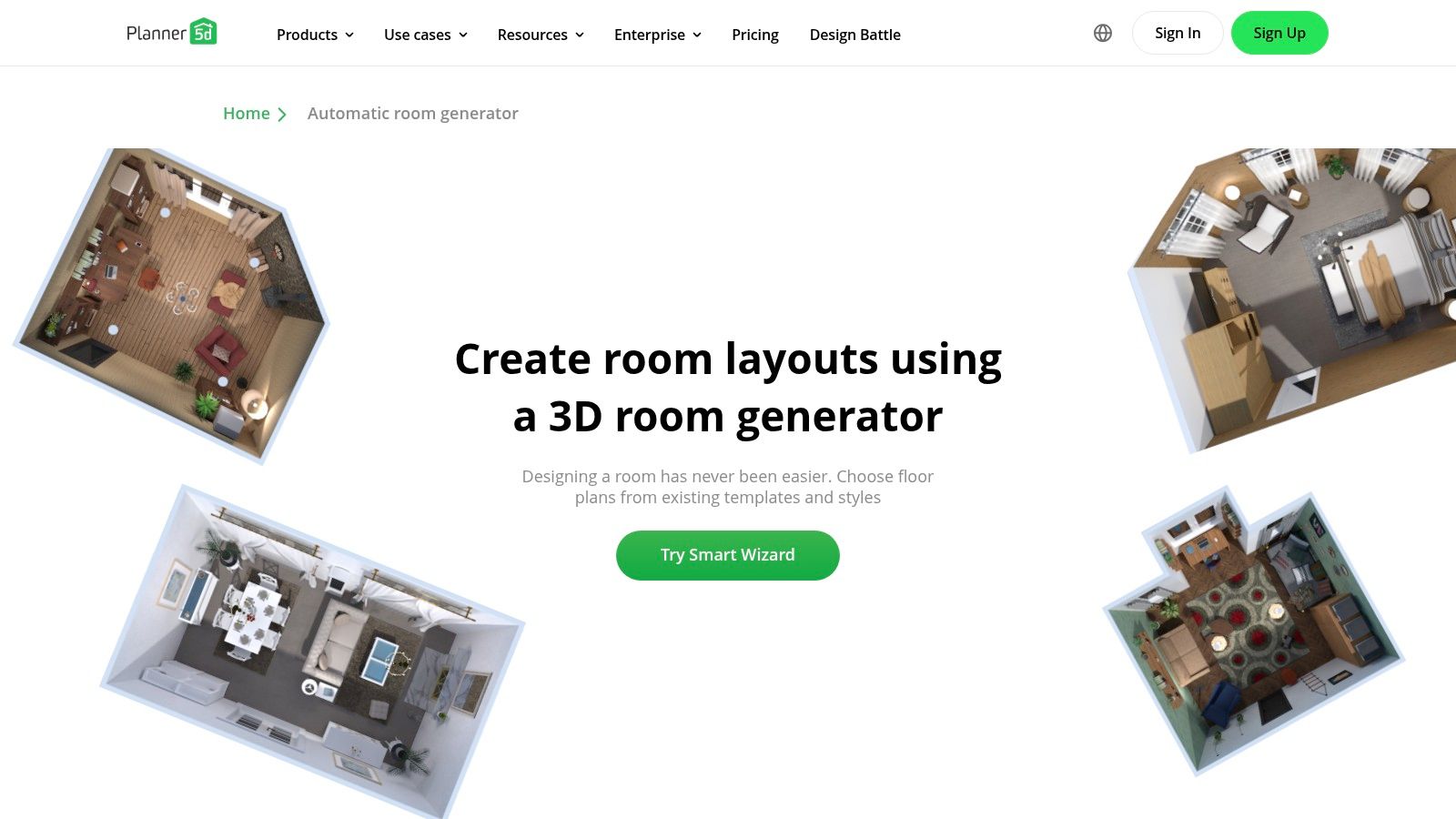
Available across web, iOS, and Android, Planner 5D offers a balanced, beginner-friendly workflow. You start with a 2D floor plan, furnish it from a vast catalogue, and then switch to a 3D view for a more immersive perspective. While the free version is quite capable for basic layouts, high-quality 4K renders and access to the full, extensive item catalogue require a premium subscription. The platform is particularly useful for those who want to move beyond simple AI image generation and engage with a more structured, plan-based design process. For professionals, it can serve as a quick concepting tool before moving to more detailed architectural rendering software.
Core Features & Use Case
- Best For: Individuals and enthusiasts who want a guided start to creating detailed 2D/3D floor plans and visualisations without starting from scratch.
- AI Smart Wizard: Automatically generates furnished layouts. Simply input your room's shape and preferred design aesthetic (e.g., modern, Scandinavian, classic), and the AI populates it.
- Extensive Catalogue: The free tier provides access to thousands of customisable items, while the premium version unlocks the full library of over 8,000 objects.
- Multi-Platform Sync: Start a project on your desktop and continue fine-tuning it on your tablet or phone, offering great flexibility for designing on the go.
7. ZMO.ai – Room Planner
ZMO.ai's Room Planner is a fast and accessible browser-based tool that excels at rapid visual ideation. It’s part of a much larger suite of AI image tools, but the Room Planner is a focused experience offering a generous free tier. This makes it a great choice for those who need to generate a high volume of design variations without an initial financial commitment. You simply upload an image of your space, select a design style like "Minimalist" or "Modern," and let the AI reimagine the room in seconds.
What makes this platform a valuable resource in the AI interior design free tools space is its daily credit refresh. The free plan provides 10 credits every day, encouraging frequent experimentation and concept development. While the broader site's UI can feel a bit cluttered due to its many other AI tools, the Room Planner itself is straightforward. For designers working with complex 3D models from software like 3ds Max, this tool can serve as a quick concept generator before committing to a full, detailed render. For a deeper understanding of advanced rendering workflows, you can explore detailed guides on using 3ds Max for interior design.
Core Features & Use Case
- Best For: Designers, students, and homeowners looking for a quick and free way to generate multiple stylistic concepts for a single room. Its daily free credits make it ideal for brainstorming.
- Generous Free Plan: Provides 10 free credits daily, which is more than enough for exploring several ideas for a personal project or a client mood board.
- Style-Based Transformation: Upload a photo of any room and instantly transform it by choosing from dozens of predefined interior design styles.
- Post-Generation Editing: After the initial image is created, you have options to edit and refine the result, although advanced features and high-resolution downloads are reserved for paid plans.
8. HomeDesigns.AI
HomeDesigns.AI positions itself as a rapid and versatile tool for generating both interior and exterior design concepts. It’s an excellent choice for users who need a wide array of visual ideas quickly, from complete room makeovers to virtual staging for real estate listings. Upon signing up, you receive free credits, allowing you to immediately test its capabilities. This platform is particularly strong in its sheer volume of presets, claiming over 120 room types and 200 distinct styles to choose from.
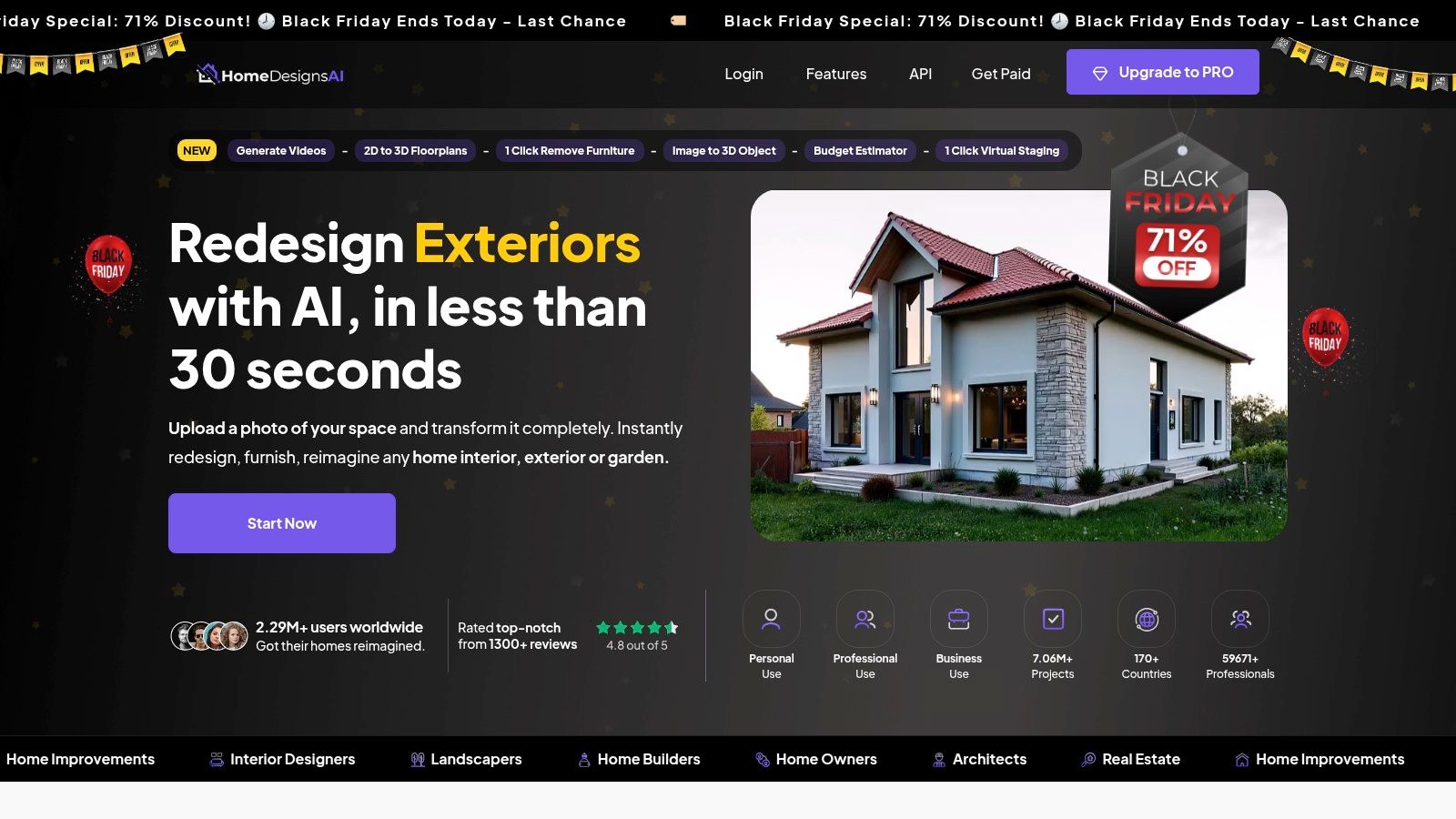
The workflow is straightforward: upload an image of your space, select a room type and desired style, and the AI generates a redesigned version in seconds. This speed makes it ideal for exploring multiple aesthetics without a significant time investment. While the free credits offer a great entry point into interior design free tools, be aware that frequent use or access to premium styles and features will require purchasing additional credits. The platform's interface is user-friendly, although prompts to upgrade are common as you explore its more advanced modules.
Core Features & Use Case
- Best For: Real estate agents, property developers, and homeowners looking for quick-fire inspiration and virtual staging solutions across a vast range of styles.
- Extensive Presets: A massive library of room types and styles (e.g., modern, rustic, minimalist) provides a broad canvas for creative exploration.
- Multiple Modules: Dedicated functions for interior redesign, virtual staging, and even exterior/landscape design make it a multifaceted tool.
- Free Trial Credits: Provides an instant, no-commitment way to generate a handful of designs and evaluate the platform's output quality before subscribing.
9. Deptho.ai (Virtual Staging)
Designed specifically for the fast-paced real estate market, Deptho.ai offers free and targeted interior design solution via AI for virtual staging. Instead of functioning as a full-fledged design or floor planning tool, it excels at a single, crucial task: transforming empty room photos into beautifully furnished, market-ready images. This focus makes it an incredibly efficient utility for real estate agents, property managers, and developers who need to showcase a property's potential without the cost and logistics of physical staging.
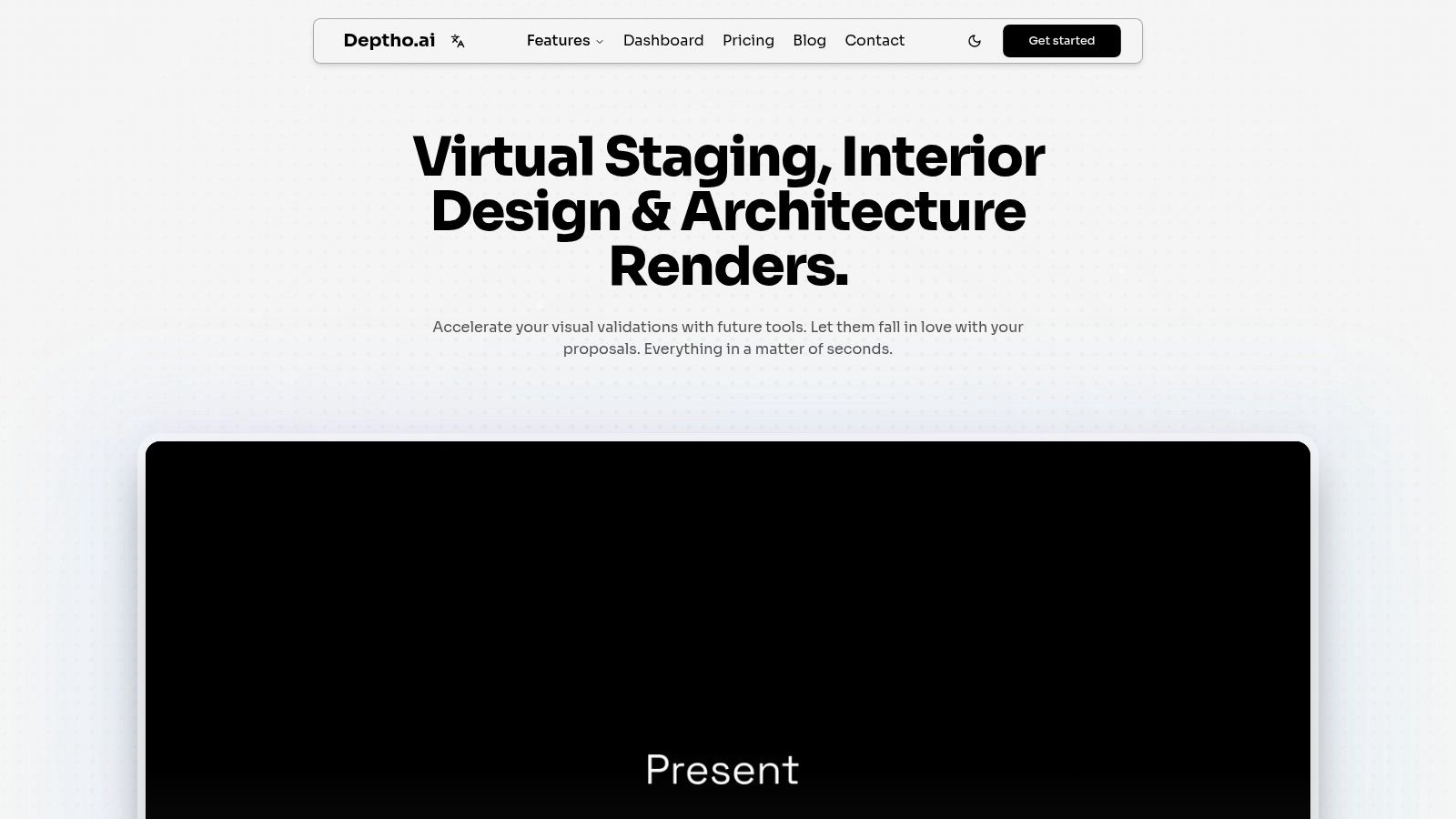
The platform is praised for its clean, realistic outputs and straightforward process. Users upload an image of an empty room, select a design style (like Scandinavian, Modern, or Industrial), and the AI populates the space with appropriate furniture and decor. It provides style density controls and multiple variations, allowing for a degree of customisation to fit the property's character. While the core service is paid, the free trial offers two credits upon signup, providing a perfect opportunity to test its capabilities for a specific listing before committing.
Core Features & Use Case
- Best For: Real estate professionals and property developers needing to create appealing listing photos quickly and affordably. It’s a marketing tool rather than a personal design platform.
- AI Virtual Staging: Automatically furnishes empty or outdated rooms from a single photograph, producing high-quality, commercially viable images.
- Style and Density Control: Allows users to choose from various interior design styles and adjust the amount of furniture to match the room's scale and target audience.
- Commercial-Use Downloads: The final, staged images are available for download and are licensed for commercial use, making them ideal for property listings and marketing materials.
10. InstantInterior AI
InstantInterior AI positions itself as a rapid-fire solution for generating fresh design concepts. Aimed at users who want quick, photorealistic visualisations without a steep learning curve, this free AI interior design tool operates on a simple premise: upload a photo of your room, select a design style, and let the AI do the rest. It’s designed for speed, delivering initial renders in just a couple of minutes, making it ideal for brainstorming or presenting multiple ideas to a client swiftly.
Its primary draw is the genuine free first render, which allows anyone to test the output quality without commitment. This makes it an accessible entry point for homeowners and professionals alike. While the free tier is quite limited, serving mostly as a trial, it effectively demonstrates the platform's core capability of transforming a simple photo into a stylised, inspiring space. For professionals, this could be a handy first step before moving to more complex software; for instance, you could even use a tool like PNG to Text to extract notes from a design brief image before generating an initial concept with InstantInterior AI.
Core Features & Use Case
- Best For: Individuals and designers needing immediate, one-off design inspiration or a quick "before and after" concept to present. Its simplicity is perfect for those who find other platforms too complex.
- Photo-to-Render: The core function involves uploading an existing room photo and applying a new style (e.g., Modern, Bohemian, Industrial) to generate a completely redesigned image.
- Free Trial Render: Offers one free render, providing a no-risk opportunity to evaluate the AI's capabilities and the quality of the final image.
- Simplicity and Speed: With minimal inputs required, the tool is incredibly user-friendly and delivers results in approximately two minutes, prioritising efficiency over granular control. Checkout more information about how such AI rendering tools work on our blog.
Free AI Interior Design Tools Comparison
| Product | Core features | Quality (★) | Target audience (👥) | Price / Value (💰) | Standout (✨ / 🏆) |
|---|---|---|---|---|---|
| IKEA Kreativ (IKEA) | Room scan + furniture eraser; catalog placement | ★★★ | 👥 Shoppers / homeowners | 💰 Free | ✨ Scale‑accurate IKEA catalog; direct-to-purchase |
| RoomGPT | Photo upload → multiple styled variants; web & iOS | ★★★ | 👥 Consumers / quick ideation | 💰 Freemium (credits) | ✨ Very fast, low learning curve |
| REimagineHome | Virtual staging, declutter, lawn/sky replace; batch | ★★★★ | 👥 Homeowners / real‑estate | 💰 Freemium → paid tiers; generous starter credits | ✨ Broadest consumer toolset; batch processing |
| Homestyler (official) | Drag‑drop planner; large library; on‑demand 2K–12K renders | ★★★★ | 👥 Pros / prosumers / studios | 💰 Paid AI features; purchasable renders | 🏆 Mature planner + commercial licensing |
| Fotor – AI Interior Design | Photo upload, inpainting & brush tools; mobile apps | ★★★ | 👥 Mood‑board creators / consumers | 💰 Freemium; paid for HQ downloads | ✨ Easy onboarding; fine‑tune inpainting |
| Planner 5D – Smart Wizard | AI layout generation; 2D/3D plans; 4K renders | ★★★★ | 👥 Beginners / hobbyists / designers | 💰 Freemium; premium for advanced catalog | ✨ AI Smart Wizard for auto layouts |
| ZMO.ai – Room Planner | Photo upload → restyle; post‑edit; 10 free credits/day | ★★★ | 👥 Frequent experimenters | 💰 Free daily credits; Pro for hi‑res | ✨ Generous free daily allowance |
| HomeDesigns.AI | 120+ room presets; exterior/interior modules; fast tryouts | ★★★ | 👥 Homeowners / real‑estate | 💰 Free credits; some paid modules | ✨ Very wide preset & style coverage |
| Deptho.ai (Virtual Staging) | Virtual furnishing; density control; multiple variants | ★★★★ | 👥 Real‑estate agents / marketers | 💰 Paid (limited free trial) | 🏆 Practical, market‑ready staging outputs |
| InstantInterior AI | Upload + style; free first render; basic edits | ★★★ | 👥 Concept creators / quick testers | 💰 Free first render; subscription for advanced | ✨ True free first render for testing |
Frequently Asked Questions
Trying out ten different platforms in one sitting naturally raises a few practical questions. Before you upload your first photo or spend a design credit, here's what's worth knowing about how these tools actually work behind the scenes.
Are these AI Interior Design Tools really free, or just freemium trials in disguise?
Most of the platforms on this list are freemium, not fully free. IKEA Kreativ is a genuine exception, staying free indefinitely because it's designed to drive furniture sales rather than subscriptions. Tools like RoomGPT, Deptho.ai, and InstantInterior AI give you one to two credits, then ask you to pay. ZMO.ai is the closest thing to an ongoing free plan, refreshing 10 credits daily, though higher-resolution downloads still sit behind a paywall.
Is it safe to upload photos of my home to such AI interior design tools?
You should treat every uploaded room photo as data the company retains, not a one-time transaction. Most of these platforms use uploaded images to train or fine-tune their AI models under their terms of service, and photos can reveal valuable details like layout, valuables, or security features. Before uploading, check each tool's privacy policy for data retention and opt-out options, and avoid uploading images that show personal documents, faces, or anything identifying your exact address.
What resolution and quality can I expect from the free tiers?
Free tiers generally cap you at web-resolution output, not print- or presentation-quality files. Homestyler can render up to 12K on paid plans, but its free tier produces far smaller files. Planner 5D reserves its 4K renders for premium subscribers, while tools like RoomGPT and Fotor typically watermark or downsize free exports. If you need a high-resolution image for a client deck or printed mood board, budget for at least one paid tier.
Can I use these free AI tools to make real renovation decisions?
Free AI redesign tools are best for exploring style direction, not for finalising a renovation. Platforms like RoomGPT and Fotor generate a new look from a 2D photo, so they don't account for real dimensions, structural constraints, or material costs. [PERSONAL EXPERIENCE] We've seen homeowners fall in love with an AI-generated layout that simply wouldn't fit their actual floor plan. Use these tools to narrow down a style, then verify feasibility with a contractor, floor plan, or a 3D-model-based rendering workflow before ordering materials.
When the layout is already approved and the goal is presentation rather than planning, 3D floor plan rendering can turn that plan into a furnished visual while the original drawing remains the technical source of record.
Beyond Free Tools: Rendering Professional 3D Models with Vibe3D AI
While all the AI interior design free tools we've explored are fantastic for initial brainstorming and quick mockups, professional designers need a workflow that offers precision, control, and tight integration with their primary modeling software. The real power of AI in a professional context isn't just generating ideas from a photo; it's about elevating meticulously crafted 3D models into stunning, photorealistic renders that win clients. For a broader look at this professional approach, see our guide to interior rendering. This is where a dedicated AI rendering platform like Vibe3D AI transforms the design process.
Instead of being a replacement for industry-standard software like SketchUp, 3ds Max, Revit, Rhino, or Blender, Vibe3D acts as a powerful rendering engine that supercharges your existing workflow. It bridges the gap between your detailed 3D model and the final client presentation, handling the complex tasks of lighting, material application, and iteration with incredible speed and flexibility. This allows you to maintain full control over the architectural integrity of your design while using AI to achieve stunning visual results.
The Professional Workflow: From SketchUp Model to Ultra-Realistic Renders
The Vibe3D workflow is designed to be intuitive, efficient, and deeply integrated into how modern designers work. Here's a step-by-step look at how you can take your interior project from a 3D model to a final, polished render:
- Export Scenes from Your Model: Once your interior 3D model is complete in your preferred software (e.g., SketchUp), export all the specific camera angles and scenes you want to render for your client presentation.
- Create a New Project in Vibe3D: Log in to vibe3d.ai, create a new project, and upload all the scenes you just exported. The platform is built to handle multiple views of a single project, keeping your work organized.
- Apply Rendering Settings: For each uploaded scene, you can select different rendering settings. This is where the AI shines. Choose the time of day, apply various lighting conditions, and experiment with different flooring materials, wall textures, and more, all with a few clicks. You can apply unique settings to each scene to showcase the space in different moods.
- Generate and Edit Renders: After Vibe3D creates the initial set of renders, use the "Edit Render" functionality to make fine-tuned adjustments. For each scene, you can change the colors or materials of specific objects using simple text prompts like "change the sofa to blue leather" or "make the walls light grey." This iterative process saves countless hours compared to re-rendering from your modeling software.
- Download Your Final Images: Once you've perfected each scene, you can download the best versions in ultra-realistic quality, ready for client presentations, marketing materials, or your portfolio. To streamline the initial modeling phase, a handy utility like https://pngtotext.com/ can be used to extract text from floor plan images, scanned drawings, or design references, ensuring your model is built on accurate data from the start.
Once the design is developed in your 3D software, use the AI interior rendering tool to turn an exported model view into a photorealistic presentation image.
In essence, Vibe3D empowers professionals to focus on design, not on the technical complexities of rendering. It respects the precision of your 3D models while offering an AI-powered toolkit to explore creative options and produce final visuals that truly bring your vision to life.
Which AI Interior Design Tools are actually free?
Truly free AI interior design tools with no major limitations include: IKEA Kreativ (room scanning + furniture placement, free within IKEA ecosystem), ZMO.ai Room Planner (10 free credits daily), and InstantInterior AI (one free render). Most other tools operate on a freemium model where the free tier provides limited credits or lower-resolution outputs. Vibe3D is free to try with export restrictions.
What is the best free AI tool for Virtual Staging?
Deptho.ai is purpose-built for virtual staging, transforming empty property photos into furnished spaces. It offers two free credits on signup. REimagineHome also provides virtual staging with a generous starter credit allocation. Both tools target real estate professionals and produce commercially usable outputs.
Can AI replace traditional interior Design Software?
No — AI tools like RoomGPT and REimagineHome generate 2D images from photos, useful for concept exploration but not for construction documentation. Tools like Vibe3D work differently: they take a precise 3D model (from SketchUp, 3ds Max, Revit, or Blender) and generate photorealistic renders, maintaining the model's architectural accuracy. The professional workflow is: traditional software for modelling → AI for rendering and iteration.
What is the difference between AI room redesign and AI rendering?
AI room redesign takes an existing photo and applies a new style using inpainting (like RoomGPT, REimagineHome). AI rendering takes a 3D model and generates a new image from it (like Vibe3D). Redesign tools are faster and require no modelling skills. Rendering tools offer precise control over dimensions, materials, and lighting but require a 3D model as input.
Ready to elevate your professional 3D models into photorealistic masterpieces? While free tools are great for starting, Vibe3D is engineered to integrate with your existing workflow, turning your precise SketchUp, Revit, or Blender models into stunning, client-ready renders in minutes. Experience AI-powered interior rendering on Vibe3D and take your design presentations to the next level!